Перейти к основному содержанию
Присоединяйся к сообществу ремонтников - Создай аккаунт

Sony Vaio PCG-4121GL Keyboard Replacement

Выберете то, что вам нужно

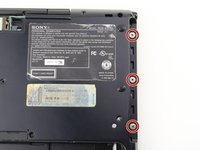
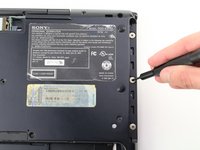
  1. Sony Vaio PCG-4121GL Keyboard Replacement, Battery: шаг 1, изображение 1 из 2 Sony Vaio PCG-4121GL Keyboard Replacement, Battery: шаг 1, изображение 2 из 2
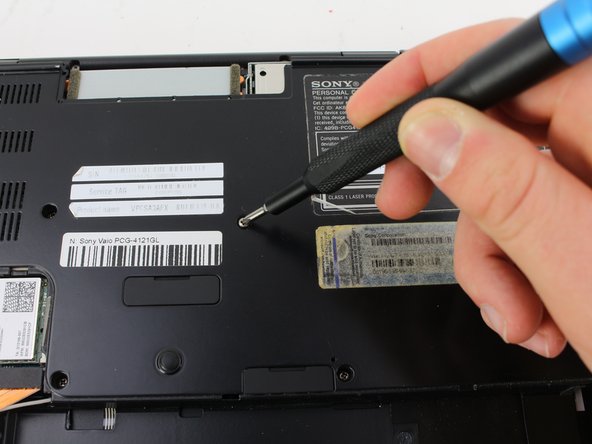
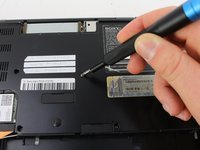
    • Remove the two 3mm Phillips #0 screws on the bottom of the computer that secure the plastic backing.

    Спросите у FixBot

    Добавить комментарий

  2. Sony Vaio PCG-4121GL Keyboard Replacement: шаг 2, изображение 1 из 3 Sony Vaio PCG-4121GL Keyboard Replacement: шаг 2, изображение 2 из 3 Sony Vaio PCG-4121GL Keyboard Replacement: шаг 2, изображение 3 из 3
    • Pull the bottom plate towards yourself until it unhinges fully.

    • Once the plate is free from the backing remove it completely.

    Спросите у FixBot

    Добавить комментарий

  3. Sony Vaio PCG-4121GL Keyboard Replacement: шаг 3, изображение 1 из 1
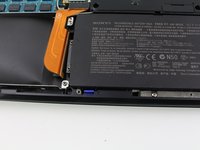
    • Look for the blue tab that is located to the bottom left of the battery.

    Спросите у FixBot

    Добавить комментарий

  4. Sony Vaio PCG-4121GL Keyboard Replacement: шаг 4, изображение 1 из 3 Sony Vaio PCG-4121GL Keyboard Replacement: шаг 4, изображение 2 из 3 Sony Vaio PCG-4121GL Keyboard Replacement: шаг 4, изображение 3 из 3
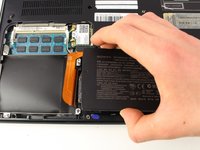
    • Pull the blue tab towards yourself until you hear a click.

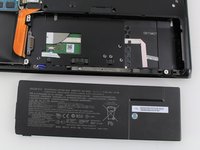
    • Once the blue tab is released, pull up on the battery.

    • Once the battery can move freely, take it out completely.

    • It may be helpful to have a spudger to make it easier to release the blue tab.

    Спросите у FixBot

    Добавить комментарий

  5. Sony Vaio PCG-4121GL Keyboard Replacement, Keyboard: шаг 5, изображение 1 из 2 Sony Vaio PCG-4121GL Keyboard Replacement, Keyboard: шаг 5, изображение 2 из 2
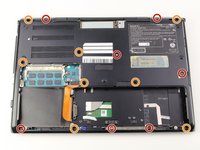
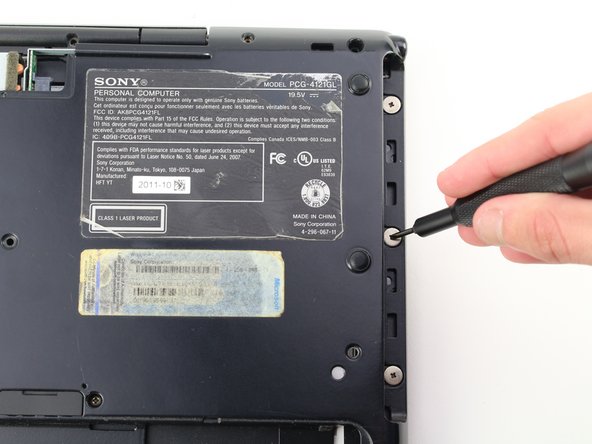
    • Remove seven 3mm Phillips #0 screws from the bottom of the computer.

    • Remove eight 5mm Phillips #0 screws.

    Спросите у FixBot

    Добавить комментарий

  6. Sony Vaio PCG-4121GL Keyboard Replacement: шаг 6, изображение 1 из 3 Sony Vaio PCG-4121GL Keyboard Replacement: шаг 6, изображение 2 из 3 Sony Vaio PCG-4121GL Keyboard Replacement: шаг 6, изображение 3 из 3
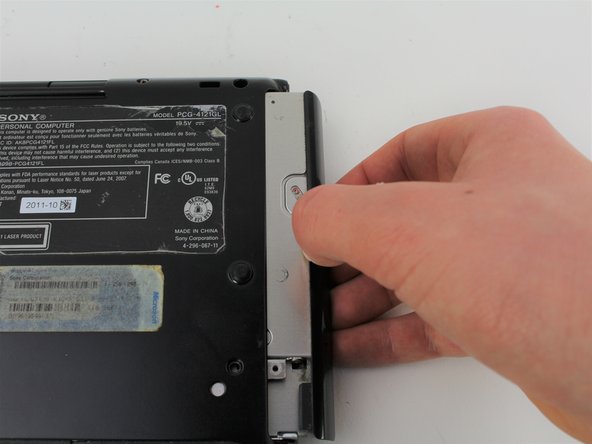
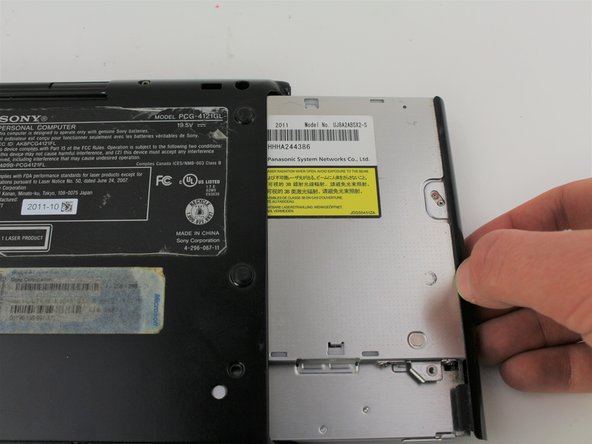
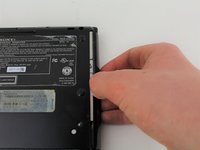
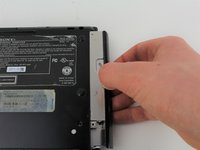
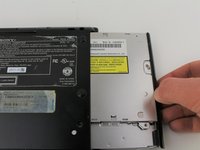
    • Carefully remove the disk drive from its compartment.

    Спросите у FixBot

    Добавить комментарий

  7. Sony Vaio PCG-4121GL Keyboard Replacement: шаг 7, изображение 1 из 2 Sony Vaio PCG-4121GL Keyboard Replacement: шаг 7, изображение 2 из 2
    • Remove the three 2mm Phillips #00 screws located on the top right edge.

    Спросите у FixBot

    Добавить комментарий

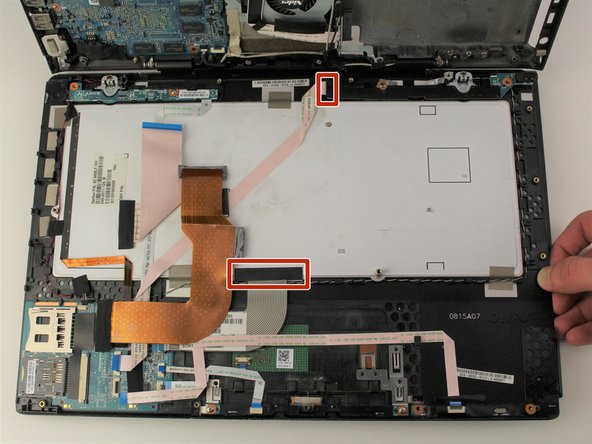
  8. Sony Vaio PCG-4121GL Keyboard Replacement: шаг 8, изображение 1 из 3 Sony Vaio PCG-4121GL Keyboard Replacement: шаг 8, изображение 2 из 3 Sony Vaio PCG-4121GL Keyboard Replacement: шаг 8, изображение 3 из 3
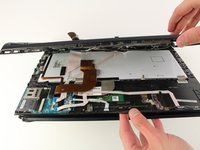
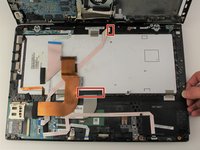
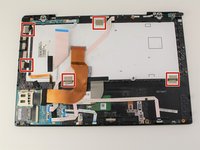
    • Gently pull apart the top and bottom plastic bodies.

    • Carefully lift up tabs to detach cable connectors.

    • Slowly detach bottom component to avoid tearing wires/connectors.

    Спросите у FixBot

    Добавить комментарий

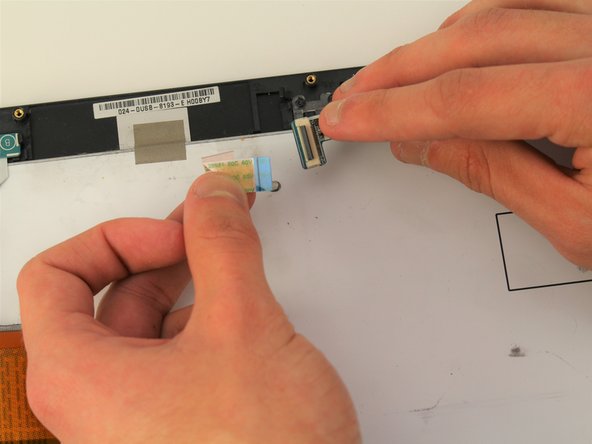
  9. Sony Vaio PCG-4121GL Keyboard Replacement: шаг 9, изображение 1 из 3 Sony Vaio PCG-4121GL Keyboard Replacement: шаг 9, изображение 2 из 3 Sony Vaio PCG-4121GL Keyboard Replacement: шаг 9, изображение 3 из 3
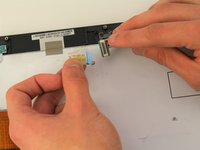
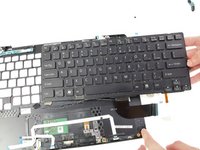
    • Remove the tape strips along the edge of the keyboard.

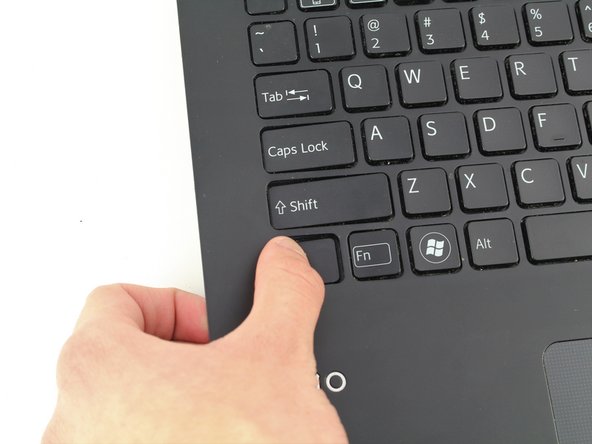
    • Once the keyboard is disconnected, slowly poke out keys one-by-one.

    • When the keyboard is free to move, remove it completely.

    • The keyboard is held in place with glue, once it is removed it is likely that it will not go back in the same way.

    Спросите у FixBot

    Добавить комментарий

Заключение

To reassemble your device, follow these instructions in reverse order.

Отменить: Я не выполнил это руководство.

4 человек успешно провели ремонт по этому руководству.

Miguel Camarena

Участник с: 01/24/19

397 Репутация

Автор 3 руководств

Команда

Cal Poly, Team S2-G2, White Winter 2019 Участник Cal Poly, Team S2-G2, White Winter 2019

CPSU-WHITE-W19S2G2

4 членов

Автор 10 руководств

1 Комментарий к руководству

Im having trouble putting the keyboard cables back

Ishaan Patel - Ответить Поделиться

Добавить комментарий

Статистика просмотров:

За последние 24 часов: 3

За последние 7 дней: 12

За последние 30 дней: 29

За всё время: 2,369