Перейти к основному содержанию
Присоединяйся к сообществу ремонтников - Создай аккаунт

Toshiba Encore Mini Front-Facing Camera Replacement

Выберете то, что вам нужно

    1. Toshiba Encore Mini Front-Facing Camera Replacement, Battery: шаг 1, изображение 1 из 2 Toshiba Encore Mini Front-Facing Camera Replacement, Battery: шаг 1, изображение 2 из 2
      • To replace the battery, the rear cover must first be removed.

      • Using the flat end of the spudger, gently pry open the back case from the rest of the device.

      • It may be easier to start along one of the long edges and carefully work your way toward the corner, then along the short edge.

      Спросите у FixBot

      Добавить комментарий

    2. Toshiba Encore Mini Front-Facing Camera Replacement: шаг 2, изображение 1 из 1
      • Remove the rear cover and set it aside.

      Спросите у FixBot

      Добавить комментарий

    3. Toshiba Encore Mini Front-Facing Camera Replacement: шаг 3, изображение 1 из 1
      • Carefully remove the electrical tape that holds the battery in place.

      Спросите у FixBot

      Добавить комментарий

    4. Toshiba Encore Mini Front-Facing Camera Replacement: шаг 4, изображение 1 из 2 Toshiba Encore Mini Front-Facing Camera Replacement: шаг 4, изображение 2 из 2
      Инструмент, используемый на этом этапе:
      Tweezers
      $4.99
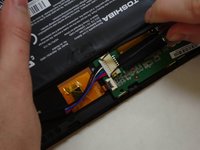
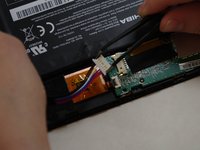
      • Using needle-nose tweezers, gently push the large white wire connector (connected to the black, red and blue wires) out of its housing.

      Спросите у FixBot

      Добавить комментарий

    5. Toshiba Encore Mini Front-Facing Camera Replacement: шаг 5, изображение 1 из 1
      • Gently lift the battery out of the device.

      • Be careful not to pull on the connecting wires.

      Спросите у FixBot

      Добавить комментарий

    1. Toshiba Encore Mini Front-Facing Camera Replacement, Front-Facing Camera: шаг 6, изображение 1 из 3 Toshiba Encore Mini Front-Facing Camera Replacement, Front-Facing Camera: шаг 6, изображение 2 из 3 Toshiba Encore Mini Front-Facing Camera Replacement, Front-Facing Camera: шаг 6, изображение 3 из 3
      Инструмент, используемый на этом этапе:
      Tweezers
      $4.99
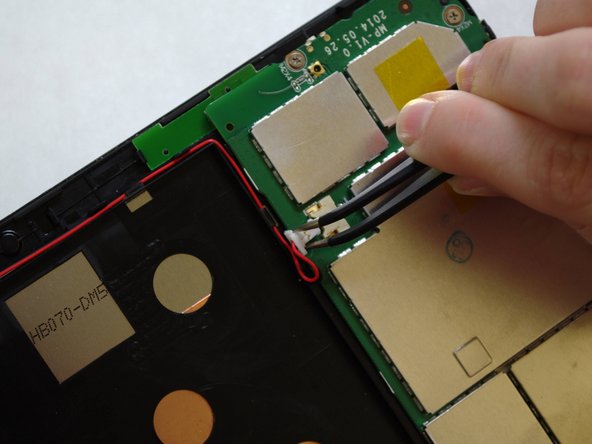
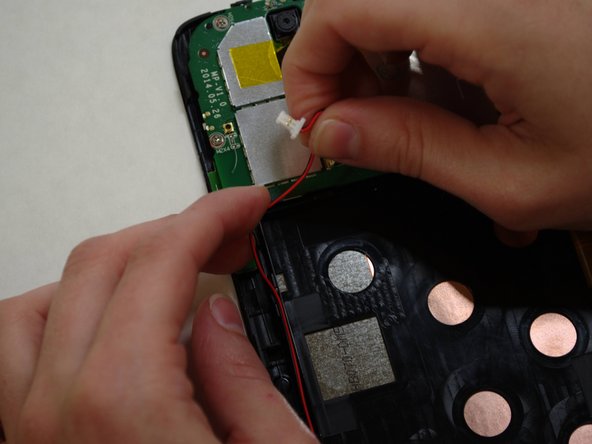
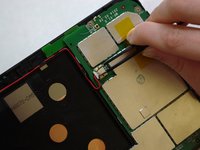
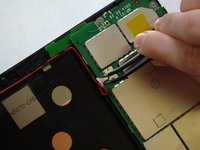
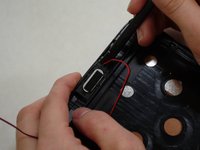
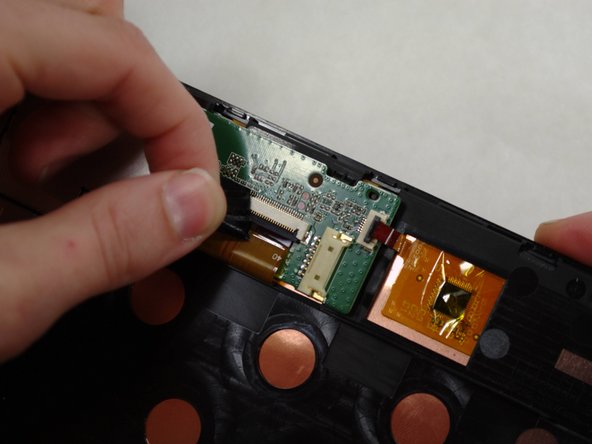
      • The audio module must be removed to replace the front-facing camera.

      • Using needle-nose tweezers, carefully push the small white wire connector (red/black wires) out of its housing.

      • Gently remove red/black wire strands from the clips holding them to the back of the screen.

      Спросите у FixBot

      Добавить комментарий

    2. Toshiba Encore Mini Front-Facing Camera Replacement: шаг 7, изображение 1 из 2 Toshiba Encore Mini Front-Facing Camera Replacement: шаг 7, изображение 2 из 2
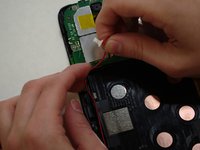
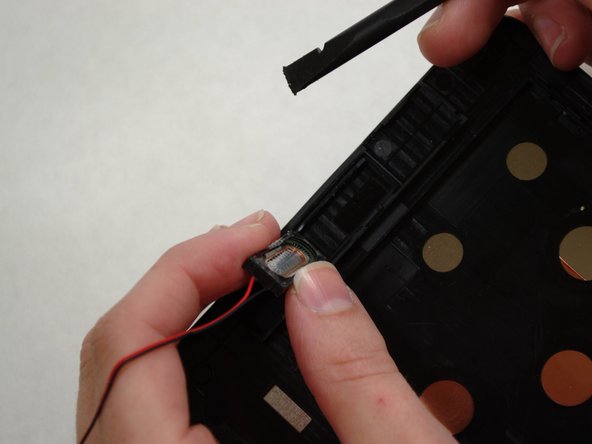
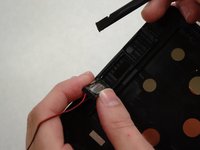
      • Gently pry audio module from the back of the screen using tweezers and spudger. Be careful not to pull on the wires.

      • Adhesive on the bottom of the speaker module may make it difficult to remove.

      • Set the audio module and attached wire aside.

      Спросите у FixBot

      Добавить комментарий

    3. Toshiba Encore Mini Front-Facing Camera Replacement: шаг 8, изображение 1 из 3 Toshiba Encore Mini Front-Facing Camera Replacement: шаг 8, изображение 2 из 3 Toshiba Encore Mini Front-Facing Camera Replacement: шаг 8, изображение 3 из 3
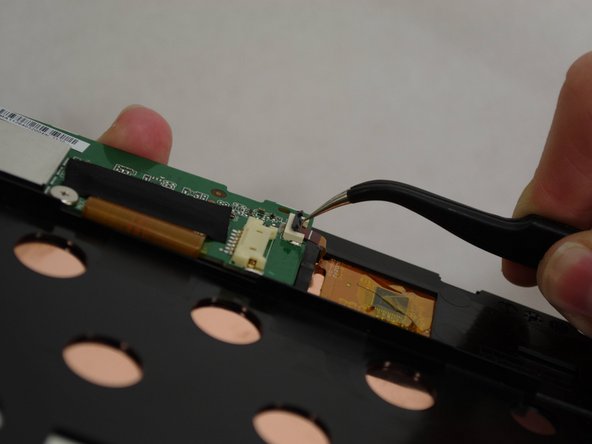
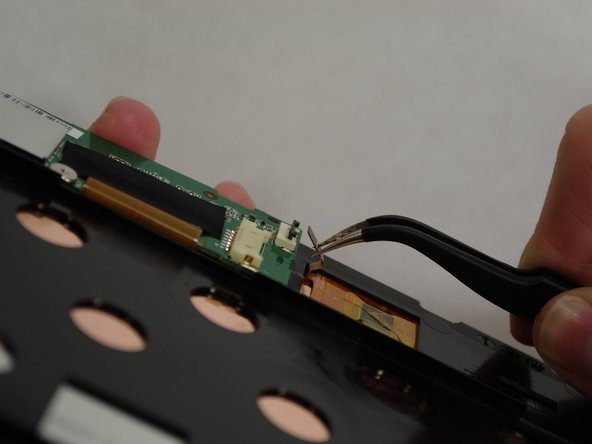
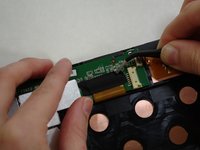
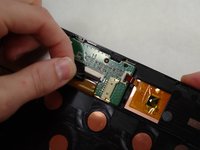
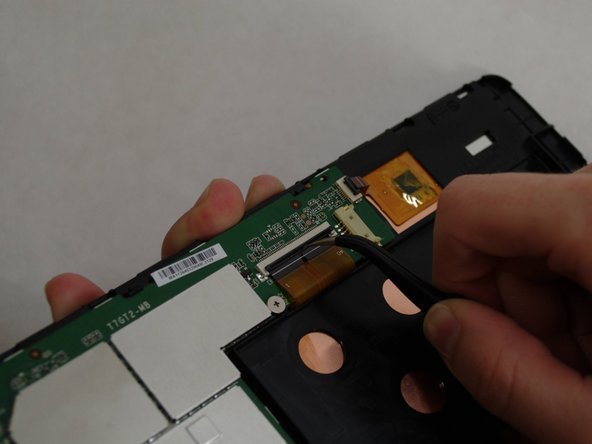
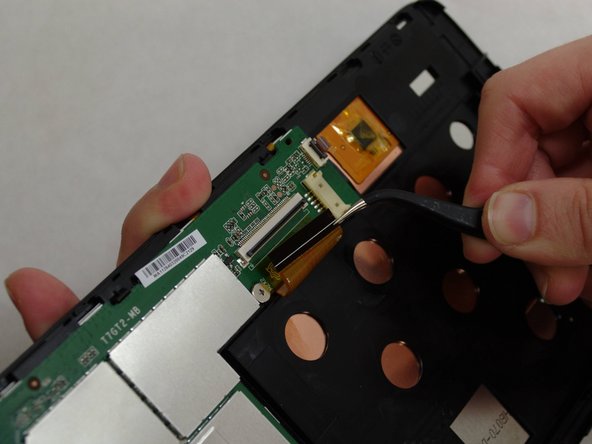
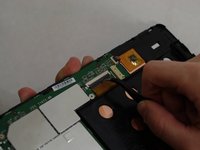
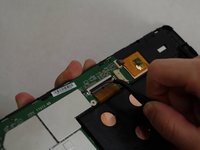
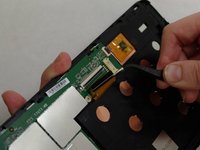
      • Using needle-nose tweezers, carefully flip up the dark gray cover on the right of the device holding the small orange ribbon in place. (It is approximately 1/4" wide.)

      • With the tweezers, carefully pull the small ribbon out of its housing. It will stay attached to the device at the other end.

      Спросите у FixBot

      Добавить комментарий

    4. Toshiba Encore Mini Front-Facing Camera Replacement: шаг 9, изображение 1 из 2 Toshiba Encore Mini Front-Facing Camera Replacement: шаг 9, изображение 2 из 2
      • A wide orange/gold ribbon connects the screen to the motherboard. (Ribbon is approximately 1" wide.)

      • Carefully pull the black tape off the ribbon housing and set it aside. You will need to replace the tape when reassembling the device.

      Спросите у FixBot

      Добавить комментарий

    5. Toshiba Encore Mini Front-Facing Camera Replacement: шаг 10, изображение 1 из 3 Toshiba Encore Mini Front-Facing Camera Replacement: шаг 10, изображение 2 из 3 Toshiba Encore Mini Front-Facing Camera Replacement: шаг 10, изображение 3 из 3
      • Damaging this ribbon will permanently disable your device!

      • Using needle-nose tweezers, carefully flip up the dark gray cover.

      • With the tweezers, carefully pull the wide ribbon from its housing. It will stay attached to the device at the other end.

      Спросите у FixBot

      Добавить комментарий

    6. Toshiba Encore Mini Front-Facing Camera Replacement: шаг 11, изображение 1 из 3 Toshiba Encore Mini Front-Facing Camera Replacement: шаг 11, изображение 2 из 3 Toshiba Encore Mini Front-Facing Camera Replacement: шаг 11, изображение 3 из 3
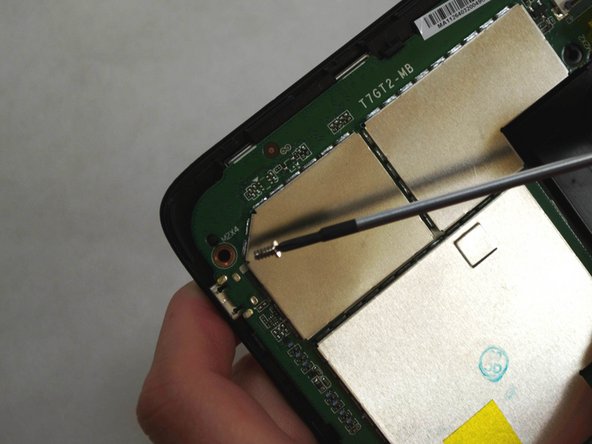
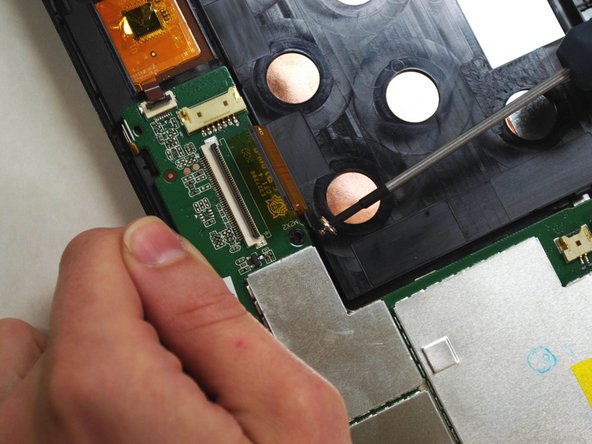
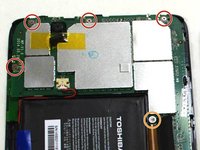
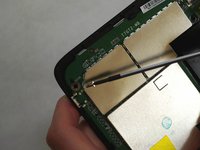
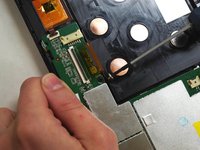
      • Using a Phillips 000 screwdriver, remove the screws holding components together.

      • Remove four 4.2 mm Phillips screws.

      • Remove one 3mm Phillips screw.

      Спросите у FixBot

      Добавить комментарий

    7. Toshiba Encore Mini Front-Facing Camera Replacement: шаг 12, изображение 1 из 2 Toshiba Encore Mini Front-Facing Camera Replacement: шаг 12, изображение 2 из 2
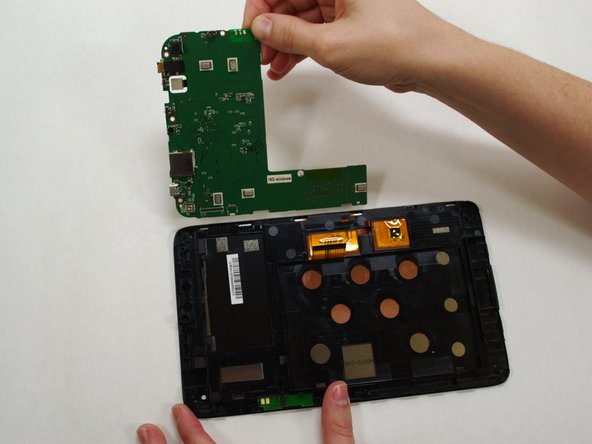
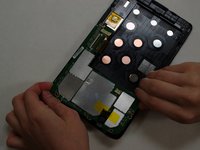
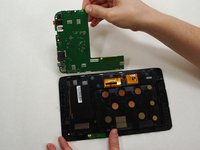
      • Holding the motherboard carefully by the edges, gently lift it up off the screen and carefully set it aside.

      • The motherboard may resist as you try to lift it --this is normal.

      Спросите у FixBot

      Добавить комментарий

    8. Toshiba Encore Mini Front-Facing Camera Replacement: шаг 13, изображение 1 из 2 Toshiba Encore Mini Front-Facing Camera Replacement: шаг 13, изображение 2 из 2
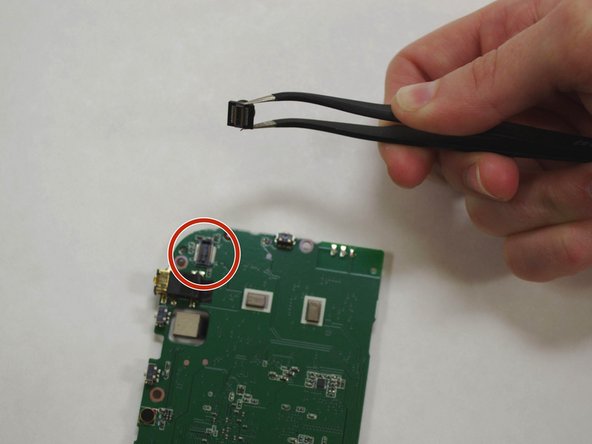
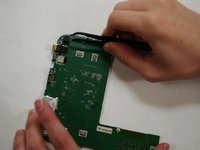
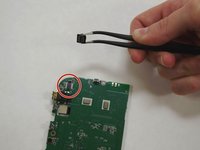
      • The front-facing camera may dislodge freely when removing the motherboard.

      • If camera has not already "popped" off the motherboard, use needle-nose tweezers to gently grasp the camera and remove from motherboard.

      Спросите у FixBot

      Добавить комментарий

Заключение

To reassemble your device, follow these instructions in reverse order.

Отменить: Я не выполнил это руководство.

Shirley Low

Участник с: 07/09/15

143 Репутация

1 руководство автора

Команда

UW Tacoma, Team 1-3, Liner SU 2015 Участник UW Tacoma, Team 1-3, Liner SU 2015

UWT-LINER-SU15S1G3

4 членов

Автор 6 руководств

0 Комментарии к руководству

Добавить комментарий

Статистика просмотров:

За последние 24 часов: 1

За последние 7 дней: 5

За последние 30 дней: 21

За всё время: 707