Перейти к основному содержанию
Присоединяйся к сообществу ремонтников - Создай аккаунт

Toshiba Encore Mini Screen Replacement

Выберете то, что вам нужно

  1. Toshiba Encore Mini Screen Replacement, Battery: шаг 1, изображение 1 из 2 Toshiba Encore Mini Screen Replacement, Battery: шаг 1, изображение 2 из 2
    • To replace the battery, the rear cover must first be removed.

    • Using the flat end of the spudger, gently pry open the back case from the rest of the device.

    • It may be easier to start along one of the long edges and carefully work your way toward the corner, then along the short edge.

    Спросите у FixBot

    Добавить комментарий

  2. Toshiba Encore Mini Screen Replacement: шаг 2, изображение 1 из 1
    • Remove the rear cover and set it aside.

    Спросите у FixBot

    Добавить комментарий

  3. Toshiba Encore Mini Screen Replacement: шаг 3, изображение 1 из 1
    • Carefully remove the electrical tape that holds the battery in place.

    Спросите у FixBot

    Добавить комментарий

  4. Toshiba Encore Mini Screen Replacement: шаг 4, изображение 1 из 2 Toshiba Encore Mini Screen Replacement: шаг 4, изображение 2 из 2
    Инструмент, используемый на этом этапе:
    Tweezers
    $4.99
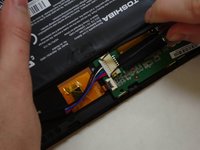
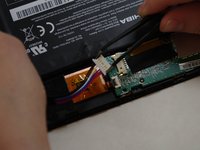
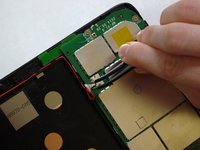
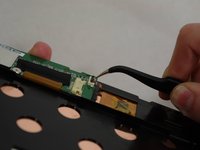
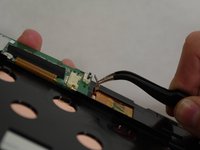
    • Using needle-nose tweezers, gently push the large white wire connector (connected to the black, red and blue wires) out of its housing.

    Спросите у FixBot

    Добавить комментарий

  5. Toshiba Encore Mini Screen Replacement: шаг 5, изображение 1 из 1
    • Gently lift the battery out of the device.

    • Be careful not to pull on the connecting wires.

    Спросите у FixBot

    Добавить комментарий

  6. Toshiba Encore Mini Screen Replacement, Screen: шаг 6, изображение 1 из 3 Toshiba Encore Mini Screen Replacement, Screen: шаг 6, изображение 2 из 3 Toshiba Encore Mini Screen Replacement, Screen: шаг 6, изображение 3 из 3
    Инструмент, используемый на этом этапе:
    Tweezers
    $4.99
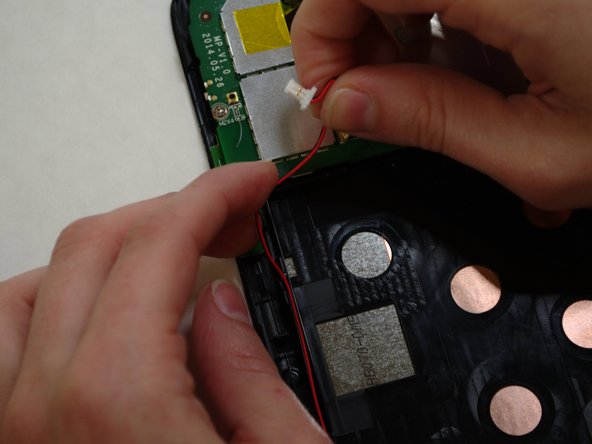
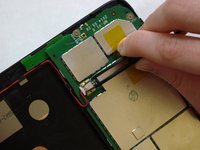
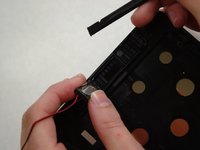
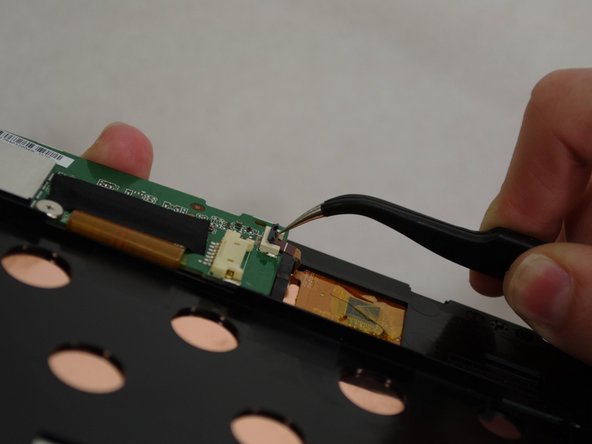
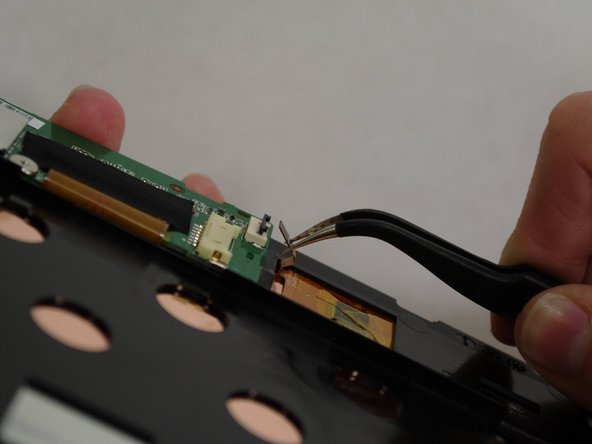
    • The audio module must be removed to replace the screen.

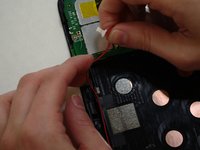
    • Using needle-nose tweezers, carefully push the small white wire connector (red/black wires) out of its housing.

    • Gently remove red/black wire strands from the clips holding them to the back of the screen.

    Спросите у FixBot

    Добавить комментарий

  7. Toshiba Encore Mini Screen Replacement: шаг 7, изображение 1 из 2 Toshiba Encore Mini Screen Replacement: шаг 7, изображение 2 из 2
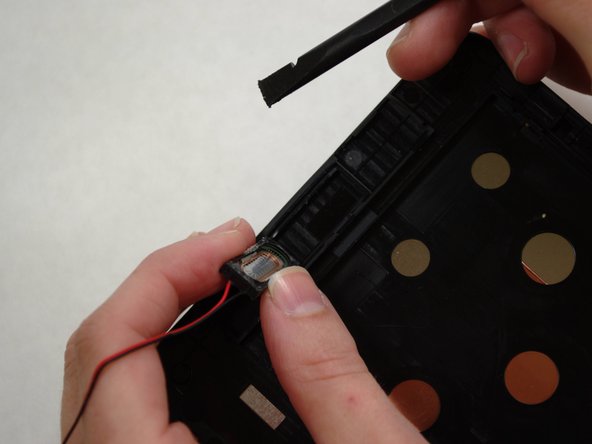
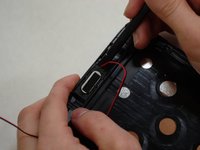
    • Gently pry audio module from the back of the screen using tweezers and spudger. Be careful not to pull on the wires.

    • Adhesive on the bottom of the speaker module may make it difficult to remove.

    • Set the audio module and attached wire aside.

    Спросите у FixBot

    Добавить комментарий

  8. Toshiba Encore Mini Screen Replacement: шаг 8, изображение 1 из 3 Toshiba Encore Mini Screen Replacement: шаг 8, изображение 2 из 3 Toshiba Encore Mini Screen Replacement: шаг 8, изображение 3 из 3
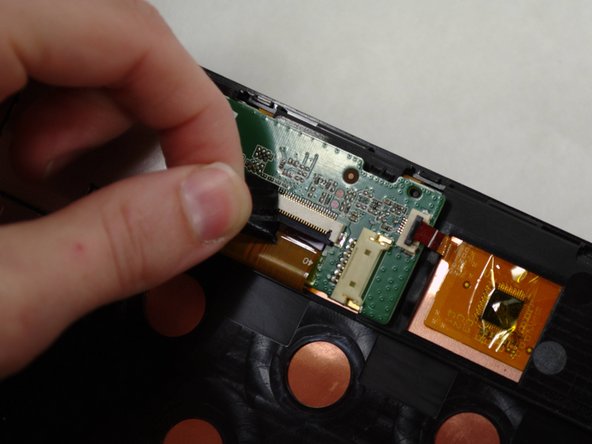
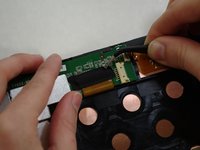
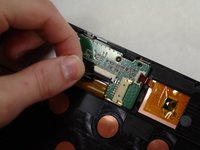
    • Using needle-nose tweezers, carefully flip up the dark gray cover on the right of the device holding the small orange/gold ribbon in place. (It is approximately 1/4" wide.)

    • With the tweezers, carefully pull the small ribbon out of its housing. It will stay attached to the device at the other end.

    Спросите у FixBot

    Добавить комментарий

  9. Toshiba Encore Mini Screen Replacement: шаг 9, изображение 1 из 2 Toshiba Encore Mini Screen Replacement: шаг 9, изображение 2 из 2
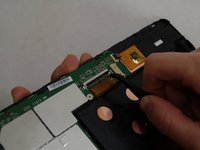
    • A wide orange/gold ribbon connects the screen to the motherboard. (Ribbon is approximately 1" wide.)

    • Carefully pull the black tape off the ribbon housing and set it aside. You will need to replace the tape when reassembling the device.

    Спросите у FixBot

    Добавить комментарий

  10. Toshiba Encore Mini Screen Replacement: шаг 10, изображение 1 из 3 Toshiba Encore Mini Screen Replacement: шаг 10, изображение 2 из 3 Toshiba Encore Mini Screen Replacement: шаг 10, изображение 3 из 3
    • Damaging this ribbon will permanently disable your device!

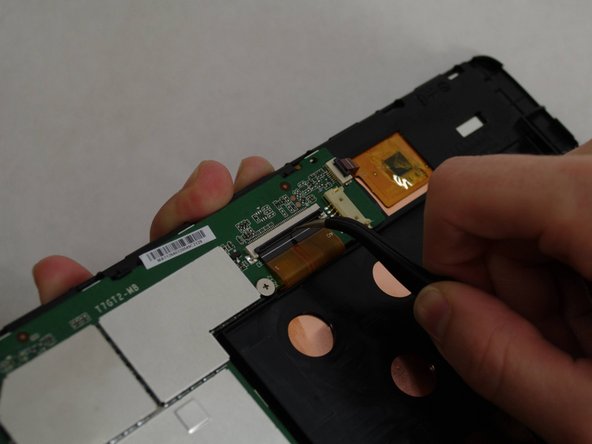
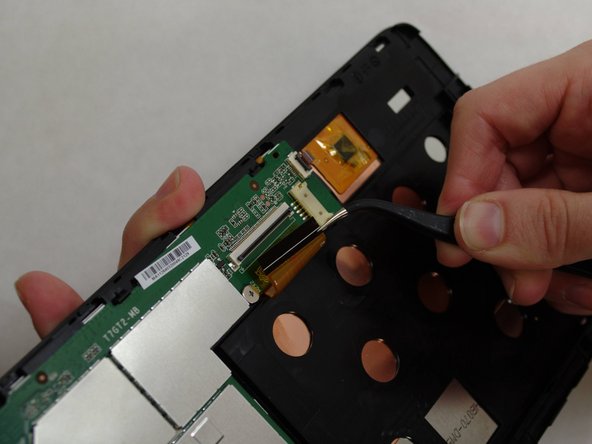
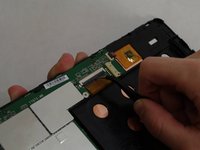
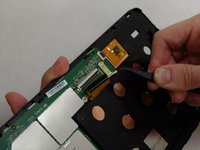
    • Using needle-nose tweezers, carefully flip up the dark gray cover.

    • With the tweezers, carefully pull the wide ribbon from its housing. It will stay attached to the device at the other end.

    Спросите у FixBot

    Добавить комментарий

  11. Toshiba Encore Mini Screen Replacement: шаг 11, изображение 1 из 3 Toshiba Encore Mini Screen Replacement: шаг 11, изображение 2 из 3 Toshiba Encore Mini Screen Replacement: шаг 11, изображение 3 из 3
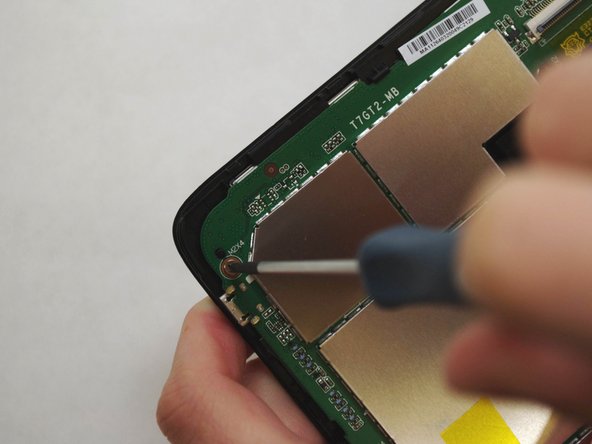
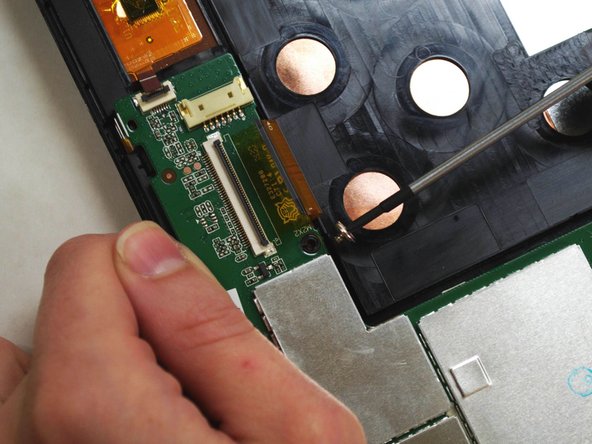
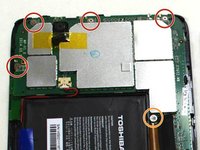
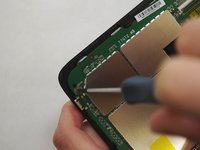
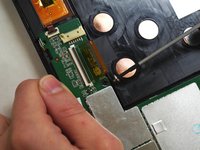
    • Using a Phillips 000 screwdriver, remove the screws holding components together.

    • Remove four 4.2 mm Phillips screws

    • Remove one 3 mm Phillips screw

    Спросите у FixBot

    Добавить комментарий

  12. Toshiba Encore Mini Screen Replacement: шаг 12, изображение 1 из 2 Toshiba Encore Mini Screen Replacement: шаг 12, изображение 2 из 2
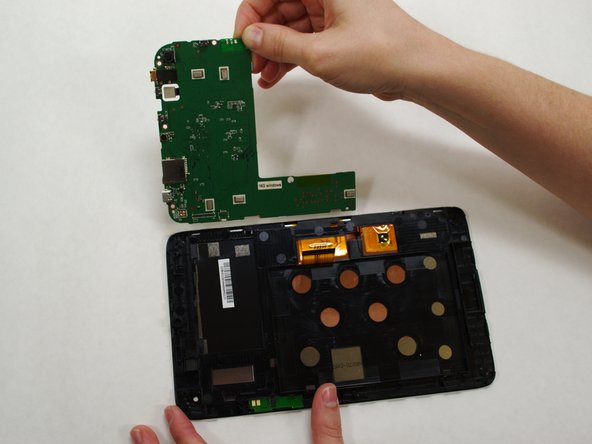
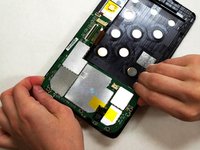
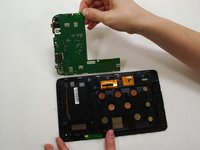
    • Holding the motherboard carefully by the edges, gently lift it up off the screen and carefully set it aside.

    • The motherboard may resist as you try to lift it --this is normal.

    Спросите у FixBot

    Добавить комментарий

  13. Toshiba Encore Mini Screen Replacement: шаг 13, изображение 1 из 1
    • Now that your screen is detached from the rest of the device components, it is ready to be replaced.

    Спросите у FixBot

    Добавить комментарий

Заключение

To reassemble your device, follow these instructions in reverse order.

Отменить: Я не выполнил это руководство.

Christine co

Участник с: 07/09/15

131 Репутация

1 руководство автора

Команда

UW Tacoma, Team 1-3, Liner SU 2015 Участник UW Tacoma, Team 1-3, Liner SU 2015

UWT-LINER-SU15S1G3

4 членов

Автор 6 руководств

1 Комментарий к руководству

What is the small orange/gold ribbon in step 8 used for? I'm assuming that it's what registers touches on the screen because my tablet isn't reading my touches. I ask this because the dark grey bar on my tablet has been broken off, so there's nothing to hold the ribbon in place, and I can't do anything on my tablet because it won't respond to me touching it.

Gregory Banks - Ответить Поделиться
Добавить комментарий

Статистика просмотров:

За последние 24 часов: 1

За последние 7 дней: 6

За последние 30 дней: 18

За всё время: 1,771