Введение
This guide will show you how to replace your Thrive's battery.
-
-
-
Make sure the lock switch for the back cover is unlocked.
-
The cover is unlocked when the switch is slid in the direction of the 'unlock' icon.
 Спросите у FixBot
-
-
-
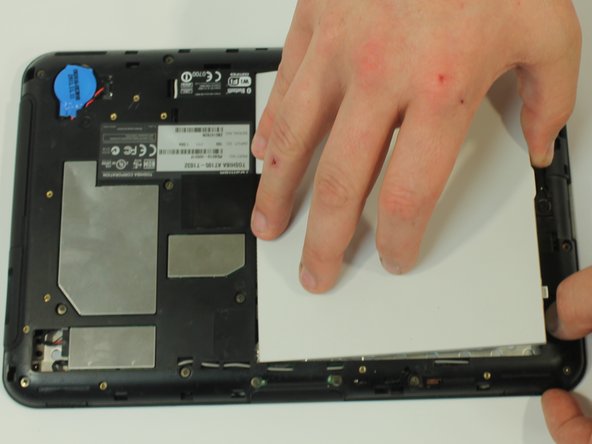
Remove back cover by prying away from the Thrive.
-
The easiest place to pry from is one of the two speakers.
-
-
-
-
To remove the battery, make sure the lock switch is in the unlocked position.
-
The battery is unlocked when the switch is slid to the unlocked position.
-
-
-
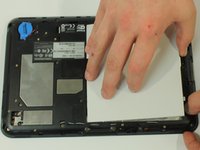
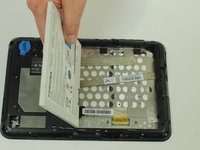
Slide the battery switch release to the right.
-
While holding the switch in place, lift up the battery.
-
-



To reassemble your device, follow these instructions in reverse order.
Отменить: Я не выполнил это руководство.
7 человек успешно провели ремонт по этому руководству.

Команда

USF Tampa, Team 10-1, Brown Fall 2014 Участник USF Tampa, Team 10-1, Brown Fall 2014
USFT-BROWN-F14S10G1
3 членов
Автор 12 руководств
1 Комментарий к руководству
You should give links on where we can buy the parts that need to be replaced.
