Введение
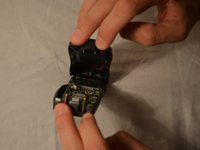
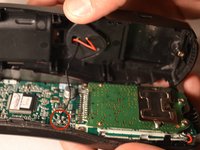
The TCX905 consists of a two part shell. The back shell is where the battery and back speaker are, the front shell includes the buttons and the screen.
Выберете то, что вам нужно
-
-
-
Starting from the top of the cover, slide down and away from the phone with your thumb
-
Lift battery cover off of batter and place it to the side
 Спросите у FixBot
-
-
-
-
-
Once battery cover is removed, place your thumb and index fingers on the the wires near the receptacle
-
Gently pull straight up on the wires until a click is heard which signifies the battery is completely disconnected
-
Place battery pack to the side
-
-
-
-
-
-
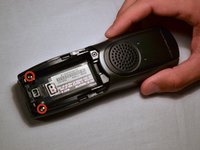
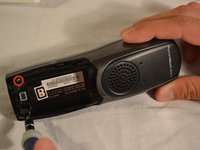
Remove the two 11mm screws inside the battery storage compartment using Phillips #1 screwdriver (located near the very bottom of the phone)
-
-
-
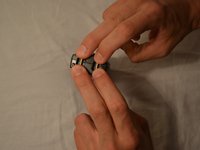
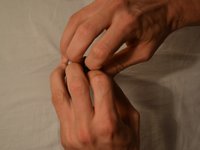
Gently open phone casing along the seam at the bottom of the phone using index and middle fingers of both hands
-
-
-
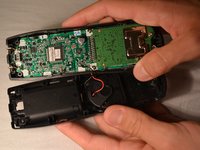
Ensure that wired connection between circuit board and back shell is not strained
-
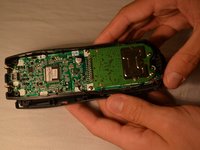
Fold the back shell underneath the front shell and circuit board
-
-






To reassemble your device, follow these instructions in reverse order.
Отменить: Я не выполнил это руководство.
Еще один человек закончил это руководство.

Команда

Clemson, Team 1-1, Benson Spring 2014 Участник Clemson, Team 1-1, Benson Spring 2014
CLEM-BENSON-S14S1G1
3 членов
Автор 56 руководств
