Перейти к основному содержанию
Присоединяйся к сообществу ремонтников - Создай аккаунт

Visual Land Prestige 7G Backlight Replacement

Выберете то, что вам нужно

  1. Visual Land Prestige 7G Backlight Replacement, Backplate: шаг 1, изображение 1 из 2 Visual Land Prestige 7G Backlight Replacement, Backplate: шаг 1, изображение 2 из 2
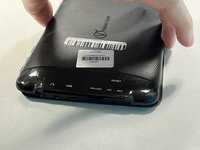
    • Lay your device face-down.

    • Use a Phillips #000 screwdriver to remove the two 4 mm screws next to the AUX port and microphone.

  2. Visual Land Prestige 7G Backlight Replacement: шаг 2, изображение 1 из 1
    • Pry open the back-plate using a Jimmy.

    • Do this by inserting the tool into the fine thin line between the back-plate and screen at each corner of the device.

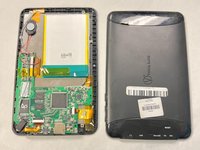
  3. Visual Land Prestige 7G Backlight Replacement: шаг 3, изображение 1 из 2 Visual Land Prestige 7G Backlight Replacement: шаг 3, изображение 2 из 2
    • Lift off the backplate using your hand.

    • If the backplate is stuck, repeat the previous step to ensure all the edges are free.

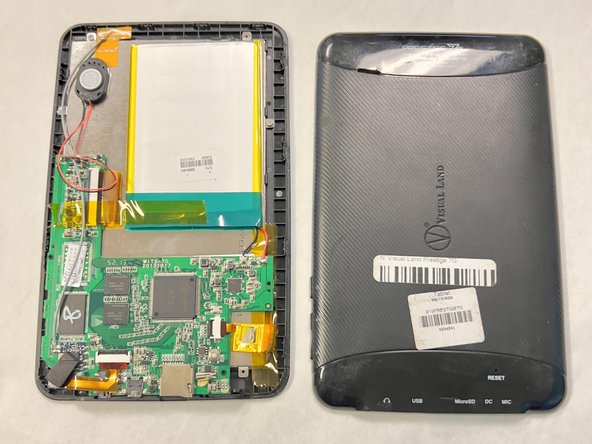
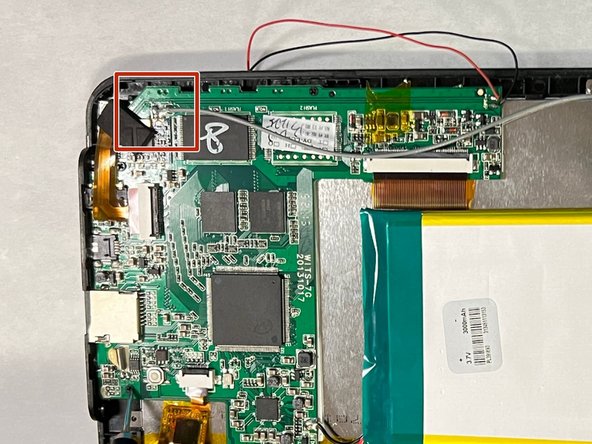
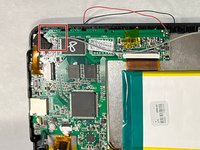
  4. Visual Land Prestige 7G Backlight Replacement, Motherboard: шаг 4, изображение 1 из 3 Visual Land Prestige 7G Backlight Replacement, Motherboard: шаг 4, изображение 2 из 3 Visual Land Prestige 7G Backlight Replacement, Motherboard: шаг 4, изображение 3 из 3
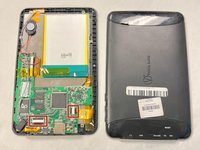
    • Lay the device on its back.

    • Flip up the black locking flap then remove the ribbon cables.

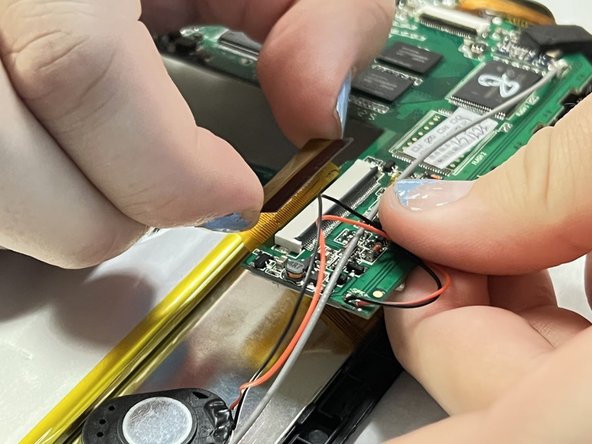
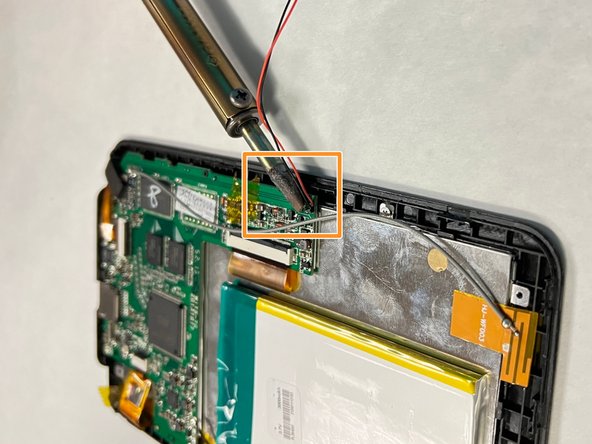
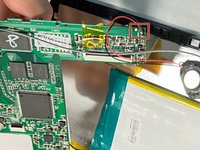
  5. Visual Land Prestige 7G Backlight Replacement: шаг 5, изображение 1 из 3 Visual Land Prestige 7G Backlight Replacement: шаг 5, изображение 2 из 3 Visual Land Prestige 7G Backlight Replacement: шаг 5, изображение 3 из 3
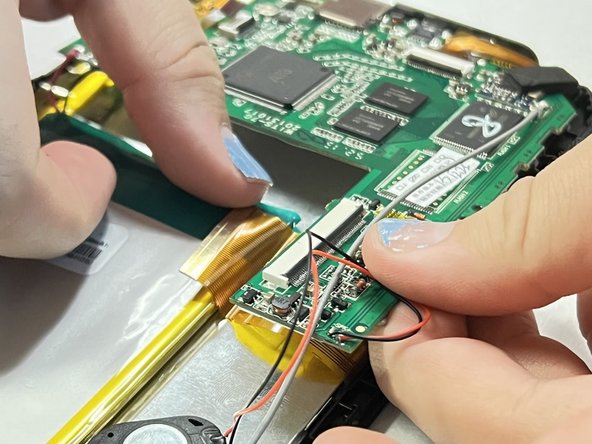
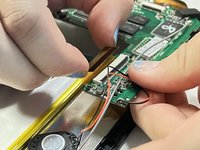
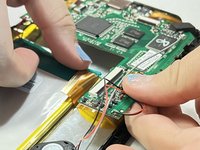
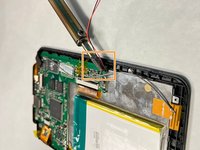
    • Connected to the motherboard there will be a red, black, and grey wire.

    • Use a soldering iron to melt the soldered contact points.

    • Disconnect the wires.

    • Lift the motherboard up and out of the chassis.

    • The high temperatures of a soldering gun and melted solder may create the potential for burns. Inhaling the fumes in an enclosed environment may also lead to irritation and desensitization of the eyes and respiratory tract.

  6. Visual Land Prestige 7G Backlight Replacement, Backlight: шаг 6, изображение 1 из 1
    • Remove the four screws with a Phillips #000 screwdriver.

  7. Visual Land Prestige 7G Backlight Replacement: шаг 7, изображение 1 из 2 Visual Land Prestige 7G Backlight Replacement: шаг 7, изображение 2 из 2
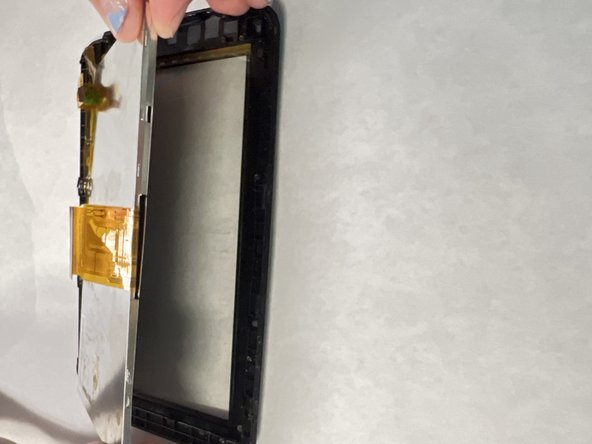
    • Use an opening tool to lift the backplate out of the case.

    • Pay close attention to the black tabs holding it in, making sure not to break them.

Заключение

To reassemble your device, follow these instructions in reverse order.

Anna Anderson

Участник с: 09/14/23

380 Репутация

Автор 3 руководств

Команда

University of North Texas, Team 1-1, Kilpatrick Fall 2023 Участник University of North Texas, Team 1-1, Kilpatrick Fall 2023

UNT-KILPATRICK-F23S1G1

4 членов

Автор 5 руководств

0 Комментарии к руководству

Добавить комментарий

Статистика просмотров:

За последние 24 часов: 1

За последние 7 дней: 1

За последние 30 дней: 8

За всё время: 155