Перейти к основному содержанию
Присоединяйся к сообществу ремонтников - Создай аккаунт

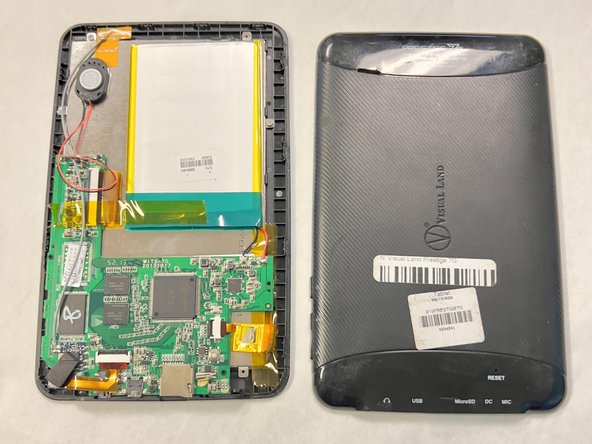
Visual Land Prestige 7G Motherboard Replacement

Выберете то, что вам нужно

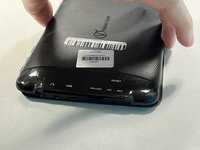
    1. Visual Land Prestige 7G Motherboard Replacement, Backplate: шаг 1, изображение 1 из 2 Visual Land Prestige 7G Motherboard Replacement, Backplate: шаг 1, изображение 2 из 2
      • Lay your device face-down.

      • Use a Phillips #000 screwdriver to remove the two 4 mm screws next to the AUX port and microphone.

      Спросите у FixBot

      Добавить комментарий

    2. Visual Land Prestige 7G Motherboard Replacement: шаг 2, изображение 1 из 1
      • Pry open the back-plate using a Jimmy.

      • Do this by inserting the tool into the fine thin line between the back-plate and screen at each corner of the device.

      Спросите у FixBot

      Добавить комментарий

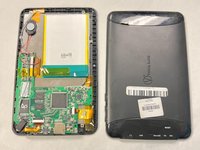
    3. Visual Land Prestige 7G Motherboard Replacement: шаг 3, изображение 1 из 2 Visual Land Prestige 7G Motherboard Replacement: шаг 3, изображение 2 из 2
      • Lift off the backplate using your hand.

      • If the backplate is stuck, repeat the previous step to ensure all the edges are free.

      Спросите у FixBot

      Добавить комментарий

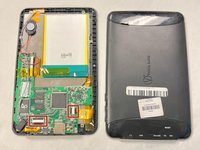
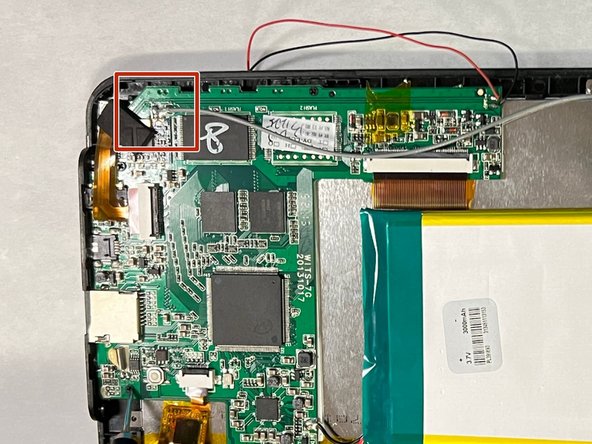
    1. Visual Land Prestige 7G Motherboard Replacement, Motherboard: шаг 4, изображение 1 из 3 Visual Land Prestige 7G Motherboard Replacement, Motherboard: шаг 4, изображение 2 из 3 Visual Land Prestige 7G Motherboard Replacement, Motherboard: шаг 4, изображение 3 из 3
      • Lay the device on its back.

      • Flip up the black locking flap then remove the ribbon cables.

      Спросите у FixBot

      Добавить комментарий

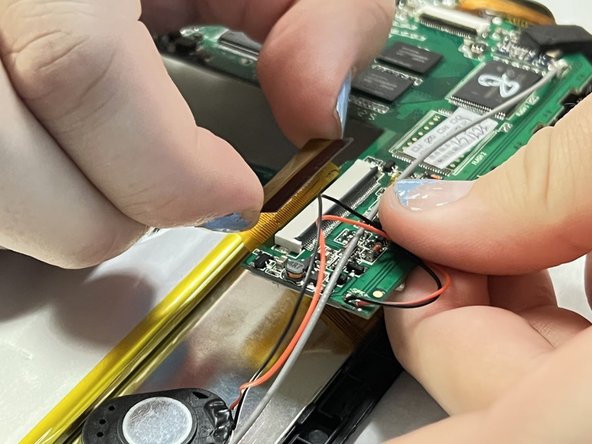
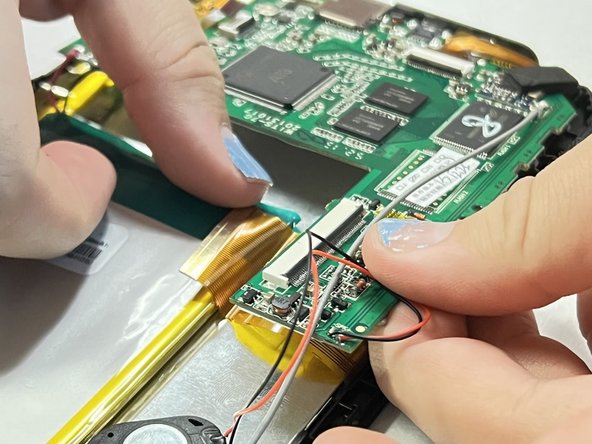
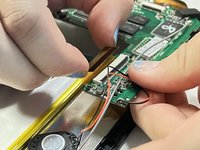
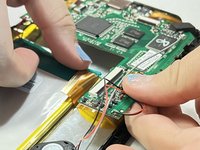
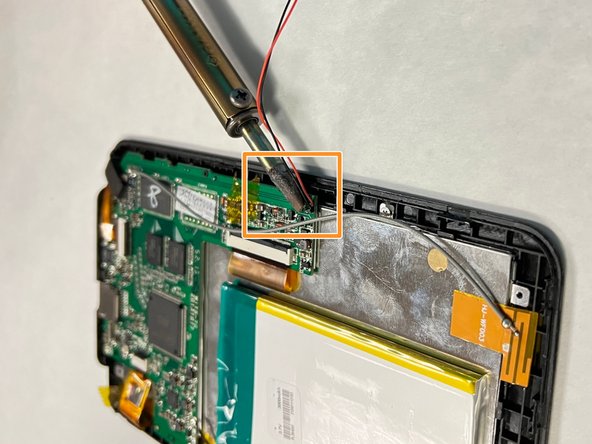
    2. Visual Land Prestige 7G Motherboard Replacement: шаг 5, изображение 1 из 3 Visual Land Prestige 7G Motherboard Replacement: шаг 5, изображение 2 из 3 Visual Land Prestige 7G Motherboard Replacement: шаг 5, изображение 3 из 3
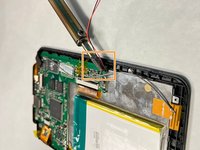
      • Connected to the motherboard there will be a red, black, and grey wire.

      • Use a soldering iron to melt the soldered contact points.

      • Disconnect the wires.

      • Lift the motherboard up and out of the chassis.

      • The high temperatures of a soldering gun and melted solder may create the potential for burns. Inhaling the fumes in an enclosed environment may also lead to irritation and desensitization of the eyes and respiratory tract.

      Спросите у FixBot

      Добавить комментарий

Заключение

To reassemble your device, follow these instructions in reverse order.

Отменить: Я не выполнил это руководство.

Anna Anderson

Участник с: 09/14/23

380 Репутация

Автор 3 руководств

Команда

University of North Texas, Team 1-1, Kilpatrick Fall 2023 Участник University of North Texas, Team 1-1, Kilpatrick Fall 2023

UNT-KILPATRICK-F23S1G1

4 членов

Автор 24 руководств

0 Комментарии к руководству

Добавить комментарий

Статистика просмотров:

За последние 24 часов: 0

За последние 7 дней: 2

За последние 30 дней: 23

За всё время: 266