Введение
This guide provides instructions for removal of the internal battery from the 781HD DVR camcorder. Replacement of the battery requires soldering and removal of potting compound from the terminals. This guide should be followed only if the reader is comfortable with soldering on small electrical boards.
Выберете то, что вам нужно
-
-
-
Begin with the camcorder lens up on a clear working surface.
-
Remove the two 4mm Phillips #1 screws holding the switch plate in place. Rotate the device 180 degrees and repeat for the screws on the opposite side.
 Спросите у FixBot
-
-
-
Slide the plastic opening tool into the seam between the front and back sections of the case and apply a small amount of force to pop the case open.
-
-
-
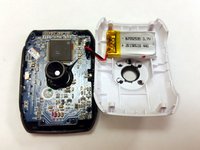
Move the plastic opening tool around the seam and apply force at each step to separate the front plate from the back plate and motherboard.
-
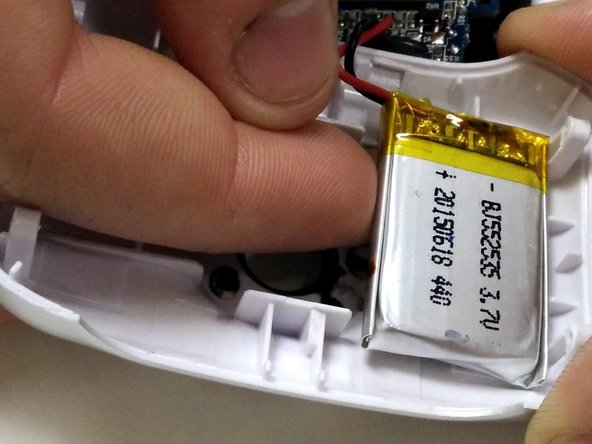
The battery is held to the front half of the case with double-sided tape. Peel it up with a finger, being careful not to damage the battery.
-
-
-
-
-
-
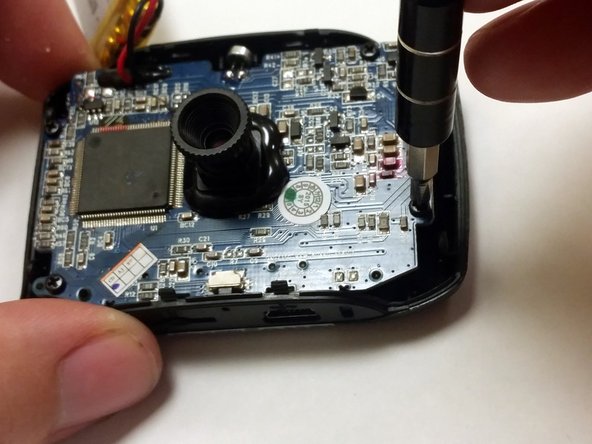
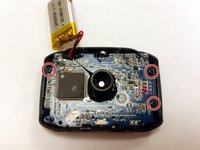
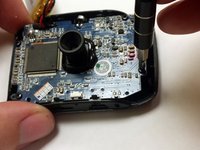
Using a P1 screwdriver, remove the 4mm screws holding the motherboard into the case.
-
-
-
-
-
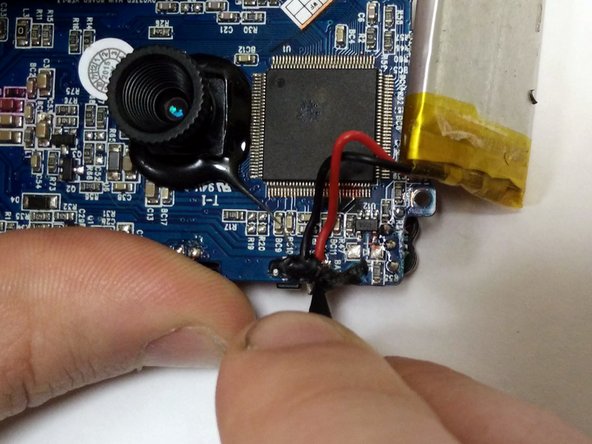
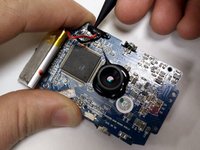
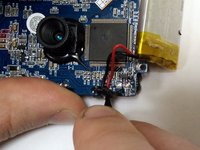
The battery connections are reinforced by black potting compound. Gently pry it away with a plastic spudger.
-
-
-
Melt the soldered battery connections with a soldering iron and gently pull the battery wires away.
-
-






To reassemble your device, follow these instructions in reverse order.
Отменить: Я не выполнил это руководство.
4 человек успешно провели ремонт по этому руководству.

Команда

IUPUI, Team 54-6, Wilson Spring 2016 Участник IUPUI, Team 54-6, Wilson Spring 2016
IUPUI-WILSON-S16S54G6
3 членов
Автор 13 руководств
2 Комментарии к руководству
Where can I get a battery
Any 3.7v Lithium Ion cell will work, truth be told, but if you google the writing you find on the factory battery once you open it, you will likely find dozens of vendors on ebay, amazon, alibaba, wish, etc. personally, i removed the battery and ran leads from the factory battery wires to an external battery pack that holds an 18650 cell which significantly increased available maH
