Введение
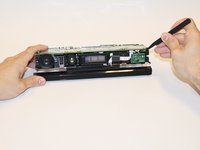
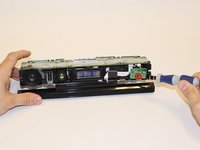
The LED sensor lights up when the sensor is connected. If the LED is unlit, the sensor module itself may be at fault.
Выберете то, что вам нужно
-
-
Remove the sticker on the underside of the device.
-
Remove the four 3.1x23.5 mm T10 screws underneath the sticker.
-
While you're at it, remove the four 3.1x7.5 mm T10 screws beneath the sticker. Make note of the sizes and locations of the screws.
 Спросите у FixBot
-
-
-
Remove the back panel.
-
Remove the black panels on either side of the Kinect, and remove the 3.1x7.5mm T10 screws underneath them.
-
-
-
-
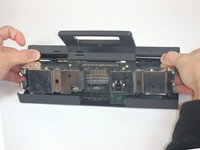
Using your thumbs, press firmly against the outer case on either side of the stand. This will disengage the internal assembly.
-
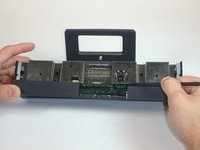
Lift the internal assembly with the spudger.
-
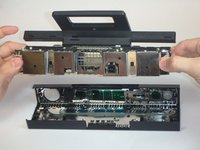
Remove the assembly from the case. You now have access to the inner shell of the kinect, along with the heat sink, microphone, and LED sensor.
-
-
-
Disconnect the ribbon cable between the sensor driver board and the motherboard.
-
Remove the 3.0x7.5 mm T9 screw holding the sensor driver board to the heat sink.
-
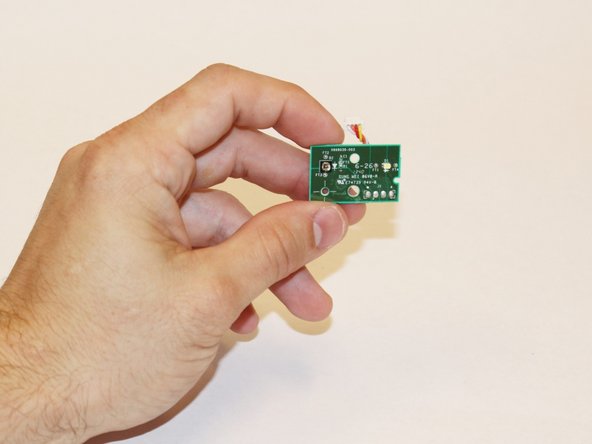
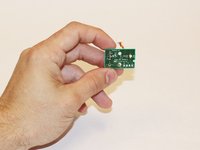
Remove the infrared sensor board for the Kinect.
-




To reassemble your device, follow these instructions in reverse order.

Команда

USF Tampa, Team 1-3, Hickman Fall 2014 Участник USF Tampa, Team 1-3, Hickman Fall 2014
USFT-HICKMAN-F14S1G3
4 членов
Автор 7 руководств
