Введение
This guide will show you how to replace the connector between your charging cable and your phone. Replacing this component may be useful if your phone's charging port can no longer make a solid connection with your charging cable due to damage or debris.
Выберете то, что вам нужно
-
-
-
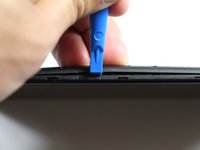
Insert the plastic opening tool between the charging port and the rear case.
-
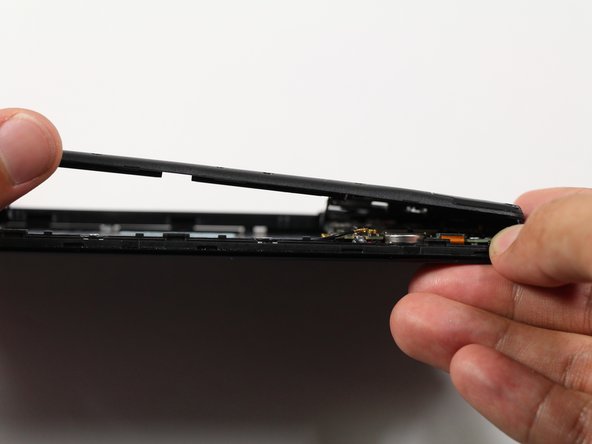
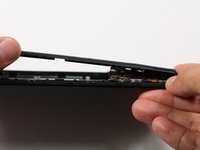
Pry the end of the rear case up from the charging port.
 Спросите у FixBot
-
-
-
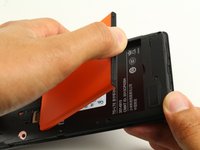
Run the plastic opening tool along the seam on the side of the phone to remove the rear casing.
-
-
-
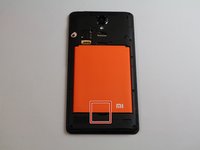
Locate the indentation at the bottom of the battery.
-
Place a finger in the indentation and lift up to remove the battery.
-
-
-
-
-
-
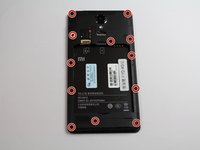
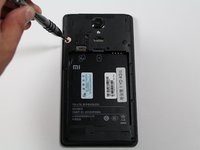
Remove twelve 3.5mm Phillips #00 screws from the midframe.
-
-
-
Insert a plastic opening into the seam between the midframe and the bottom frame of the phone.
-
Run the plastic opening tool along the seam.
-
Pry up the midframe with the plastic opening tool.
-
Once the midframe has been sufficiently lifted with the tool, place a hand underneath the edge to lift the entire component out of the frame.
-
-
-
-
-
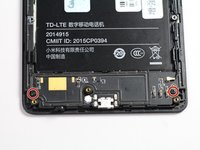
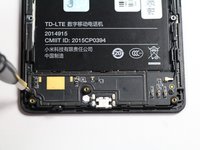
Locate the charging port panel at the bottom of the device.
-
Remove the 2.9 mm Phillips #00 screws on the sides of the panel.
-
-
Инструмент, используемый на этом этапе:Tweezers$4.99
-
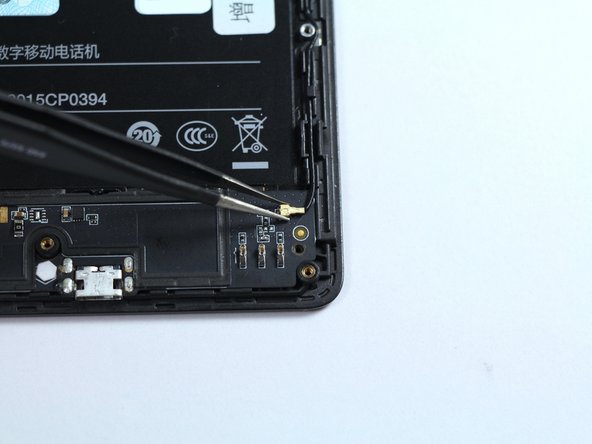
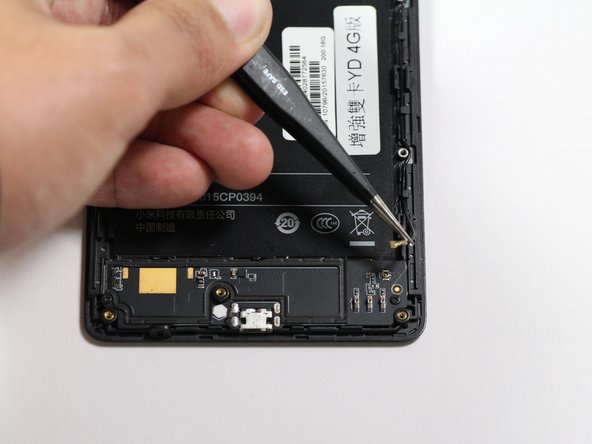
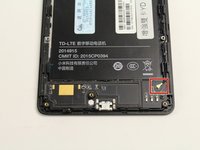
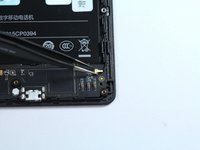
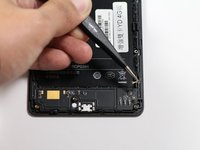
Locate the antenna cable at the top right corner of the charging port.
-
Lift the antenna cable off of the panel with tweezers.
-
-
-
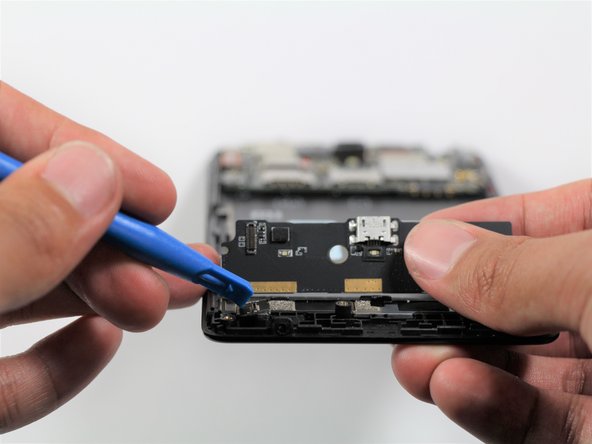
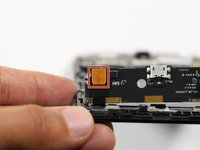
Flip the panel to its back side, but do not fully lift it off of the phone yet.
-
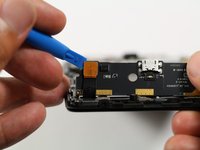
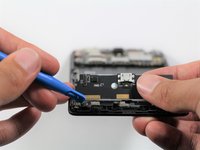
Use a plastic opening tool to gently pry off the press fit connector attached to the back side of the panel.
-
-












To reassemble your device, follow these instructions in reverse order.
Отменить: Я не выполнил это руководство.
26 человек успешно провели ремонт по этому руководству.

Команда

Cal Poly, Team S22-G4, Livingston Spring 2017 Участник Cal Poly, Team S22-G4, Livingston Spring 2017
CPSU-LIVINGSTON-S17S22G4
4 членов
Автор 32 руководств
9 Комментарии к руководству
Hi, should the battery have a certain time of charge after replacement? Or just start using like everyday, charge when needed?
Hi Caitlin, do you know where I can purchase an OEM Charging Port? All I can find is non OEM parts on eBay and parts on witrig. I looked into that site, and it has awful reviews, so I’m not going to try it.
hi where can i buy the replacement port charger for the xioami note boo pease
View similar itemsItem - Xiaomi Mi Pad 3 Tablet PC 7.9'' MIUI 8 2.1GHz MT8176 Hexa Core 4GB+64GB WiFi
Xiaomi Mi Pad 3 Tablet PC 7.9'' MIUI 8 2.1GHz MT8176 Hexa Core 4GB+64GB WiFi
How much is it to repair in Qatar riyal
How much does it cost to repair the charging port in Qatar royals?
