Введение
Is the baby monitor screen in your YOTON YB02 not holding enough power to last? If so, here is a guide to access and replace the battery unit inside the monitor. There are no difficult steps but be careful when prying off the battery from the motherboard.
Выберете то, что вам нужно
-
-
-
Use a Phillips #0 screwdriver to remove the four 7 mm screws from the back panel of the monitor.
 Спросите у FixBot
-
-
-
Use a plastic opening tool to separate the back panel from the monitor.
-
-
-
-
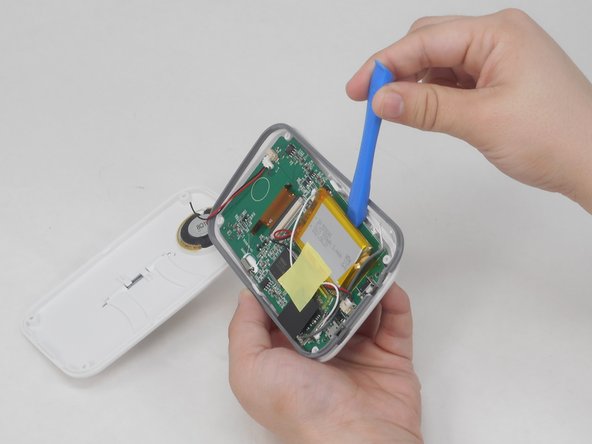
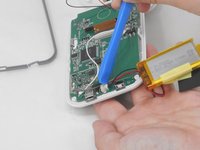
With the plastic tool, pry off the monitor battery from the motherboard.
-
-
-
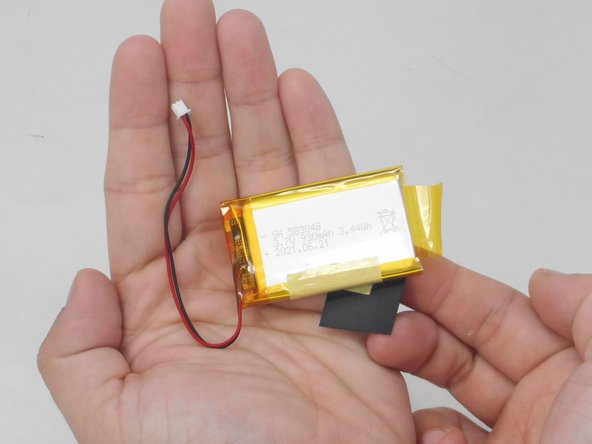
Using the plastic tool, disconnect the cables connecting the battery to the motherboard.
-
-



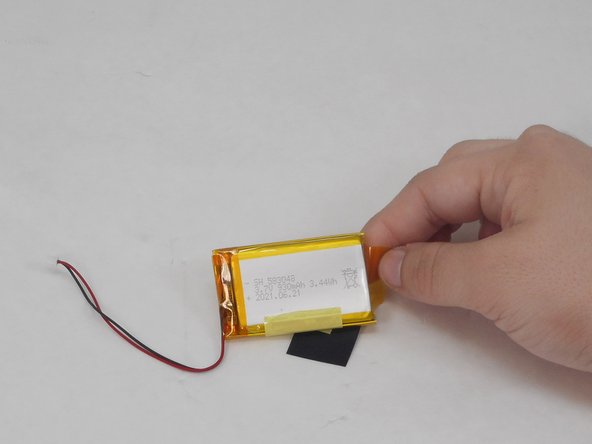
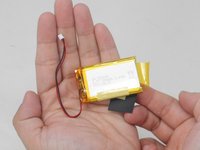
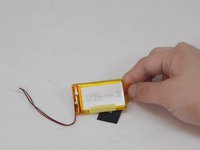
To reassemble your device, follow these instructions in reverse order.
Отменить: Я не выполнил это руководство.
Еще один человек закончил это руководство.

Команда

University of Memphis, Team 4-3, Sneed Spring 2024 Участник University of Memphis, Team 4-3, Sneed Spring 2024
UM-SNEED-S24S4G3
4 членов
Автор 6 руководств
