Введение
If the camera is not activating with detected movement, then the likely cause is a faulty motion sensor. Use this guide to replace the motion sensor of the YOTON YB02 which is within the camera part itself. The motion sensor of the camera detects the movement of the child and therefore activates the camera so the user can view it on the monitor. Before starting with this guide, make sure to clean the camera as a dirty camera could affect the performance of the motion sensor. Step 3 requires you to desolder the camera from the motherboard so a soldering iron device will be required. Be sure to completely turn off the device before beginning.
Выберете то, что вам нужно
-
-
-
Use a Phillips #0 screwdriver to remove the single 7 mm screw from the back of the panel from the camera.
 Спросите у FixBot
-
-
-
-
Use a metal spudger to pry off the back panel from the camera.
-
-
-
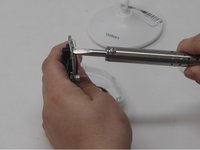
With the soldering iron, desolder the pins holding the camera in place onto the motherboard on the other side of the motherboard.
-
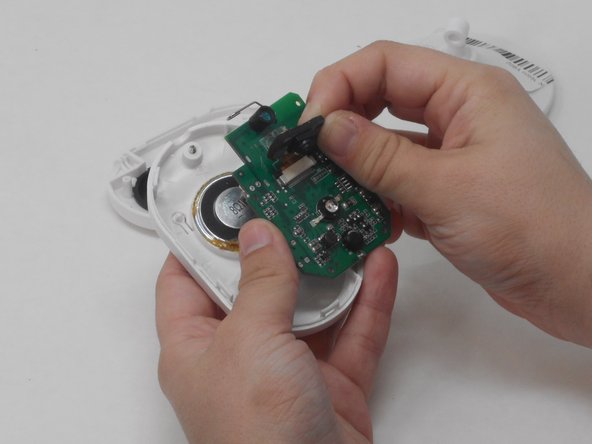
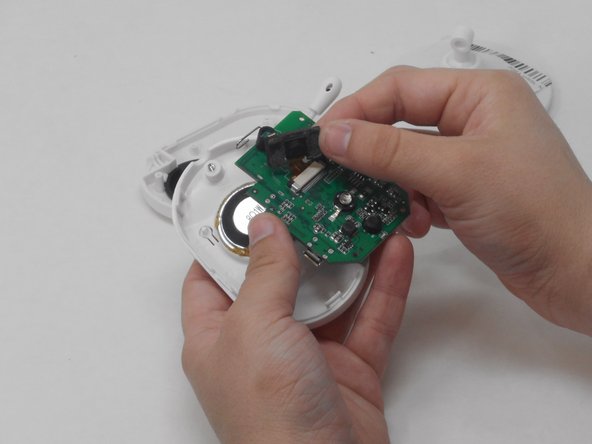
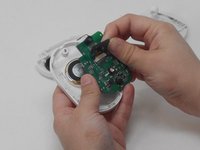
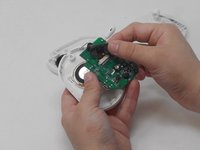
Carefully pry off the camera unit, including the motion sensor, with your hands.
-
-


To reassemble your device, follow these instructions in reverse order.

Команда

University of Memphis, Team 4-3, Sneed Spring 2024 Участник University of Memphis, Team 4-3, Sneed Spring 2024
UM-SNEED-S24S4G3
4 членов
Автор 6 руководств
