Перейти к основному содержанию
Присоединяйся к сообществу ремонтников - Создай аккаунт

iRobot Roomba 891 Extractor Assembly Replacement

Выберете то, что вам нужно

  1. iRobot Roomba 891 Extractor Assembly Replacement, Battery: шаг 1, изображение 1 из 2 iRobot Roomba 891 Extractor Assembly Replacement, Battery: шаг 1, изображение 2 из 2
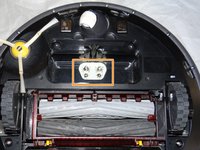
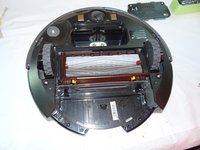
    • Start by flipping your Roomba onto its back on a flat surface.

    • Be sure not to close the side brush bristles in the battery door during reassembly as shown by the handy warning in the second photo.

    Спросите у FixBot
  2. iRobot Roomba 891 Extractor Assembly Replacement: шаг 2, изображение 1 из 1
    • Unscrew both the 11mm Phillips #2 screws from the battery cover and remove cover from the Roomba.

    • These captive screws are not intended to be removed from the cover.

    Спросите у FixBot
  3. iRobot Roomba 891 Extractor Assembly Replacement: шаг 3, изображение 1 из 3 iRobot Roomba 891 Extractor Assembly Replacement: шаг 3, изображение 2 из 3 iRobot Roomba 891 Extractor Assembly Replacement: шаг 3, изображение 3 из 3
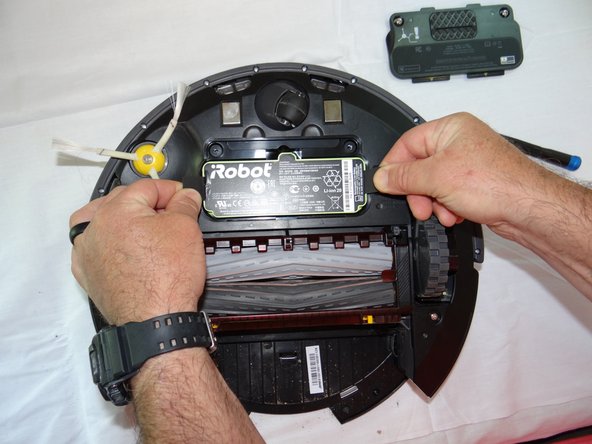
    • Grasp the tabs on either side of the battery.

    • Remove the battery by pulling up on the tabs.

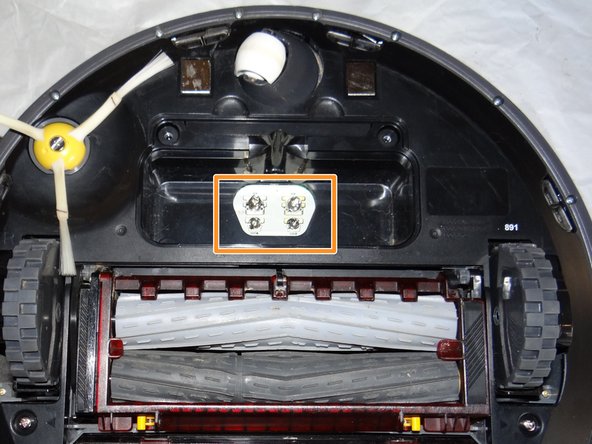
    • While you're here, check the battery contacts for corrosion or debris.

    Спросите у FixBot
  4. iRobot Roomba 891 Extractor Assembly Replacement, Side Brush: шаг 4, изображение 1 из 2 iRobot Roomba 891 Extractor Assembly Replacement, Side Brush: шаг 4, изображение 2 из 2
    • Remove the 7.5mm flat head #4 screw from center of the side brush.

    Спросите у FixBot
  5. iRobot Roomba 891 Extractor Assembly Replacement: шаг 5, изображение 1 из 1
    • Gently pull the side brush off of the motor hub.

    Спросите у FixBot
  6. iRobot Roomba 891 Extractor Assembly Replacement, Extractor Assembly: шаг 6, изображение 1 из 1
    • Remove the dustbin assembly from the Roomba.

    Спросите у FixBot
  7. iRobot Roomba 891 Extractor Assembly Replacement: шаг 7, изображение 1 из 3 iRobot Roomba 891 Extractor Assembly Replacement: шаг 7, изображение 2 из 3 iRobot Roomba 891 Extractor Assembly Replacement: шаг 7, изображение 3 из 3
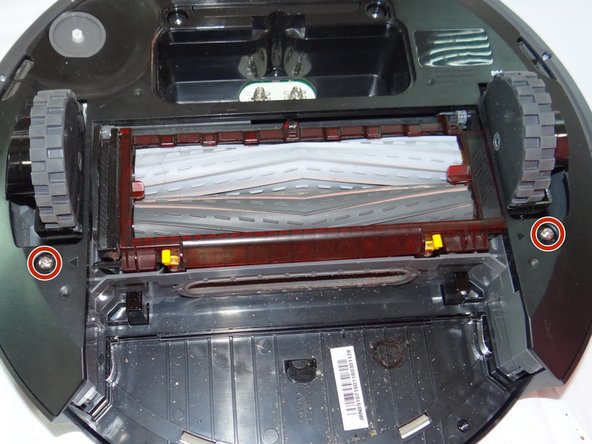
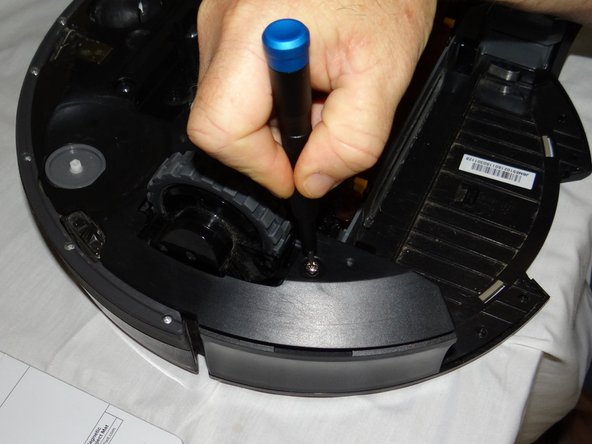
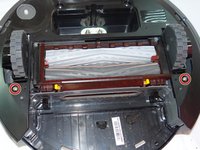
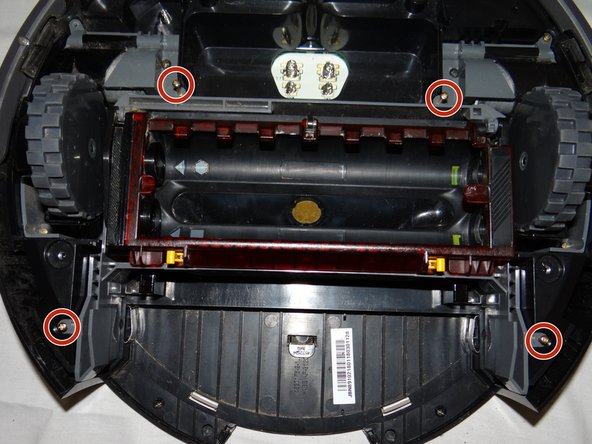
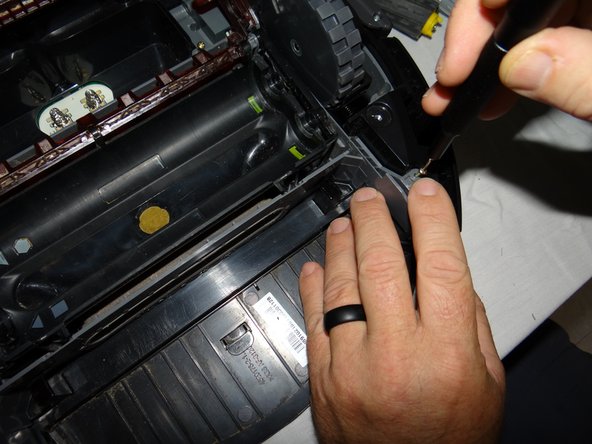
    • Unscrew the 2 phillips #2 11mm screws from roomba.

    • These captive screws will remain in the bottom cover after being loosened.

    Спросите у FixBot
  8. iRobot Roomba 891 Extractor Assembly Replacement: шаг 8, изображение 1 из 2 iRobot Roomba 891 Extractor Assembly Replacement: шаг 8, изображение 2 из 2
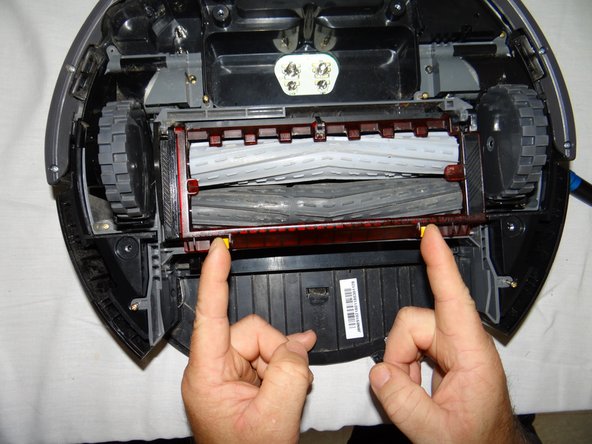
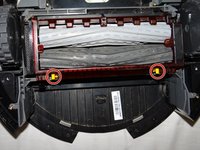
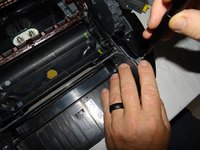
    • Lift the yellow tabs and lift the red cover from the extractor assembly.

    Спросите у FixBot
  9. iRobot Roomba 891 Extractor Assembly Replacement: шаг 9, изображение 1 из 1
    • Remove the rollers from the assembly by lifting it out from right side.

    Спросите у FixBot
  10. iRobot Roomba 891 Extractor Assembly Replacement: шаг 10, изображение 1 из 2 iRobot Roomba 891 Extractor Assembly Replacement: шаг 10, изображение 2 из 2
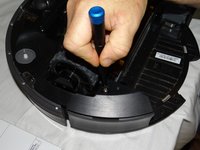
    • Close the cover and remove the four 11mm Phillips #00 screws from the assembly.

    Спросите у FixBot
  11. iRobot Roomba 891 Extractor Assembly Replacement: шаг 11, изображение 1 из 1
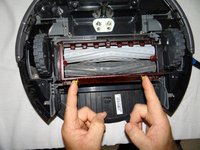
    • Grasp the center of the assembly and remove from the roomba.

    Спросите у FixBot
Заключение

To reassemble your device, follow these instructions in reverse order.

Justin Tolin

Участник с: 05/29/19

736 Репутация

Автор 5 руководств

Команда

0 Комментарии к руководству

Добавить комментарий

Статистика просмотров:

За последние 24 часов: 0

За последние 7 дней: 2

За последние 30 дней: 26

За всё время: 845