Введение
The keyboard is a vital component to the function of the unit. This guide will show to remove and replace the keyboard. Take care not to damage the keyboard when removed.
Выберете то, что вам нужно
-
-
-
Flip the device over.
-
Remove the four 10mm PH #2 screws by rotating the screwdriver counterclockwise, removing the screw from the housing completely.
 Спросите у FixBot
-
-
-
Separate the two cover pieces carefully by pulling apart the two cover pieces away from each other.
-
-
-
-
-
-
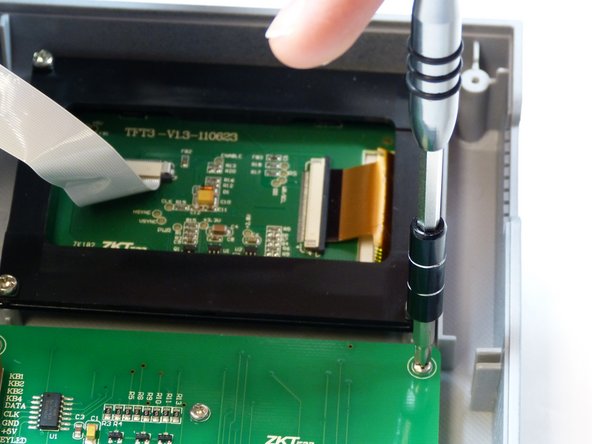
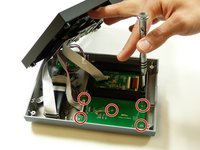
Remove the five 7mm PH #1 screws from the back of the keypad, by rotating the screw driver counter clockwise, removing the screw from the housing completely.
-
-
-
Remove the bundled cable connector from the keyboard by pulling the cable away from the connector in the same direction as the individual wires are running.
-
-



To reassemble your device, follow these instructions in reverse order.

Команда

Idaho State University, Team S4-G1, Watkins Fall 2017 Участник Idaho State University, Team S4-G1, Watkins Fall 2017
ISU-WATKINS-F17S4G1
3 членов
Автор 25 руководств
