

Моя проблема
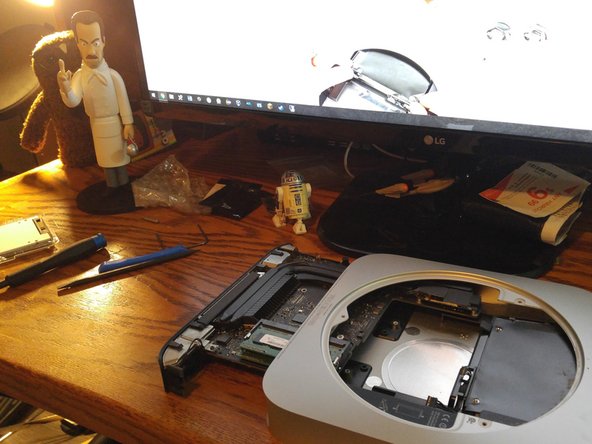
My Mac Mini was running slow and showing its age. I wanted to not replace the drive with an SSD, but ADD and SSD like in the server models.
Моё решение
Everything went well. I supplemented the trickier steps with a couple YouTube videos for reassurance. I am very happy with the final result and my new Pro Tech Toolkit.
Мой совет
Installing the SSD in the original, "lower" slot appears to be the safer approach from the guide comments. You then install the original drive in the upper slot, using the new cable from iFixIt.


0 Комментариев