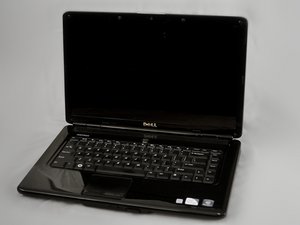

Forgot the pass code
How to reset my pass code
Это хороший вопрос?
Счет
1
Репутация: 13
 1
1
How to reset my pass code
Это хороший вопрос?
Репутация: 1
3
If your operating system is Windows VISTA or Win 7, press the F8 key when you see the Dell logo. It'll take you to the advanced boot menu options, including 'Repair your Computer'. Select that option and enter your password if needed, then you'll see a list of options like 'system restore' and 'command prompt'. The last option displays 'Dell PC restore', or something along those lines. Select this option and read the instructions on the screen.
Был ли этот ответ полезен?
За последние 24 часов: 1
За последние 7 дней: 4
За последние 30 дней: 23
За все время: 522

