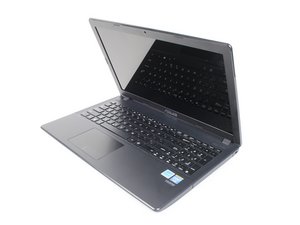

Looking for RAM pinout number.
Does anyone know (or know how to find) the number of pins on the RAM module in order to upgrade correctly?
Это хороший вопрос?
Счет
0
Does anyone know (or know how to find) the number of pins on the RAM module in order to upgrade correctly?
Это хороший вопрос?
Репутация: 319
 4
4
 1
1
You do not need to worry about the number of pins, everything is much easier.
In this model (Asus X551CA) was originally installed PC3-12800 DDR3 SO-DIMM RAM 1600Mhz (204-pin SO-DIMM, if that makes sense).
And to upgrade correctly, all you need to look for is “Laptop DDR3 1600Mhz RAM”.
The onliest thing to keep in mind is the maximum amount of RAM supported by your Asus X551CA (there were some poor configurations that didn’t support more than 4GB of RAM).
Generally, if there are more memory slots than one in your laptop, you should be able to add any of these memory modules to the existing one: https://bit.ly/2YmKfGW
And yes, you may use two different modules from different manufacturers - it won’t make any noticeable sense on X551CA laptop.
Был ли этот ответ полезен?
За последние 24 часов: 0
За последние 7 дней: 1
За последние 30 дней: 4
За всё время: 418

