
Перейти к основному содержанию
Присоединяйся к сообществу ремонтников - Создай аккаунт

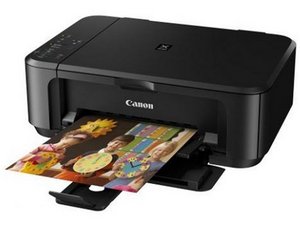
An all-in-one printer and scanner with duplex print and WiFi connection.

My mg7520 has error code b203

My Canon PIXMA MG7520 HAS AN ERROR CODE B203. DO I NEED TO BUY ANOTHER PRINTER

Ответ на этот вопрос У меня та же проблема

Это хороший вопрос?

Счет 1
Добавить комментарий

1 ответ

The error code B203 on your Canon MG7520 printer typically indicates a problem with the print head or an issue with the printer's internal hardware. Here are some steps you can try to troubleshoot the issue:

  1. Restart the Printer: Turn off the printer, unplug it from the power source, wait for about 10 minutes, then plug it back in and turn it on.
  2. Check for Paper Jams: Open the printer and check for any paper jams or obstructions that might be causing the error.
  3. Check Ink Cartridges: Make sure the ink cartridges are properly installed. Remove and reinsert them, ensuring they click into place.
  4. Clean the Print Head: You can try to clean the print head using the printer's maintenance menu. Refer to your user manual for instructions on how to do this.
  5. Reset the Printer: If the issue persists, you can try resetting the printer to its factory settings. Again, refer to your user manual for steps on how to do this.
  6. Contact Support: If none of these steps work, it may be a hardware issue that requires professional assistance. Contact Canon support or a local technician for further help.

Был ли этот ответ полезен?

Счет 0
Добавить комментарий

Добавьте свой ответ

donsul01 буду вечно благодарен.
Статистика просмотров:

За последние 24 часов: 1

За последние 7 дней: 3

За последние 30 дней: 21

За всё время: 512