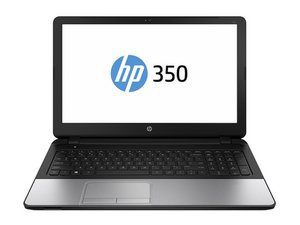

Its not turning on
Its not turning on, i plugged in and then i try but its not turning on 😭
Это хороший вопрос?
Счет
0
Its not turning on, i plugged in and then i try but its not turning on 😭
Это хороший вопрос?
Репутация: 31
 3
3
 1
1
A couple things could be wrong, your battery may need replacing, your power button could be bugged, or you could just be screwed. I recommend closing and opening the lid a couple times and pressing some keys, if that doesn't work open it up see if the battery is inflated, and if it is, replace it, if it isn’t I recommend taking it to a service center. And if your computer smells like smoke its likely fried.
Был ли этот ответ полезен?
Репутация: 864,4к
1,5к
982
 2,4к
2,4к
@ahmedrajput Start off with the easy things. Disconnect the power from the computer by unplugging the power cord from your computer. Disconnect all external devices from the computer. Remove the battery (if you can) Now hold the power button depressed for about 30sec-1min. Reapply the AC power adapter and see if your computer does show any sign of life.
Next you want to check your power supply. Make sure it has the proper voltages. Check to make sure connectors are not bend etc. After that, check the charging port. Clean it of any debris etc, use a few puffs of air to clean it out. Check the DC-in jack of your laptop. Make sure there is no corrosion, debris etc. that prevents it from working. If none of this works, get a ammeter and see if your laptop draws any amperage from the charger. After that, you need to check and see if your motherboard even gets power. For that of course, you need to open it up.
Download the Maintenance and Service guide for your computer from here Here you want to check your DC -In jack cable on page 92 of the manual. Part number for that is 758054-001 Anything after that will be an issue with the motherboard. For that, we will need to know the exact motherboard your system has. The board description are usually on the side that faces the keyboard. So you would have to remove the motherboard for that. It will also help if we can see your motherboard etc. Post some good pictures of it with your question, if nothing else works. Добавление изображений к существующему вопросу
Был ли этот ответ полезен?
За последние 24 часов: 1
За последние 7 дней: 9
За последние 30 дней: 25
За все время: 721



My computer isn't turning on if i plug the charger it won't charge the charginf port is damaged😞😞😞😞
из Gulsara
@gulsara what exact make and model is your computer?
из oldturkey03