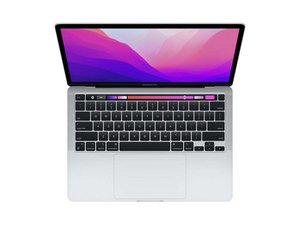

Material under keyboard/hinges
Can anyone help with what this may be? It seems like a piece of cardboard/paper material.


Это хороший вопрос?
Счет
0
Репутация: 29
 3
3
Can anyone help with what this may be? It seems like a piece of cardboard/paper material.
Это хороший вопрос?
Репутация: 502,5к
35
 347
347
 977
977
It looks like you’ve damaged the antenna bar. Review Steps 23 thru 26 in this guide Замена дисплейного модуля MacBook Pro 13" 2022 (M2) you can order a replacement directly from Apple now via their Self repair program.
Был ли этот ответ полезен?
Thanks. So I should take it to Apple store since it is within warranty. I did not do anything tbh but the usual opening of the monitor to power up and use. The material poking out looks like paper/cardboard. Thanks for the answer.
@skinkon - Yes! This part shouldn’t have been used! Someone was asleep in QC! The black plastic failed to mold over the antenna bar.
The sooner you go the better! As they may try to weasel out (local authorized reseller) you may need to go to a real Apple Store or ship it to them.
За последние 24 часов: 0
За последние 7 дней: 1
За последние 30 дней: 5
За всё время: 238

