Перейти к основному содержанию
Присоединяйся к сообществу ремонтников - Создай аккаунт

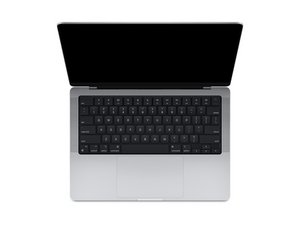
Repair information for MacBook Pro models with 14" displays, first released October 2021.

Disabling Haptics on trackpad

Hi, has anyone found a way to physically disable the Haptic actuator on the trackpad of the Macbook Pro M4? I am thinking about returning it unless I can find a way. The trackpad experience is awful because the haptics make the whole case rattle and feel tinny, even on the lightest setting.

Ответ на этот вопрос У меня та же проблема

Это хороший вопрос?

Счет 0
Добавить комментарий

2 Ответов

Наиболее полезный ответ

You might want to try this tool: https://github.com/shalamand3r/SlabPad

It’s a small utility that disables the Force Touch haptic feedback on MacBook trackpads, which can stop the rattly/tinny feeling while still letting you press to click. Might be worth trying before returning the laptop.

Был ли этот ответ полезен?

Счет 1

3 Комментариев:

Of course look at GitHub for the answer!

из

This is SO helpful! Thank you! This is exactly the kind of app I was looking for. This solved the terrible, tinny haptic feeling.

из

So glad it helped!!!

из

Добавить комментарий

I would recommend you bring the system to an Apple Store for them to checkout. It sounds like yours has a problem. It shouldn't cause the whole case to rattle or feel tinny.

So while one can kill it it's not someing I recommend as you would need to replace it to get it working again.

Был ли этот ответ полезен?

Счет 0
Добавить комментарий

Добавьте свой ответ

Luke L буду вечно благодарен.
Статистика просмотров:

За последние 24 часов: 2

За последние 7 дней: 12

За последние 30 дней: 36

За всё время: 226

