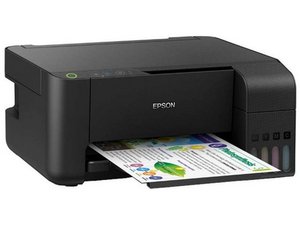

Printer not giving print
Why ja my printer says paper jammed
Это хороший вопрос?
Счет
0
Репутация: 860,1к
 1,4к
1,4к
 974
974
 2,4к
2,4к
@nehashukla the most common issue is that there actually is a piece of paper that is stuck along the paper path. You will need to inspect this carefully. Sometimes a few puffs of canned air cleans out the paper path.

If there is absolutely no paper that could cause this, the issue maybe related to the PE sensor or the main board. Use the Epson L3150 SM to work on that. You can always trace the PE sensor from the PE connector on the main board. Also, inspect the PE lever spring to make sure that it is all still fully engaged.
Был ли этот ответ полезен?
Репутация: 43
2
The slightest paper, or dirty roller on the L3150 could activate this error. Perhaps check the paper path very carefully and clean rollers if possible
Был ли этот ответ полезен?
За последние 24 часов: 0
За последние 7 дней: 4
За последние 30 дней: 17
За всё время: 79


