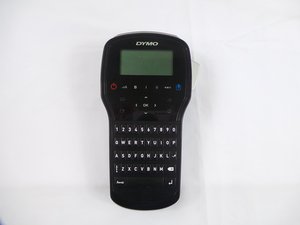
Задняя крышка
Этот перевод был сделан машиной и пока не проверен человеком. Говоришь на этом языке? Проверить перевод.
|
2 Ответов 1 Оценка |
Why isn't my cutter working correctly? |
|
1 ответ 0 Оценка |
What are all the hidden menus on the device? |
|
1 ответ 0 Оценка |
My screen is too dark or looks faded. |
|
1 ответ 0 Оценка |
Why is my alphabet coming up with Spanish characters |
Вот некоторые основные инструменты, используемые для работы на данном устройстве. Вам, возможно, не понадобиться каждый инструмент для каждой процедуры.
Если у вас возникли трудности с Dymo LabelManager 280, попробуйте обратиться к странице устранения неисправностей.
По сравнению с предыдущими версиями, LabelManager 280 обладает несколькими важными функциями, которых не было ранее. Эта версия позволяет создавать этикетки с использованием 6 размеров шрифта, 7 стилей текста, 8 рамок и подчеркивания, а также 220 символов и клипартов. Устройство также оснащено перезаряжаемым литий-ионным аккумулятором.
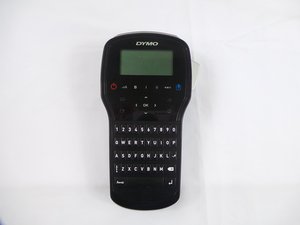
Название модели Dymo LabelManager 280 напечатано непосредственно на задней крышке принтера.
Краткое справочное руководство по ремонту LabelManager 280
Руководство пользователя DYMO LabelManager 280
Руководство пользователя DYMO LabelManager 280
DYMO LabelManager 280 Guía del Usuario
USFT-EYESTONE-S16S6G5
3 членов
Автор 36 руководств
За последние 24 часов: 1
За последние 7 дней: 9
За последние 30 дней: 56
За все время: 2,762