Перейти к основному содержанию
Присоединяйся к сообществу ремонтников - Создай аккаунт

ASUS Transformer Book Flip TP500LA Fan Replacement

Выберете то, что вам нужно

  1. ASUS Transformer Book Flip TP500LA Fan Replacement, Back Case: шаг 1, изображение 1 из 3 ASUS Transformer Book Flip TP500LA Fan Replacement, Back Case: шаг 1, изображение 2 из 3 ASUS Transformer Book Flip TP500LA Fan Replacement, Back Case: шаг 1, изображение 3 из 3
    • Remove the ten 10 mm Phillips #0 screws found on the computer's back case.

    Спросите у FixBot

    Добавить комментарий

  2. ASUS Transformer Book Flip TP500LA Fan Replacement: шаг 2, изображение 1 из 2 ASUS Transformer Book Flip TP500LA Fan Replacement: шаг 2, изображение 2 из 2
    Инструмент, используемый на этом этапе:
    Heavy-Duty Spudger
    $4.99
    • Slide a heavy-duty spudger between the back case and the computer.

    • Slowly work around the edges to undo the clips to fully separate the back case from the computer.

    • Gently lift off the back case.

    Спросите у FixBot

    Добавить комментарий

  3. ASUS Transformer Book Flip TP500LA Fan Replacement, Battery: шаг 3, изображение 1 из 2 ASUS Transformer Book Flip TP500LA Fan Replacement, Battery: шаг 3, изображение 2 из 2
    Инструмент, используемый на этом этапе:
    Heavy-Duty Spudger
    $4.99
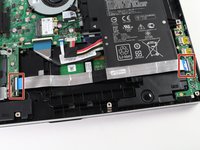
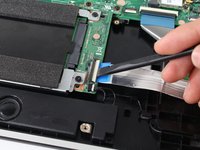
    • Slide a heavy-duty spudger into the ZIF connector and gently flip up the retaining flap to open the connector.

    • Pull the blue tab to remove the ribbon.

    Спросите у FixBot

    Добавить комментарий

  4. ASUS Transformer Book Flip TP500LA Fan Replacement: шаг 4, изображение 1 из 2 ASUS Transformer Book Flip TP500LA Fan Replacement: шаг 4, изображение 2 из 2
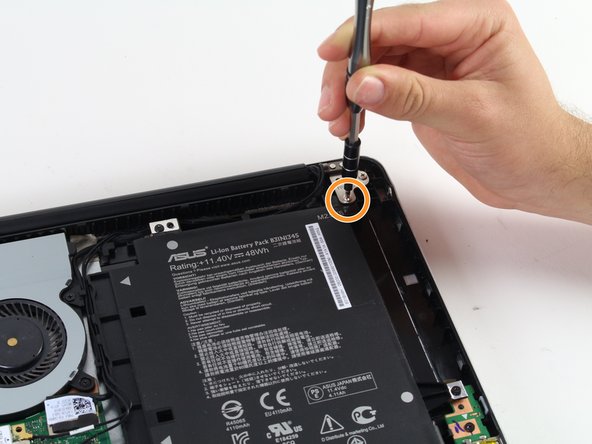
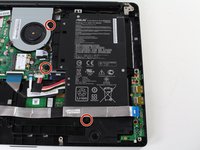
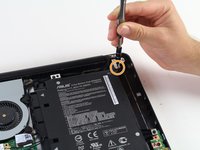
    • Remove the three 5 mm Phillips #0 screws.

    • Remove the single 6 mm Phillips #0 screw.

    Спросите у FixBot

    Добавить комментарий

  5. ASUS Transformer Book Flip TP500LA Fan Replacement: шаг 5, изображение 1 из 2 ASUS Transformer Book Flip TP500LA Fan Replacement: шаг 5, изображение 2 из 2
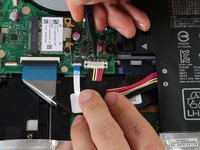
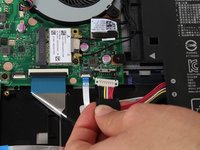
    • Use the heavy-duty spudger to pry the white 8-pin connector away from the motherboard.

    • Gently pull the connector away from the motherboard.

    • The black 8-pin connector on the motherboard is very fragile, so be careful when removing the white 8-pin connector.

    Спросите у FixBot

    Добавить комментарий

  6. ASUS Transformer Book Flip TP500LA Fan Replacement: шаг 6, изображение 1 из 2 ASUS Transformer Book Flip TP500LA Fan Replacement: шаг 6, изображение 2 из 2
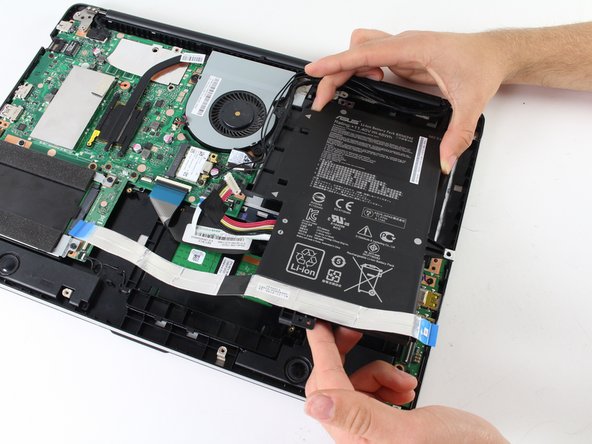
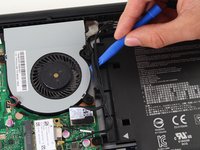
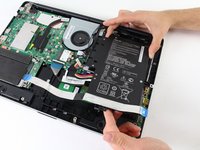
    • Use the blue plastic opening tool to loosen and remove the three black wires from the battery.

    • Slide the battery out from the computer to remove.

    Спросите у FixBot

    Добавить комментарий

  7. ASUS Transformer Book Flip TP500LA Fan Replacement, Fan: шаг 7, изображение 1 из 2 ASUS Transformer Book Flip TP500LA Fan Replacement, Fan: шаг 7, изображение 2 из 2
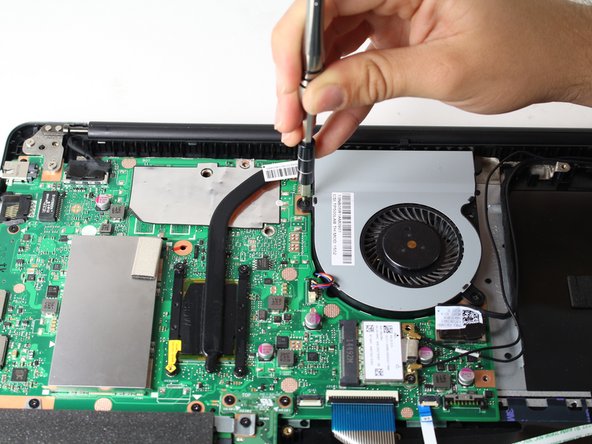
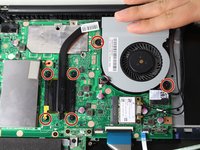
    • Unscrew the six 5 mm Phillips #0 screws.

    Спросите у FixBot

    Добавить комментарий

  8. ASUS Transformer Book Flip TP500LA Fan Replacement: шаг 8, изображение 1 из 3 ASUS Transformer Book Flip TP500LA Fan Replacement: шаг 8, изображение 2 из 3 ASUS Transformer Book Flip TP500LA Fan Replacement: шаг 8, изображение 3 из 3
    Инструмент, используемый на этом этапе:
    Tweezers
    $4.99
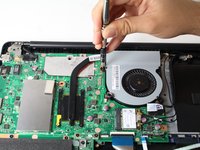
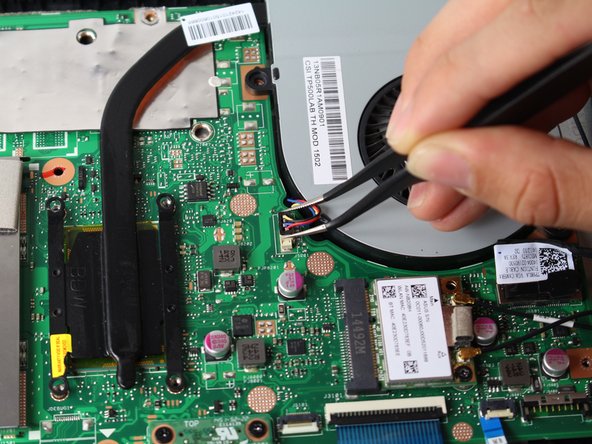
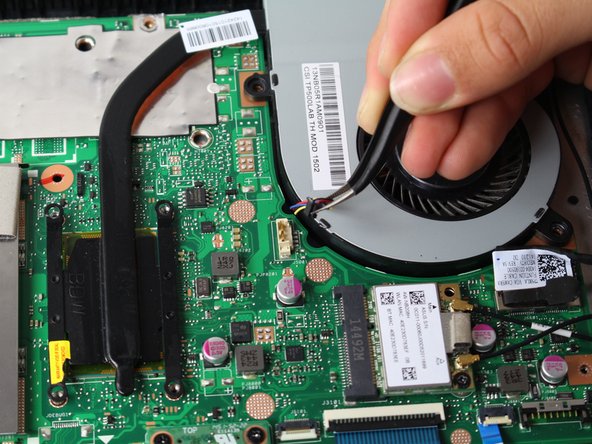
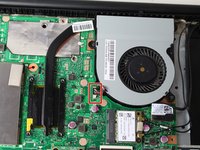
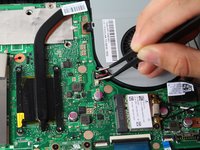
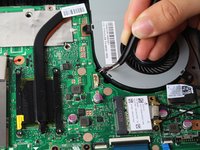
    • Grasp the top of the 3-pin connector with tweezers.

    • Wiggle the connector until it loosens itself from the motherboard.

    • Gently lift the connector from the motherboard attachment.

    Спросите у FixBot

    Добавить комментарий

  9. ASUS Transformer Book Flip TP500LA Fan Replacement: шаг 9, изображение 1 из 1
    • Carefully lift the fan off the motherboard.

    • Attached to the fan is thermal pasting that needs to be reapplied when attaching the fan back to the motherboard. Follow this guide to reapply thermal pasting correctly.

    Спросите у FixBot

    Добавить комментарий

Заключение

To reassemble your device, follow these instructions in reverse order.

Отменить: Я не выполнил это руководство.

4 человек успешно провели ремонт по этому руководству.

Solomon Dovinh

Участник с: 04/10/17

435 Репутация

Автор 2 руководств

Команда

Cal Poly, Team S13-G5, Forte Spring 2017 Участник Cal Poly, Team S13-G5, Forte Spring 2017

CPSU-FORTE-S17S13G5

3 членов

Автор 6 руководств

0 Комментарии к руководству

Добавить комментарий

Статистика просмотров:

За последние 24 часов: 3

За последние 7 дней: 6

За последние 30 дней: 19

За всё время: 2,279