Перейти к основному содержанию
Присоединяйся к сообществу ремонтников - Создай аккаунт

Android tablet Nobis NB09 Speaker Replacement

Выберете то, что вам нужно

    1. Android tablet Nobis NB09 Speaker Replacement, Back Cover: шаг 1, изображение 1 из 1
      • Remove the two 00 Phillips screws located in the right hand side of the tablet.

      Спросите у FixBot

      Добавить комментарий

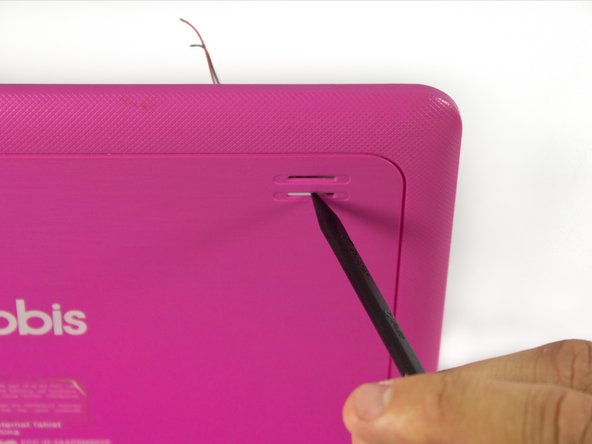
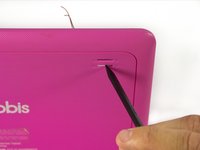
    2. Android tablet Nobis NB09 Speaker Replacement: шаг 2, изображение 1 из 3 Android tablet Nobis NB09 Speaker Replacement: шаг 2, изображение 2 из 3 Android tablet Nobis NB09 Speaker Replacement: шаг 2, изображение 3 из 3
      • Use plastic opening tools to loosen and pry off the back plate (pink piece).

      • When removing the cover, be careful not to pull too hard as there are wires connected to the motherboard attached to the back cover.

      Спросите у FixBot

      Добавить комментарий

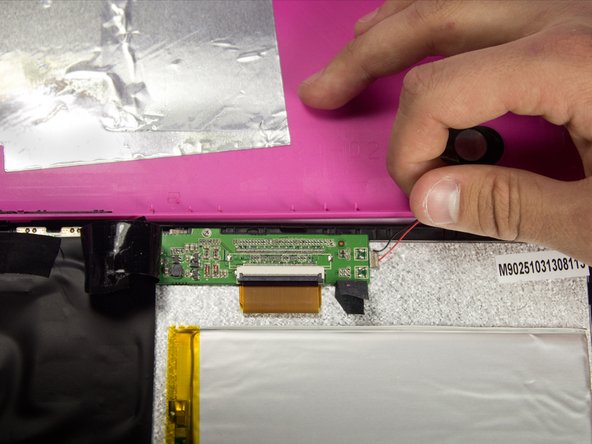
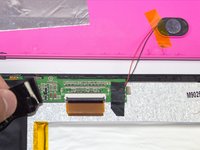
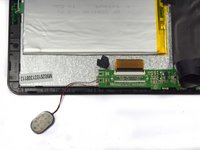
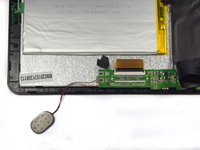
    1. Android tablet Nobis NB09 Speaker Replacement, Speaker: шаг 3, изображение 1 из 2 Android tablet Nobis NB09 Speaker Replacement, Speaker: шаг 3, изображение 2 из 2
      • It is recommended that a grounding bracelet be used in order to avoid damage to the device's circuits through ESD (Electro-Static Discharge).

      • The speaker is located on the top left hand side of the tablet.

      • Remove the electrical tape covering the connections to expose the wires.

      Спросите у FixBot

      Добавить комментарий

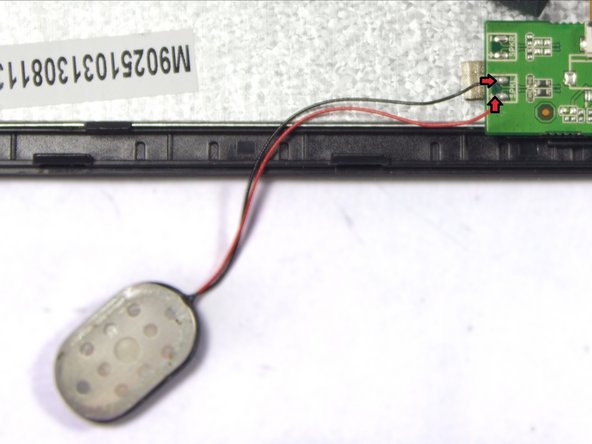
    2. Android tablet Nobis NB09 Speaker Replacement: шаг 4, изображение 1 из 1
      • Disconnect the faulty speaker by desoldering the two wire connections.

      • Make sure to not damage the motherboard.

      Спросите у FixBot

      Добавить комментарий

    3. Android tablet Nobis NB09 Speaker Replacement: шаг 5, изображение 1 из 1
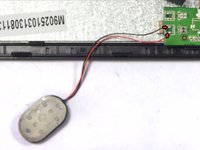
      • Remove the tape holding the speaker in its socket.

      Спросите у FixBot

      Добавить комментарий

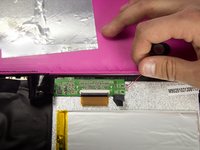
    4. Android tablet Nobis NB09 Speaker Replacement: шаг 6, изображение 1 из 2 Android tablet Nobis NB09 Speaker Replacement: шаг 6, изображение 2 из 2
      • Remove the speaker from its socket. Placing the speaker to the side of your device will give you more freedom.

      • Gently pushing the speaker from the back side of the cover with a pointy edge of spudger tool will make this step easier.

      Спросите у FixBot

      Добавить комментарий

    5. Android tablet Nobis NB09 Speaker Replacement: шаг 7, изображение 1 из 2 Android tablet Nobis NB09 Speaker Replacement: шаг 7, изображение 2 из 2
      • Use a soldering iron to extract excess solder using a desoldering braid.

      • Solder the speakers wires back to the motherboard.

      • Review the iFixit soldering guide for help with soldering.

      • Connect red wire to the positive terminal marked "+", and the black wire to the negative terminal marked "-".

      Спросите у FixBot

      Добавить комментарий

Заключение

To reassemble your device, follow these instructions in reverse order. Do not forget to put electrical tape back in place.

Отменить: Я не выполнил это руководство.

2 человек успешно провели ремонт по этому руководству.

Sergey Kasyanov

Участник с: 03/26/15

237 Репутация

Автор 2 руководств

Команда

UMass Dartmouth, Team 7-1, Cichon Spring 2015 Участник UMass Dartmouth, Team 7-1, Cichon Spring 2015

UMASSD-CICHON-S15S7G1

4 членов

Автор 12 руководств

0 Комментарии к руководству

Добавить комментарий

Статистика просмотров:

За последние 24 часов: 1

За последние 7 дней: 5

За последние 30 дней: 26

За всё время: 806