Введение
Is the camera on your Asus Transformer Pad Infinity broken? Follow this guide for instructions on how to replace the camera in your Asus Transformer Pad tablet.
Выберете то, что вам нужно
-
-
First, turn the power off
 Спросите у FixBot
-
-
-
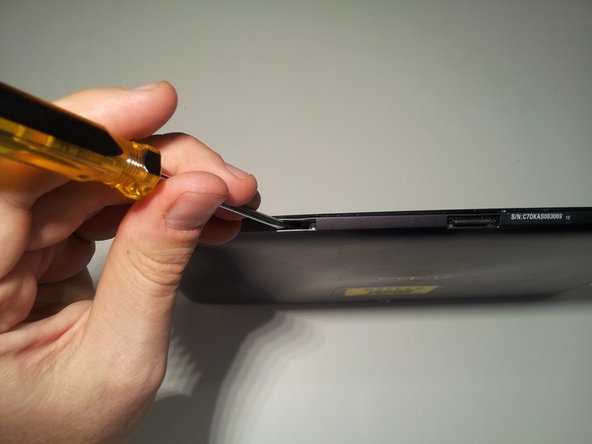
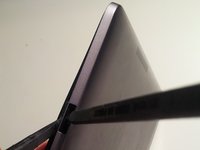
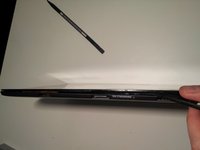
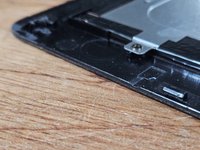
Insert a small flat head screwdriver into the 2 docking station guide ports on the bottom of the tablet.
-
Unlock screen casing tabs
-
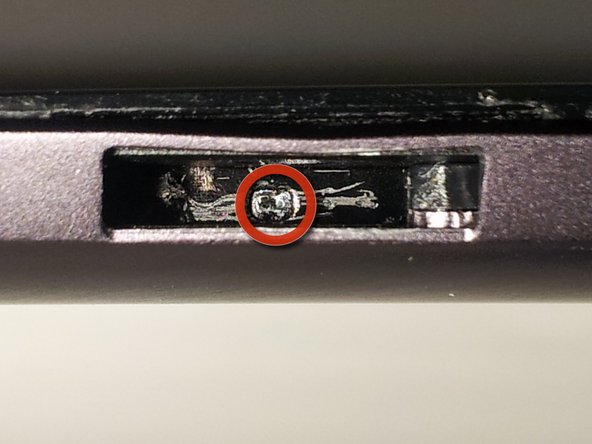
Push tab with screwdriver to the right until it clicks
-
You should see a small arrow in the bottom of the port
-
Unlock the tabs in both docking station guide ports.
-
-
-
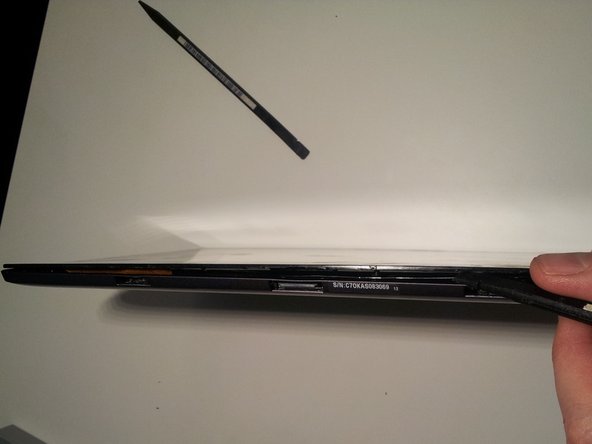
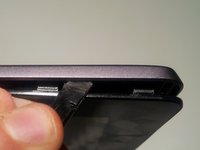
Use spudger to push upward on the small plastic tabs on top of the docking station guide ports.
-
Insert the flat side of another spudger to start freeing the bottom of the screen from the case.
-
-
-
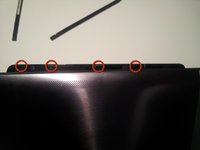
Use your spudger to open the four plastic tabs located on either side of the tablet.
-
Remove the screen from the body
-
-
-
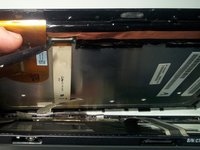
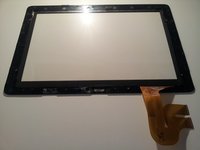
Use your spudger to release the two digitizer ribbon cables from the mainboard.
-
Located on the left side of the tablet between the micro-HDMI and the microSD slot.
-
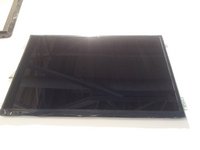
Use your spudger to release the LCD cable from the back of the LCD.
-
Set aside for later dissection.
-
-
-
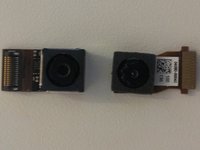
To remove the front facing camera (right):
-
Use your spudger to unlock the ribbon cable
-
Slide the camera out
-
To remove the rear facing camera (top):
-
Apply light lifting pressure to unplug it from it's socket
-
Remove the backup battery on the right side:
-
Unplug the cable from the motherboard with your spudger
-
-
-
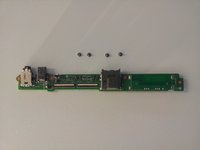
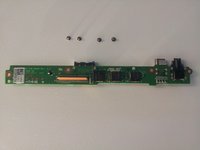
Remove the motherboard, daughterboard, and dock connector
-
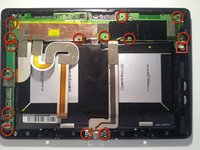
Unscrew 14 points
-
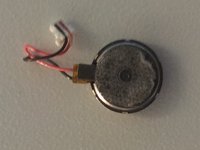
Unplug the speaker from the motherboard before removing it
-
Reveal the battery connector:
-
Flip the motherboard from the top edge of the tablet down (towards the battery).
-
Unplug with light pressure from your spudger.
-
Disconnect the motherboard from the daughterboard:
-
Unlock the ribbon cable on the back side of the daughterboard
-
-
-
-
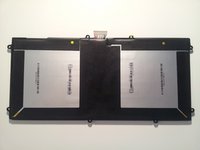
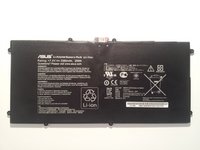
Remove the battery:
-
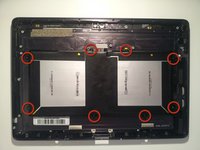
Remove screws (eight)
-
Use your spudger underneath the battery between the 2 cells to work it free
-
-
-
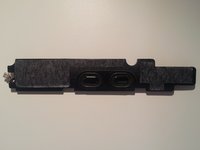
Remove the speaker:
-
Use your spudger underneath, and work it free
-
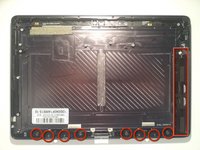
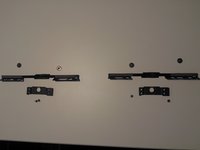
Remove the bottom screen locking mechanism:
-
Remove screws (eight)
-
Lift pieces out
-
-
-
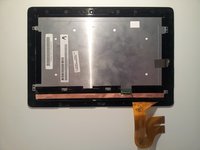
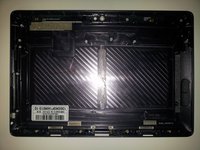
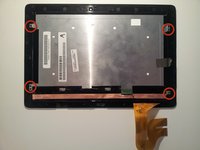
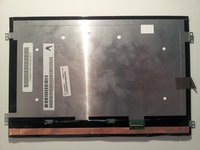
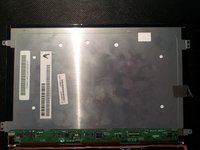
Now that we're left with a boring empty shell, let's return to the LCD assembly that we set aside in Step 5.
-
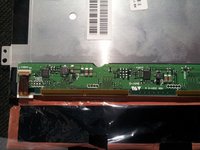
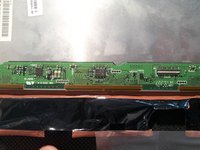
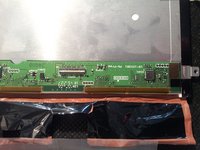
Remove the 4 screws. Then work your spudger underneath the edges of the LCD to separate it from the Gorilla Glass front. It has a light adhesive around all edges.
-
-
-
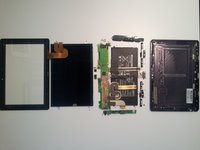
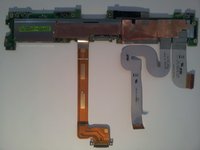
With the LCD free, you should now be able to lay it out in a big pile of parts and the teardown is complete. Now let's see what's under all those heatsinks and tape.
-
-
-
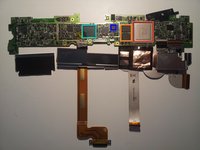
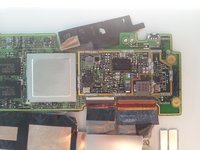
The front side of the motherboard is where all the action is.
-
Tegra 3 quad core processor T33-P-A3
-
2x Elpida memory J4216EBBG-GNL-F
-
Realtek? ALCS631
-
Hynix H26M64002BNR e-NAND
-
-
-
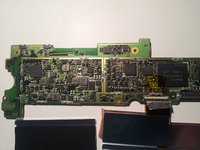
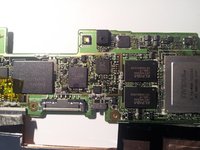
Close-ups.
-
That's all I've got. I apologize for any blurry pics as all I had on hand was my cell phone ( <3 Samsung Galaxy Note.) I hope your teardowns are far less destructive than mine was. Good Luck.
-
...and yes, it still works after reassembly. Thanks for asking.
-
-
-
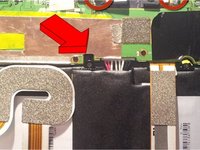
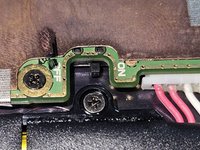
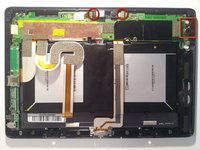
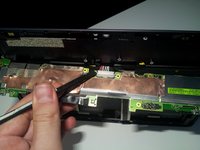
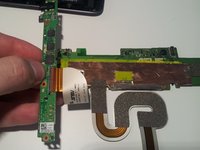
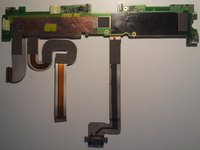
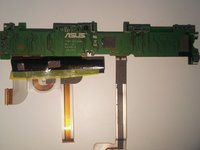
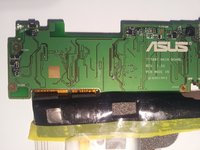
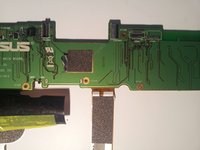
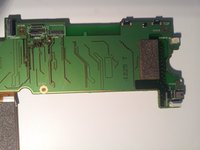
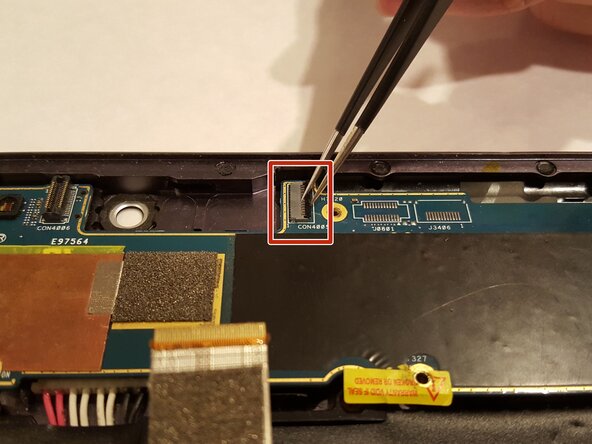
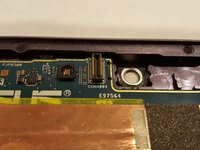
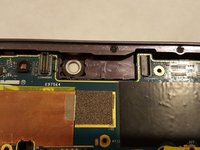
Disconnect the camera connectors from the board.
-
-
-
Flip the pieces that secure the ribbons to the motherboard up. This is for the front facing camera.
-
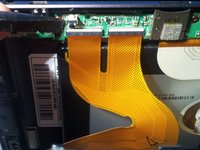
Take out the ribbon connected to the motherboard. Pull the ribbon cable straight out of the soket to disconnect them.
-







































To reassemble your device, follow these instructions in reverse order. Take your e-waste to an R2 or e-Stewards certified recycler.

Команда

UMass Dartmouth, Team 5-1, Gulbrandsen Fall 2015 Участник UMass Dartmouth, Team 5-1, Gulbrandsen Fall 2015
UMASSD-GULBRANDSEN-F15S5G1
3 членов
Автор 10 руководств
