Перейти к основному содержанию

Backbone One Left Mainboard Replacement

Выберете то, что вам нужно

  1. Backbone One Left Mainboard Replacement, Unfasten the screws: шаг 1, изображение 1 из 1
    • Use a Phillips screwdriver to remove the four 5.9 mm-long screws.

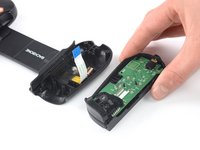
  2. Backbone One Left Mainboard Replacement, Rotate the upper cover: шаг 2, изображение 1 из 3 Backbone One Left Mainboard Replacement, Rotate the upper cover: шаг 2, изображение 2 из 3 Backbone One Left Mainboard Replacement, Rotate the upper cover: шаг 2, изображение 3 из 3
    • Lift up the upper part of the controller.

    • Swing over the upper cover and place it on the controller case.

    • Take care that the interconnecting cable has no tension.

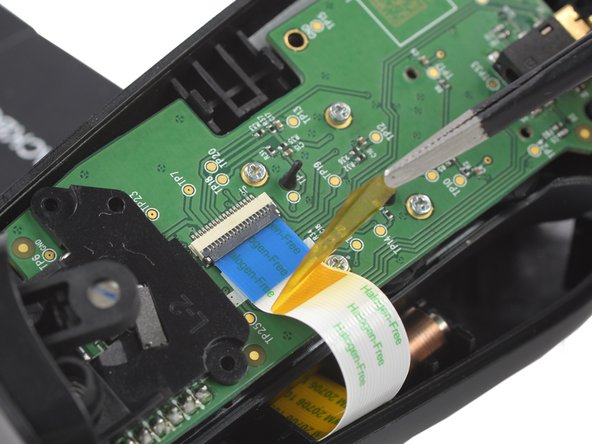
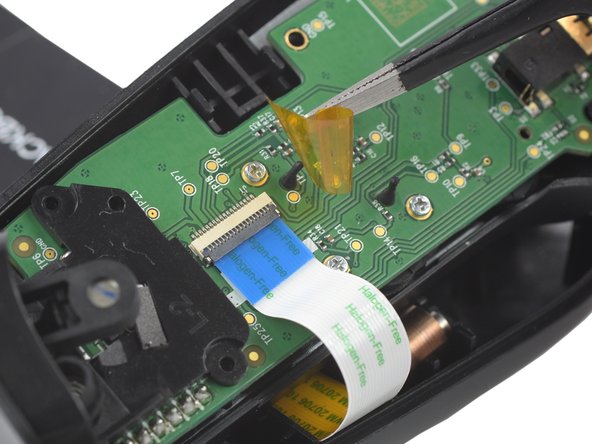
  3. Backbone One Left Mainboard Replacement, Remove the protective tape: шаг 3, изображение 1 из 3 Backbone One Left Mainboard Replacement, Remove the protective tape: шаг 3, изображение 2 из 3 Backbone One Left Mainboard Replacement, Remove the protective tape: шаг 3, изображение 3 из 3
    Инструмент, используемый на этом этапе:
    Tweezers
    $4.99
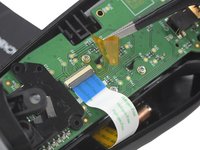
    • Use a pair of tweezers to remove the yellow protective tape which is placed over the interconnect cable connector.

  4. Backbone One Left Mainboard Replacement, Open the ZIF connector: шаг 4, изображение 1 из 2 Backbone One Left Mainboard Replacement, Open the ZIF connector: шаг 4, изображение 2 из 2
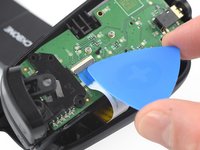
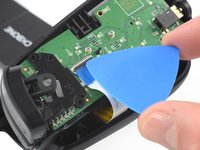
    • Use the tip of an opening pick to open the gray flap of the ZIF connector by pushing it upwards.

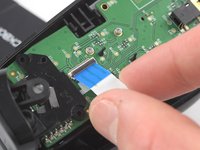
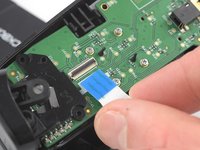
  5. Backbone One Left Mainboard Replacement, Disconnect the interconnect cable: шаг 5, изображение 1 из 2 Backbone One Left Mainboard Replacement, Disconnect the interconnect cable: шаг 5, изображение 2 из 2
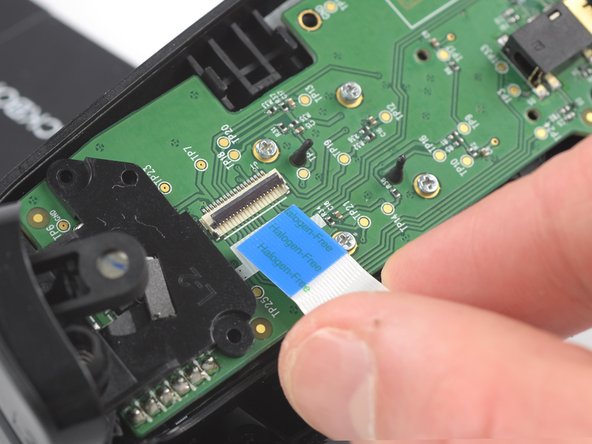
    • Use your fingers to disconnect the interconnect cable from its connector.

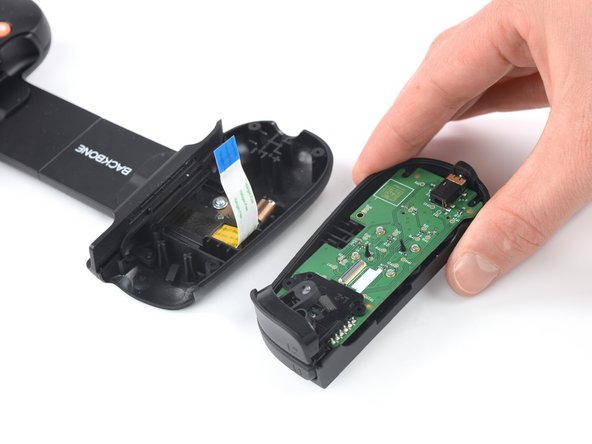
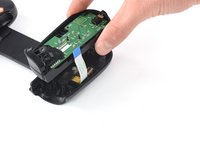
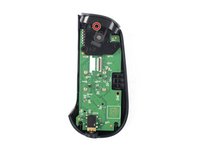
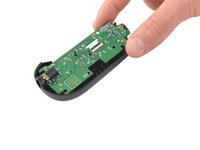
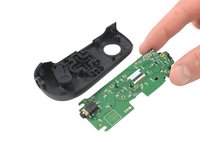
  6. Backbone One Left Mainboard Replacement: шаг 6, изображение 1 из 2 Backbone One Left Mainboard Replacement: шаг 6, изображение 2 из 2
    • Remove the upper half of the left controller assembly.

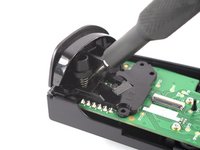
  7. Backbone One Left Mainboard Replacement, Remove the screw: шаг 7, изображение 1 из 2 Backbone One Left Mainboard Replacement, Remove the screw: шаг 7, изображение 2 из 2
    • Use a Phillips screwdriver to remove the 5.9 mm-long screw which is securing the trigger.

    • The screw is difficult to reach. Insert the screwdriver at an angle of 45 degrees.

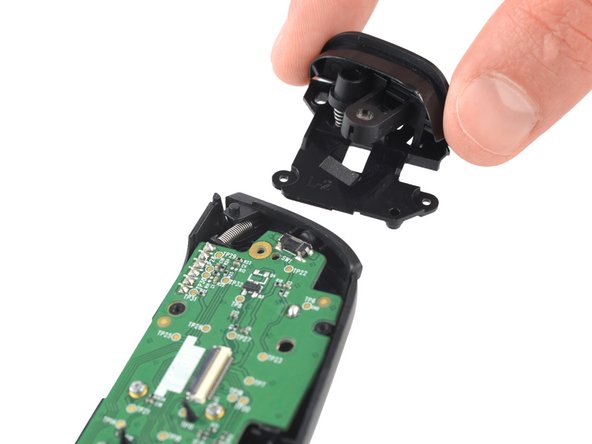
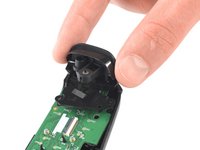
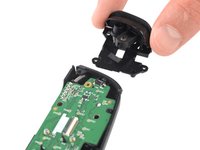
  8. Backbone One Left Mainboard Replacement, Remove the trigger: шаг 8, изображение 1 из 2 Backbone One Left Mainboard Replacement, Remove the trigger: шаг 8, изображение 2 из 2
    • Remove the left trigger.

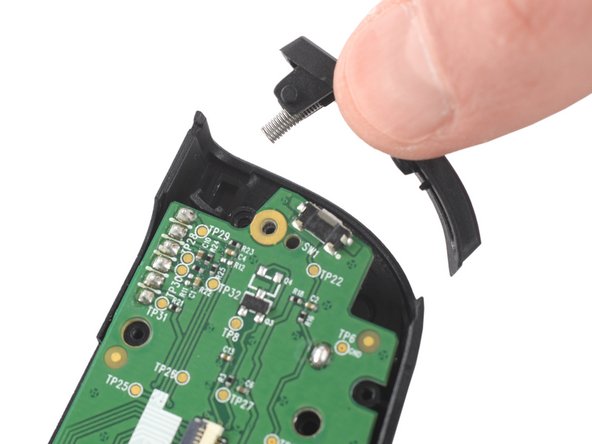
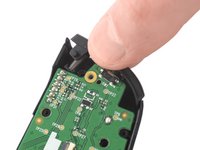
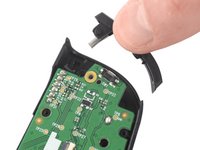
  9. Backbone One Left Mainboard Replacement, Remove the bumper: шаг 9, изображение 1 из 2 Backbone One Left Mainboard Replacement, Remove the bumper: шаг 9, изображение 2 из 2
    • Use your fingers to remove the left bumper.

  10. Backbone One Left Mainboard Replacement, Remove the screws: шаг 10, изображение 1 из 1
    • Use a Phillips screwdriver to remove the four 3.9 mm-long screws.

  11. Backbone One Left Mainboard Replacement, Remove the mainboard: шаг 11, изображение 1 из 2 Backbone One Left Mainboard Replacement, Remove the mainboard: шаг 11, изображение 2 из 2
    • Remove the mainboard.

Заключение

To reassemble your device, follow these instructions in reverse order.

Take your e-waste to an R2 or e-Stewards certified recycler.

Repair didn’t go as planned? Ask our Answers community for help.

2 человек успешно провели ремонт по этому руководству.

Adriana Zwink

Участник с: 12/18/19

61 760 Репутация

Автор 167 руководств

Команда

iFixit Участник iFixit

Staff

123 членов

Автор 23 608 руководств

1 Комментарий к руководству

In my unit, there were two more screws at step (10), in the upper part of the controller, near the trigger. They may have changed the number of screws used in manufacturing at some point.

Mario - Ответить
Добавить комментарий

Статистика просмотров:

За последние 24 часов: 0

За последние 7 дней: 18

За последние 30 дней: 99

За всё время: 2,897