Перейти к основному содержанию
Присоединяйся к сообществу ремонтников - Создай аккаунт

D-Link DIR-890L Power Switch Replacement

Выберете то, что вам нужно

    1. D-Link DIR-890L Power Switch Replacement, Case: шаг 1, изображение 1 из 3 D-Link DIR-890L Power Switch Replacement, Case: шаг 1, изображение 2 из 3 D-Link DIR-890L Power Switch Replacement, Case: шаг 1, изображение 3 из 3
      • Peel off the four rubber rectangular feet with your fingers.

      • The feet may be hard to remove. Apply additional force if necessary.

      Спросите у FixBot

      Добавить комментарий

    2. D-Link DIR-890L Power Switch Replacement: шаг 2, изображение 1 из 3 D-Link DIR-890L Power Switch Replacement: шаг 2, изображение 2 из 3 D-Link DIR-890L Power Switch Replacement: шаг 2, изображение 3 из 3
      • Unscrew the 5mm screws in each corner using the Phillips #1 screwdriver.

      Спросите у FixBot

      Добавить комментарий

    3. D-Link DIR-890L Power Switch Replacement: шаг 3, изображение 1 из 3 D-Link DIR-890L Power Switch Replacement: шаг 3, изображение 2 из 3 D-Link DIR-890L Power Switch Replacement: шаг 3, изображение 3 из 3
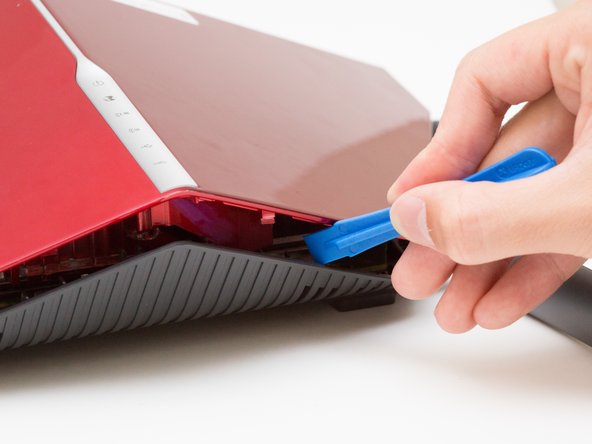
      • Wedge the opening tool between the red top panel and the gray bottom panel.

      • Twist the opening tool to separate the panels. Work your way around the case until both of the panels are separated.

      Спросите у FixBot

      Добавить комментарий

    1. D-Link DIR-890L Power Switch Replacement, Motherboard: шаг 4, изображение 1 из 1
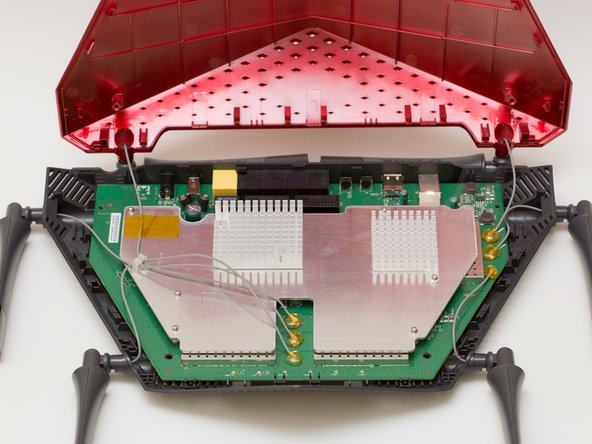
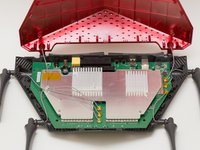
      • Orient the router so the narrow end of the router faces you and the ports face away from you.

      • The six, hot-glued antenna connections are in the middle and at the top right of the motherboard.

      Спросите у FixBot

      Добавить комментарий

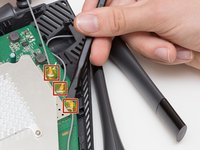
    2. D-Link DIR-890L Power Switch Replacement: шаг 5, изображение 1 из 3 D-Link DIR-890L Power Switch Replacement: шаг 5, изображение 2 из 3 D-Link DIR-890L Power Switch Replacement: шаг 5, изображение 3 из 3
      Инструмент, используемый на этом этапе:
      Heavy-Duty Spudger
      $4.99
      Спросите у FixBot

      Добавить комментарий

    3. D-Link DIR-890L Power Switch Replacement: шаг 6, изображение 1 из 2 D-Link DIR-890L Power Switch Replacement: шаг 6, изображение 2 из 2
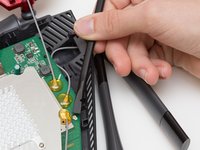
      • Continue to pry off the last three antenna connections on the upper right portion of the motherboard.

      Спросите у FixBot

      Добавить комментарий

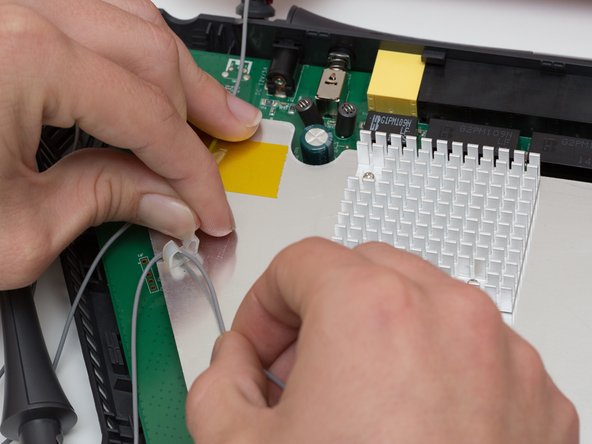
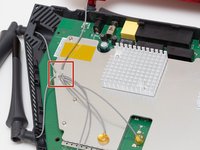
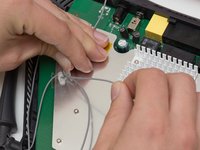
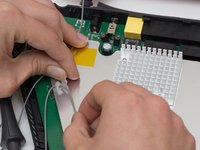
    4. D-Link DIR-890L Power Switch Replacement: шаг 7, изображение 1 из 3 D-Link DIR-890L Power Switch Replacement: шаг 7, изображение 2 из 3 D-Link DIR-890L Power Switch Replacement: шаг 7, изображение 3 из 3
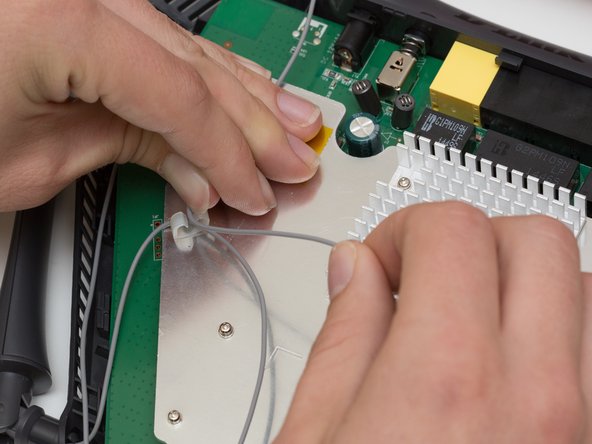
      • Open the plastic bracket enclosing the three antenna wires and pull the wires out with your hands.

      Спросите у FixBot

      Добавить комментарий

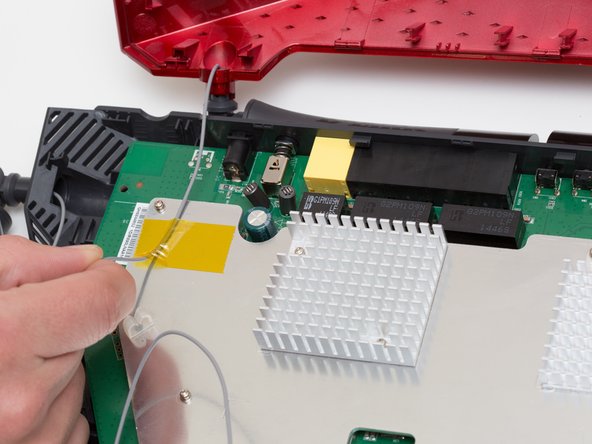
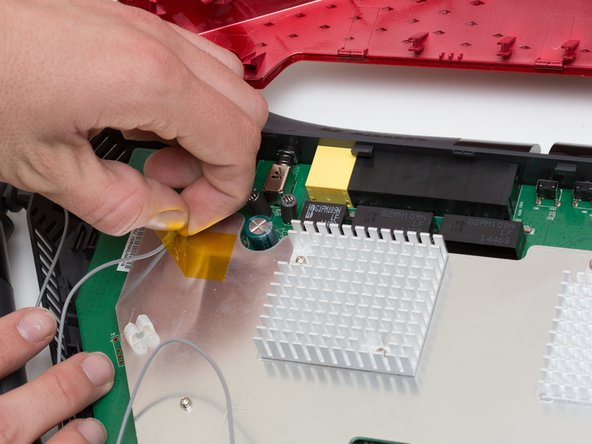
    5. D-Link DIR-890L Power Switch Replacement: шаг 8, изображение 1 из 3 D-Link DIR-890L Power Switch Replacement: шаг 8, изображение 2 из 3 D-Link DIR-890L Power Switch Replacement: шаг 8, изображение 3 из 3
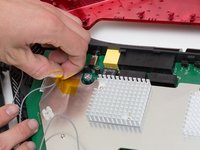
      • Pull the yellow tape off of the motherboard to release the final antenna wire.

      Спросите у FixBot

      Добавить комментарий

    6. D-Link DIR-890L Power Switch Replacement: шаг 9, изображение 1 из 2 D-Link DIR-890L Power Switch Replacement: шаг 9, изображение 2 из 2
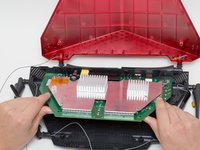
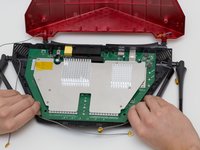
      • Pull the the motherboard away from the case to remove it. Start on the side closest to you, and pull up and out.

      Спросите у FixBot

      Добавить комментарий

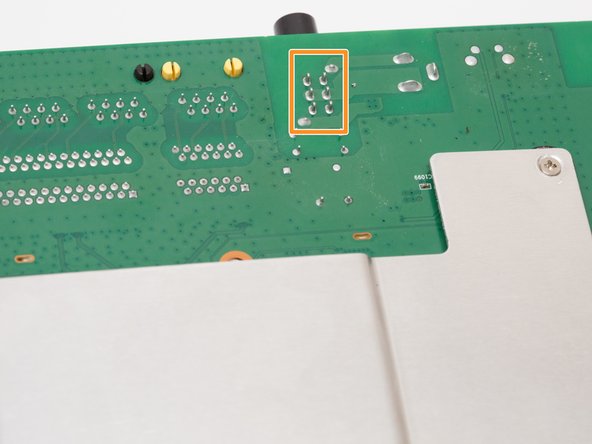
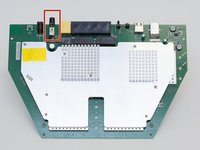
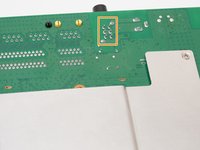
    1. D-Link DIR-890L Power Switch Replacement, Power Switch: шаг 10, изображение 1 из 3 D-Link DIR-890L Power Switch Replacement, Power Switch: шаг 10, изображение 2 из 3 D-Link DIR-890L Power Switch Replacement, Power Switch: шаг 10, изображение 3 из 3
      • Locate the power switch on the top left of the motherboard.

      • The power switch is the component that sticks out the furthest.

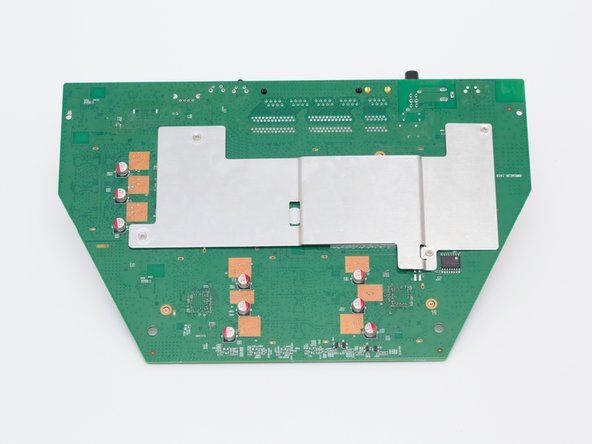
      • Turn the motherboard upside down.

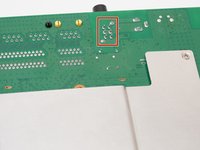
      • Locate the 6 solder joints that connect the power switch to the motherboard. They are arranged in 2 columns of 3.

      Спросите у FixBot

      Добавить комментарий

    2. D-Link DIR-890L Power Switch Replacement: шаг 11, изображение 1 из 2 D-Link DIR-890L Power Switch Replacement: шаг 11, изображение 2 из 2
      Инструмент, используемый на этом этапе:
      Desoldering Pump
      $3.99
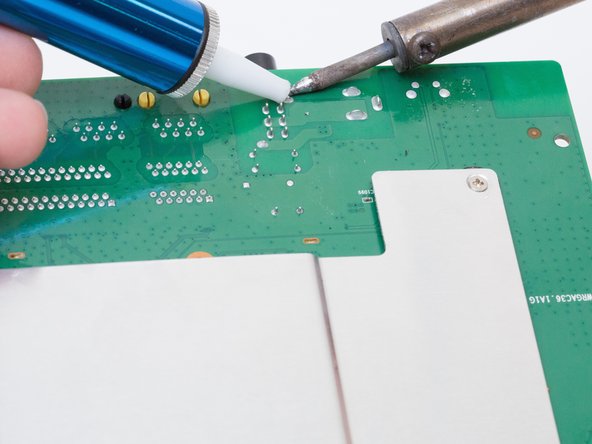
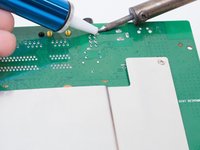
      • Using a soldering iron and desoldering pump, desolder the power switch from the board.

      • For more information, see this guide on desoldering.

      Спросите у FixBot

      Добавить комментарий

Заключение

To reassemble your device, follow these instructions in reverse order.

Отменить: Я не выполнил это руководство.

Rachel Shaw

Участник с: 10/06/16

553 Репутация

Автор 5 руководств

Команда

Cal Poly, Team 10-7, Livingston Fall 2016 Участник Cal Poly, Team 10-7, Livingston Fall 2016

CPSU-LIVINGSTON-F16S10G7

4 членов

Автор 24 руководств

0 Комментарии к руководству

Добавить комментарий

Статистика просмотров:

За последние 24 часов: 3

За последние 7 дней: 5

За последние 30 дней: 31

За всё время: 1,498