Введение
Using this guide is essential if your Epson Powerlite 410W projector is plugged in, but not turning on, or has been physically damaged.
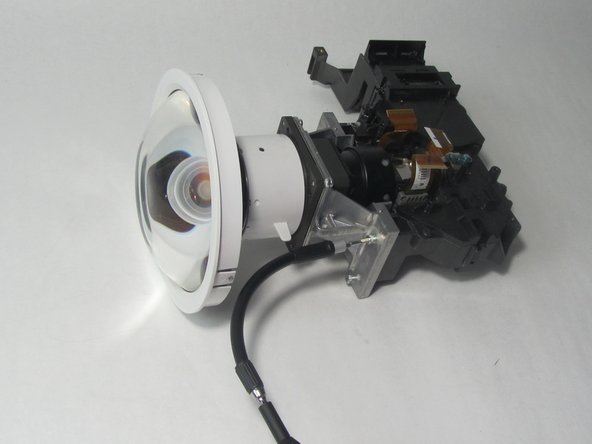
The lens is the part of the projector that focuses the light produced by the lamp onto whatever the projector is projecting onto. The lens is made of glass, so it can get scratched, shattered, or chipped, rendering it useless and in need of replacement.
The lens is only one component of the projector that can prevent it from working, so refer to the troubleshooting page
Make sure to replace the lens with a compatible replacement lens, since there are many lenses of various types that do not all work on the Epson Powerlite 410W
Выберете то, что вам нужно
-
-
-
Press the power button located on top of the projector.
 Спросите у FixBot
-
-
-
Remove eight screws from the bottom of the device using a Phillips #00 screwdriver.
-
-
-
Turn the projector so the power button is on top.
-
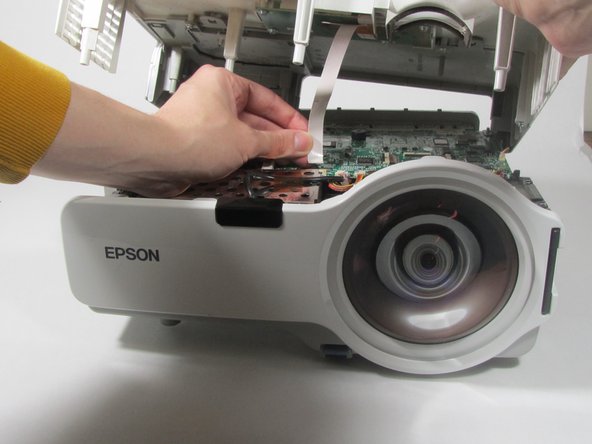
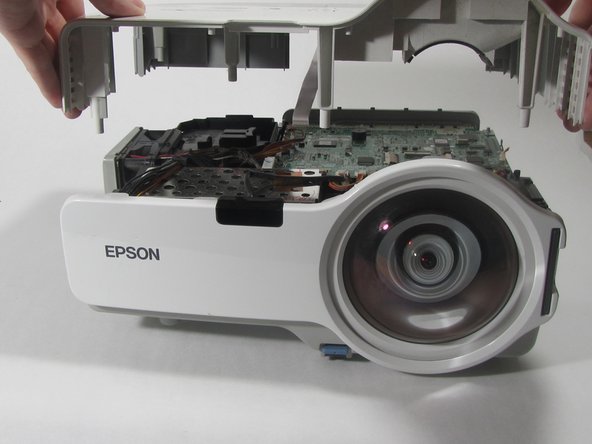
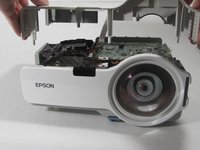
Gently pull up the cover until it pops off.
-
Disconnect the ribbon cable that attaches the cover to the motherboard.
-
Remove the cover and place to the side.
-
-
-
-
-
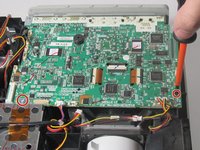
Remove the two screws holding down the motherboard using a Phillips #00 screwdriver.
-
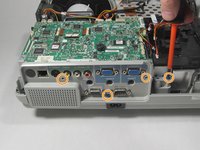
Remove the four screws holding down the I/O board using a Phillips #00 screwdriver.
-
-
-
-
Remove the seven cables that are running to the motherboard by pulling them out of their sockets.
-
-
Инструмент, используемый на этом этапе:Tweezers$4.99
-
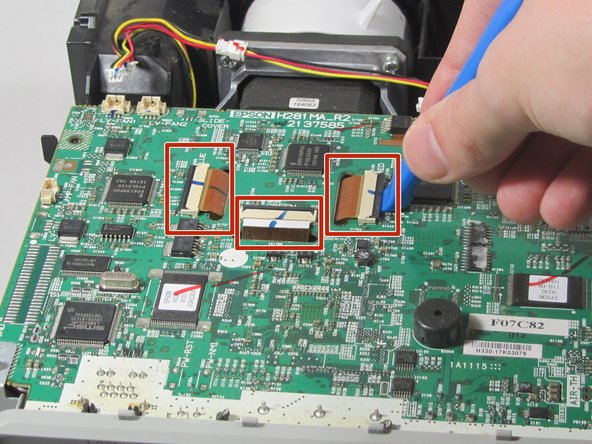
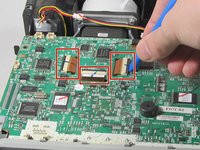
Using a plastic opening tool, gently pry up the black tabs holding in the ribbon cables on the motherboard.
-
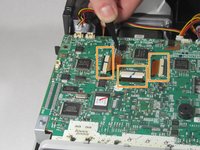
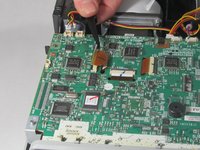
Using tweezers, gently pull the ribbon cables out of the sockets.
-
-
-
Gently pull the motherboard up and tilt it back, revealing the last cable attached to the motherboard. Disconnect this cable.
-
Remove the motherboard from the projector.
-
-
-
-
-
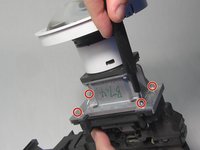
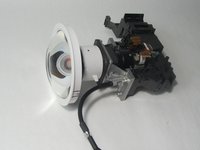
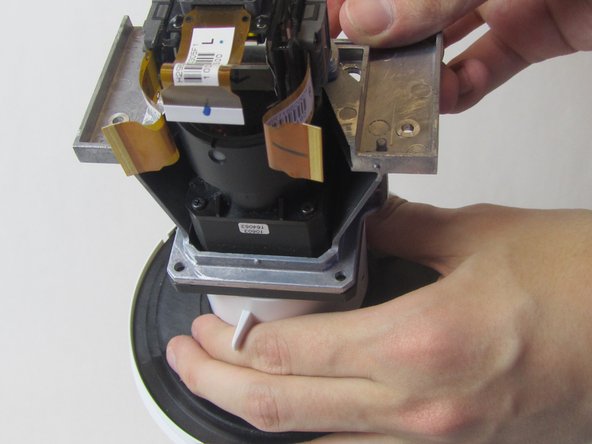
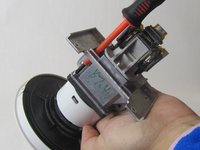
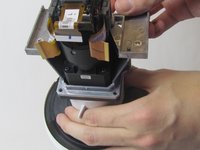
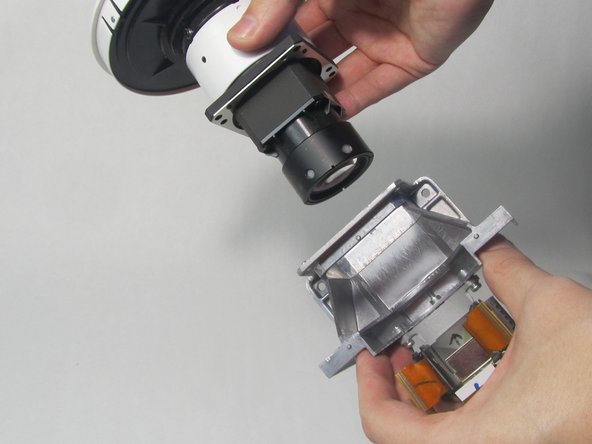
Remove four 2.5 mm silver hex screws from the silver bracket.
-
-











To reassemble your device, follow these instructions in reverse order.

Команда

Illinois Wesleyan University, Team 1-4, Bullock Spring 2022 Участник Illinois Wesleyan University, Team 1-4, Bullock Spring 2022
IWU-BULLOCK-S22S1G4
3 членов
Автор 10 руководств
