Введение
Follow this guide to remove and replace the Front Panel in your Framework Desktop.
If you want to install or remove Tiles, follow this guide instead.
Выберете то, что вам нужно
-
-
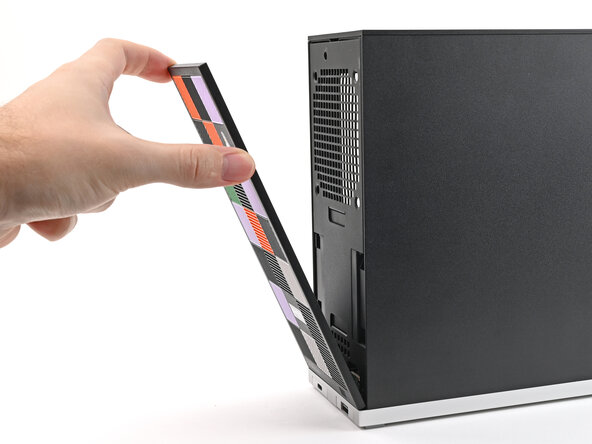
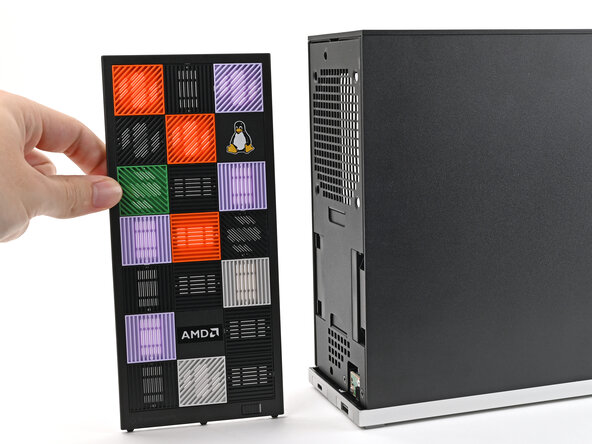
Use your fingers to pull the Front Panel off the magnets securing it to the chassis.
 Спросите у FixBot
-
-
-
-
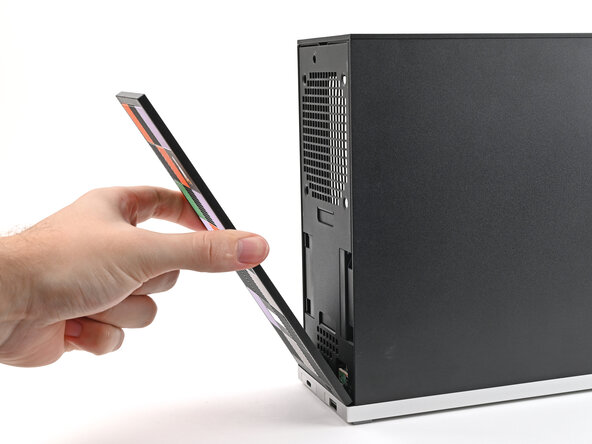
Lay the bottom of the Front Panel on the small, protruding lip in the silver base to align its tabs.
-
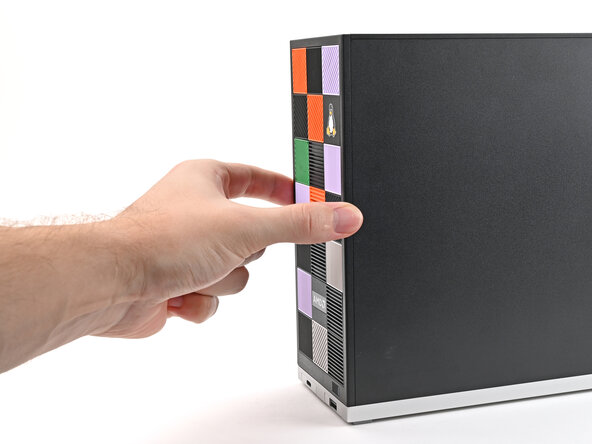
Press the Front Panel flat to the chassis and let it align to the magnets.
-





Заключение
If you need help, contact Framework support.
Отменить: Я не выполнил это руководство.
Еще один человек закончил это руководство.

