Введение
This guide will walk you through the steps of replacing the optical drive on the HP Pavilion 15-e043cl laptop.
The optical drive is responsible for loading, unloading, and reading disks inserted into it. You may be experiencing symptoms such as the disk tray not opening or disks not being read properly.
If you have any of these symptoms, you may want to follow this guide to replace your optical drive with a new one.
Выберете то, что вам нужно
-
-
Flip the device over.
-
Slide the battery switch on the right half of the laptop.
 Спросите у FixBot
-
-
-
Lift the battery up and out of the device by the inward-facing edge.
-
-
-
-
Unscrew the single Phillips #0 captive screw that was previously hidden by the battery.
-
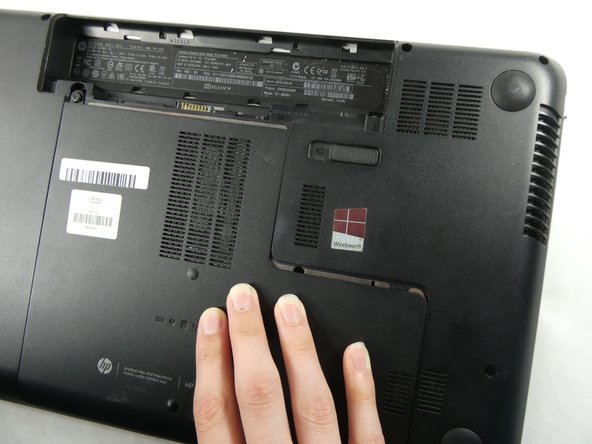
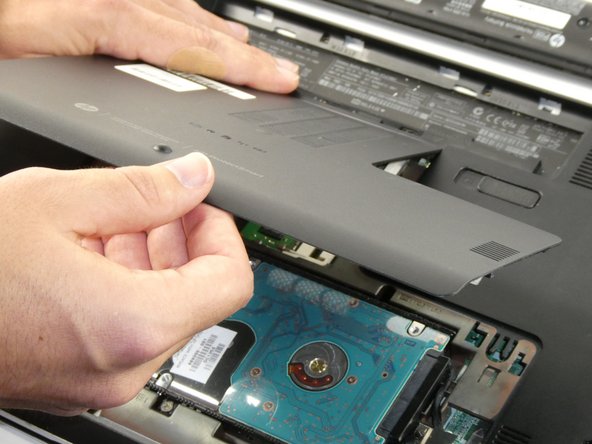
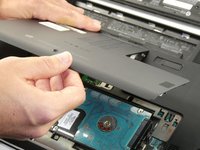
Slide the maintenance panel away from the battery compartment to release it.
-
-
-
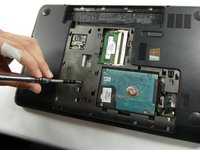
Remove the black screw nearby to the disk tray.
-
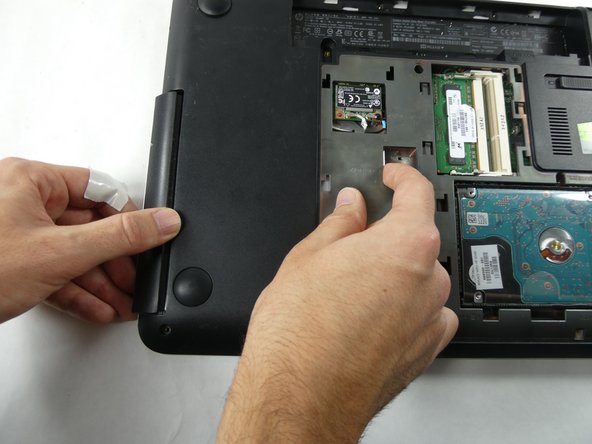
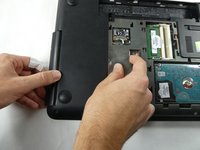
Push the disk tray out of the laptop near the stamp that says "RELEASE."
-



To reassemble your device, follow these instructions in reverse order.

Команда

UMass Dartmouth, Team 4-5, Sinclaire Fall 2022 Участник UMass Dartmouth, Team 4-5, Sinclaire Fall 2022
UMASSD-SINCLAIRE-F22S4G5
5 членов
Автор 7 руководств
