Перейти к основному содержанию
Присоединяйся к сообществу ремонтников - Создай аккаунт

JBL Flip 2 Bluetooth Antenna Replacement

Выберете то, что вам нужно

  1. JBL Flip 2 Bluetooth Antenna  Replacement, JBL Flip 2 Outer Case Disassembly: шаг 1, изображение 1 из 2 JBL Flip 2 Bluetooth Antenna  Replacement, JBL Flip 2 Outer Case Disassembly: шаг 1, изображение 2 из 2
    • Begin by removing the rubber caps on both sides of the JBL Flip 2 by using the black spudger to get in between the creases.

    • Be very careful when removing the NFC rubber cap. There is a chip that is glued to the inside of the rubber cap. So, peel the rubber cap off slowly and remove the chip on the inside while peeling the rubber cap off.

    Спросите у FixBot

    Добавить комментарий

  2. JBL Flip 2 Bluetooth Antenna  Replacement: шаг 2, изображение 1 из 2 JBL Flip 2 Bluetooth Antenna  Replacement: шаг 2, изображение 2 из 2
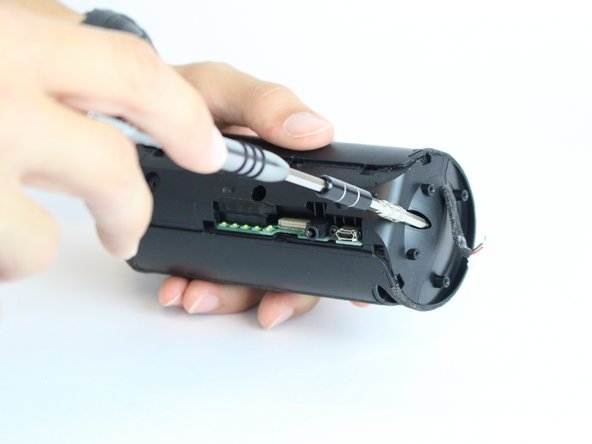
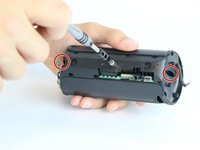
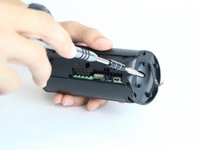
    • Remove the eight 7.0 mm Phillips #1 screws on both sides of the JBL Flip 2.

    Спросите у FixBot

    Добавить комментарий

  3. JBL Flip 2 Bluetooth Antenna  Replacement: шаг 3, изображение 1 из 3 JBL Flip 2 Bluetooth Antenna  Replacement: шаг 3, изображение 2 из 3 JBL Flip 2 Bluetooth Antenna  Replacement: шаг 3, изображение 3 из 3
    • The NFC chip is glued onto the side of the device. Use the black spudger to separate the mic from the surface.

    • Be careful not to sever the wire connecting the nfc chip to the inside of the device.

    • Gently slide the NFC chip into the device through the slot that the wire comes from.

    Спросите у FixBot

    Добавить комментарий

  4. JBL Flip 2 Bluetooth Antenna  Replacement: шаг 4, изображение 1 из 2 JBL Flip 2 Bluetooth Antenna  Replacement: шаг 4, изображение 2 из 2
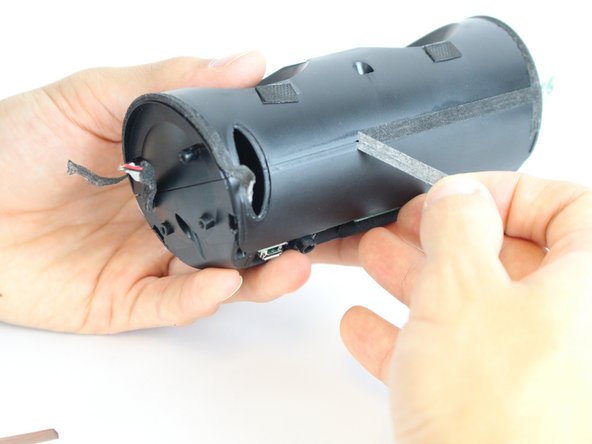
    • Peel the black rubber piece from one end to the other.

    Спросите у FixBot

    Добавить комментарий

  5. JBL Flip 2 Bluetooth Antenna  Replacement: шаг 5, изображение 1 из 3 JBL Flip 2 Bluetooth Antenna  Replacement: шаг 5, изображение 2 из 3 JBL Flip 2 Bluetooth Antenna  Replacement: шаг 5, изображение 3 из 3
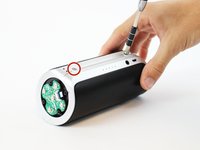
    • Remove the two 7.0 mm Phillips #1 screws.

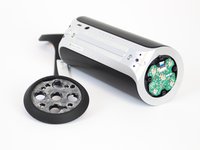
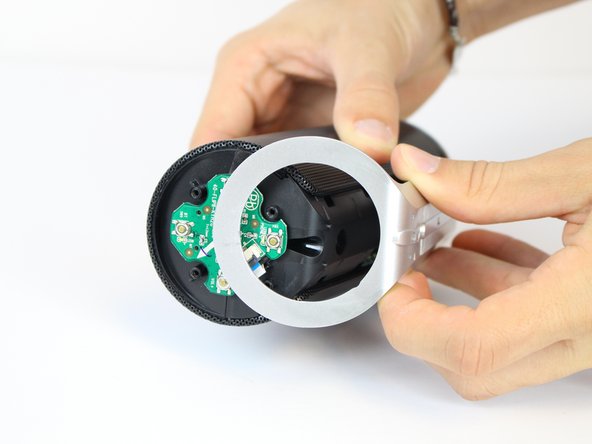
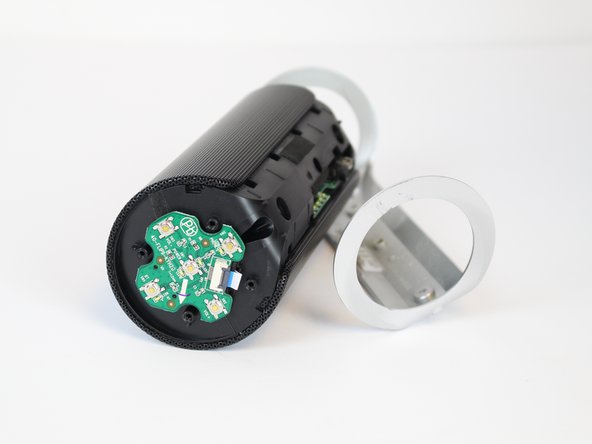
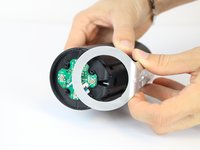
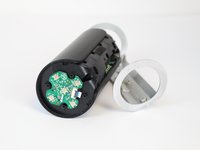
    • Carefully detach the silver plastic cover by pulling both ends off.

    • Pull both ends at the same time with the same amount of force to prevent the cover from breaking.

    • Separate the silver plastic piece by pulling it off from the middle.

    Спросите у FixBot

    Добавить комментарий

  6. JBL Flip 2 Bluetooth Antenna  Replacement: шаг 6, изображение 1 из 3 JBL Flip 2 Bluetooth Antenna  Replacement: шаг 6, изображение 2 из 3 JBL Flip 2 Bluetooth Antenna  Replacement: шаг 6, изображение 3 из 3
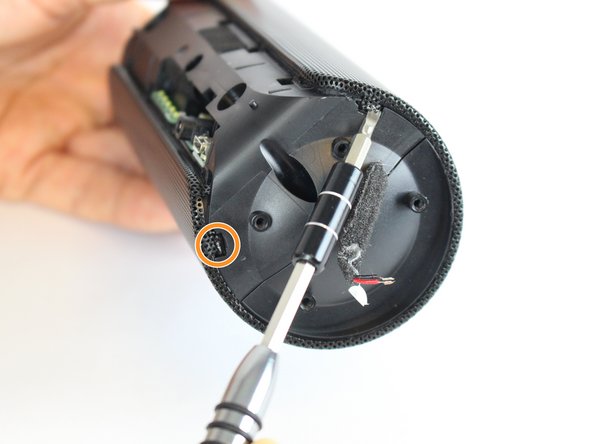
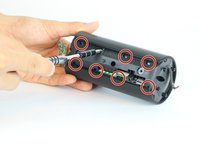
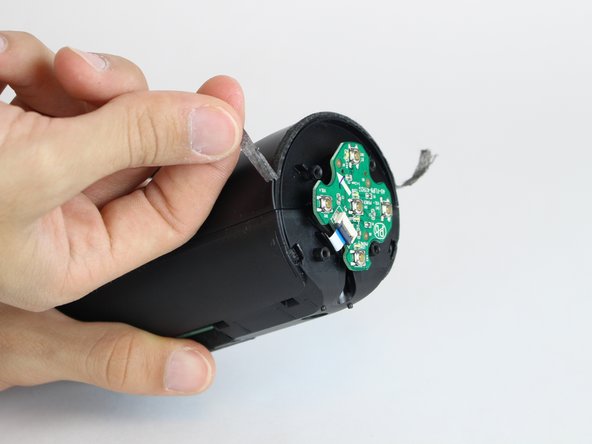
    • Using a flat-head screwdriver or spudger, pry out the 8 metal nibs on the back side of the speaker.

    • Repeat the same process for the 4 remaining metal nibs (two on each end).

    Спросите у FixBot

    Добавить комментарий

  7. JBL Flip 2 Bluetooth Antenna  Replacement: шаг 7, изображение 1 из 2 JBL Flip 2 Bluetooth Antenna  Replacement: шаг 7, изображение 2 из 2
    • Expand the metal casing and carefully slide it off the speaker.

    Спросите у FixBot

    Добавить комментарий

  8. JBL Flip 2 Bluetooth Antenna  Replacement: шаг 8, изображение 1 из 2 JBL Flip 2 Bluetooth Antenna  Replacement: шаг 8, изображение 2 из 2
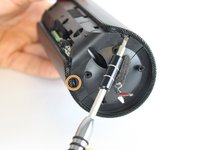
    • Using the driver adapter, first insert the #4 socket into the driver; followed by the #1 Philip's head bit in order to reach the three 13.0 mm screws.

    Спросите у FixBot

    Добавить комментарий

  9. JBL Flip 2 Bluetooth Antenna  Replacement: шаг 9, изображение 1 из 3 JBL Flip 2 Bluetooth Antenna  Replacement: шаг 9, изображение 2 из 3 JBL Flip 2 Bluetooth Antenna  Replacement: шаг 9, изображение 3 из 3
    • Using the classic spudger, get underneath the black tape strips found on both side of the device.

    • After lifting a portion of the tape off of the device, gently peel the tape off of the device, making sure to keep it intact.

    • There is another piece of tape on the side of the device with the control buttons. Lift the tape with the classic spudger and then peel the rest of the tape off.

    Спросите у FixBot

    Добавить комментарий

  10. JBL Flip 2 Bluetooth Antenna  Replacement: шаг 10, изображение 1 из 3 JBL Flip 2 Bluetooth Antenna  Replacement: шаг 10, изображение 2 из 3 JBL Flip 2 Bluetooth Antenna  Replacement: шаг 10, изображение 3 из 3
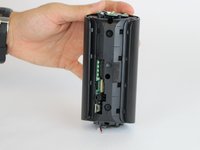
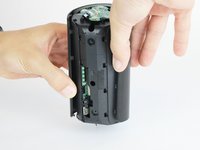
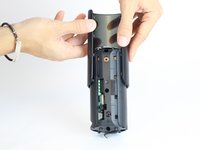
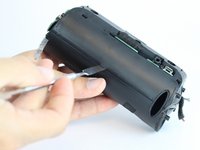
    • Wedge a spudger between the two halves where the tape was to pry the device open.

    • When working with electronics, it's important to choose a tool that's ESD-safe to avoid accidental damage to the device. The regular black nylon spudger or a plastic opening tool should be used whenever possible.

    Спросите у FixBot

    Добавить комментарий

  11. JBL Flip 2 Bluetooth Antenna  Replacement: шаг 11, изображение 1 из 2 JBL Flip 2 Bluetooth Antenna  Replacement: шаг 11, изображение 2 из 2
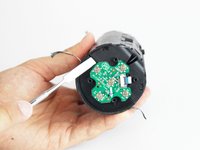
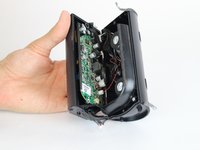
    • Use the black spudger to disconnect the speaker cord from it's socket.

    Спросите у FixBot

    Добавить комментарий

  12. JBL Flip 2 Bluetooth Antenna  Replacement: шаг 12, изображение 1 из 2 JBL Flip 2 Bluetooth Antenna  Replacement: шаг 12, изображение 2 из 2
    • Use the black spudger to disconnect the auxiliary wire from its socket.

    Спросите у FixBot

    Добавить комментарий

  13. JBL Flip 2 Bluetooth Antenna  Replacement: шаг 13, изображение 1 из 1
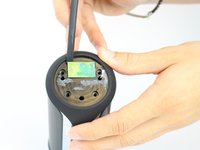
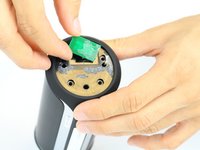
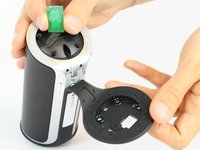
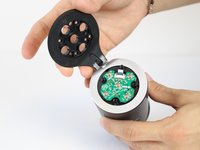
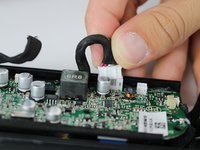
    • Carefully remove the cable connecting the control chip to the motherboard.

    Спросите у FixBot

    Добавить комментарий

  14. JBL Flip 2 Bluetooth Antenna  Replacement: шаг 14, изображение 1 из 2 JBL Flip 2 Bluetooth Antenna  Replacement: шаг 14, изображение 2 из 2
    • Using the black spudger, carefully remove the cord connecting the battery to the motherboard.

    Спросите у FixBot

    Добавить комментарий

  15. JBL Flip 2 Bluetooth Antenna  Replacement: шаг 15, изображение 1 из 1
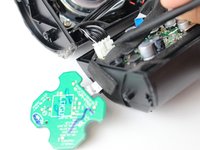
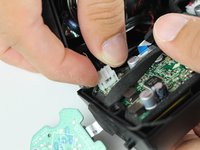
    • Carefully remove the cable connecting the nfc chip to the motherboard.

    Спросите у FixBot

    Добавить комментарий

  16. JBL Flip 2 Bluetooth Antenna  Replacement, Bluetooth Antenna: шаг 16, изображение 1 из 1
    • Separate the antenna off the plastic wall of the speaker by wedging it with the a spudger.

    • Be careful not to yank it because the antenna is glued to the plastic wall.

    Спросите у FixBot

    Добавить комментарий

  17. JBL Flip 2 Bluetooth Antenna  Replacement: шаг 17, изображение 1 из 2 JBL Flip 2 Bluetooth Antenna  Replacement: шаг 17, изображение 2 из 2
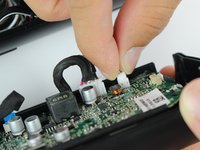
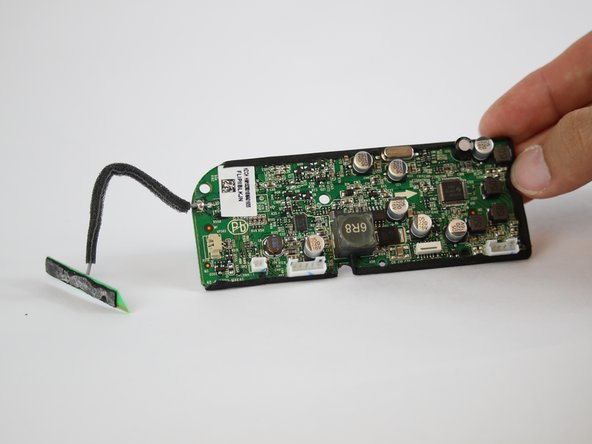
    • Remove the wire from the insert on the wall of the plastic speaker casing.

    • Separate the entire motherboard from the JBL Flip 2 speaker.

    Спросите у FixBot

    Добавить комментарий

  18. JBL Flip 2 Bluetooth Antenna  Replacement: шаг 18, изображение 1 из 1
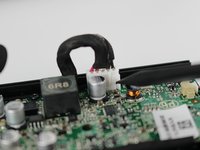
    • Check out IFixit's official soldering guide for help with these special projects.

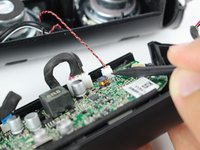
    • Using the soldering iron, solder the new wire on.

    • The soldering iron will be very hot.

    Спросите у FixBot

    Добавить комментарий

Заключение

To reassemble your device, follow these instructions in reverse order.

Отменить: Я не выполнил это руководство.

Jonathan Wear

Участник с: 02/09/16

1 276 Репутация

Автор 5 руководств

Команда

USF Tampa, Team 11-2, Cheng Spring 2016 Участник USF Tampa, Team 11-2, Cheng Spring 2016

USFT-CHENG-S16S11G2

4 членов

Автор 11 руководств

0 Комментарии к руководству

Добавить комментарий

Статистика просмотров:

За последние 24 часов: 0

За последние 7 дней: 11

За последние 30 дней: 45

За всё время: 7,765