Перейти к основному содержанию
Присоединяйся к сообществу ремонтников - Создай аккаунт

Merch Source Projector Entertainment II Motherboard

Выберете то, что вам нужно

  1. Merch Source Projector Entertainment II Motherboard, Outer Casing: шаг 1, изображение 1 из 2 Merch Source Projector Entertainment II Motherboard, Outer Casing: шаг 1, изображение 2 из 2
    • Flip the projector onto its back and unscrew the nine 15mm screws using the Phillips #0 screw driver.

    Спросите у FixBot

    Добавить комментарий

  2. Merch Source Projector Entertainment II Motherboard: шаг 2, изображение 1 из 1
    • Flip the projector right side up and unscrew the two 12mm screws on the light bulb panel located at the rear of the projector with a Phillips #0 screw head.

    • The bottom right panel screw does not come completely out the panel door.

    Спросите у FixBot

    Добавить комментарий

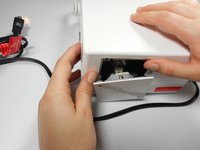
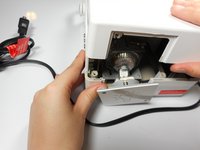
  3. Merch Source Projector Entertainment II Motherboard: шаг 3, изображение 1 из 2 Merch Source Projector Entertainment II Motherboard: шаг 3, изображение 2 из 2
    • Using your hands, gently pry the top and bottom of the projector casing apart.

    Спросите у FixBot

    Добавить комментарий

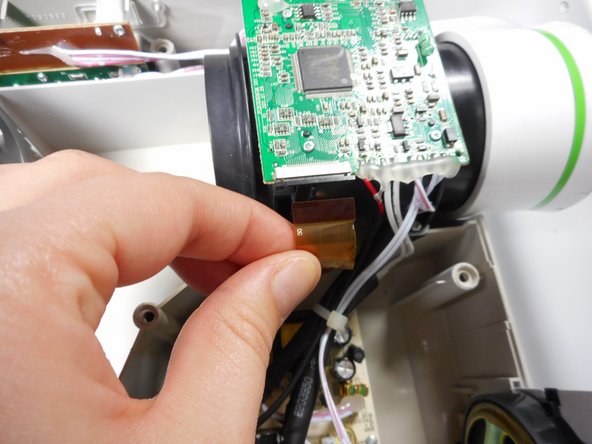
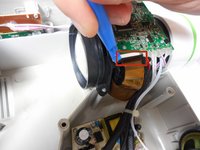
  4. Merch Source Projector Entertainment II Motherboard, Motherboard: шаг 4, изображение 1 из 2 Merch Source Projector Entertainment II Motherboard, Motherboard: шаг 4, изображение 2 из 2
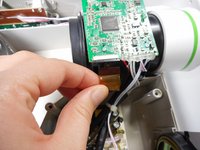
    • Use the plastic opening tool to gently disengage the ribbon cable from its back housing.

    • Once the ribbon cable is disengaged gently pull the cable off the motherboard.

    • Once the housing is disengaged, the ribbon cable should slide out easy. Do not pull too hard on the ribbon cable as it is very fragile.

    Спросите у FixBot

    Добавить комментарий

  5. Merch Source Projector Entertainment II Motherboard: шаг 5, изображение 1 из 2 Merch Source Projector Entertainment II Motherboard: шаг 5, изображение 2 из 2
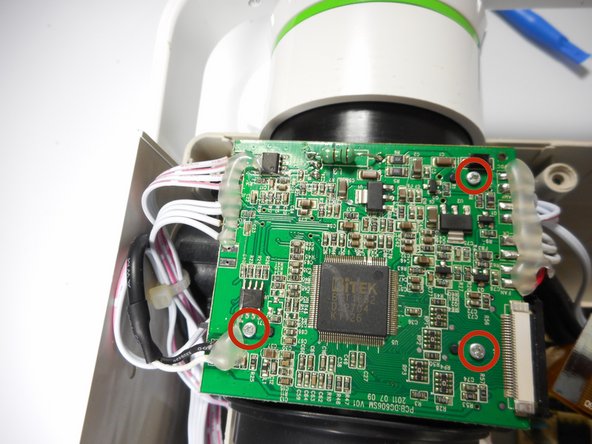
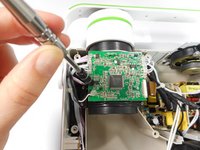
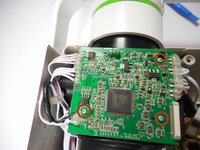
    • Unscrew the three 6 mm screws from the motherboard with the Phillips #0 screwdriver.

    • Be sure not to damage any of the wires atached to the motherboard.

    Спросите у FixBot

    Добавить комментарий

  6. Merch Source Projector Entertainment II Motherboard: шаг 6, изображение 1 из 2 Merch Source Projector Entertainment II Motherboard: шаг 6, изображение 2 из 2
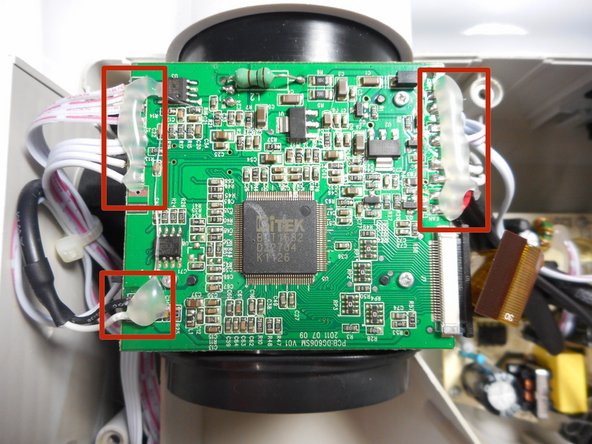
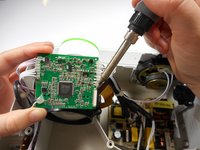
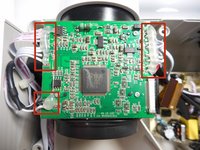
    • Solder off all of the connections on the motherboard with a soldering iron.

    • Once connections are soldered off, the motherboard should be detached and ready for replacement.

    • Need some help? Follow this guide to learn soldering basics.

    • While soldering the metal connections can get very hot. Never touch the iron with your hand. also make sure that the projector is fully turned off and not plugged in.

    • If there is hot glue on top on the connection with the motherboard, you will need to peel it off using your fingers.

    Спросите у FixBot

    Добавить комментарий

Заключение

To reassemble your device, follow these instructions in reverse order.

Отменить: Я не выполнил это руководство.

Еще один человек закончил это руководство.

Michael Tan

Участник с: 01/08/15

590 Репутация

Автор 3 руководств

3 Комментарии к руководству

Was wondering if you could help me identify a microchip on the board by the speaker?

Brad Langland - Ответить Поделиться

Where can I get parts for the projector? I think my board is cooked.

Delgtm - Ответить Поделиться

mine acts like it does not recognize the rca cords. help

Kamela Mitchell - Ответить Поделиться

Добавить комментарий

Статистика просмотров:

За последние 24 часов: 0

За последние 7 дней: 9

За последние 30 дней: 59

За всё время: 2,326