Перейти к основному содержанию
Присоединяйся к сообществу ремонтников - Создай аккаунт

Nintendo NES Advantage Joystick Spring Replacement

Выберете то, что вам нужно

  1. Nintendo NES Advantage Joystick Spring Replacement, Back Panel: шаг 1, изображение 1 из 1
    • Remove the four sticky pads from the bottom of the device.

    • If the pads are stuck, use a spudger to remove them.

    Спросите у FixBot

    Добавить комментарий

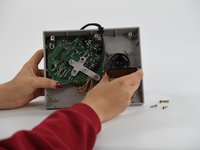
  2. Nintendo NES Advantage Joystick Spring Replacement: шаг 2, изображение 1 из 2 Nintendo NES Advantage Joystick Spring Replacement: шаг 2, изображение 2 из 2
    • Remove the six 8 mm screws from the bottom of the device with a Phillips #0 screwdriver.

    • Use your hands to pull the back panel away from the controller.

    Спросите у FixBot

    Добавить комментарий

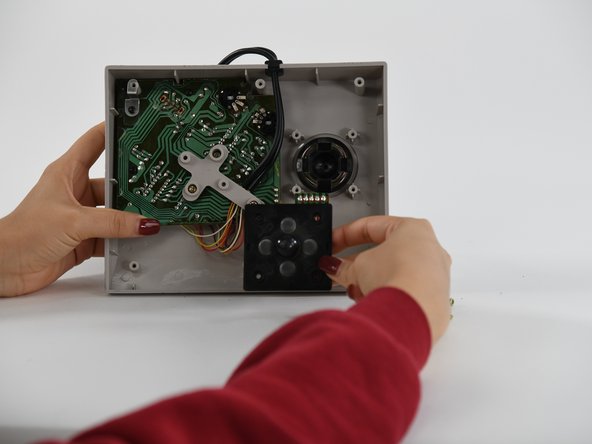
  3. Nintendo NES Advantage Joystick Spring Replacement, Joystick Panel: шаг 3, изображение 1 из 1
    • Remove the four 12 mm screws from the small square panel on the right with a Phillips #0 screwdriver.

    • While removing the last (fourth) screw, apply downward pressure on the panel. This will make it easier to remove the last screw because of the joystick spring on the other side of this panel.

    Спросите у FixBot

    Добавить комментарий

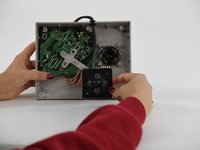
  4. Nintendo NES Advantage Joystick Spring Replacement: шаг 4, изображение 1 из 2 Nintendo NES Advantage Joystick Spring Replacement: шаг 4, изображение 2 из 2
    Спросите у FixBot

    Добавить комментарий

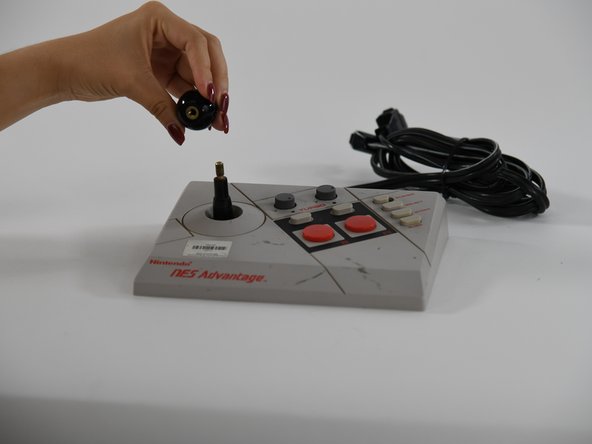
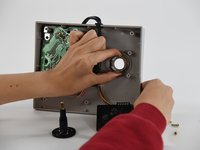
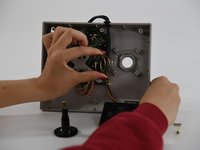
  5. Nintendo NES Advantage Joystick Spring Replacement, Joystick: шаг 5, изображение 1 из 2 Nintendo NES Advantage Joystick Spring Replacement, Joystick: шаг 5, изображение 2 из 2
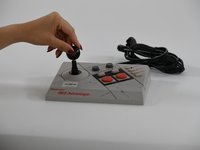
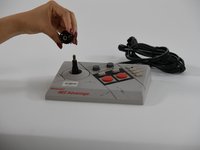
    • Using your hands, unscrew the ball on top of the joystick.

    Спросите у FixBot

    Добавить комментарий

  6. Nintendo NES Advantage Joystick Spring Replacement: шаг 6, изображение 1 из 1
    • Pull the joystick through the back of the NES Advantage Gamepad.

    Спросите у FixBot

    Добавить комментарий

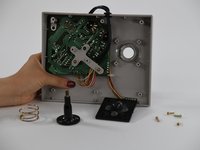
  7. Nintendo NES Advantage Joystick Spring Replacement, Joystick Spring: шаг 7, изображение 1 из 3 Nintendo NES Advantage Joystick Spring Replacement, Joystick Spring: шаг 7, изображение 2 из 3 Nintendo NES Advantage Joystick Spring Replacement, Joystick Spring: шаг 7, изображение 3 из 3
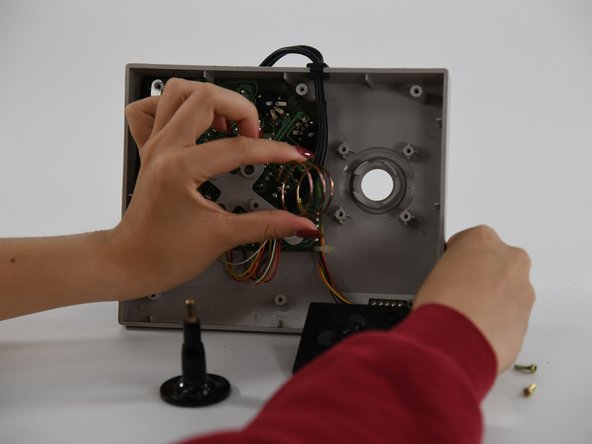
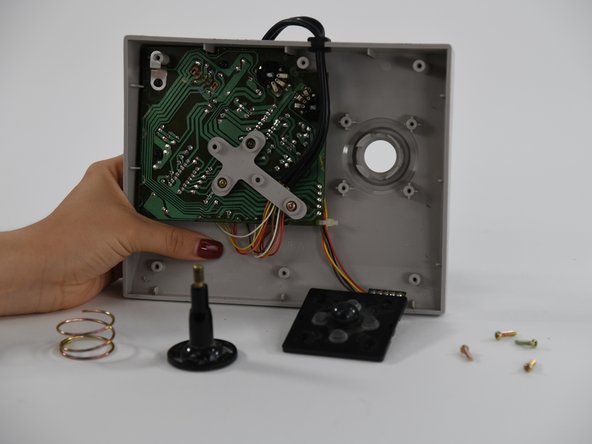
    • Using your fingers, pull the spring up and off.

    Спросите у FixBot

    Добавить комментарий

Заключение

To reassemble your device, follow these instructions in reverse order.

Отменить: Я не выполнил это руководство.

Danielle Guthrie

Участник с: 09/06/22

97 Репутация

1 руководство автора

Команда

University of Colorado Denver, Team 1-2, Campeau Fall 2022 Участник University of Colorado Denver, Team 1-2, Campeau Fall 2022

UCDENVER-CAMPEAU-F22S1G2

5 членов

Автор 7 руководств

0 Комментарии к руководству

Добавить комментарий

Статистика просмотров:

За последние 24 часов: 0

За последние 7 дней: 3

За последние 30 дней: 23

За всё время: 560