Перейти к основному содержанию
Присоединяйся к сообществу ремонтников - Создай аккаунт

Nook Simple Touch with GlowLight Screen Replacement

Выберете то, что вам нужно

  1. Nook Simple Touch with GlowLight Screen Replacement, Power Button: шаг 1, изображение 1 из 1
    • Place the Nook with the screen facing down.

    Спросите у FixBot
    Добавить комментарий

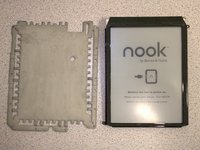
  2. Nook Simple Touch with GlowLight Screen Replacement: шаг 2, изображение 1 из 1
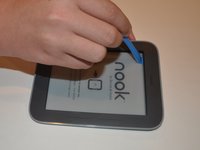
    • Wedge the opening tool between the power button and the upper edge of the device.

    • Push the opening tool down to pry the power button up.

    Спросите у FixBot
    Добавить комментарий

  3. Nook Simple Touch with GlowLight Screen Replacement: шаг 3, изображение 1 из 1
    • Using your fingers, gently remove the power button.

    Спросите у FixBot

    Добавить комментарий

  4. Nook Simple Touch with GlowLight Screen Replacement, Back Cover: шаг 4, изображение 1 из 1
    • Remove the single screw using a T4 Torx screwdriver.

    Спросите у FixBot

    Добавить комментарий

  5. Nook Simple Touch with GlowLight Screen Replacement: шаг 5, изображение 1 из 1
    • Slide the back cover down towards you in the direction of the charging port.

    Спросите у FixBot

    Добавить комментарий

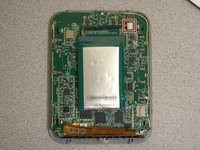
  6. Nook Simple Touch with GlowLight Screen Replacement, Battery: шаг 6, изображение 1 из 2 Nook Simple Touch with GlowLight Screen Replacement, Battery: шаг 6, изображение 2 из 2
    • Detach the white cable connector from the motherboard.

    • Remove the battery from the device.

    Спросите у FixBot

    Добавить комментарий

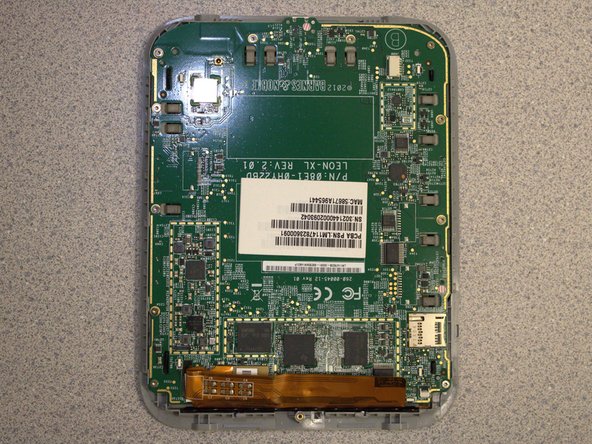
  7. Nook Simple Touch with GlowLight Screen Replacement, Motherboard: шаг 7, изображение 1 из 1
    • Remove eleven screws from the motherboard using the T4 screwdriver.

    Спросите у FixBot

    Добавить комментарий

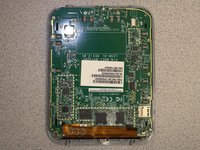
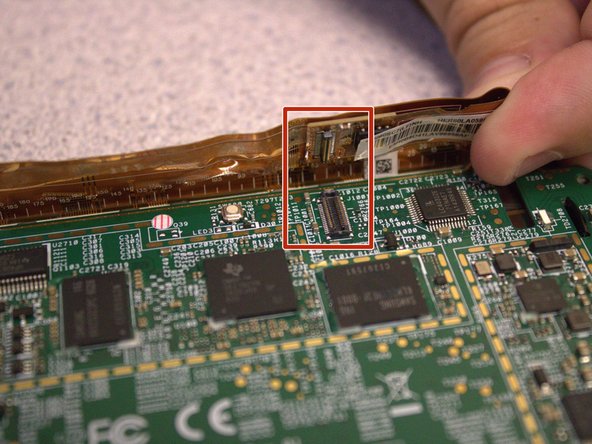
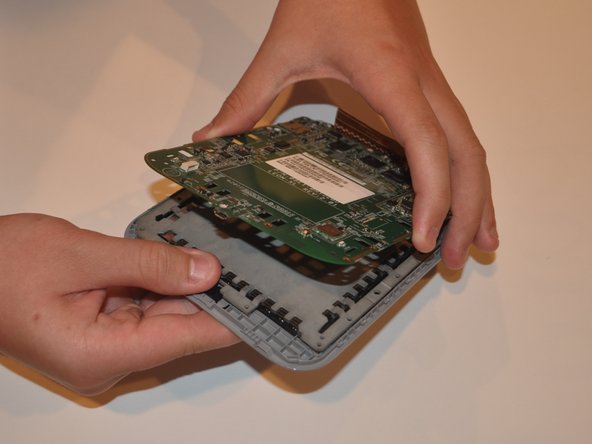
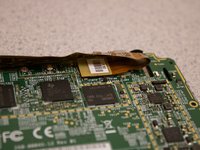
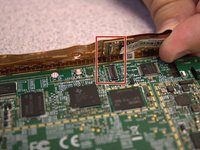
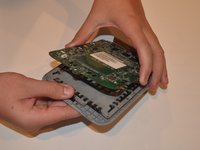
  8. Nook Simple Touch with GlowLight Screen Replacement: шаг 8, изображение 1 из 3 Nook Simple Touch with GlowLight Screen Replacement: шаг 8, изображение 2 из 3 Nook Simple Touch with GlowLight Screen Replacement: шаг 8, изображение 3 из 3
    • Disconnect the orange ribbon cable from the motherboard.

    • Using your fingers, gently lift the motherboard from the display.

    Спросите у FixBot

    Добавить комментарий

  9. Nook Simple Touch with GlowLight Screen Replacement, Screen: шаг 9, изображение 1 из 2 Nook Simple Touch with GlowLight Screen Replacement, Screen: шаг 9, изображение 2 из 2
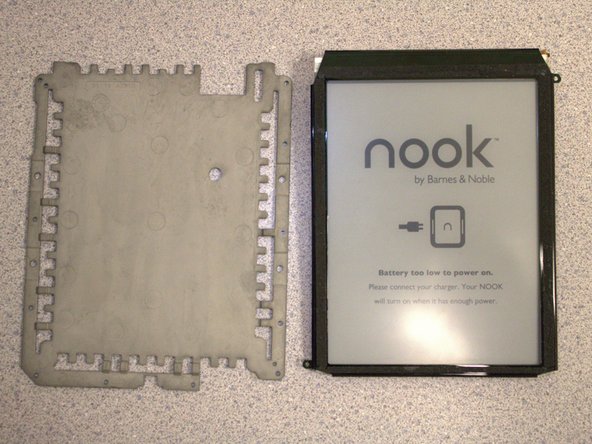
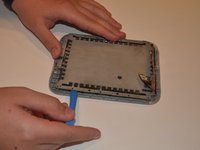
    • Insert the iFixit opening tool between the display and the front case.

    • Gently move to iFixit opening tool around the perimeter to release the set of tape strips.

    Спросите у FixBot

    Добавить комментарий

  10. Nook Simple Touch with GlowLight Screen Replacement: шаг 10, изображение 1 из 2 Nook Simple Touch with GlowLight Screen Replacement: шаг 10, изображение 2 из 2
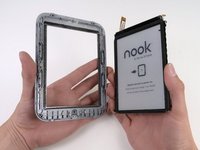
    • Turn the display over. Pry the display bezel from the display assembly with the iFixit opening tool.

    Спросите у FixBot

    Добавить комментарий

Заключение

To reassemble your device, follow these instructions in reverse order.

Отменить: Я не выполнил это руководство.

Sydney Segear

Участник с: 03/01/23

401 Репутация

Автор 4 руководств

Команда

University of Delaware, Team 12-3, McGuire Spring 2023 Участник University of Delaware, Team 12-3, McGuire Spring 2023

UD-MCGUIRE-S23S12G3

5 членов

Автор 5 руководств

0 Комментарии к руководству

Добавить комментарий

Статистика просмотров:

За последние 24 часов: 4

За последние 7 дней: 16

За последние 30 дней: 57

За всё время: 1,369