Введение
If you notice your battery life deteriorate, or you notice a bulge in the back of the device, it is time to replace the battery. In this guide, you will be removing the following parts:
- Back Cover
- Battery
Use this guide to replace the battery of your RCA RCT6378W2.
Remove your memory card before beginning this procedure to protect it from any damage.
Выберете то, что вам нужно
-
-
-
Remove the two 2.4 mm x 4 mm Phillips #00 screws from the bottom of the tablet.
 Спросите у FixBot
-
-
-
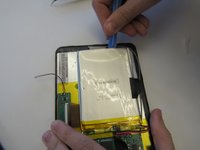
Remove the back cover with a plastic opening tool, exposing the battery and motherboard.
-
-
-
Инструмент, используемый на этом этапе:Tweezers$4.99
-
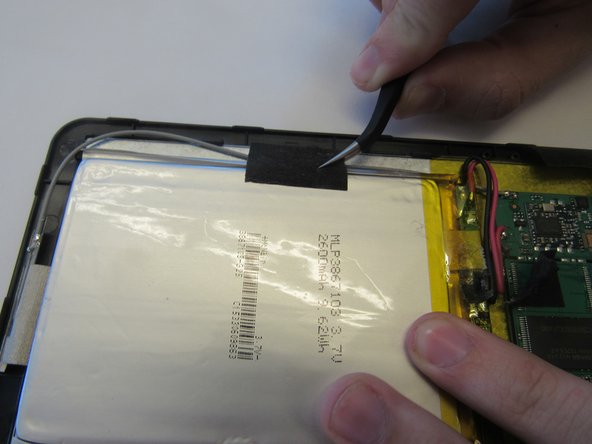
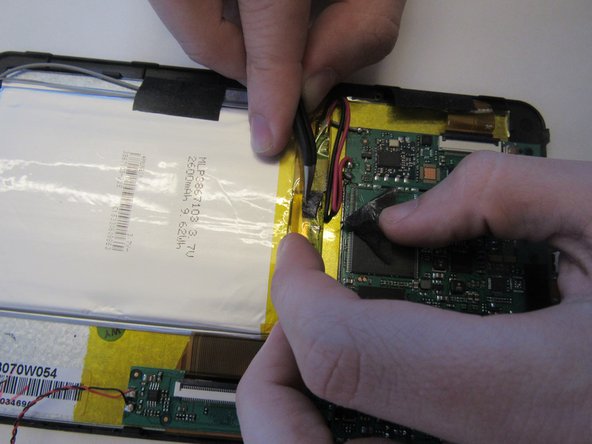
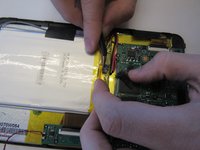
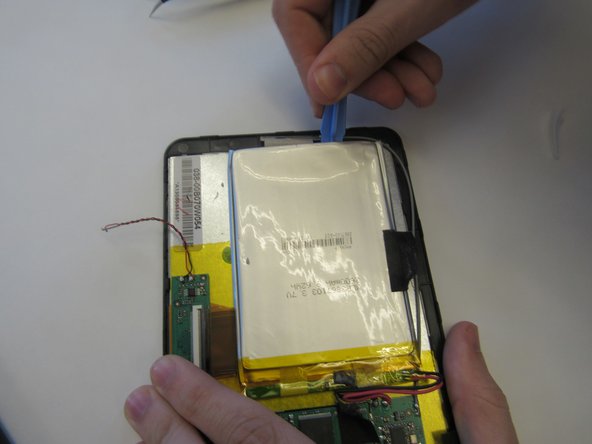
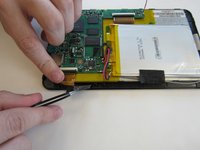
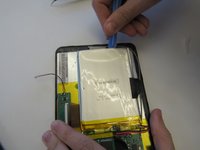
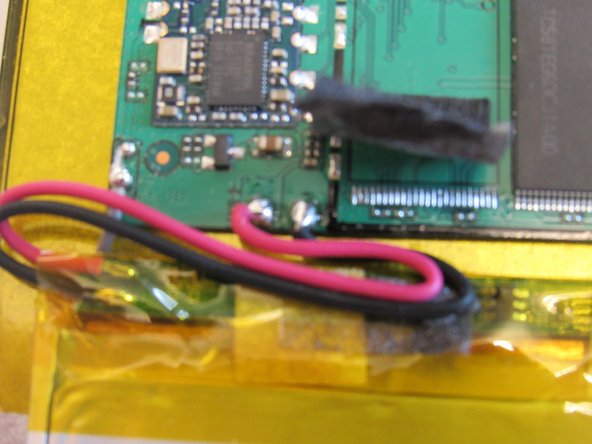
Remove the battery pack by carefully prying the battery back from the front cover. Then, remove the wires connecting the battery to the motherboard at the motherboard using the tweezers.
-
-
-
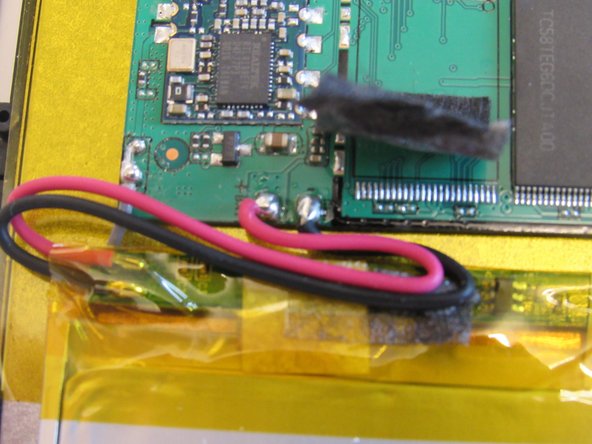
Replace the damaged or malfunctioning battery with the new battery and wires. The new battery must be stuck back into its original place using thermal tape.
-
-
-
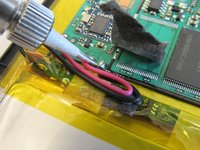
The new wires must be soldered back into place on the motherboard at the original location.
-
For tips on soldering techniques, see this Soldering Guide.
-
-







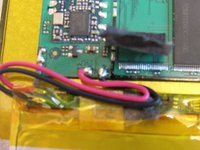
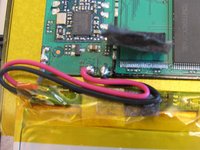
To reassemble your device, follow these instructions in reverse order.
Отменить: Я не выполнил это руководство.
12 человек успешно провели ремонт по этому руководству.

Команда

Clemson, Team 14-4, Shirley Spring 2015 Участник Clemson, Team 14-4, Shirley Spring 2015
CLEM-SHIRLEY-S15S14G4
6 членов
Автор 15 руководств
7 Комментарии к руководству
Links on ordering replacement batteries
Great step by step instructions not for novices!
i liked good job
Can you give information about this battery?
What type of battery is it?
Is Applicable under the Dangerous Goods Regulations?
where do i order the battery for RCT6378W2
RCT6378W2 where can i get a replacement battery
