Перейти к основному содержанию
Присоединяйся к сообществу ремонтников - Создай аккаунт

Sony Xperia XA1 Screen Replacement

Выберете то, что вам нужно

  1. Sony Xperia XA1 Screen Replacement, Phone Back Cover: шаг 1, изображение 1 из 3 Sony Xperia XA1 Screen Replacement, Phone Back Cover: шаг 1, изображение 2 из 3 Sony Xperia XA1 Screen Replacement, Phone Back Cover: шаг 1, изображение 3 из 3
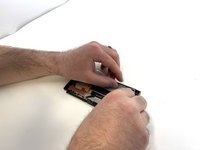
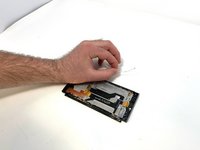
    • Using a hair dryer, apply heat evenly around the edges of the back of the phone. This will loosen the adhesive and allow you to remove the back panel.

    • As you're heating up the phone, begin to pry open the back starting from the middle, and going to the corners.

    • Do not apply heat in one area for too long.

  2. Sony Xperia XA1 Screen Replacement, Speaker: шаг 2, изображение 1 из 3 Sony Xperia XA1 Screen Replacement, Speaker: шаг 2, изображение 2 из 3 Sony Xperia XA1 Screen Replacement, Speaker: шаг 2, изображение 3 из 3
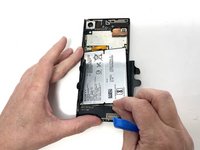
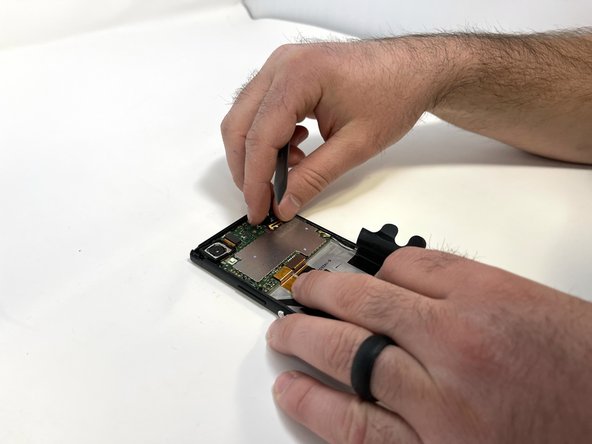
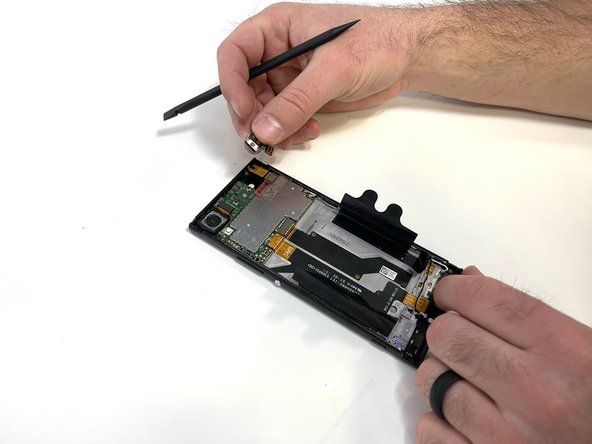
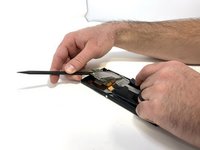
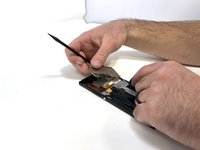
    • Use a plastic opening tool to lift the battery connector.

    • Lift the flaps on both sides of the battery.

  3. Sony Xperia XA1 Screen Replacement: шаг 3, изображение 1 из 3 Sony Xperia XA1 Screen Replacement: шаг 3, изображение 2 из 3 Sony Xperia XA1 Screen Replacement: шаг 3, изображение 3 из 3
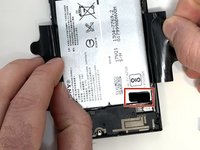
    • Pinch the pull tab at the bottom of the battery.

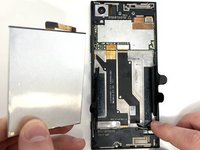
    • Gently lift the battery out.

    • Handle the battery with caution. It is very fragile.

  4. Sony Xperia XA1 Screen Replacement: шаг 4, изображение 1 из 2 Sony Xperia XA1 Screen Replacement: шаг 4, изображение 2 из 2
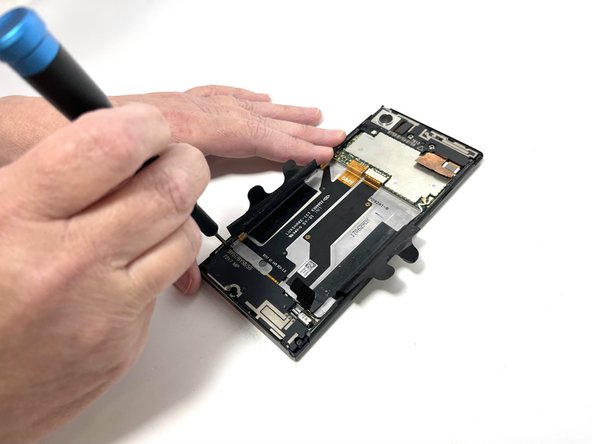
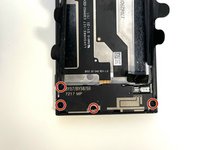
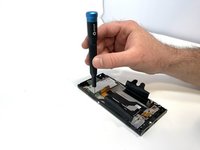
    • Use a Phillips #000 screwdriver to remove the four 3 mm screws that secure the bottom component.

  5. Sony Xperia XA1 Screen Replacement: шаг 5, изображение 1 из 3 Sony Xperia XA1 Screen Replacement: шаг 5, изображение 2 из 3 Sony Xperia XA1 Screen Replacement: шаг 5, изображение 3 из 3
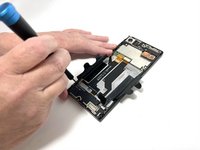
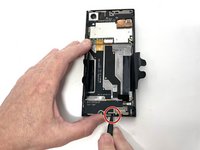
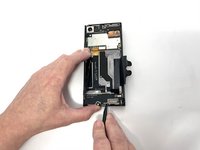
    • Insert a spudger into the opening above the charging port, and apply gentle pressure to free the speaker piece.

    • Once the piece is loose, use your hand to remove the speaker from the phone.

  6. Sony Xperia XA1 Screen Replacement, USB-C Module: шаг 6, изображение 1 из 3 Sony Xperia XA1 Screen Replacement, USB-C Module: шаг 6, изображение 2 из 3 Sony Xperia XA1 Screen Replacement, USB-C Module: шаг 6, изображение 3 из 3
    • Locate the connecting cable and use a spudger or iFixit Opening Tool to remove the connector.

    • Disconnect the wifi/Bluetooth antenna wire, located at the top right of the USB-C charger board.

  7. Sony Xperia XA1 Screen Replacement: шаг 7, изображение 1 из 3 Sony Xperia XA1 Screen Replacement: шаг 7, изображение 2 из 3 Sony Xperia XA1 Screen Replacement: шаг 7, изображение 3 из 3
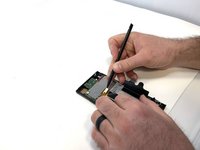
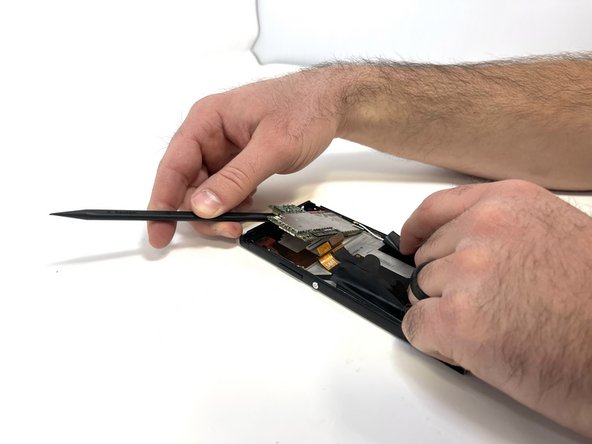
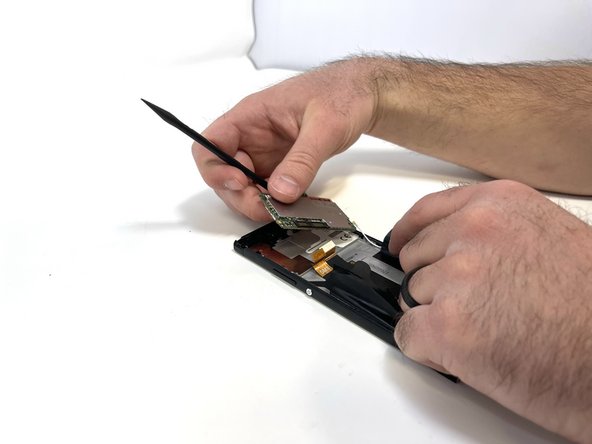
    • After removing the connector and antennas, you are able to pry the USB-C board using a plastic spudger.

    • Be cautious, little effort is required to lift up the board, if too much force is applied this could damage the board.

  8. Sony Xperia XA1 Screen Replacement, Screen: шаг 8, изображение 1 из 3 Sony Xperia XA1 Screen Replacement, Screen: шаг 8, изображение 2 из 3 Sony Xperia XA1 Screen Replacement, Screen: шаг 8, изображение 3 из 3
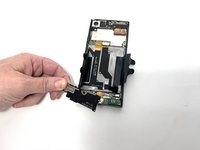
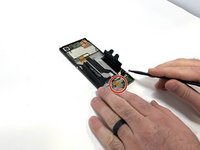
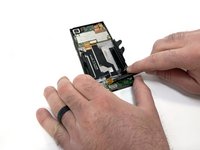
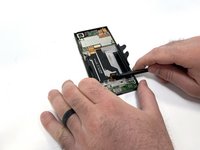
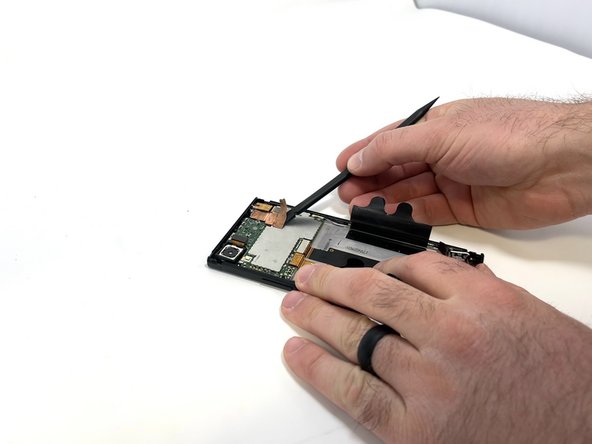
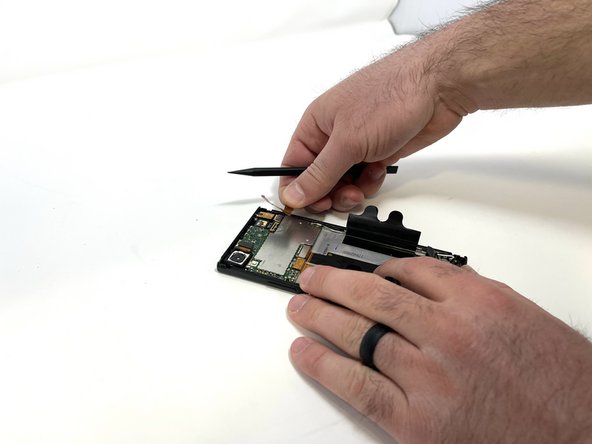
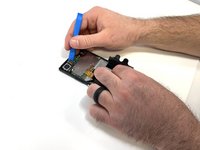
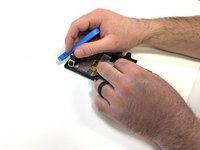
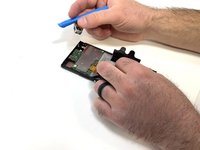
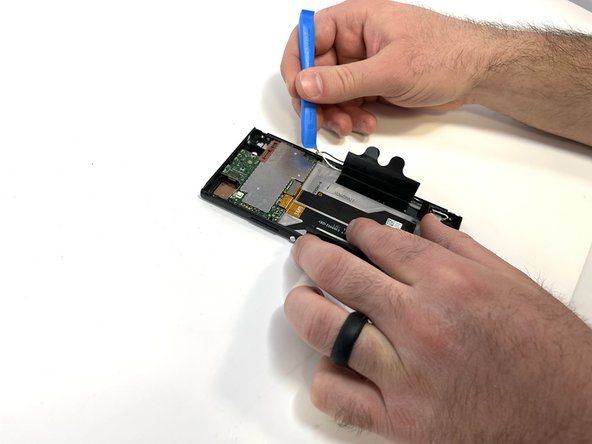
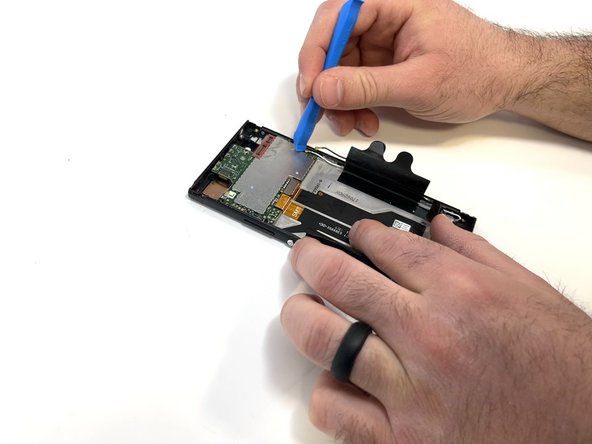
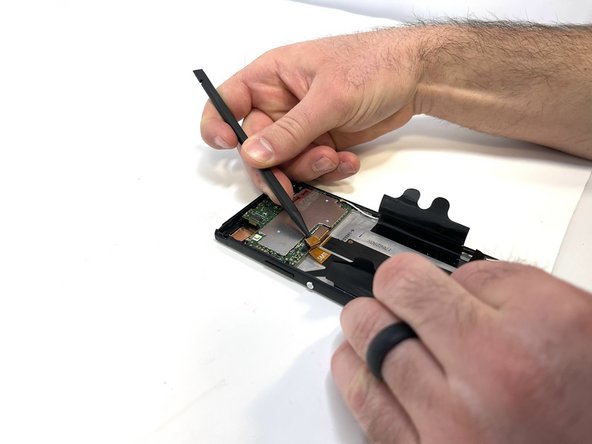
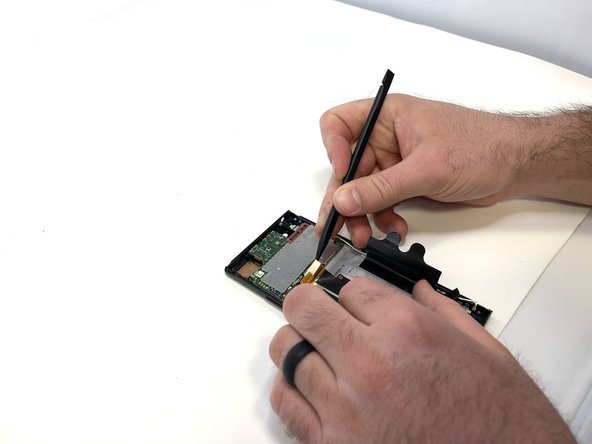
    • Using a spudger, carefully remove the thin copper piece attached to the motherboard.

    • This part is very easy to damage and can not be reused if damaged too much.

  9. Sony Xperia XA1 Screen Replacement: шаг 9, изображение 1 из 3 Sony Xperia XA1 Screen Replacement: шаг 9, изображение 2 из 3 Sony Xperia XA1 Screen Replacement: шаг 9, изображение 3 из 3
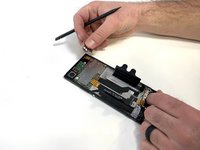
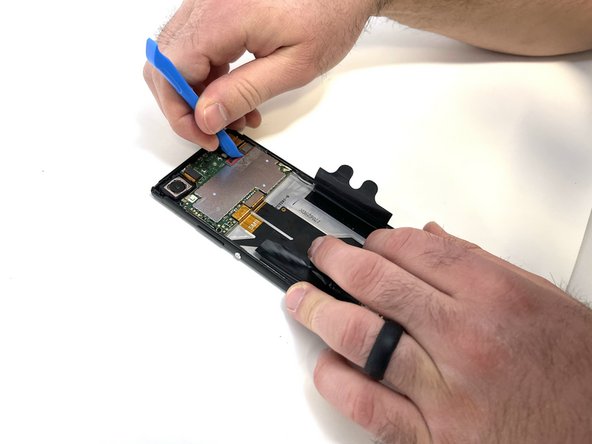
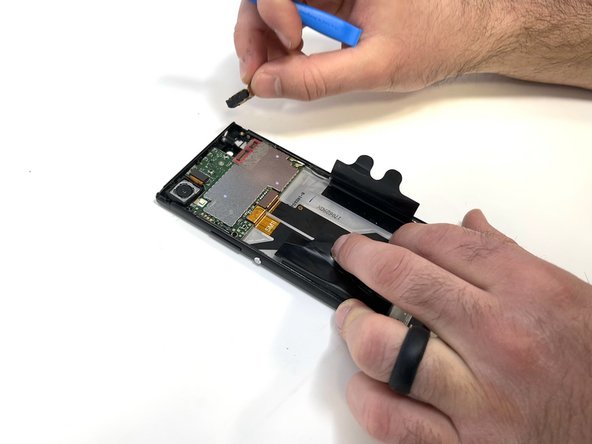
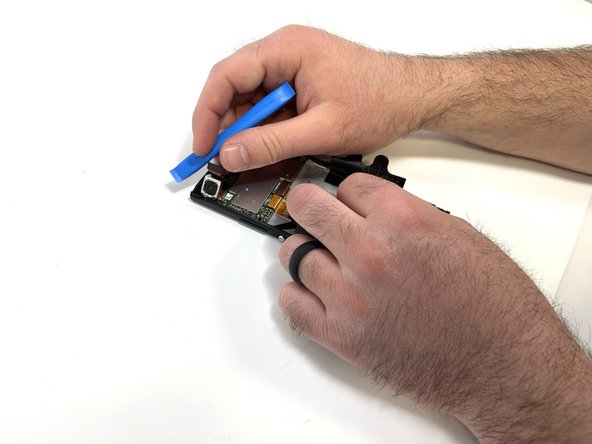
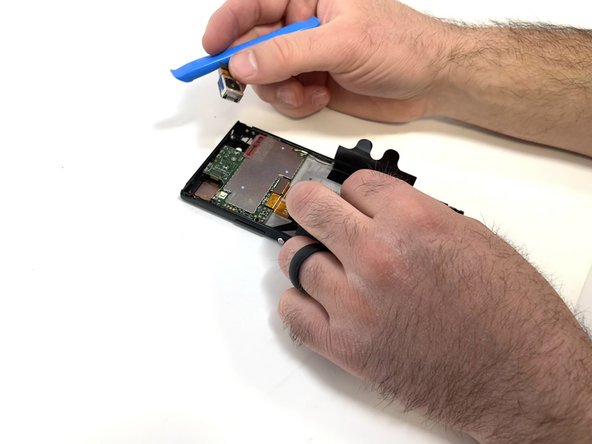
    • Carefully remove the front-facing camera with a spudger or your fingers.

  10. Sony Xperia XA1 Screen Replacement: шаг 10, изображение 1 из 3 Sony Xperia XA1 Screen Replacement: шаг 10, изображение 2 из 3 Sony Xperia XA1 Screen Replacement: шаг 10, изображение 3 из 3
    • Remove the single 3mm screw holding the audio jack using a Phillips #000 bit.

    • Using an iFixit Opening Tool, disconnect the audio jack from the motherboard.

    • Use a prying tool, such as a spudger, to remove the audio jack.

  11. Sony Xperia XA1 Screen Replacement: шаг 11, изображение 1 из 3 Sony Xperia XA1 Screen Replacement: шаг 11, изображение 2 из 3 Sony Xperia XA1 Screen Replacement: шаг 11, изображение 3 из 3
    • Disconnect the camera using an iFixit opening tool and remove it with your fingers.

  12. Sony Xperia XA1 Screen Replacement: шаг 12, изображение 1 из 3 Sony Xperia XA1 Screen Replacement: шаг 12, изображение 2 из 3 Sony Xperia XA1 Screen Replacement: шаг 12, изображение 3 из 3
    Инструмент, используемый на этом этапе:
    Tweezers
    $4.99
    • Disconnect the two antennas from the motherboard using an iFixit opening tool or pair of tweezers.

  13. Sony Xperia XA1 Screen Replacement: шаг 13, изображение 1 из 3 Sony Xperia XA1 Screen Replacement: шаг 13, изображение 2 из 3 Sony Xperia XA1 Screen Replacement: шаг 13, изображение 3 из 3
    • Remove the SIM tray using your fingernail.

    • Using a spudger, remove the two connector tabs attached to the motherboard

  14. Sony Xperia XA1 Screen Replacement: шаг 14, изображение 1 из 3 Sony Xperia XA1 Screen Replacement: шаг 14, изображение 2 из 3 Sony Xperia XA1 Screen Replacement: шаг 14, изображение 3 из 3
    • Remove the single 3mm screw from the motherboard using a Phillips #000 bit.

    • Use a spudger to gently pry the motherboard free.

  15. Sony Xperia XA1 Screen Replacement: шаг 15, изображение 1 из 3 Sony Xperia XA1 Screen Replacement: шаг 15, изображение 2 из 3 Sony Xperia XA1 Screen Replacement: шаг 15, изображение 3 из 3
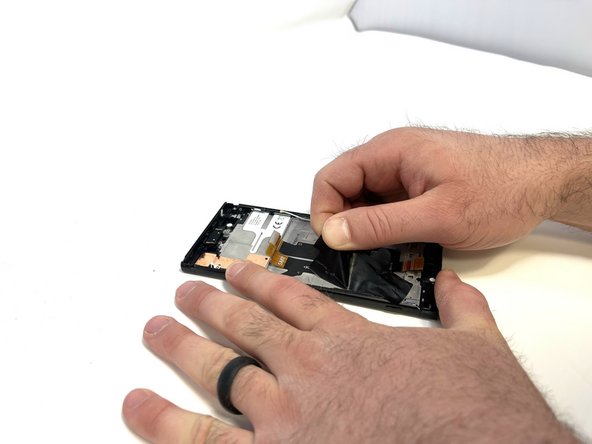
    • Peel the plastic battery tabs free.

  16. Sony Xperia XA1 Screen Replacement: шаг 16, изображение 1 из 3 Sony Xperia XA1 Screen Replacement: шаг 16, изображение 2 из 3 Sony Xperia XA1 Screen Replacement: шаг 16, изображение 3 из 3
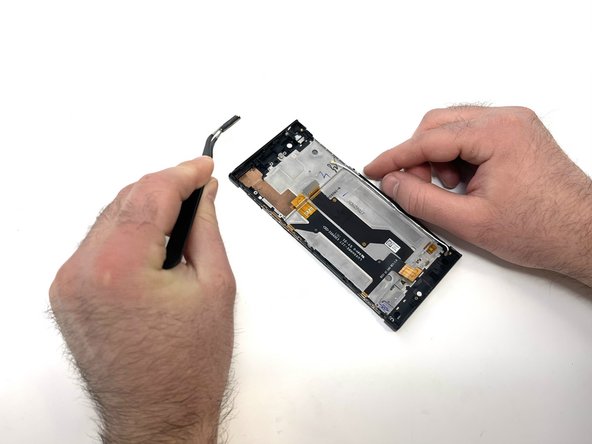
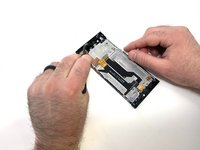
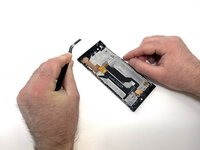
    • Using a pair of angled tweezers, carefully remove the earpiece.

    • The ear piece is attached using a sticky adhesive

  17. Sony Xperia XA1 Screen Replacement: шаг 17, изображение 1 из 3 Sony Xperia XA1 Screen Replacement: шаг 17, изображение 2 из 3 Sony Xperia XA1 Screen Replacement: шаг 17, изображение 3 из 3
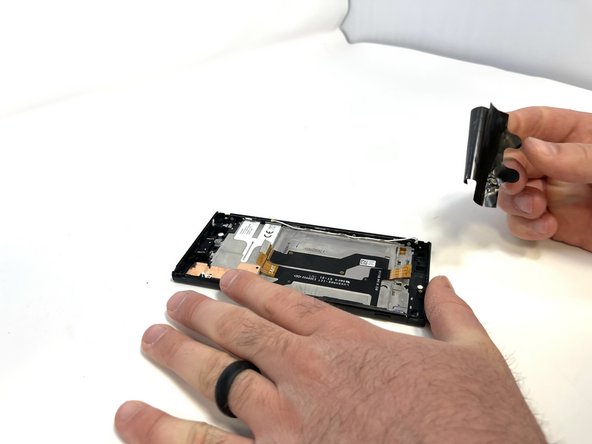
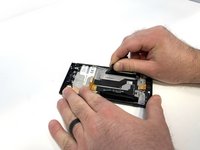
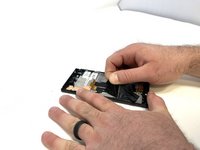
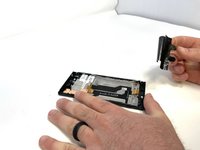
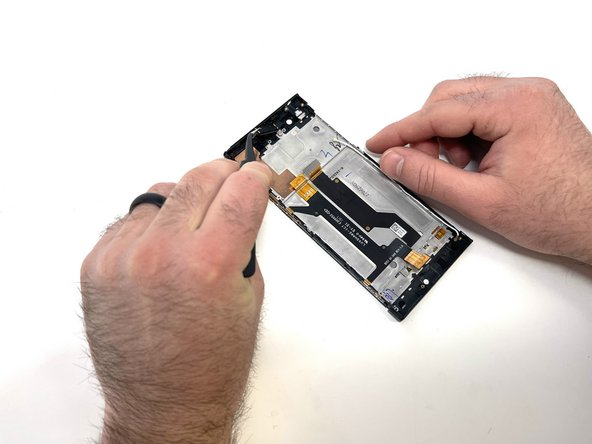
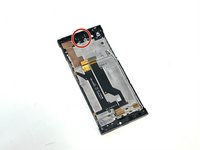
    • Using a pair of angled tweezers, carefully remove the small metal bracket from the top left side of the phone.

  18. Sony Xperia XA1 Screen Replacement: шаг 18, изображение 1 из 3 Sony Xperia XA1 Screen Replacement: шаг 18, изображение 2 из 3 Sony Xperia XA1 Screen Replacement: шаг 18, изображение 3 из 3
    • Remove the four 3mm silver screws located on the left side of the case using a Phillips #000 bit.

    • Once the screws are removed, unfold the side piece.

  19. Sony Xperia XA1 Screen Replacement: шаг 19, изображение 1 из 3 Sony Xperia XA1 Screen Replacement: шаг 19, изображение 2 из 3 Sony Xperia XA1 Screen Replacement: шаг 19, изображение 3 из 3
    • Using a pair of angled tweezers, remove the power and volume buttons.

  20. Sony Xperia XA1 Screen Replacement: шаг 20, изображение 1 из 3 Sony Xperia XA1 Screen Replacement: шаг 20, изображение 2 из 3 Sony Xperia XA1 Screen Replacement: шаг 20, изображение 3 из 3
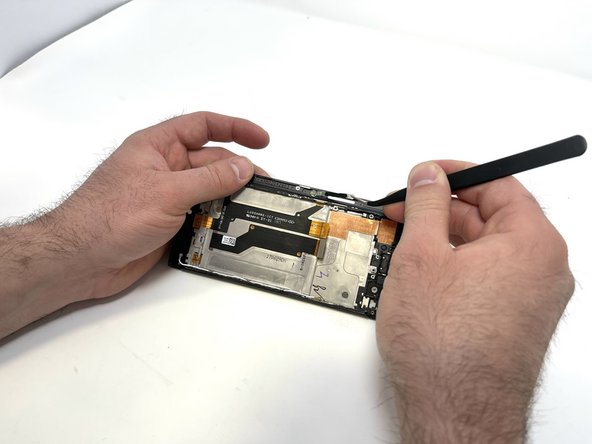
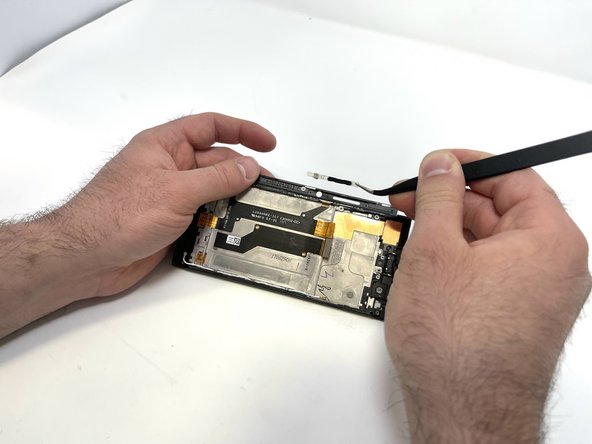
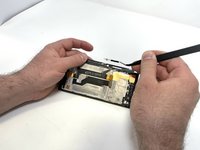
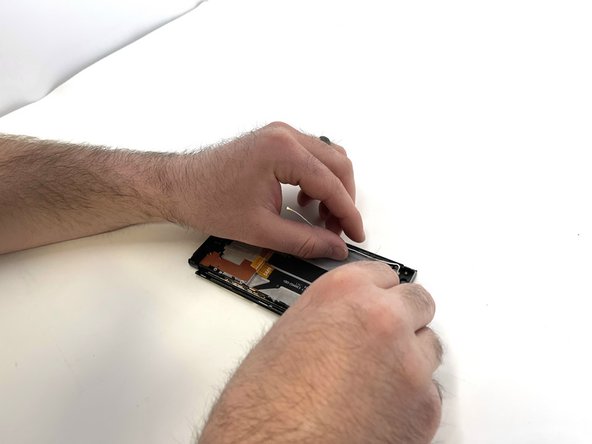
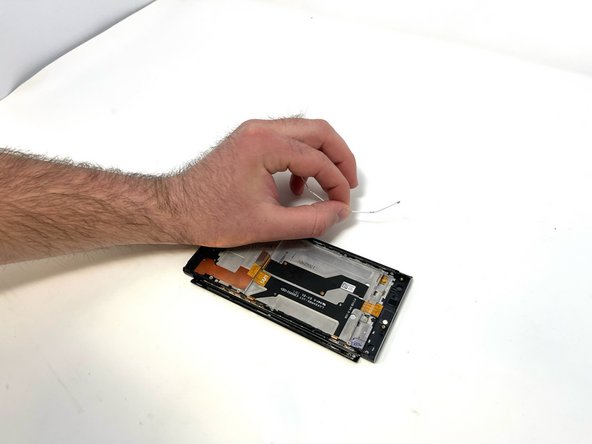
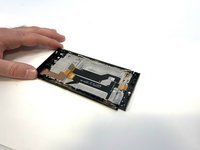
    • Carefully remove the antennas.

    • Use a pair of tweezers if needed.

  21. Sony Xperia XA1 Screen Replacement: шаг 21, изображение 1 из 3 Sony Xperia XA1 Screen Replacement: шаг 21, изображение 2 из 3 Sony Xperia XA1 Screen Replacement: шаг 21, изображение 3 из 3
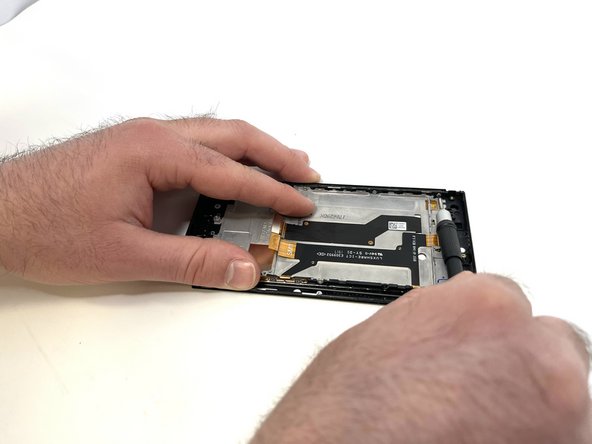
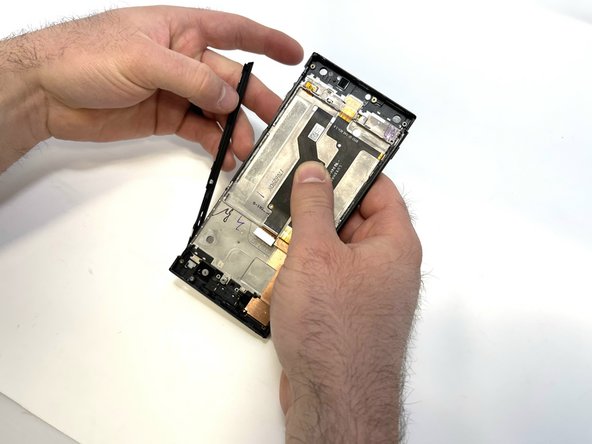
    • Remove the four 3mm silver screws from the right side of the phone using a Phillips #000 bit.

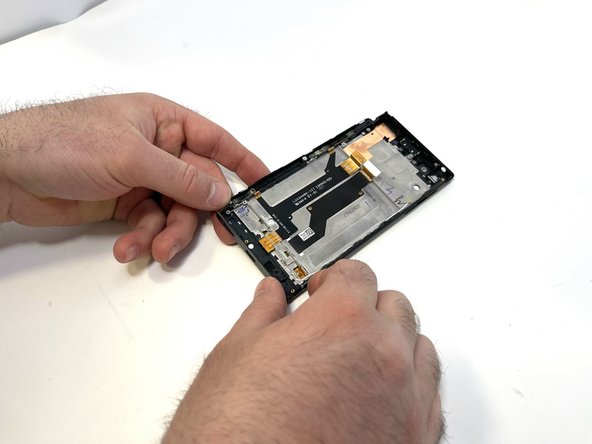
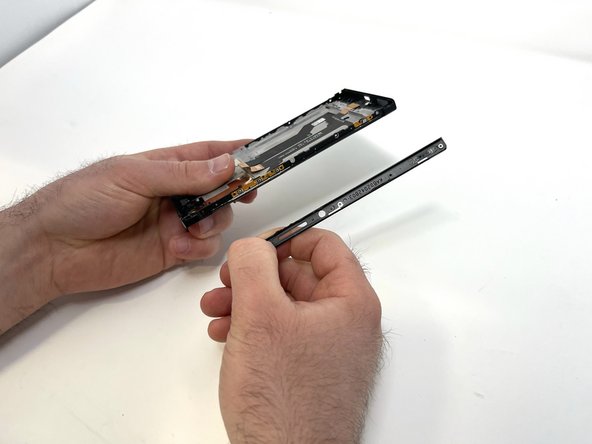
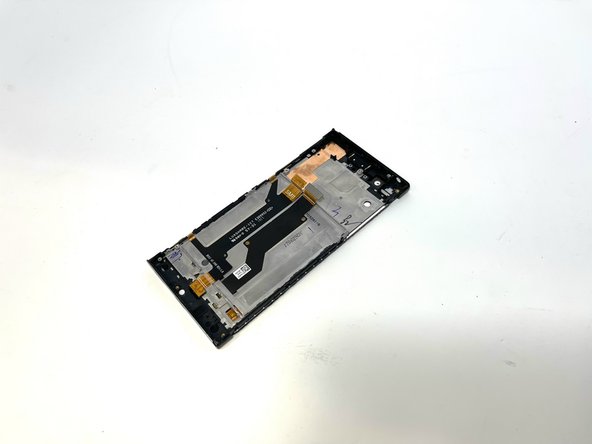
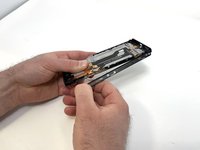
    • Once unfolded, peel the side piece from the phone, separating the glue that holds the two pieces together.

  22. Sony Xperia XA1 Screen Replacement: шаг 22, изображение 1 из 3 Sony Xperia XA1 Screen Replacement: шаг 22, изображение 2 из 3 Sony Xperia XA1 Screen Replacement: шаг 22, изображение 3 из 3
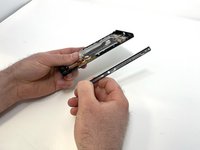
    • Remove the other side in the same manner.

    • All removeable components should be free, ready to be installed into your replacement screen.

Заключение

To reassemble your device, follow these instructions in reverse order.

Hunter

Участник с: 02/14/23

349 Репутация

Автор 2 руководств

Команда

Utah Tech University, Team 1-4, McMurrin Spring 2023 Участник Utah Tech University, Team 1-4, McMurrin Spring 2023

UTAHTECH-MCMURRIN-S23S1G4

3 членов

Автор 7 руководств

0 Комментарии к руководству

Добавить комментарий

Статистика просмотров:

За последние 24 часов: 1

За последние 7 дней: 4

За последние 30 дней: 27

За всё время: 766