Перейти к основному содержанию
Присоединяйся к сообществу ремонтников - Создай аккаунт

VTech Baby's Learning Laptop LEDs Replacement

Выберете то, что вам нужно

  1. VTech Baby's Learning Laptop LEDs Replacement, LEDs: шаг 1, изображение 1 из 1
    • To remove the battery door, loosen the screw shown using a Phillips #2 screwdriver.

    • A coin can also be used to loosen the screw.

    Спросите у FixBot

    Добавить комментарий

  2. VTech Baby's Learning Laptop LEDs Replacement: шаг 2, изображение 1 из 1
    • Remove the battery door.

    • Take out the batteries.

    Спросите у FixBot

    Добавить комментарий

  3. VTech Baby's Learning Laptop LEDs Replacement: шаг 3, изображение 1 из 2 VTech Baby's Learning Laptop LEDs Replacement: шаг 3, изображение 2 из 2
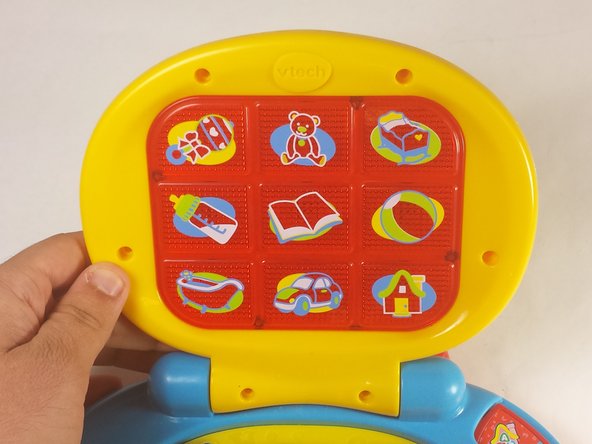
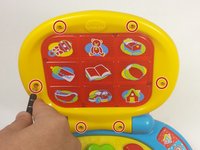
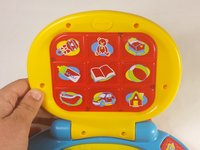
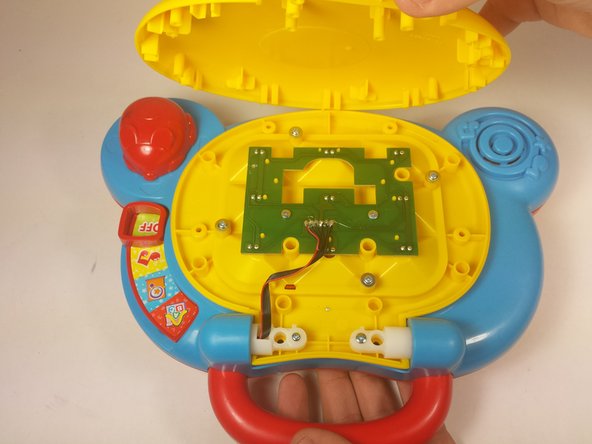
    • Using a Phillips #0 screwdriver, unscrew the six 7.3mm screws holding the screen together.

    Спросите у FixBot

    Добавить комментарий

  4. VTech Baby's Learning Laptop LEDs Replacement: шаг 4, изображение 1 из 3 VTech Baby's Learning Laptop LEDs Replacement: шаг 4, изображение 2 из 3 VTech Baby's Learning Laptop LEDs Replacement: шаг 4, изображение 3 из 3
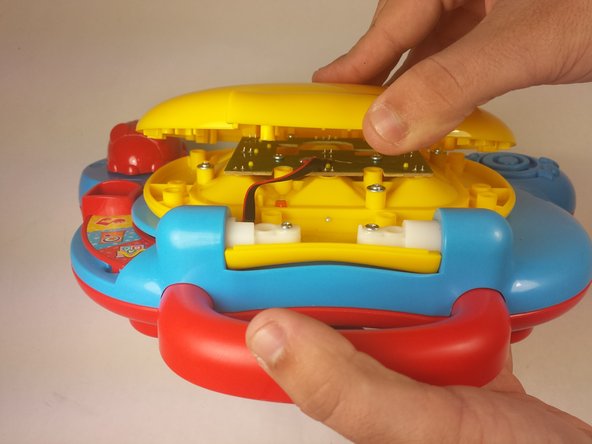
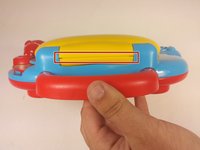
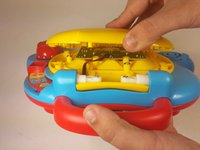
    • With the lid closed, position the device such that the handle is pointing towards you.

    • Using your fingers, gently pry open the cover from the hinge.

    • Attempting to remove the cover while the lid is still open may cause unwanted damage to the device.

    Спросите у FixBot

    Добавить комментарий

  5. VTech Baby's Learning Laptop LEDs Replacement: шаг 5, изображение 1 из 1
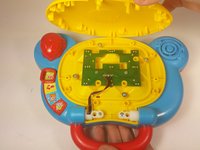
    • Remove two 6.0mm screws from the LED array using a Phillips #0 screwdriver.

    Спросите у FixBot

    Добавить комментарий

  6. VTech Baby's Learning Laptop LEDs Replacement: шаг 6, изображение 1 из 1
    • Pickup the array by the opening in the center of the board.

    • Remove the faulty LEDs by desoldering each from the board. You may refer to this soldering guide if necessary.

    • Movement of the array will be limited as it is still attached to the main device board.

    Спросите у FixBot

    Добавить комментарий

Заключение

To reassemble your device, follow these instructions in reverse order.

Отменить: Я не выполнил это руководство.

Christopher Kourmoulakis

Участник с: 09/03/15

412 Репутация

Автор 3 руководств

Команда

USF Tampa, Team 12-2, Blackwell Fall 2015 Участник USF Tampa, Team 12-2, Blackwell Fall 2015

USFT-BLACKWELL-F15S12G2

4 членов

Автор 14 руководств

0 Комментарии к руководству

Добавить комментарий

Статистика просмотров:

За последние 24 часов: 1

За последние 7 дней: 5

За последние 30 дней: 34

За всё время: 1,520