Перейти к основному содержанию
Присоединяйся к сообществу ремонтников - Создай аккаунт

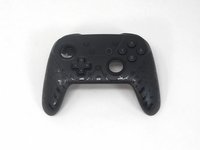
YCCTEAM YCC-SW4001 Shoulder Buttons Replacement

Выберете то, что вам нужно

  1. YCCTEAM YCC-SW4001 Shoulder Buttons Replacement, Front Case: шаг 1, изображение 1 из 1
    • Use a Phillips screwdriver to remove the eight 9.15 mm screws that secure the rear case.

  2. YCCTEAM YCC-SW4001 Shoulder Buttons Replacement: шаг 2, изображение 1 из 3 YCCTEAM YCC-SW4001 Shoulder Buttons Replacement: шаг 2, изображение 2 из 3 YCCTEAM YCC-SW4001 Shoulder Buttons Replacement: шаг 2, изображение 3 из 3
    • Use an opening pick to pry the back cover off of the controller.

  3. YCCTEAM YCC-SW4001 Shoulder Buttons Replacement: шаг 3, изображение 1 из 1
    • Use a Phillips screwdriver to remove the three 9.15 mm screws from the back of the controller.

  4. YCCTEAM YCC-SW4001 Shoulder Buttons Replacement: шаг 4, изображение 1 из 3 YCCTEAM YCC-SW4001 Shoulder Buttons Replacement: шаг 4, изображение 2 из 3 YCCTEAM YCC-SW4001 Shoulder Buttons Replacement: шаг 4, изображение 3 из 3
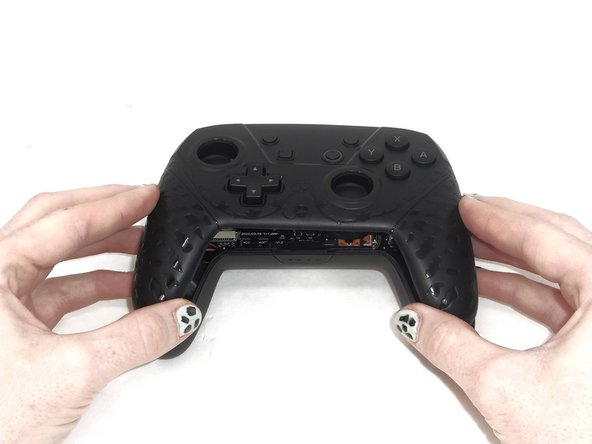
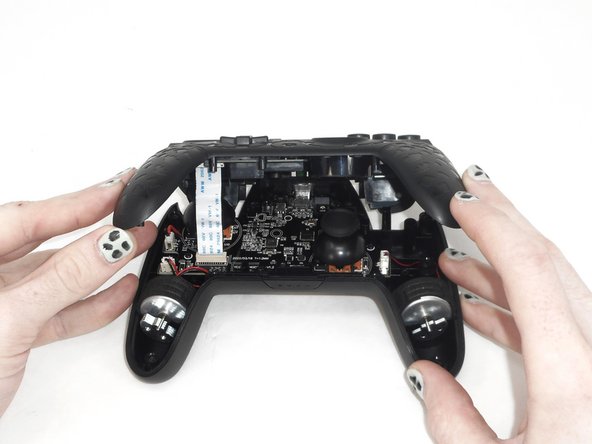
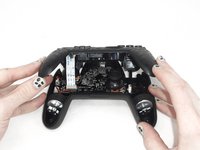
    • Slightly lift the front case.

    • Do not remove the front cover completely; it is still attached to the motherboard by a white ribbon cable.

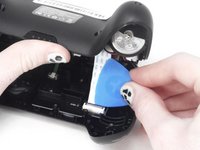
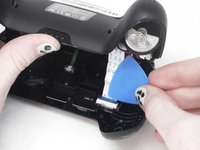
  5. YCCTEAM YCC-SW4001 Shoulder Buttons Replacement: шаг 5, изображение 1 из 3 YCCTEAM YCC-SW4001 Shoulder Buttons Replacement: шаг 5, изображение 2 из 3 YCCTEAM YCC-SW4001 Shoulder Buttons Replacement: шаг 5, изображение 3 из 3
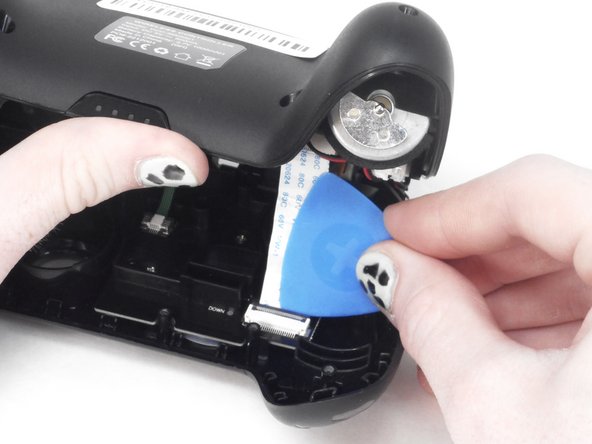
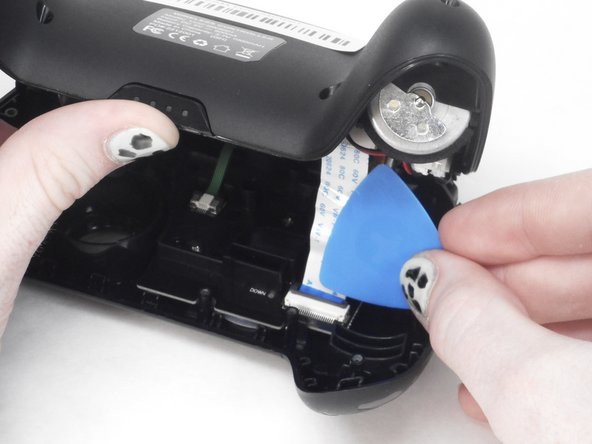
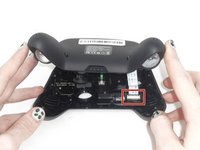
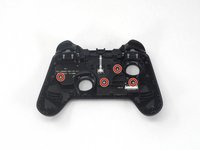
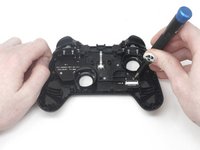
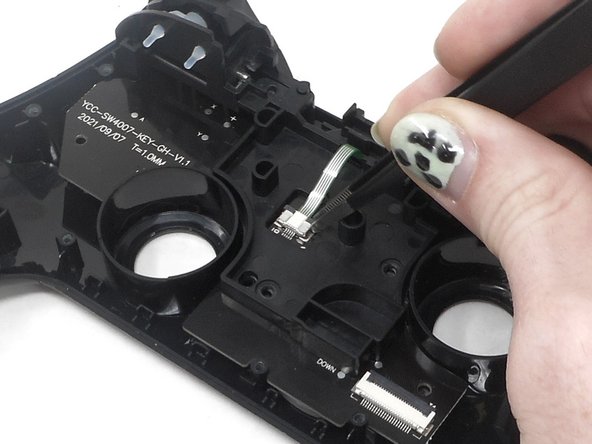
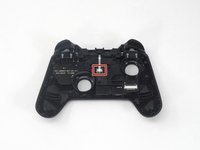
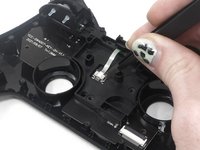
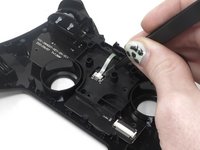
    • Use the tip of the opening pick to flip up the black locking flap of the ZIF connector.

    • The black flap holds the white ribbon cable in place.

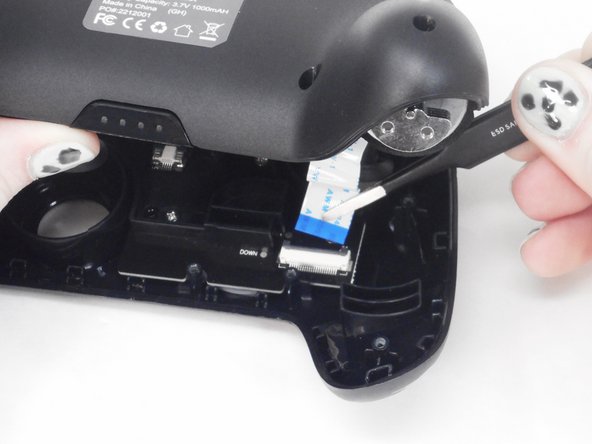
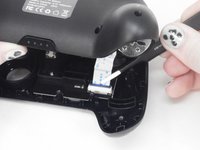
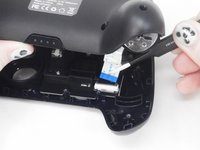
  6. YCCTEAM YCC-SW4001 Shoulder Buttons Replacement: шаг 6, изображение 1 из 2 YCCTEAM YCC-SW4001 Shoulder Buttons Replacement: шаг 6, изображение 2 из 2
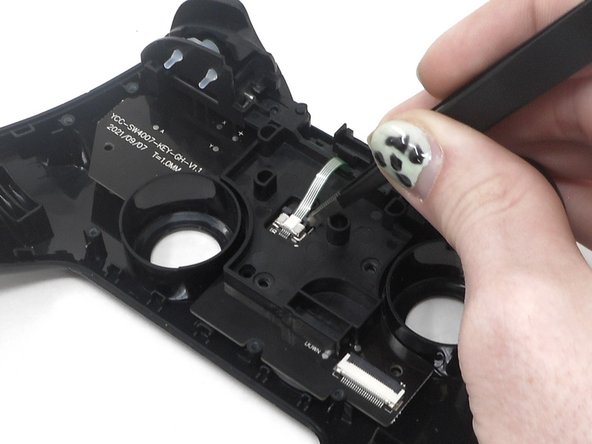
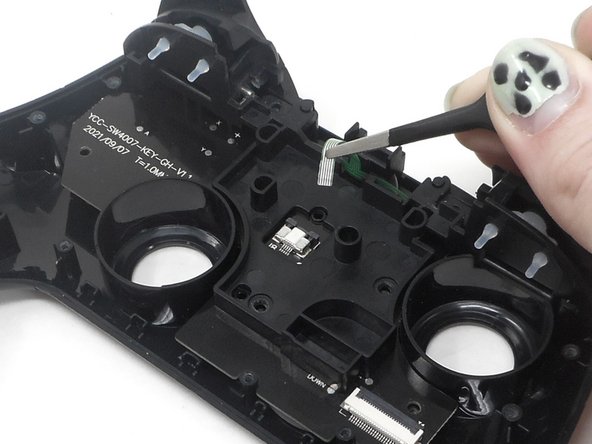
    • Use tweezers to disconnect the white ribbon cable from the ZIF connector.

  7. YCCTEAM YCC-SW4001 Shoulder Buttons Replacement: шаг 7, изображение 1 из 1
    • Remove the front case.

  8. YCCTEAM YCC-SW4001 Shoulder Buttons Replacement, Shoulder Buttons: шаг 8, изображение 1 из 3 YCCTEAM YCC-SW4001 Shoulder Buttons Replacement, Shoulder Buttons: шаг 8, изображение 2 из 3 YCCTEAM YCC-SW4001 Shoulder Buttons Replacement, Shoulder Buttons: шаг 8, изображение 3 из 3
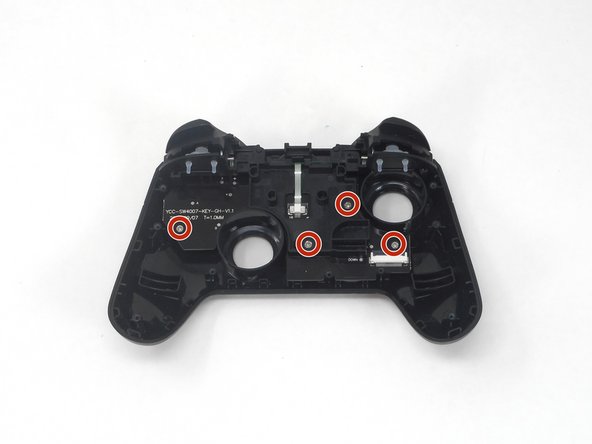
    • Flip over the front cover and remove the four 5.8 mm screws from the rear of the front cover using a Phillips screwdriver.

  9. YCCTEAM YCC-SW4001 Shoulder Buttons Replacement: шаг 9, изображение 1 из 3 YCCTEAM YCC-SW4001 Shoulder Buttons Replacement: шаг 9, изображение 2 из 3 YCCTEAM YCC-SW4001 Shoulder Buttons Replacement: шаг 9, изображение 3 из 3
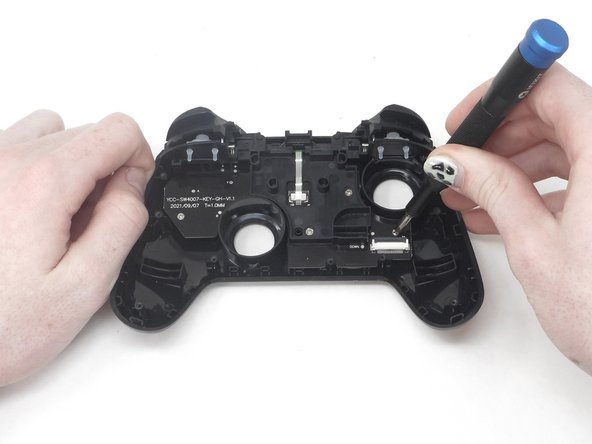
    • Flip up the ZIF locking flap.

  10. YCCTEAM YCC-SW4001 Shoulder Buttons Replacement: шаг 10, изображение 1 из 2 YCCTEAM YCC-SW4001 Shoulder Buttons Replacement: шаг 10, изображение 2 из 2
    • Disconnect the cable from the ZIF connector using tweezers or by hand.

  11. YCCTEAM YCC-SW4001 Shoulder Buttons Replacement: шаг 11, изображение 1 из 2 YCCTEAM YCC-SW4001 Shoulder Buttons Replacement: шаг 11, изображение 2 из 2
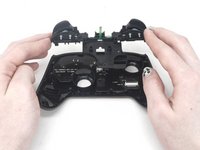
    • Remove the circuit board and shoulder buttons assembly from the front cover.

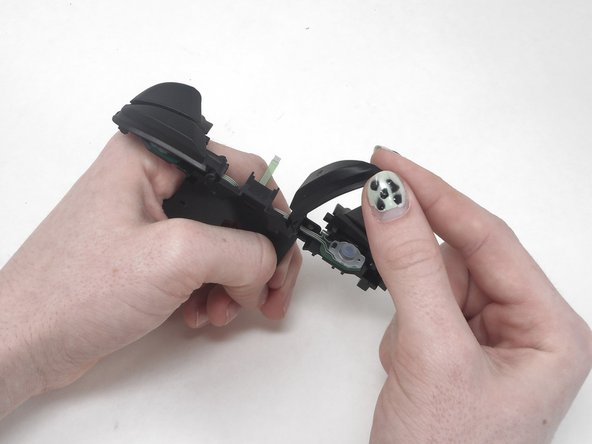
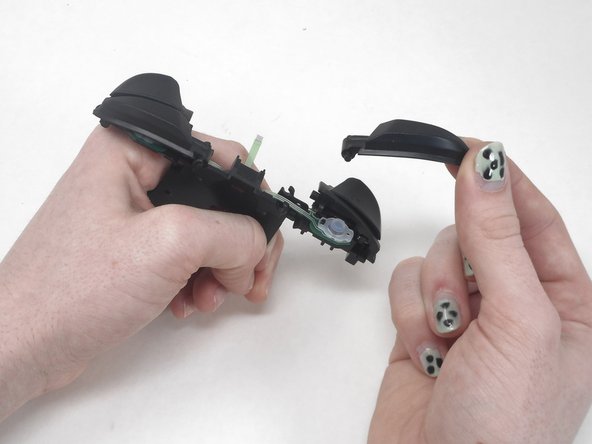
  12. YCCTEAM YCC-SW4001 Shoulder Buttons Replacement: шаг 12, изображение 1 из 3 YCCTEAM YCC-SW4001 Shoulder Buttons Replacement: шаг 12, изображение 2 из 3 YCCTEAM YCC-SW4001 Shoulder Buttons Replacement: шаг 12, изображение 3 из 3
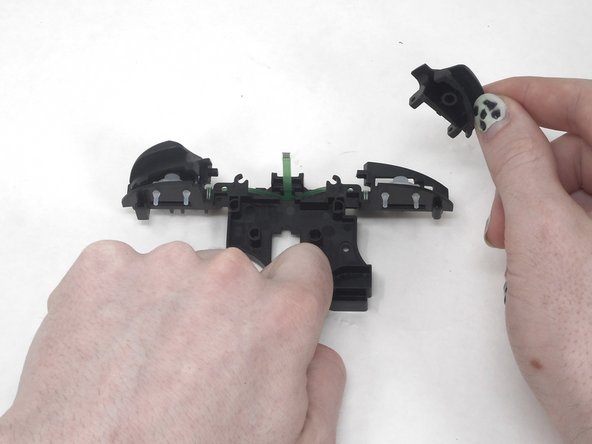
    • Remove the R button by hand.

  13. YCCTEAM YCC-SW4001 Shoulder Buttons Replacement: шаг 13, изображение 1 из 3 YCCTEAM YCC-SW4001 Shoulder Buttons Replacement: шаг 13, изображение 2 из 3 YCCTEAM YCC-SW4001 Shoulder Buttons Replacement: шаг 13, изображение 3 из 3
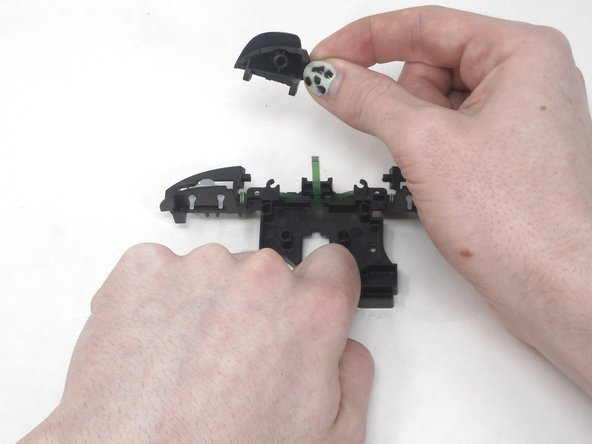
    • Remove the L button by hand.

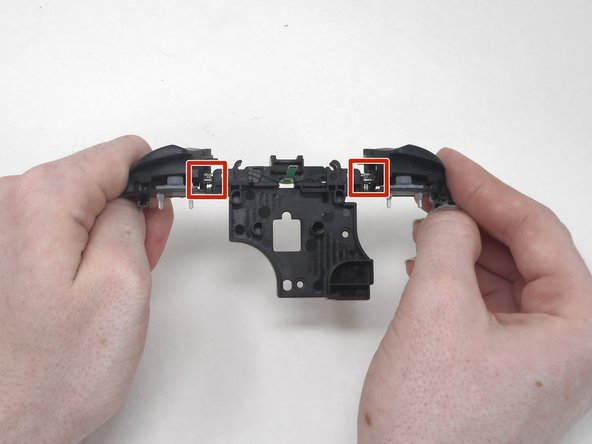
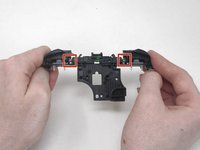
    • Flip the shoulder buttons attachment and look at the metal rods.

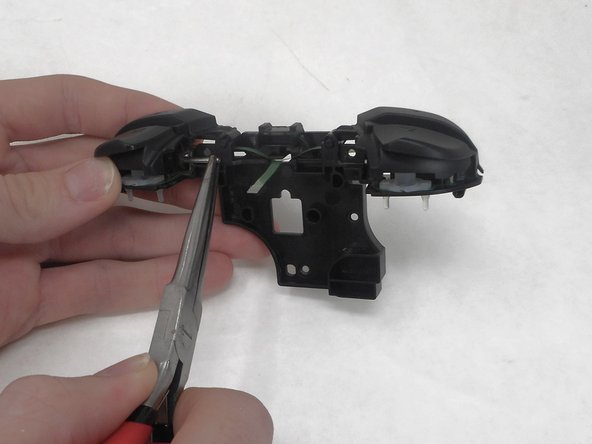
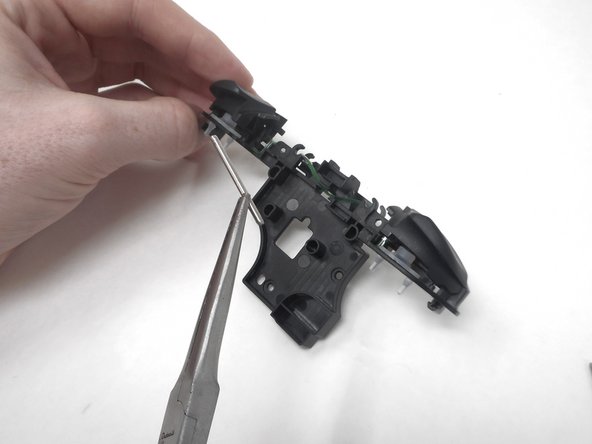
  14. YCCTEAM YCC-SW4001 Shoulder Buttons Replacement: шаг 14, изображение 1 из 3 YCCTEAM YCC-SW4001 Shoulder Buttons Replacement: шаг 14, изображение 2 из 3 YCCTEAM YCC-SW4001 Shoulder Buttons Replacement: шаг 14, изображение 3 из 3
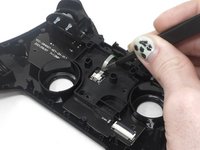
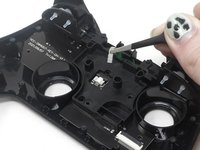
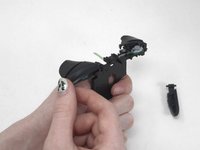
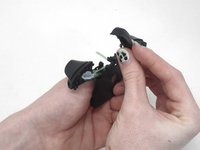
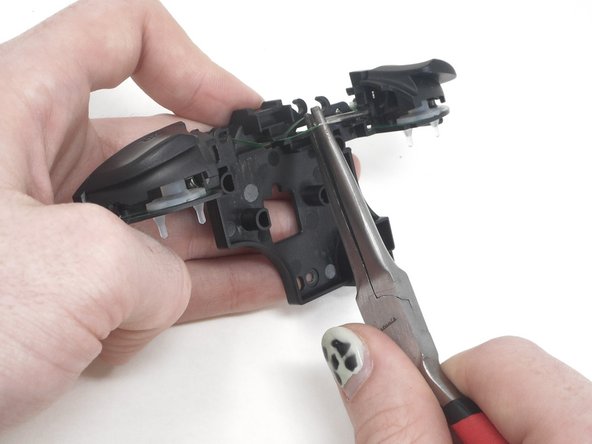
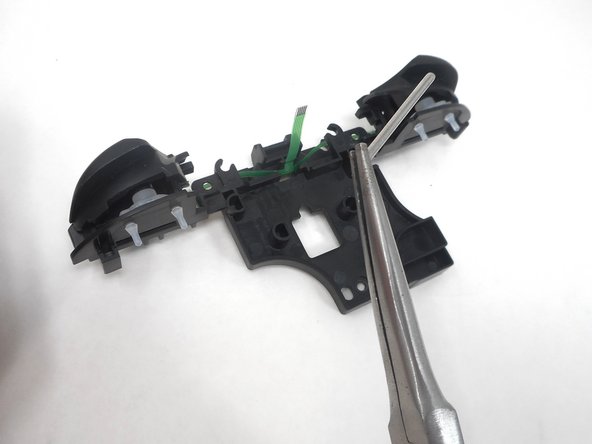
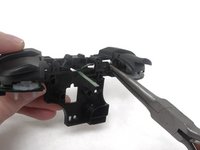
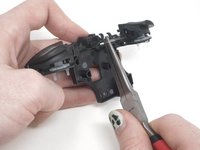
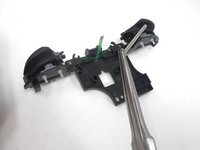
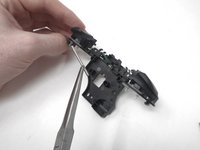
    • Remove the metal rod under "ZL" using the small needle nose pliers.

  15. YCCTEAM YCC-SW4001 Shoulder Buttons Replacement: шаг 15, изображение 1 из 3 YCCTEAM YCC-SW4001 Shoulder Buttons Replacement: шаг 15, изображение 2 из 3 YCCTEAM YCC-SW4001 Shoulder Buttons Replacement: шаг 15, изображение 3 из 3
    • Remove the metal rod under "ZR" using small needle nose pliers.

  16. YCCTEAM YCC-SW4001 Shoulder Buttons Replacement: шаг 16, изображение 1 из 3 YCCTEAM YCC-SW4001 Shoulder Buttons Replacement: шаг 16, изображение 2 из 3 YCCTEAM YCC-SW4001 Shoulder Buttons Replacement: шаг 16, изображение 3 из 3
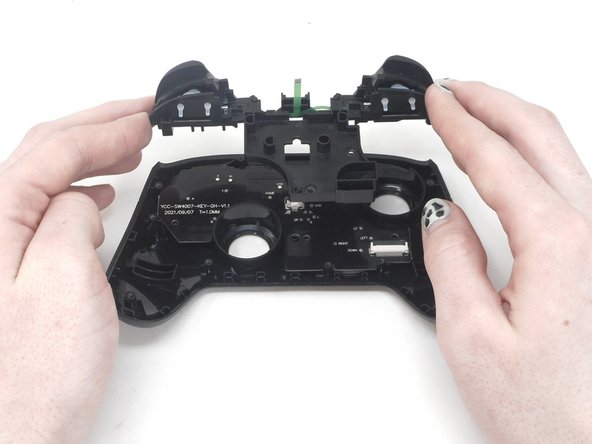
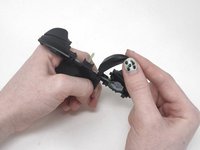
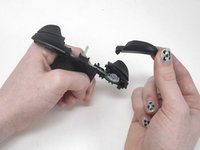
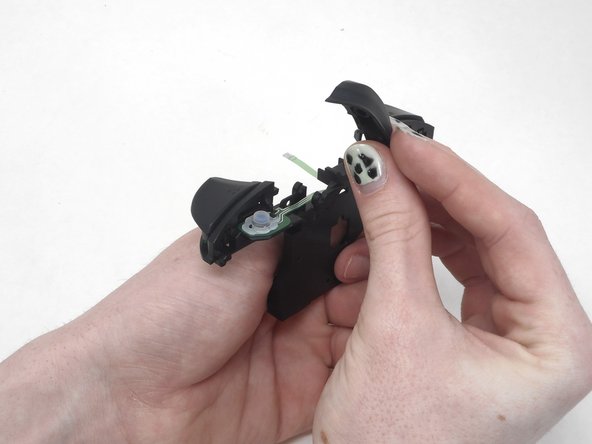
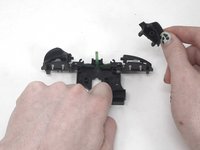
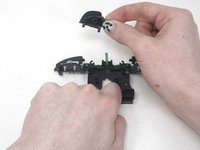
    • Remove the ZL and ZR buttons by hand.

Заключение

To reassemble your device, follow these instructions in reverse order.

Sam Borwick

Участник с: 02/15/24

333 Репутация

Автор 2 руководств

Команда

University of Memphis, Team 1-1, Sneed Spring 2024 Участник University of Memphis, Team 1-1, Sneed Spring 2024

UM-SNEED-S24S1G1

3 членов

Автор 6 руководств

0 Комментарии к руководству

Добавить комментарий

Статистика просмотров:

За последние 24 часов: 0

За последние 7 дней: 1

За последние 30 дней: 18

За всё время: 288