Перейти к основному содержанию
Присоединяйся к сообществу ремонтников - Создай аккаунт

Yuneec ST16S Carrying Handle Replacement

Выберете то, что вам нужно

    1. Yuneec ST16S Carrying Handle Replacement, Battery: шаг 1, изображение 1 из 1
      • Hold down the button located above the battery while applying downward pressure to the battery.

      Спросите у FixBot

      Добавить комментарий

    2. Yuneec ST16S Carrying Handle Replacement: шаг 2, изображение 1 из 2 Yuneec ST16S Carrying Handle Replacement: шаг 2, изображение 2 из 2
      • While still holding down the button, slide the battery out of its slot.

      Спросите у FixBot

      Добавить комментарий

    1. Yuneec ST16S Carrying Handle Replacement, Backplate: шаг 3, изображение 1 из 1
      • Remove the single screw from the battery compartment.

      Спросите у FixBot

      Добавить комментарий

    2. Yuneec ST16S Carrying Handle Replacement: шаг 4, изображение 1 из 2 Yuneec ST16S Carrying Handle Replacement: шаг 4, изображение 2 из 2
      • Remove the rubber bumpers from the back of the device using a spudger.

      Спросите у FixBot

      Добавить комментарий

    3. Yuneec ST16S Carrying Handle Replacement: шаг 5, изображение 1 из 2 Yuneec ST16S Carrying Handle Replacement: шаг 5, изображение 2 из 2
      • Remove the two screws located under each of the rubber bumpers.

      Спросите у FixBot

      Добавить комментарий

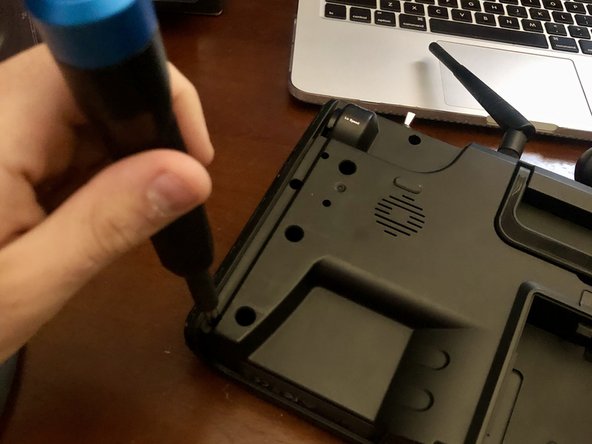
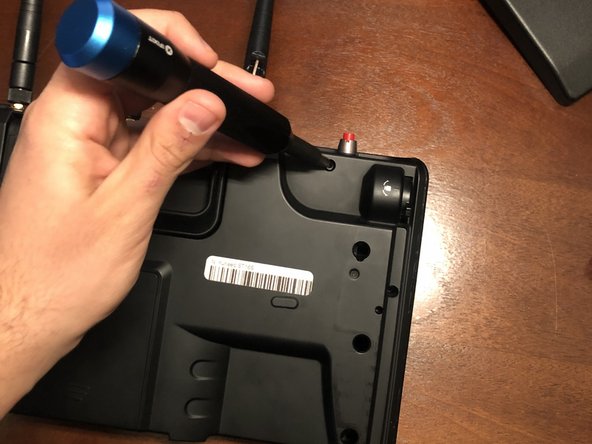
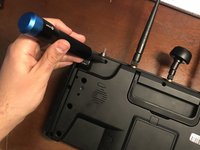
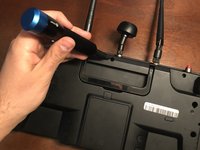
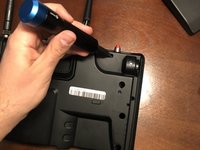
    4. Yuneec ST16S Carrying Handle Replacement: шаг 6, изображение 1 из 3 Yuneec ST16S Carrying Handle Replacement: шаг 6, изображение 2 из 3 Yuneec ST16S Carrying Handle Replacement: шаг 6, изображение 3 из 3
      • Remove the three screws along the top of the device.

      Спросите у FixBot

      Добавить комментарий

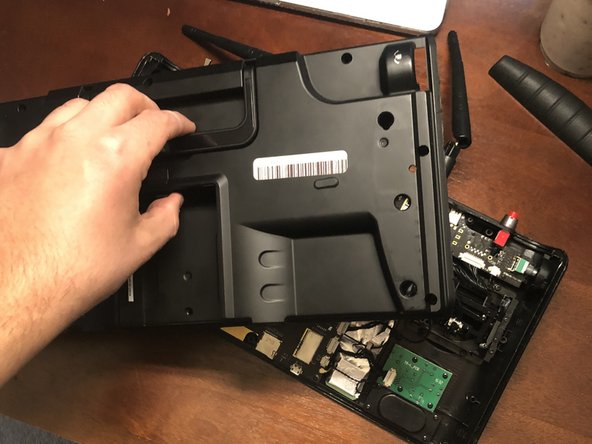
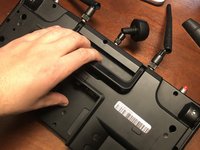
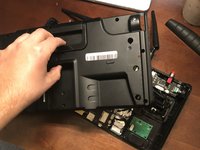
    5. Yuneec ST16S Carrying Handle Replacement: шаг 7, изображение 1 из 2 Yuneec ST16S Carrying Handle Replacement: шаг 7, изображение 2 из 2
      • Carefully remove the backplate from the device.

      Спросите у FixBot

      Добавить комментарий

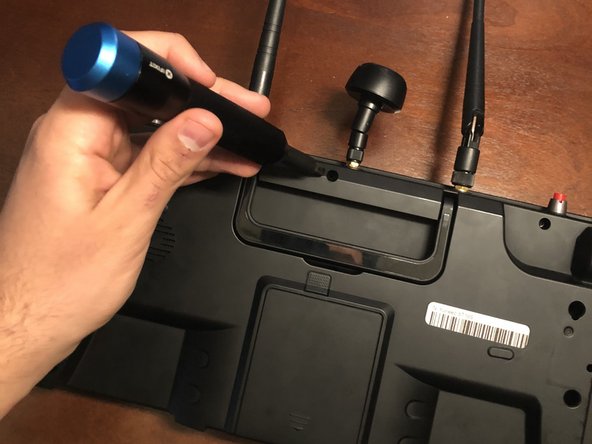
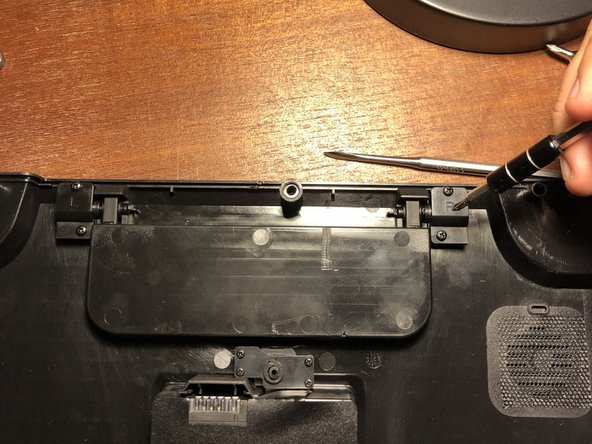
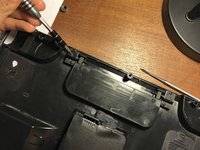
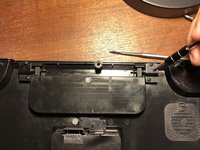
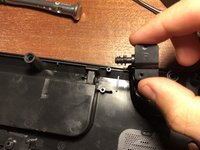
    1. Yuneec ST16S Carrying Handle Replacement, Carrying Handle: шаг 8, изображение 1 из 2 Yuneec ST16S Carrying Handle Replacement, Carrying Handle: шаг 8, изображение 2 из 2
      • Remove the screws from the clips on both ends of the handle.

      Спросите у FixBot

      Добавить комментарий

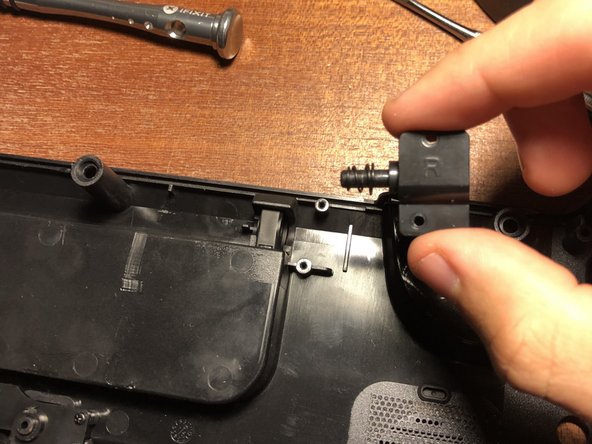
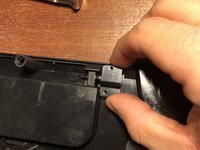
    2. Yuneec ST16S Carrying Handle Replacement: шаг 9, изображение 1 из 2 Yuneec ST16S Carrying Handle Replacement: шаг 9, изображение 2 из 2
      • Slide the clips away from the handle.

      Спросите у FixBot

      Добавить комментарий

    3. Yuneec ST16S Carrying Handle Replacement: шаг 10, изображение 1 из 1
      • Remove the handle from the device.

      Спросите у FixBot

      Добавить комментарий

Заключение

To reassemble your device, follow these instructions in reverse order.

Отменить: Я не выполнил это руководство.

Christian Resendes

Участник с: 10/28/21

589 Репутация

Автор 5 руководств

Команда

UMass Dartmouth, Team 4-2, Gulbrandsen Fall 2021 Участник UMass Dartmouth, Team 4-2, Gulbrandsen Fall 2021

UMASSD-GULBRANDSEN-F21S4G2

3 членов

Автор 6 руководств

0 Комментарии к руководству

Добавить комментарий

Статистика просмотров:

За последние 24 часов: 1

За последние 7 дней: 5

За последние 30 дней: 21

За всё время: 203