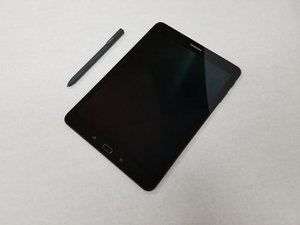

Screen off memo not working
Why is the screen off memo function not working? I've turned it on in settings for s pen. Screen off. Press button and double tap screen but nothing happens.
Это хороший вопрос?
Счет
0
Why is the screen off memo function not working? I've turned it on in settings for s pen. Screen off. Press button and double tap screen but nothing happens.
Это хороший вопрос?
Репутация: 552,3к
 11
11
 425
425
 1,6к
1,6к
Hi,
Have you checked if anything you have written using "screen off memo" is in Samsung Notes at all?
This is from the User Guide p.162
" Screen off memo: Create notes by detaching the S Pen while the screen is turned off and then writing on the screen. Screen off notes are saved in Samsung Notes. "
You can browse notes you create. From the Home screen, tap Apps > Samsung Notes. Browse note entries by swiping up or down. To search for a note, tap Search.
Был ли этот ответ полезен?
Being in Dex mode was my problem. S-pen screen-off memos option in Dex mode greyed out the enable option as found in Settings - Advanced Features - S-pen
За последние 24 часов: 0
За последние 7 дней: 1
За последние 30 дней: 19
За все время: 2,924


1 Комментарий
Being in Dex mode was my problem. S-pen screen-off memos option in Dex mode greyed out the enable option as found in Settings - Advanced Features - S-pen
из Patrick O'Sullivan