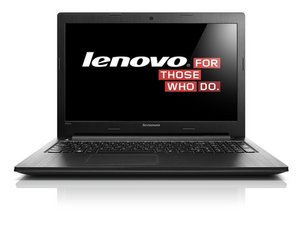

Keyboard not working properly
How to fix my Lenovo b50 keyboard
Это хороший вопрос?
Счет
0
Репутация: 551,4к
 11
11
 425
425
 1,6к
1,6к
Hi @babyface2177 ,
First plug a USB keyboard into the laptop to verify that the problem is with the laptop's keyboard and that it is not another problem with the laptop.
If the USB keyboard works OK then it is better to replace the keyboard than to try and fix it. You can create more problems than what you had if you try to repair it.
Here is a link to the download page for the service manual for your laptop.
To download the manual, click on the I am not a robot checkbox answer the questions and then click on the green Get Manual icon. Then click on the blue Download PDF link. (It does say B50-30 on the page but it is the same manual for a lot of models. Yours is listed in the manual)
Once you have the manual, scroll to p.41 to view the necessary pre-requisite steps and then the procedure to remove the keyboard. Install the new keyboard by reversing the steps used to remove it.
Scroll to p.105 to view the part number for your keyboard. Search online, using the part number only, (dependent upon your location) to find suppliers of the part that suit you best. If you are unsure which part number you need, it should be printed somewhere on the underside of the keyboard in your laptop.
Hopefully this is of some help
Был ли этот ответ полезен?
За последние 24 часов: 0
За последние 7 дней: 3
За последние 30 дней: 15
За все время: 1,284

