Перейти к основному содержанию

Anker Soundcore Motion Boom Plus Button Panel Replacement

Выберете то, что вам нужно

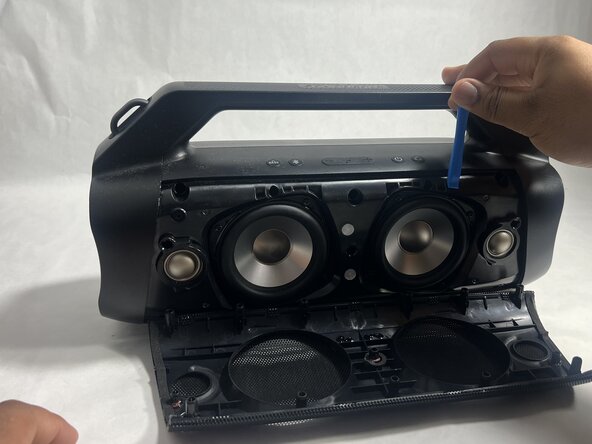
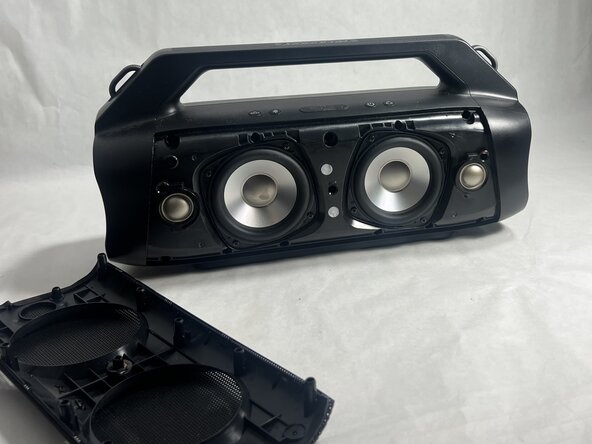
  1. Anker Soundcore Motion Boom Plus Button Panel Replacement, Case: шаг 1, изображение 1 из 3 Anker Soundcore Motion Boom Plus Button Panel Replacement, Case: шаг 1, изображение 2 из 3 Anker Soundcore Motion Boom Plus Button Panel Replacement, Case: шаг 1, изображение 3 из 3
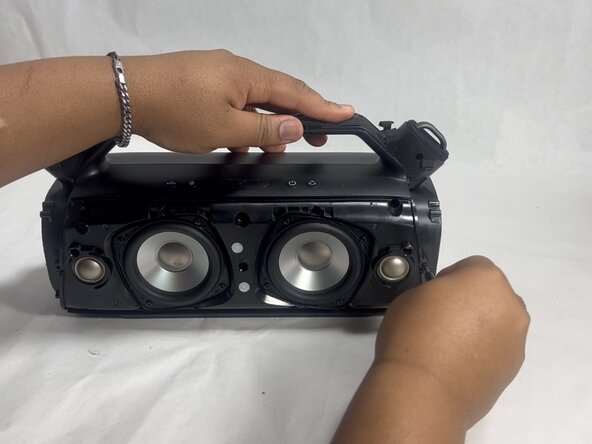
    • Insert an opening tool into the seam between the speaker grille and the chassis.

    • Pry the tool around the top, bottom, and sides until the grille fully releases.

    • Apply gentle pressure to avoid damaging the grille.

    • Remove the grille.

  2. Anker Soundcore Motion Boom Plus Button Panel Replacement: шаг 2, изображение 1 из 2 Anker Soundcore Motion Boom Plus Button Panel Replacement: шаг 2, изображение 2 из 2
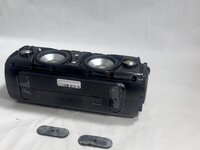
    • Remove the two passive radiators on either side of the device.

    • Avoid pulling too hard or with too much force to prevent breaking the passive radiators.

  3. Anker Soundcore Motion Boom Plus Button Panel Replacement: шаг 3, изображение 1 из 2 Anker Soundcore Motion Boom Plus Button Panel Replacement: шаг 3, изображение 2 из 2
    • Remove the sixteen 14 mm Phillips screws, eight on each end of the speaker.

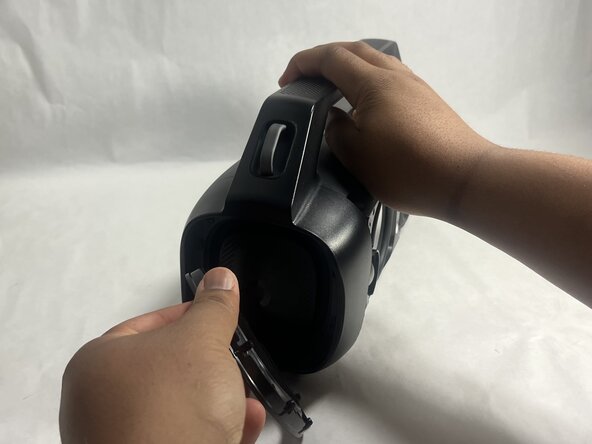
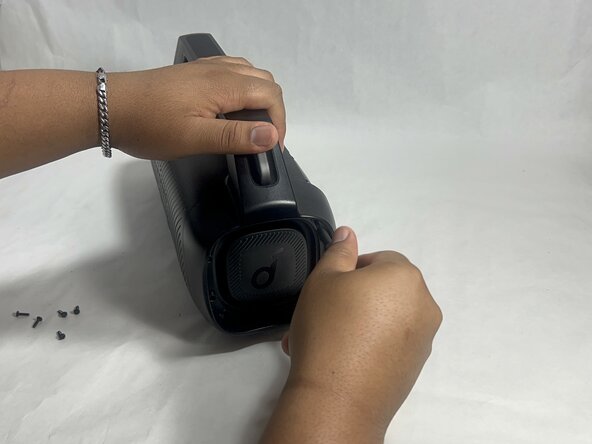
  4. Anker Soundcore Motion Boom Plus Button Panel Replacement: шаг 4, изображение 1 из 3 Anker Soundcore Motion Boom Plus Button Panel Replacement: шаг 4, изображение 2 из 3 Anker Soundcore Motion Boom Plus Button Panel Replacement: шаг 4, изображение 3 из 3
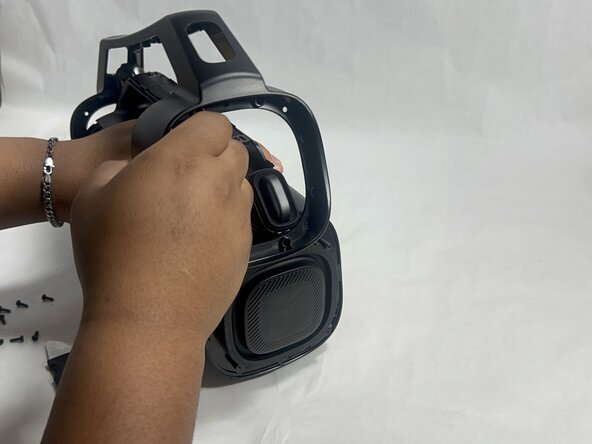
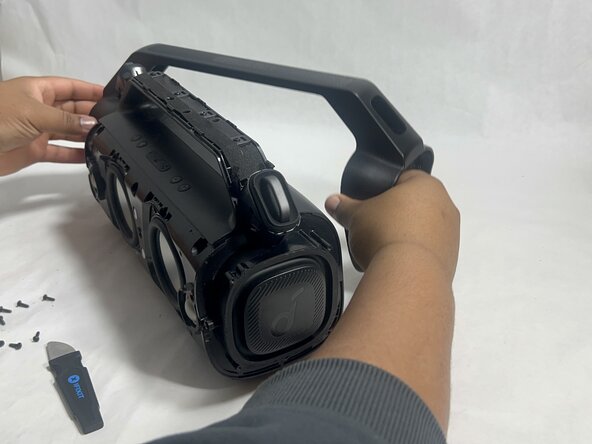
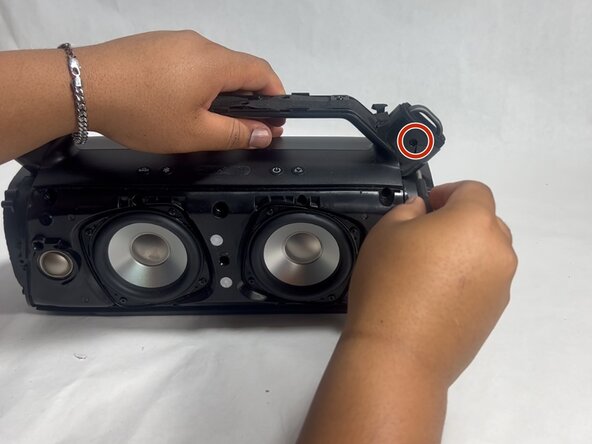
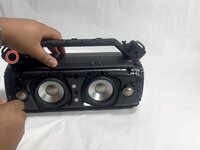
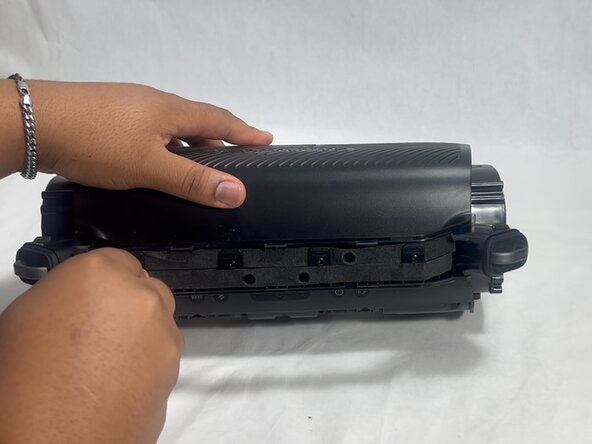
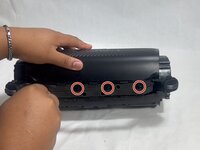
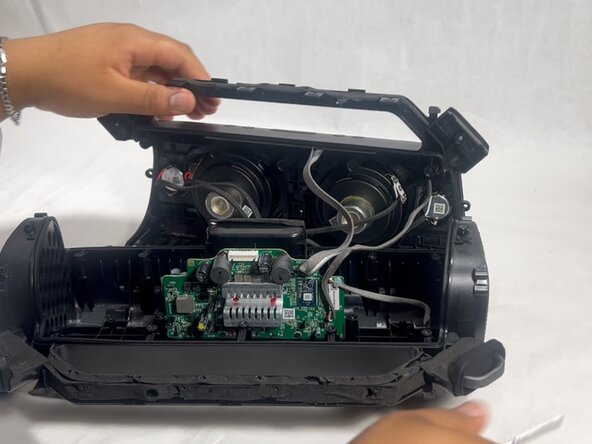
    • Gently remove the handle from the device by clicking off the handles from the sides and then pulling it off.

  5. Anker Soundcore Motion Boom Plus Button Panel Replacement: шаг 5, изображение 1 из 2 Anker Soundcore Motion Boom Plus Button Panel Replacement: шаг 5, изображение 2 из 2
    • Flip the speaker onto its side and use a spudger to remove the two rubber feet on the bottom of the device.

  6. Anker Soundcore Motion Boom Plus Button Panel Replacement: шаг 6, изображение 1 из 2 Anker Soundcore Motion Boom Plus Button Panel Replacement: шаг 6, изображение 2 из 2
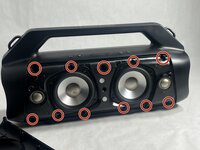
    • Remove the eleven 13 mm Philips screws that secure the driver housing.

  7. Anker Soundcore Motion Boom Plus Button Panel Replacement: шаг 7, изображение 1 из 2 Anker Soundcore Motion Boom Plus Button Panel Replacement: шаг 7, изображение 2 из 2
    • Remove the two 14 mm Phillips screws located on each side of the handle, near the clip points.

  8. Anker Soundcore Motion Boom Plus Button Panel Replacement: шаг 8, изображение 1 из 2 Anker Soundcore Motion Boom Plus Button Panel Replacement: шаг 8, изображение 2 из 2
    • Remove the four 14 mm Philips screws on the top of the device.

  9. Anker Soundcore Motion Boom Plus Button Panel Replacement: шаг 9, изображение 1 из 1
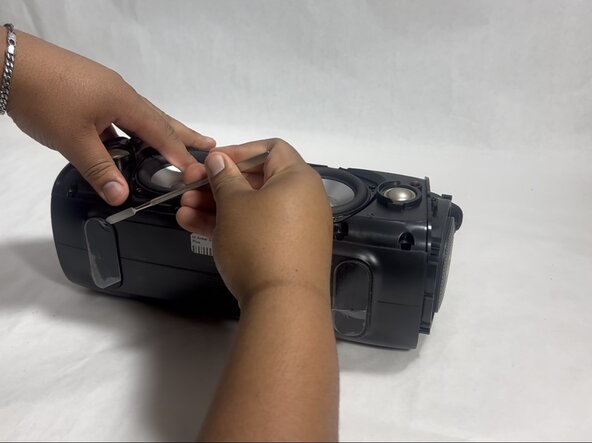
    • Insert a spudger into the seam on top of the device.

    • Gently pry the casing open.

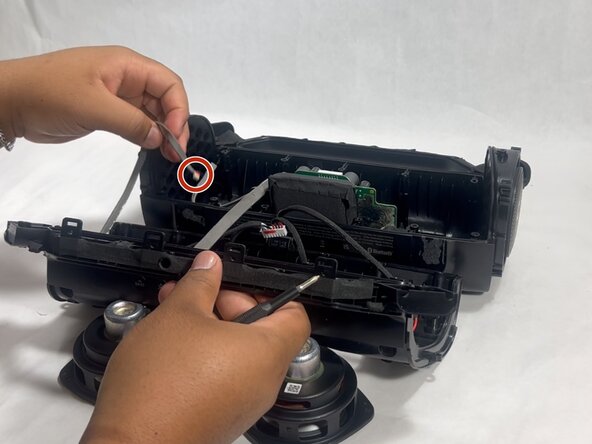
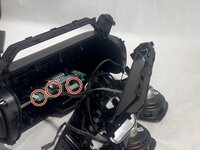
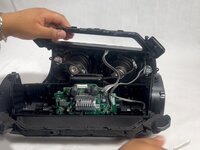
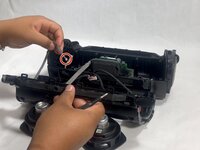
  10. Anker Soundcore Motion Boom Plus Button Panel Replacement: шаг 10, изображение 1 из 3 Anker Soundcore Motion Boom Plus Button Panel Replacement: шаг 10, изображение 2 из 3 Anker Soundcore Motion Boom Plus Button Panel Replacement: шаг 10, изображение 3 из 3
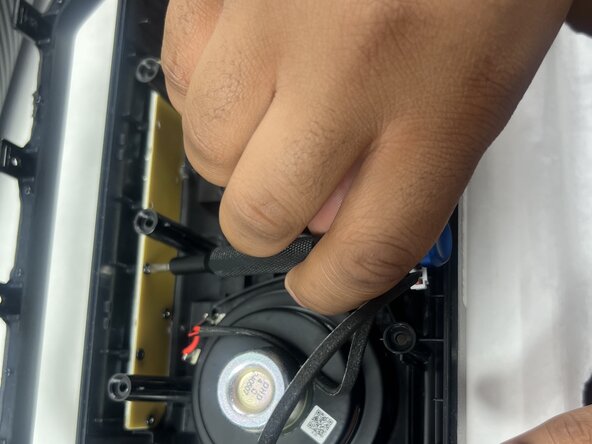
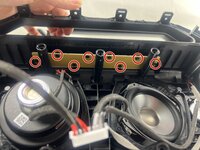
    • Disconnect each of the three cables by gently pulling the connectors out of their sockets.

    • Do not pull with force. The ribbon cables are fragile and easily break.

  11. Anker Soundcore Motion Boom Plus Button Panel Replacement, Button Panel: шаг 11, изображение 1 из 2 Anker Soundcore Motion Boom Plus Button Panel Replacement, Button Panel: шаг 11, изображение 2 из 2
    • Remove all eight 7 mm Phillips screws securing the button panel to the top of the case.

  12. Anker Soundcore Motion Boom Plus Button Panel Replacement: шаг 12, изображение 1 из 1
    • Remove the button panel.

Заключение

To reassemble your device, follow the above steps in reverse order.
Take your e-waste to an R2 or e-Stewards certified recycler.
Repair didn’t go as planned? Try some basic troubleshooting or ask our Answers community for help.

Hayley

Участник с: 03/26/25

988 Репутация

Автор 6 руководств

Команда

UMass Dartmouth, Team 3-7, Botvin Spring 2025 Участник UMass Dartmouth, Team 3-7, Botvin Spring 2025

UMASSD-BOTVIN-S25S3G7

2 членов

Автор 6 руководств

0 Комментарии к руководству

Добавить комментарий

Статистика просмотров:

За последние 24 часов: 0

За последние 7 дней: 2

За последние 30 дней: 12

За всё время: 79