Перейти к основному содержанию
Присоединяйся к сообществу ремонтников - Создай аккаунт

Haiboxing 18859 Motor Replacement

Выберете то, что вам нужно

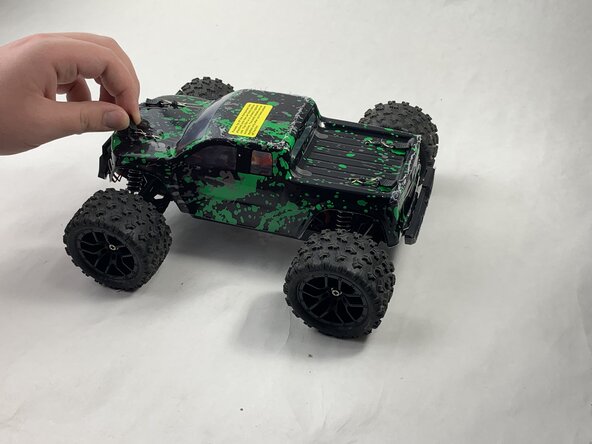
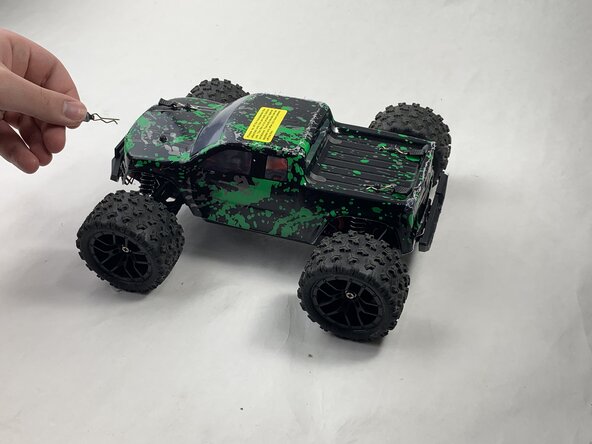
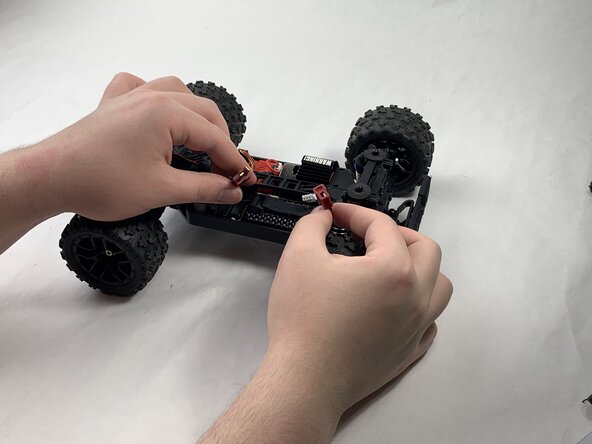
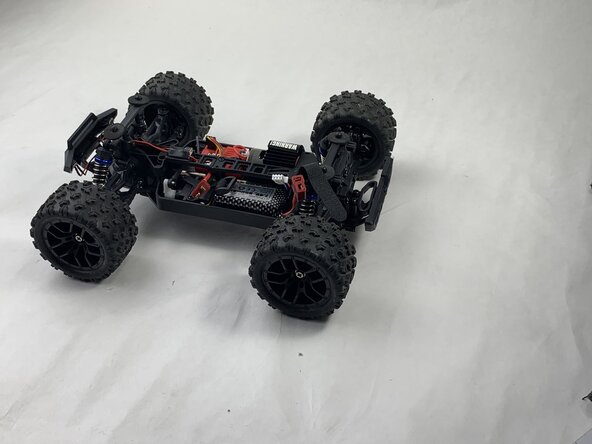
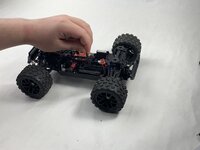
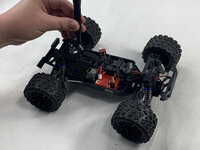
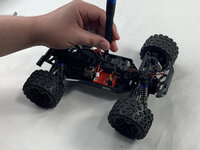
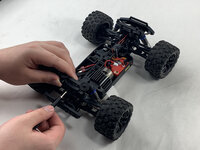
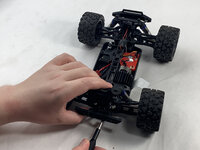
  1. Haiboxing 18859 Motor Replacement, Battery: шаг 1, изображение 1 из 3 Haiboxing 18859 Motor Replacement, Battery: шаг 1, изображение 2 из 3 Haiboxing 18859 Motor Replacement, Battery: шаг 1, изображение 3 из 3
    • Remove the 4 clips holding down the hard plastic shell of the RC car. Do this by pinching them with your thumb and index finger and pulling away.

    Спросите у FixBot

    Добавить комментарий

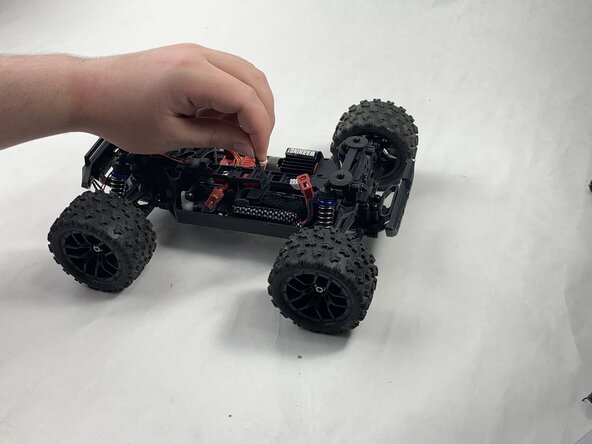
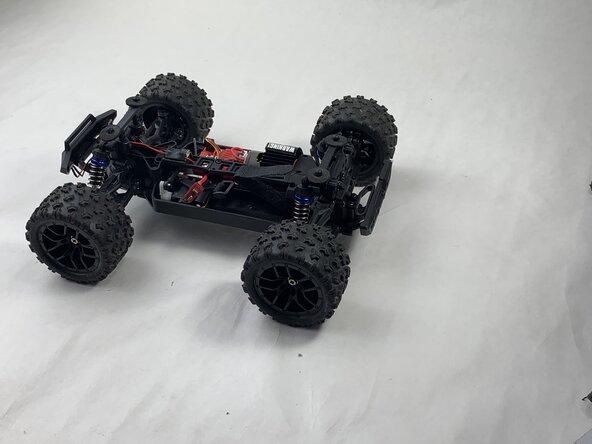
  2. Haiboxing 18859 Motor Replacement: шаг 2, изображение 1 из 1
    • Lift the hard plastic shell off of the RC car.

    Спросите у FixBot

    Добавить комментарий

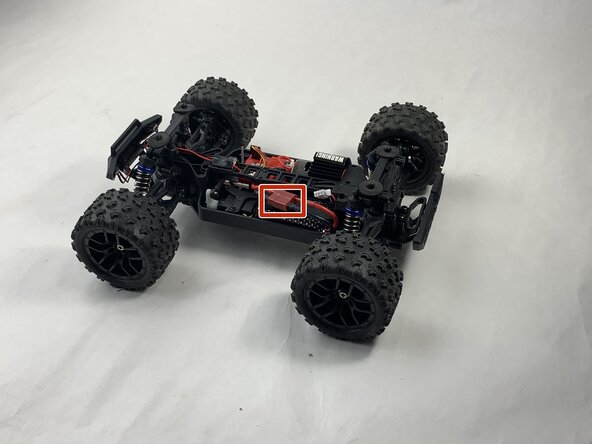
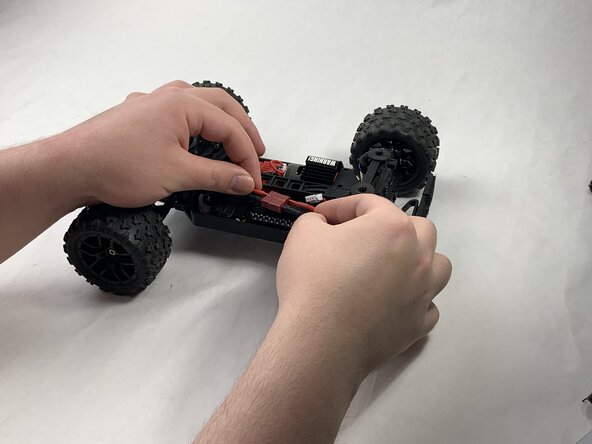
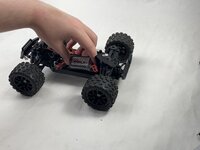
  3. Haiboxing 18859 Motor Replacement: шаг 3, изображение 1 из 3 Haiboxing 18859 Motor Replacement: шаг 3, изображение 2 из 3 Haiboxing 18859 Motor Replacement: шаг 3, изображение 3 из 3
    • Disconnect the Lego-style battery connector by gripping either side and pulling them away from each other, slowly and consistently.

    Спросите у FixBot

    Добавить комментарий

  4. Haiboxing 18859 Motor Replacement: шаг 4, изображение 1 из 3 Haiboxing 18859 Motor Replacement: шаг 4, изображение 2 из 3 Haiboxing 18859 Motor Replacement: шаг 4, изображение 3 из 3
    • Unfasten the Velcro strap that secures the battery.

    Спросите у FixBot

    Добавить комментарий

  5. Haiboxing 18859 Motor Replacement: шаг 5, изображение 1 из 2 Haiboxing 18859 Motor Replacement: шаг 5, изображение 2 из 2
    • Remove the battery.

    Спросите у FixBot

    Добавить комментарий

  6. Haiboxing 18859 Motor Replacement, Motor: шаг 6, изображение 1 из 1
    • Unplug the motor from the receiver.

    Спросите у FixBot

    Добавить комментарий

  7. Haiboxing 18859 Motor Replacement: шаг 7, изображение 1 из 1
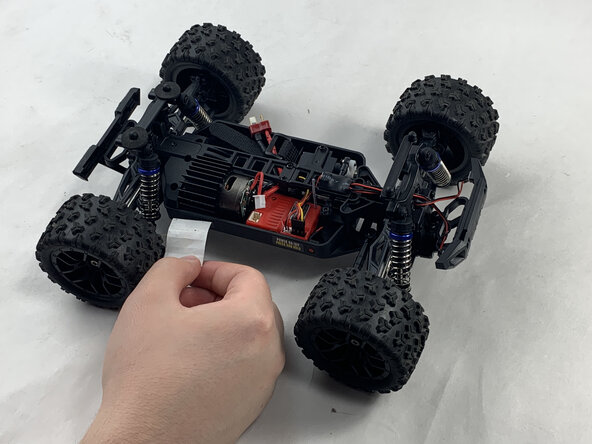
    • Peel back the warning tape covering the motor.

    Спросите у FixBot

    Добавить комментарий

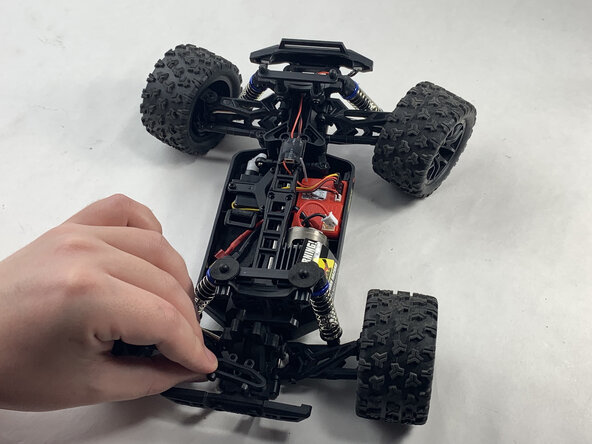
  8. Haiboxing 18859 Motor Replacement: шаг 8, изображение 1 из 3 Haiboxing 18859 Motor Replacement: шаг 8, изображение 2 из 3 Haiboxing 18859 Motor Replacement: шаг 8, изображение 3 из 3
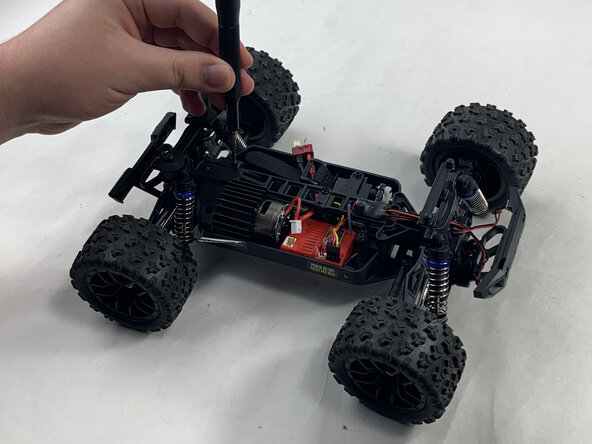
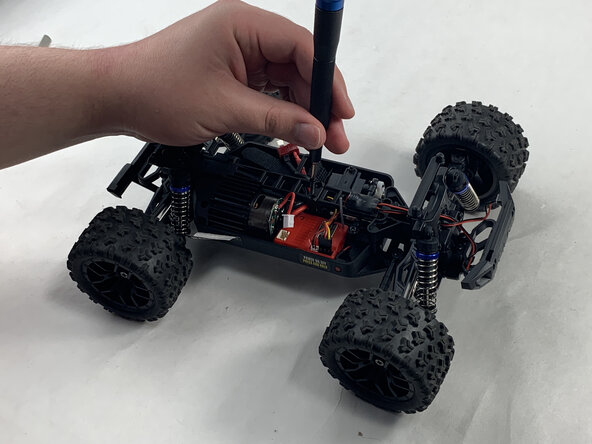
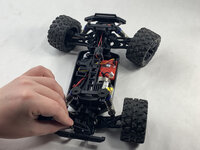
    • Unscrew the 10 mm Phillips #0 screws holding down the motor. This includes the shaft attached down the middle.

    • Place the mounting screws where you won't lose them, such as in a plastic bag or container.

    Спросите у FixBot

    Добавить комментарий

  9. Haiboxing 18859 Motor Replacement: шаг 9, изображение 1 из 3 Haiboxing 18859 Motor Replacement: шаг 9, изображение 2 из 3 Haiboxing 18859 Motor Replacement: шаг 9, изображение 3 из 3
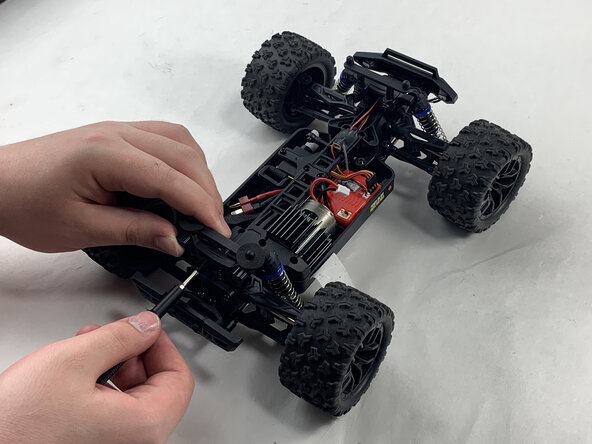
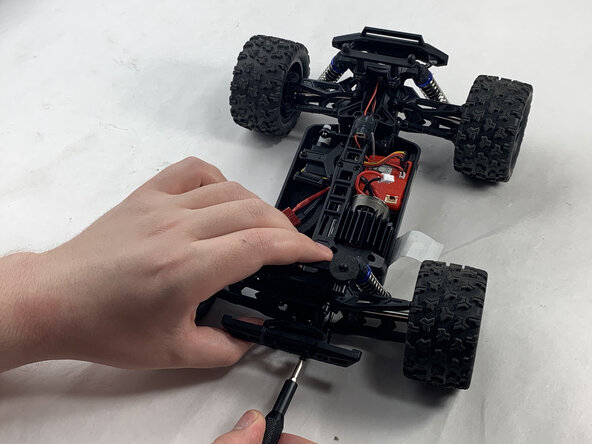
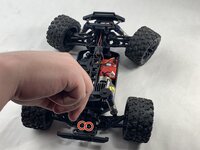
    • Unscrew the 16 mm Phillips #1 screws at the rear of the Haiboxing.

    Спросите у FixBot

    Добавить комментарий

  10. Haiboxing 18859 Motor Replacement: шаг 10, изображение 1 из 2 Haiboxing 18859 Motor Replacement: шаг 10, изображение 2 из 2
    • Remove the upwards facing rear-most 8 mm Phillips #1 screws.

    • Remove the trapezoid-shaped part.

    Спросите у FixBot

    Добавить комментарий

  11. Haiboxing 18859 Motor Replacement: шаг 11, изображение 1 из 1
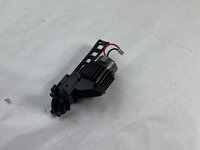
    • Lift out the motor and the shaft it is attached to.

    Спросите у FixBot

    Добавить комментарий

  12. Haiboxing 18859 Motor Replacement: шаг 12, изображение 1 из 1
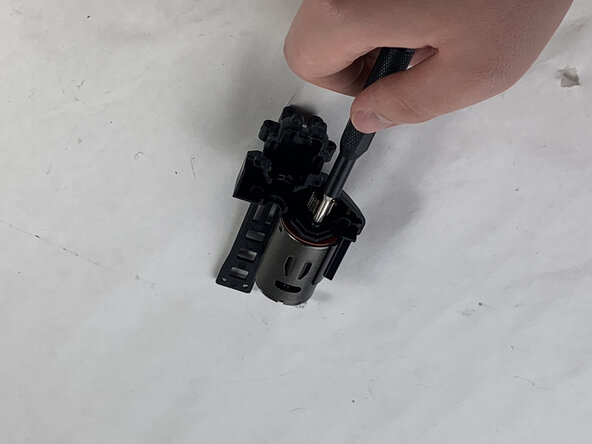
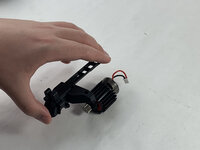
    • Remove the 6 mm Phillips #0 screw holding the motor to the black, plastic shaft.

    Спросите у FixBot

    Добавить комментарий

  13. Haiboxing 18859 Motor Replacement: шаг 13, изображение 1 из 2 Haiboxing 18859 Motor Replacement: шаг 13, изображение 2 из 2
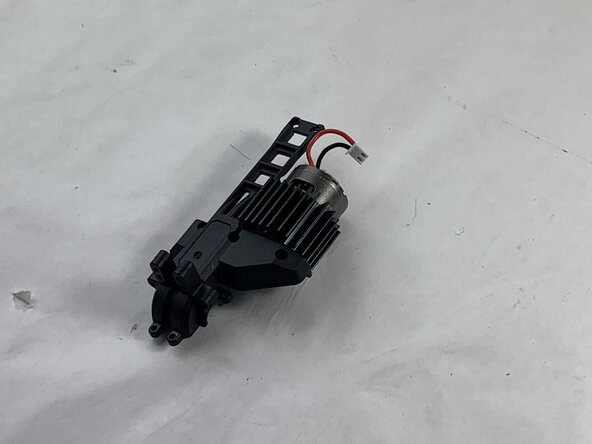
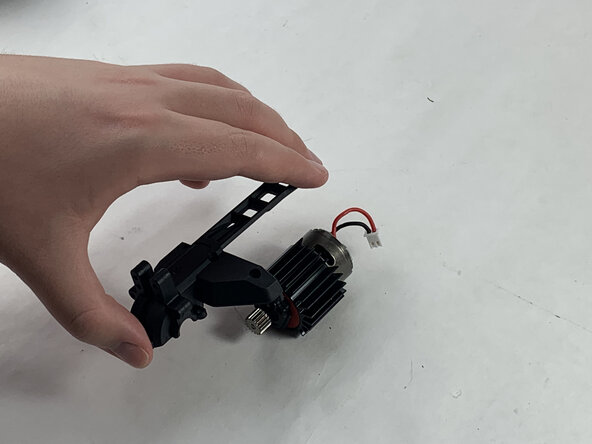
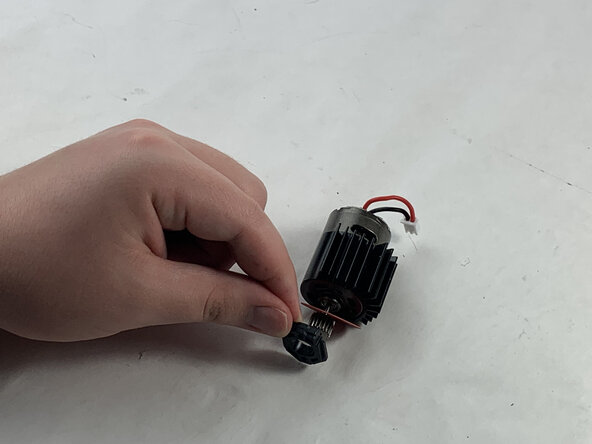
    • Flip over.

    • Detach the shaft from motor.

    Спросите у FixBot

    Добавить комментарий

  14. Haiboxing 18859 Motor Replacement: шаг 14, изображение 1 из 3 Haiboxing 18859 Motor Replacement: шаг 14, изображение 2 из 3 Haiboxing 18859 Motor Replacement: шаг 14, изображение 3 из 3
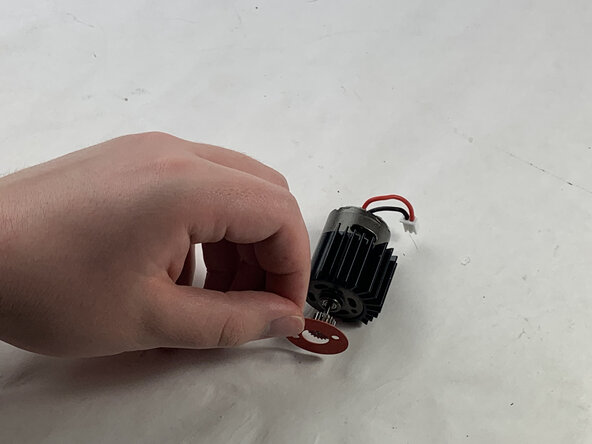
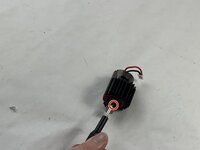
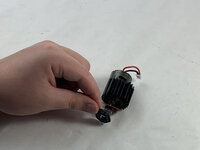
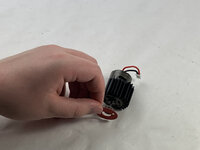
    • Remove the remaining 6 mm Phillips #0 screw holding black, plastic washer in place.

    • Remove the black, plastic washer.

    • Remove the red, paper washer.

    Спросите у FixBot

    Добавить комментарий

Заключение

To reassemble your device, follow the above steps in reverse order.
Take your e-waste to an R2 or e-Stewards certified recycler.
Repair didn’t go as planned? Try some basic troubleshooting or ask our Answers community for help.

Отменить: Я не выполнил это руководство.

Ty.

Участник с: 03/21/25

219 Репутация

1 руководство автора

Команда

UMass Dartmouth, Team 6-3, Botvin Spring 2025 Участник UMass Dartmouth, Team 6-3, Botvin Spring 2025

UMASSD-BOTVIN-S25S6G3

3 членов

Автор 5 руководств

0 Комментарии к руководству

Добавить комментарий

Статистика просмотров:

За последние 24 часов: 1

За последние 7 дней: 29

За последние 30 дней: 69

За всё время: 636