Перейти к основному содержанию
Присоединяйся к сообществу ремонтников - Создай аккаунт
Nintendo Game Boy Advance SP Buttons Replacement

Выберете то, что вам нужно

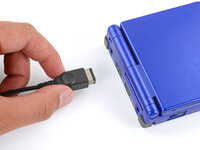
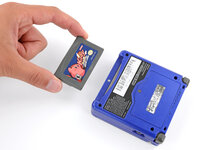
  1. Nintendo Game Boy Advance SP Buttons Replacement, Prepare your Game Boy for disassembly: шаг 1, изображение 1 из 3 Nintendo Game Boy Advance SP Buttons Replacement, Prepare your Game Boy for disassembly: шаг 1, изображение 2 из 3 Nintendo Game Boy Advance SP Buttons Replacement, Prepare your Game Boy for disassembly: шаг 1, изображение 3 из 3
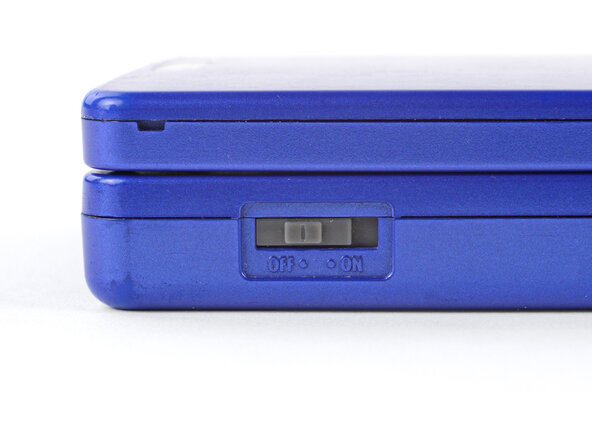
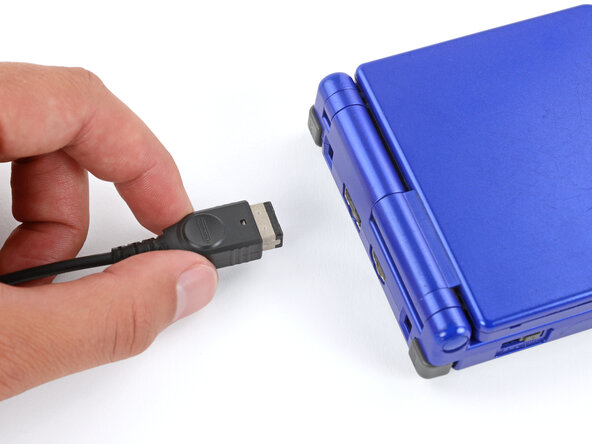
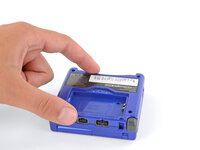
    • Slide the power switch to the OFF position and unplug any cables.

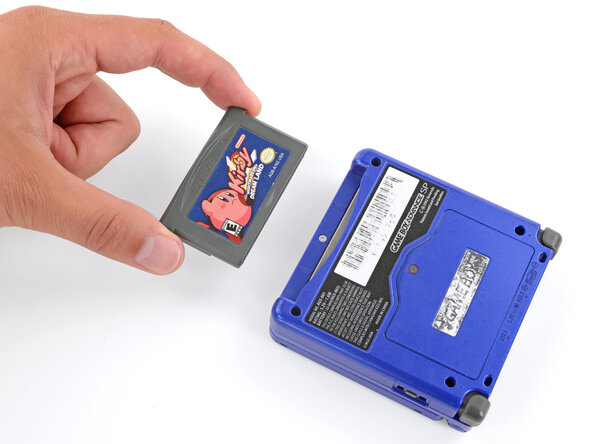
    • If you have a game cartridge in, remove it.

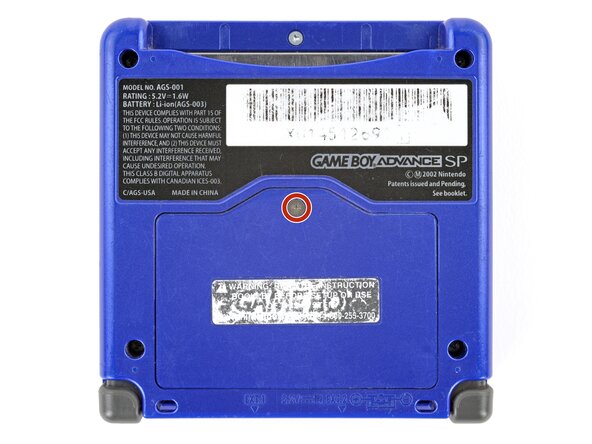
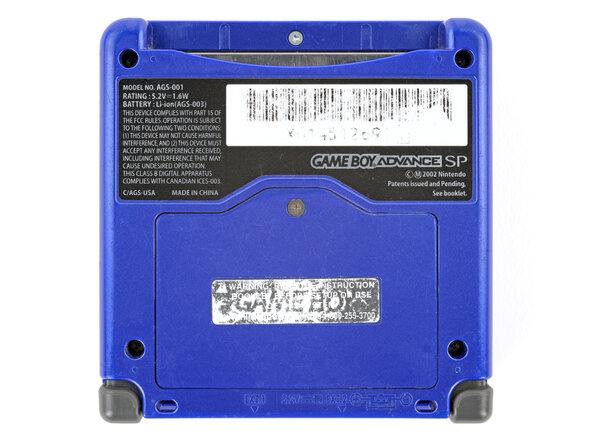
  2. Nintendo Game Boy Advance SP Buttons Replacement, Remove the battery cover: шаг 2, изображение 1 из 2 Nintendo Game Boy Advance SP Buttons Replacement, Remove the battery cover: шаг 2, изображение 2 из 2
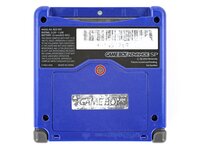
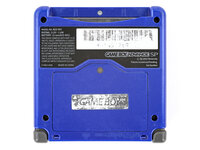
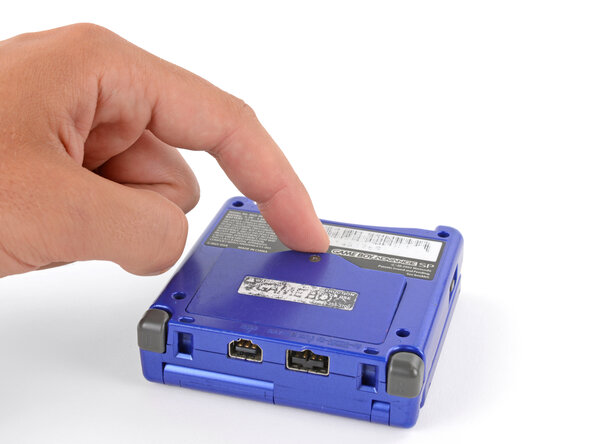
    • Use a JIS 00 screwdriver to loosen the captive screw securing the battery cover.

    • You can try to use a non-iFixit Phillips driver in a pinch, but you risk damaging or stripping the screw. Push down firmly on the driver and twist slowly.

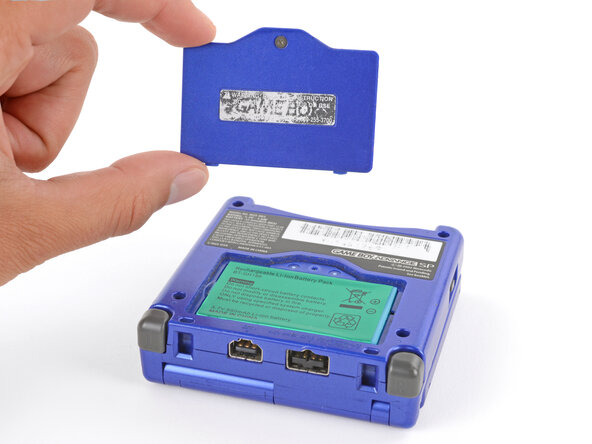
  3. Nintendo Game Boy Advance SP Buttons Replacement: шаг 3, изображение 1 из 3 Nintendo Game Boy Advance SP Buttons Replacement: шаг 3, изображение 2 из 3 Nintendo Game Boy Advance SP Buttons Replacement: шаг 3, изображение 3 из 3
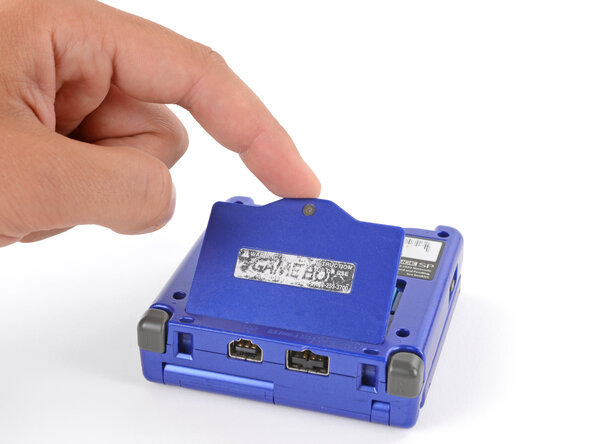
    • Lift the edge of the cover near the screw and remove the cover.

    • During reassembly, hook the tabs on the bottom edge of the cover into their slots and lay the cover into place.

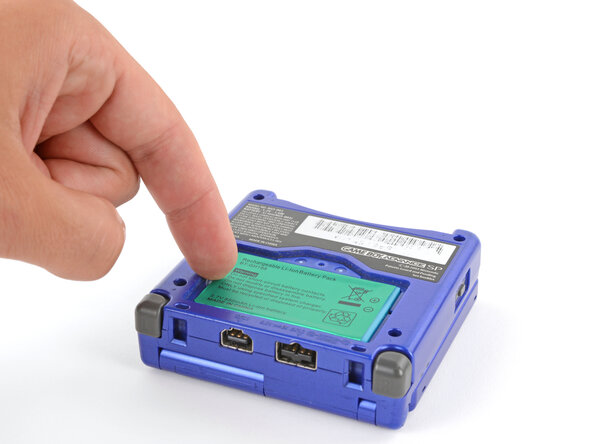
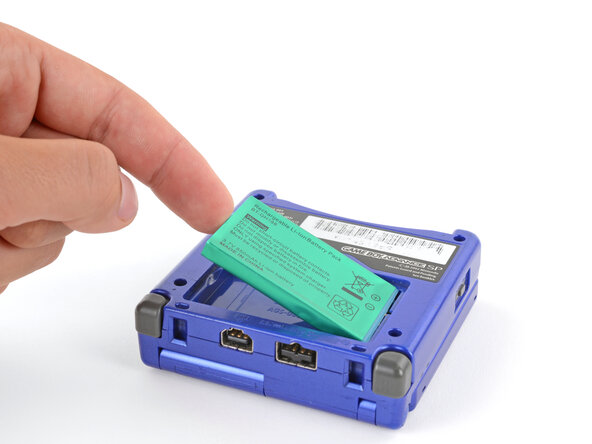
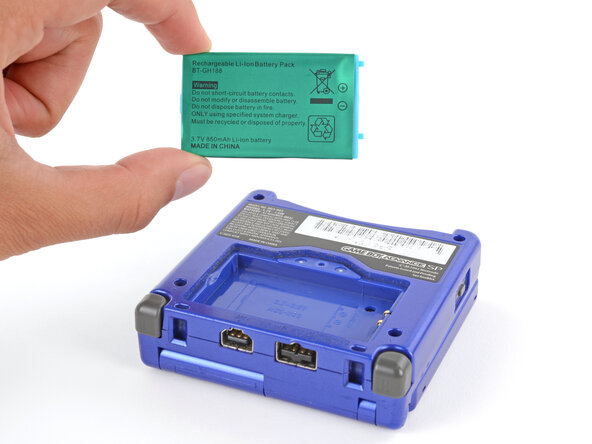
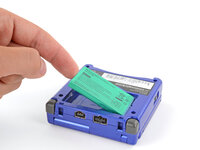
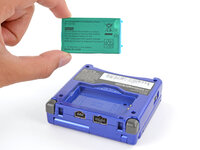
  4. Nintendo Game Boy Advance SP Buttons Replacement, Remove the battery: шаг 4, изображение 1 из 3 Nintendo Game Boy Advance SP Buttons Replacement, Remove the battery: шаг 4, изображение 2 из 3 Nintendo Game Boy Advance SP Buttons Replacement, Remove the battery: шаг 4, изображение 3 из 3
    • Use your finger to lift the battery by the tab on its left edge, then remove it.

    • During reassembly:

    • Never reuse a deformed or damaged battery—it's a fire hazard. Replace it with a new battery.

    • Your replacement battery may come with a plastic enclosure that slides over the battery.

    • Insert the edge of the battery with contacts at a slight downward angle—aligning the contacts with their prongs in the recess—and press the battery into place.

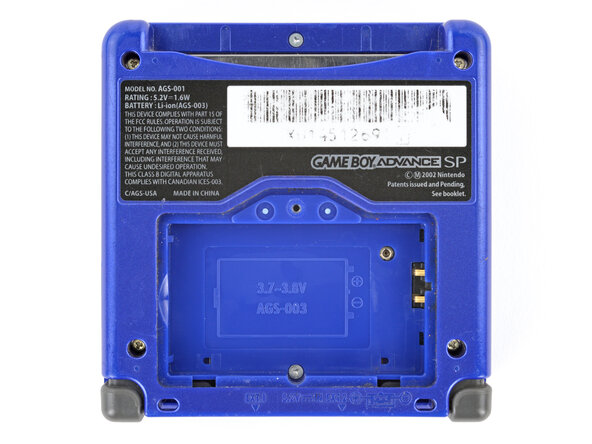
  5. Nintendo Game Boy Advance SP Buttons Replacement, Remove the bottom shell: шаг 5, изображение 1 из 2 Nintendo Game Boy Advance SP Buttons Replacement, Remove the bottom shell: шаг 5, изображение 2 из 2
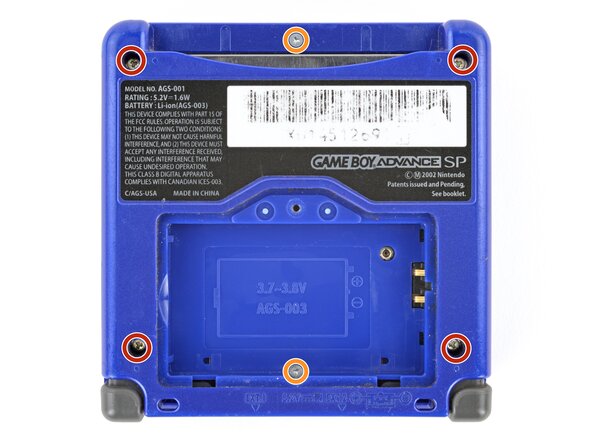
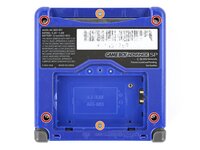
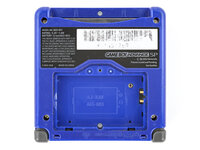
    • Use a tri‑point Y0 screwdriver to remove the six screws securing the bottom shell:

    • Four 6.3 mm‑long recessed screws

    • Two 4.6 mm‑long screws

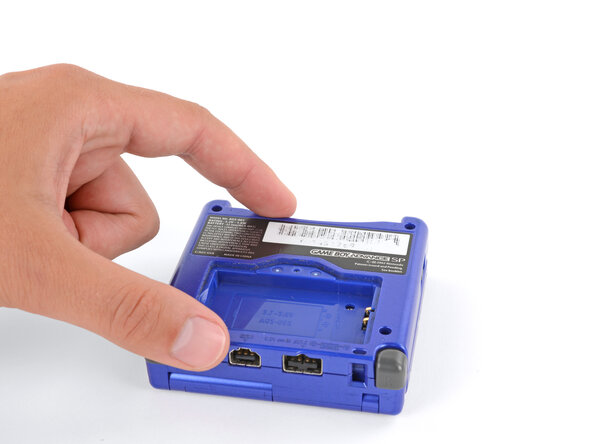
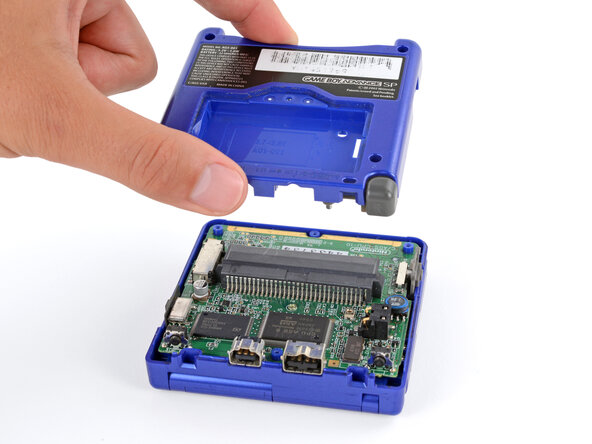
  6. Nintendo Game Boy Advance SP Buttons Replacement: шаг 6, изображение 1 из 2 Nintendo Game Boy Advance SP Buttons Replacement: шаг 6, изображение 2 из 2
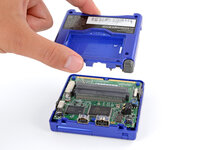
    • Lift the bottom shell straight up and remove it.

  7. Nintendo Game Boy Advance SP Buttons Replacement, Unclip the shoulder buttons: шаг 7, изображение 1 из 3 Nintendo Game Boy Advance SP Buttons Replacement, Unclip the shoulder buttons: шаг 7, изображение 2 из 3 Nintendo Game Boy Advance SP Buttons Replacement, Unclip the shoulder buttons: шаг 7, изображение 3 из 3
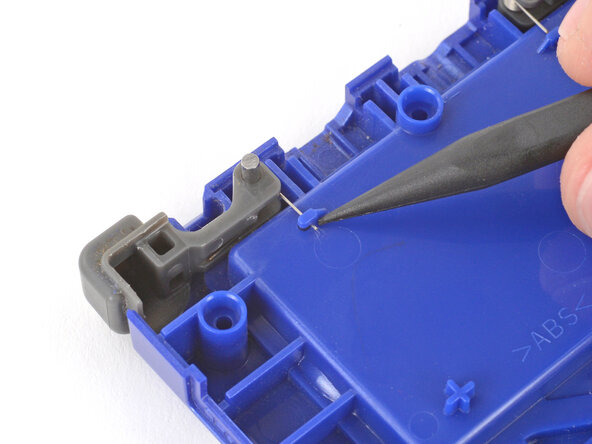
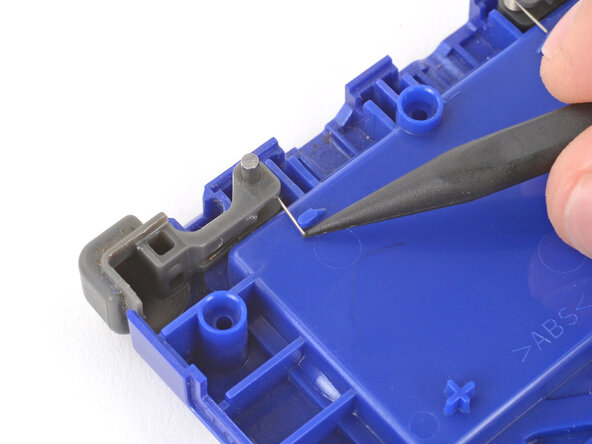
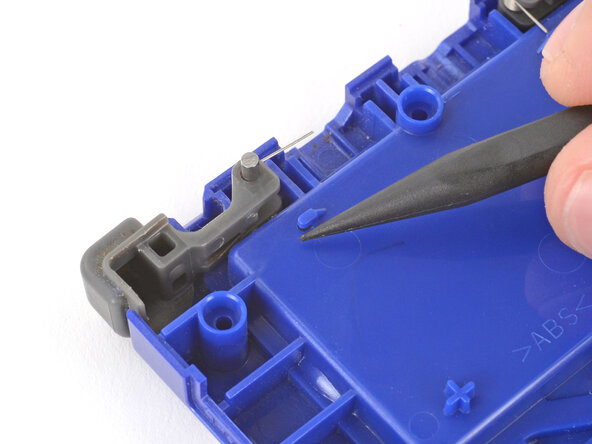
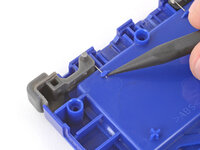
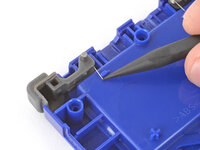
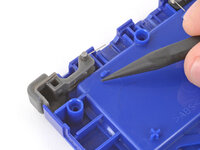
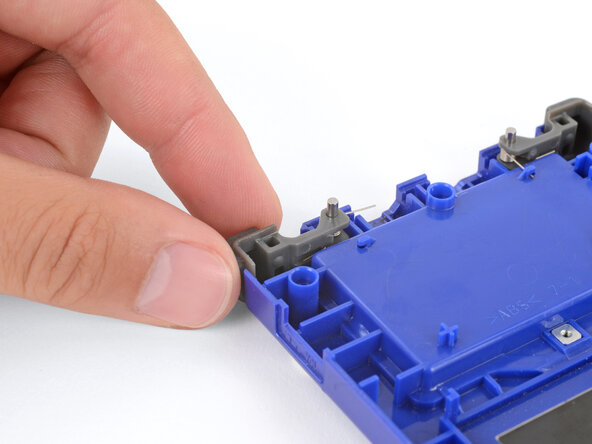
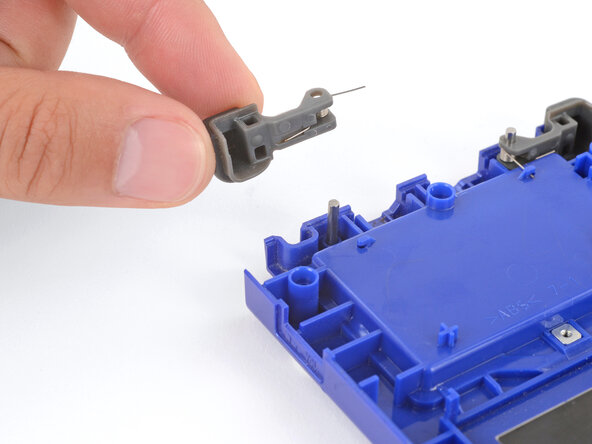
    • The shoulder buttons are located on the rear shell. They're made up of three parts—the plastic cover, a hinge pin, and a small spring.

    • Use the point of a spudger to push the spring arm out from under its clip.

  8. Nintendo Game Boy Advance SP Buttons Replacement, Remove the shoulder buttons: шаг 8, изображение 1 из 2 Nintendo Game Boy Advance SP Buttons Replacement, Remove the shoulder buttons: шаг 8, изображение 2 из 2
    • The button’s three parts will likely fall out during removal—don’t worry, just set them aside for reassembly.

    • Lift the shoulder button straight up and off its hinge pin to remove it.

    • Repeat the process to remove the other shoulder button.

    • During reassembly, follow this guide to install the shoulder buttons.

  9. Nintendo Game Boy Advance SP Buttons Replacement, Remove the power switch cover: шаг 9, изображение 1 из 2 Nintendo Game Boy Advance SP Buttons Replacement, Remove the power switch cover: шаг 9, изображение 2 из 2
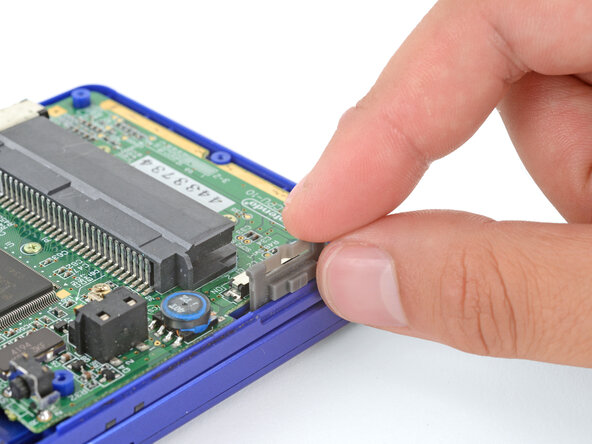
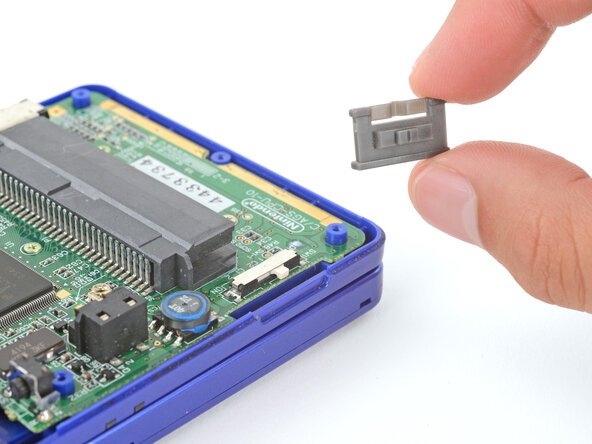
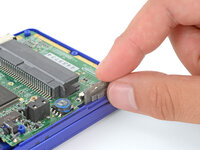
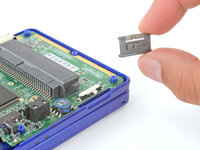
    • Use your fingers to lift and remove the power switch cover.

    • During reassembly:

    • Use your fingers to put the power switch cover (notched side up) into place so the cutout goes around the actual switch.

    • Gently slide the cover back and forth to make sure it's positioned properly and moving the switch.

    • If the switch isn't properly in its cutout, you won't be able to power on your Game Boy.

  10. Nintendo Game Boy Advance SP Buttons Replacement, Remove the motherboard screws: шаг 10, изображение 1 из 2 Nintendo Game Boy Advance SP Buttons Replacement, Remove the motherboard screws: шаг 10, изображение 2 из 2
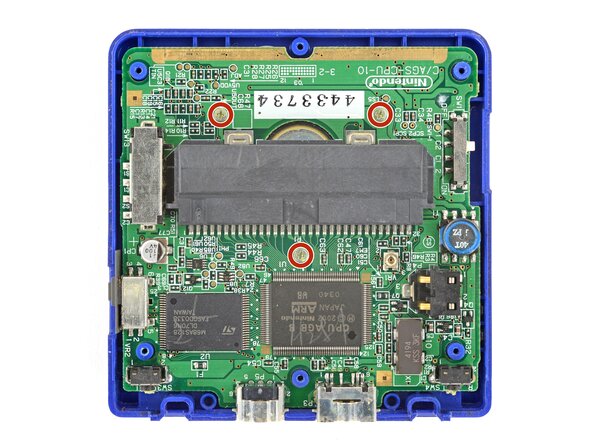
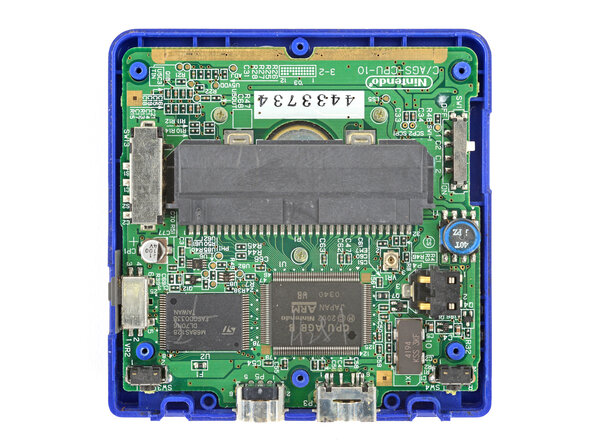
    • Use a JIS 00 screwdriver to remove the three 4.1 mm‑long screws securing the motherboard.

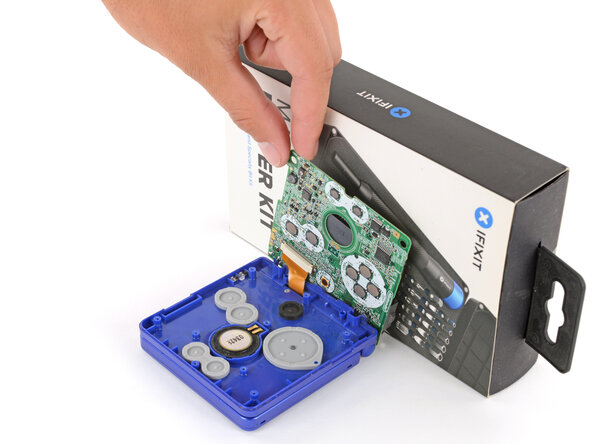
  11. Nintendo Game Boy Advance SP Buttons Replacement, Prop up the motherboard: шаг 11, изображение 1 из 3 Nintendo Game Boy Advance SP Buttons Replacement, Prop up the motherboard: шаг 11, изображение 2 из 3 Nintendo Game Boy Advance SP Buttons Replacement, Prop up the motherboard: шаг 11, изображение 3 из 3
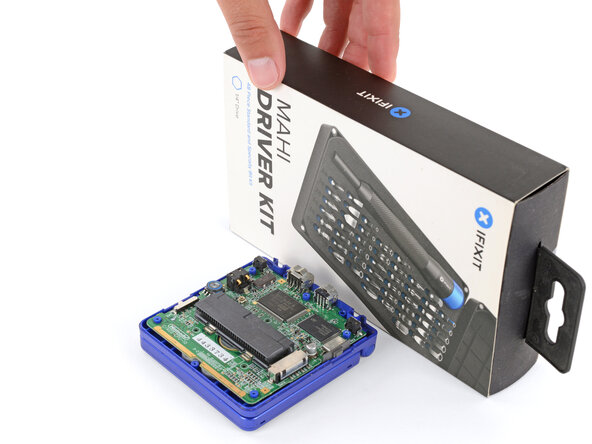
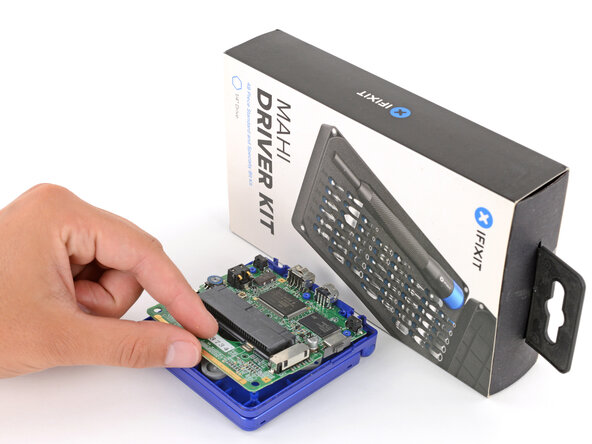
    • Place a sturdy object such as a stack of books or tool case along the edge of your Game Boy with the hinges.

    • Use your fingers to gently flip the motherboard over the hinges and prop it up.

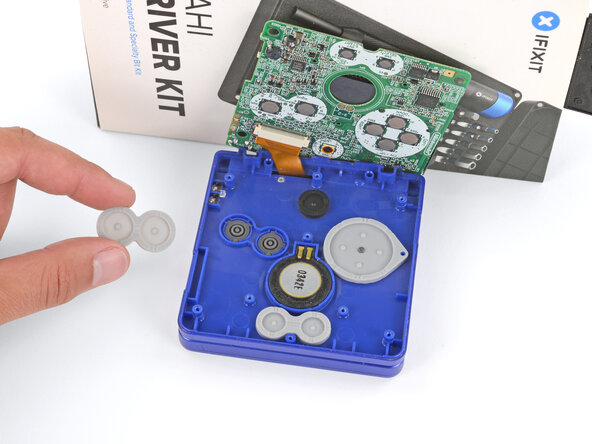
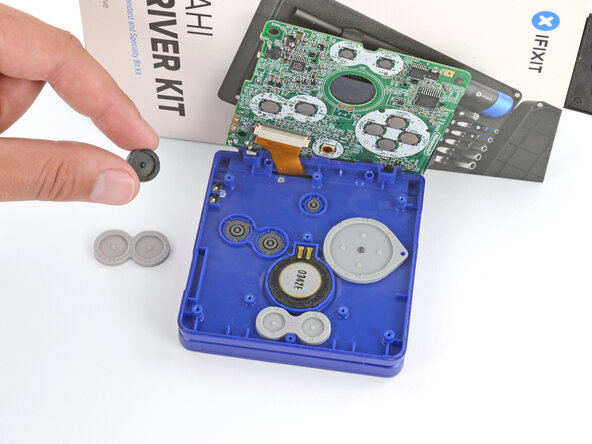
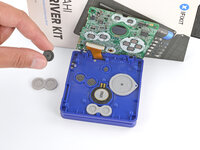
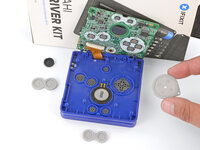
  12. Nintendo Game Boy Advance SP Buttons Replacement, Remove the silicone pads: шаг 12, изображение 1 из 3 Nintendo Game Boy Advance SP Buttons Replacement, Remove the silicone pads: шаг 12, изображение 2 из 3 Nintendo Game Boy Advance SP Buttons Replacement, Remove the silicone pads: шаг 12, изображение 3 из 3
    • Use tweezers or your fingers to remove the four silicone pads covering the buttons (A and B, D‑pad, brightness, and Start/Select).

    • If any of the pads are missing, they may be stuck to their corresponding spot on the motherboard.

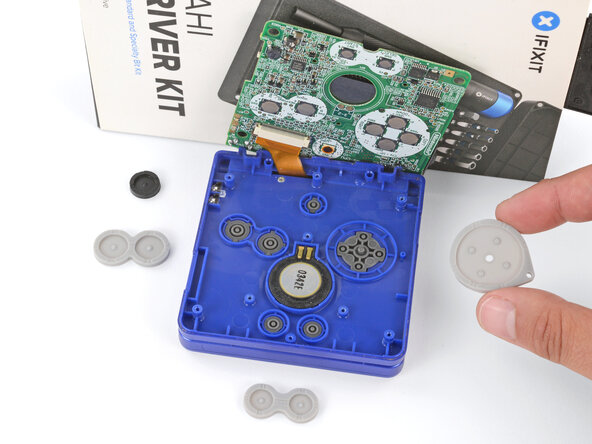
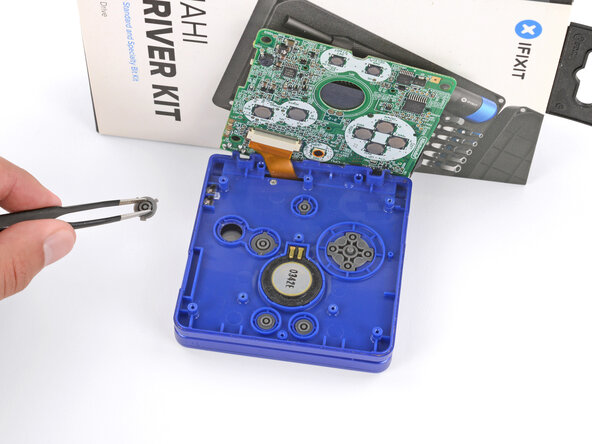
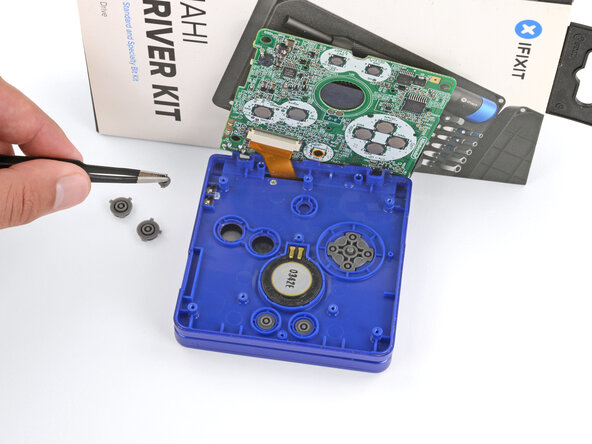
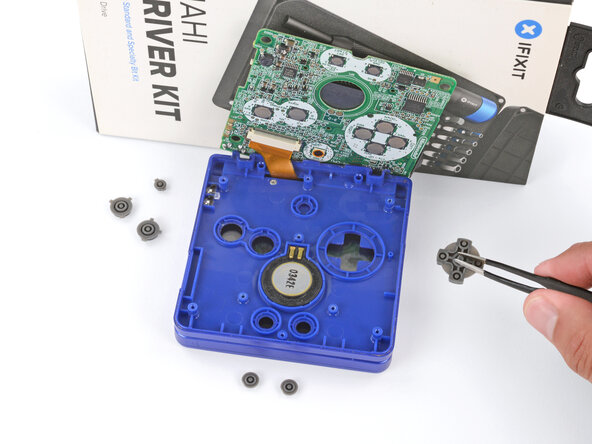
  13. Nintendo Game Boy Advance SP Buttons Replacement, Remove the buttons: шаг 13, изображение 1 из 3 Nintendo Game Boy Advance SP Buttons Replacement, Remove the buttons: шаг 13, изображение 2 из 3 Nintendo Game Boy Advance SP Buttons Replacement, Remove the buttons: шаг 13, изображение 3 из 3
    • Use tweezers or your fingers to remove the buttons (A and B, D‑pad, brightness, and Start/Select).

    • When re‑inserting the action buttons, note that each one is keyed specifically for its recess and proper orientation.

Заключение

To reassemble your device, follow these instructions in reverse order.

Take your e-waste to an R2 or e-Stewards certified recycler.

Repair didn’t go as planned? Try some basic troubleshooting, or ask our Answers Community for troubleshooting help.

14 человек успешно провели ремонт по этому руководству.

Spencer Day

Участник с: 09/14/22

183 907 Репутация

Автор 1 166 руководств

5 Комментарии к руководству

Hi,

How do I fix my SP Brighter when A and B buttons are simultaneously pressed, the system turns off? Please Help! Thank you in advance!

Jikan - Ответить Поделиться
there is most likely a crack in the mother board or the battery has too much pressure placed onto it

you can fix this by changing the position of the battery and putting something to stop it from moving around so it fits tightly

@

Taahaco 2005 - Ответить Поделиться

HI there! My problem is that I have to press the button A harder for the action to be registered, how can I fix that?

アラン - Ответить Поделиться

The L and R buttons done work, they go in perfectly fine but would it be the 2 buttons under them that aren't working? If so then how would I remove and replace them safely

Topi2756 - Ответить Поделиться

The buttons L and R don't work, they go in fine so I'm thinking that it's the buttons on the inside that are damaged. If that is the case then how would I remove and replace them safely?

Topi2756 - Ответить Поделиться

Добавить комментарий

Статистика просмотров:

За последние 24 часов: 17

За последние 7 дней: 90

За последние 30 дней: 432

За всё время: 29,872