Перейти к основному содержанию
Присоединяйся к сообществу ремонтников - Создай аккаунт

Samsung Watch Active Battery Replacement

Выберете то, что вам нужно

  1. Samsung Watch Active Battery Replacement, Turn off the watch: шаг 1, изображение 1 из 2 Samsung Watch Active Battery Replacement, Turn off the watch: шаг 1, изображение 2 из 2
    • Turn off the Galaxy Watch Active by pushing and holding the bottom button for approximately 3 seconds. You should feel a short vibration.

    • When the "Power off" symbol appears tap the center of the screen to make it shut down. You should feel a longer vibration for confirmation.

    Спросите у FixBot

    Добавить комментарий

  2. Samsung Watch Active Battery Replacement, Remove the rear screws: шаг 2, изображение 1 из 1
    • Use a Tri-point Y00 screwdriver to remove the four 4 mm-long screws on the back of the watch.

    Спросите у FixBot

    Добавить комментарий

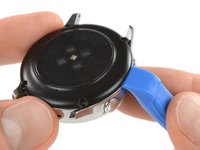
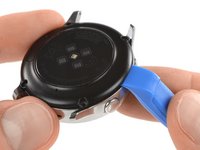
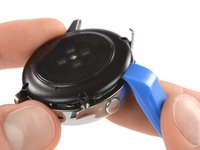
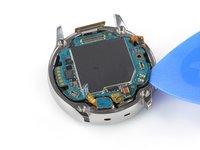
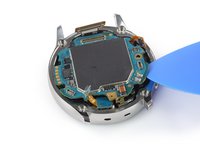
  3. Samsung Watch Active Battery Replacement, Separate the back cover from the housing: шаг 3, изображение 1 из 3 Samsung Watch Active Battery Replacement, Separate the back cover from the housing: шаг 3, изображение 2 из 3 Samsung Watch Active Battery Replacement, Separate the back cover from the housing: шаг 3, изображение 3 из 3
    • Use an opening tool and place it between the plastic back cover and the metal housing near the buttons.

    • Push the tip of the opening tool into the gap to separate the back cover from the housing.

    • Don’t remove the back cover all the way yet. There is a cable connecting it to the motherboard.

    Спросите у FixBot

    Добавить комментарий

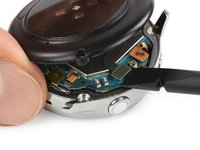
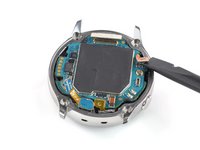
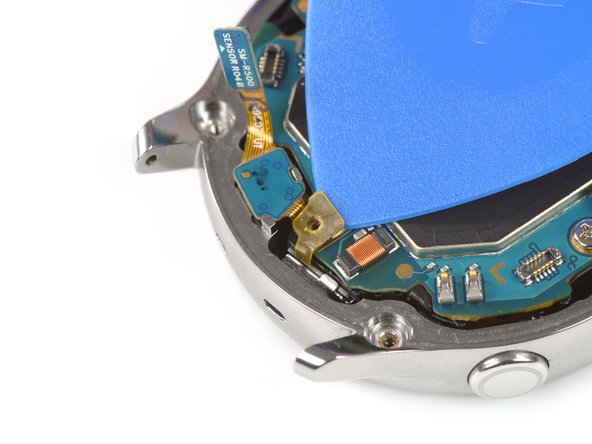
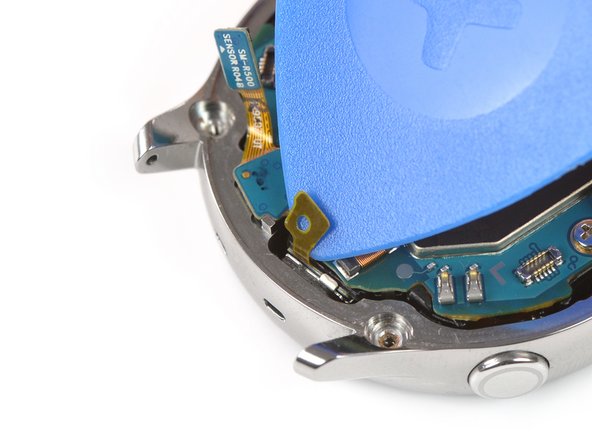
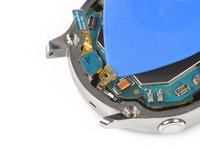
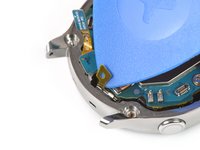
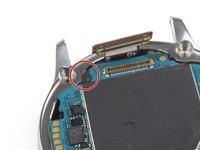
  4. Samsung Watch Active Battery Replacement, Disconnect the sensor array: шаг 4, изображение 1 из 2 Samsung Watch Active Battery Replacement, Disconnect the sensor array: шаг 4, изображение 2 из 2
    • Carefully lift the back cover approximately 2 cm to access the sensor array connector near the two buttons.

    • Use a spudger to disconnect the sensor array from the motherboard.

    Спросите у FixBot

    Добавить комментарий

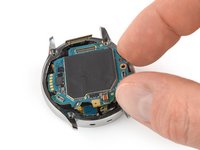
  5. Samsung Watch Active Battery Replacement, Remove the back cover: шаг 5, изображение 1 из 1
    • Remove the back cover.

    Спросите у FixBot

    Добавить комментарий

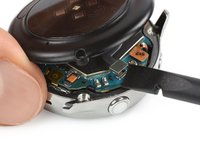
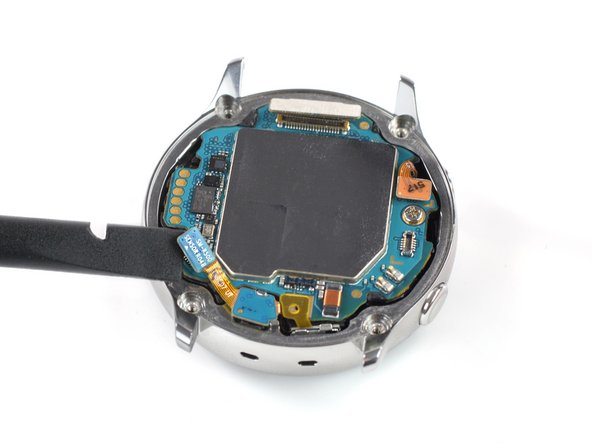
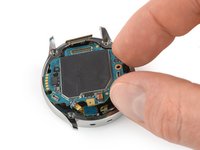
  6. Samsung Watch Active Battery Replacement, Disconnect the motherboard: шаг 6, изображение 1 из 3 Samsung Watch Active Battery Replacement, Disconnect the motherboard: шаг 6, изображение 2 из 3 Samsung Watch Active Battery Replacement, Disconnect the motherboard: шаг 6, изображение 3 из 3
    • Use the flat end of a spudger to disconnect the display assembly, the microphone and pressure sensor array, and side button.

    Спросите у FixBot

    Добавить комментарий

  7. Samsung Watch Active Battery Replacement, Undo the mic tape: шаг 7, изображение 1 из 3 Samsung Watch Active Battery Replacement, Undo the mic tape: шаг 7, изображение 2 из 3 Samsung Watch Active Battery Replacement, Undo the mic tape: шаг 7, изображение 3 из 3
    • Use an opening pick to peel back the thin tape belonging to the microphone array.

    • When re-assembling make sure this tape properly sticks to the motherboard by pressing it down with the flat end of a spudger.

    Спросите у FixBot

    Добавить комментарий

  8. Samsung Watch Active Battery Replacement, Remove the motherboard screw: шаг 8, изображение 1 из 1
    • Use a Phillips screwdriver to remove the 4.4 mm-long screw holding the motherboard in place.

    Спросите у FixBot

    Добавить комментарий

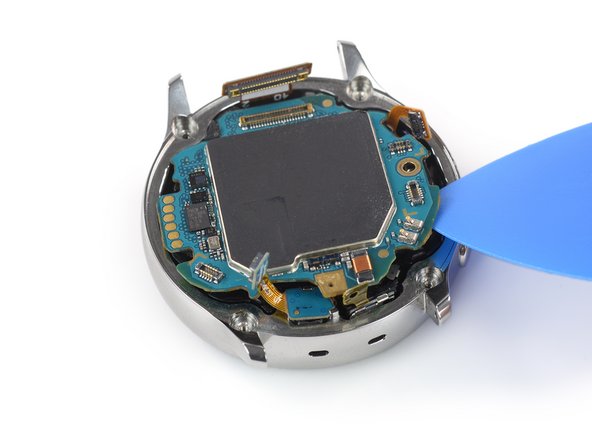
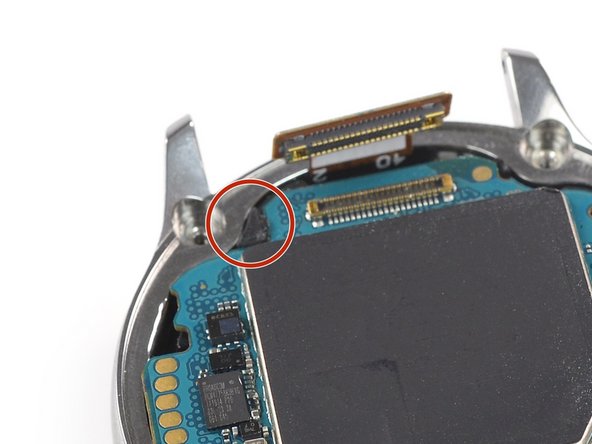
  9. Samsung Watch Active Battery Replacement, Loosen the motherboard: шаг 9, изображение 1 из 3 Samsung Watch Active Battery Replacement, Loosen the motherboard: шаг 9, изображение 2 из 3 Samsung Watch Active Battery Replacement, Loosen the motherboard: шаг 9, изображение 3 из 3
    • Use an opening pick to loosen the motherboard from the core assembly.

    • The plastic tab holding the motherboard in place is fragile, so don't lift the motherboard up until it has cleared the tab.

    Спросите у FixBot

    Добавить комментарий

  10. Samsung Watch Active Battery Replacement, Remove the motherboard: шаг 10, изображение 1 из 3 Samsung Watch Active Battery Replacement, Remove the motherboard: шаг 10, изображение 2 из 3 Samsung Watch Active Battery Replacement, Remove the motherboard: шаг 10, изображение 3 из 3
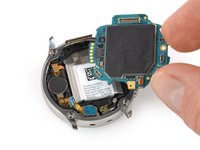
    • Slide the motherboard out from under the plastic tab to remove it.

    Спросите у FixBot

    Добавить комментарий

  11. Samsung Watch Active Battery Replacement, Lift the battery: шаг 11, изображение 1 из 3 Samsung Watch Active Battery Replacement, Lift the battery: шаг 11, изображение 2 из 3 Samsung Watch Active Battery Replacement, Lift the battery: шаг 11, изображение 3 из 3
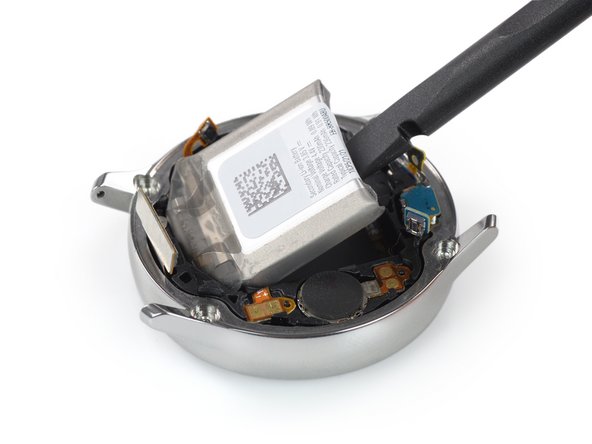
    • Insert the flat end of a spudger between the bottom of the battery and the core frame.

    • The battery is secured with some mild adhesive.

    • Use the spudger to lever up the battery.

    Спросите у FixBot

    Добавить комментарий

  12. Samsung Watch Active Battery Replacement, Remove the battery: шаг 12, изображение 1 из 3 Samsung Watch Active Battery Replacement, Remove the battery: шаг 12, изображение 2 из 3 Samsung Watch Active Battery Replacement, Remove the battery: шаг 12, изображение 3 из 3
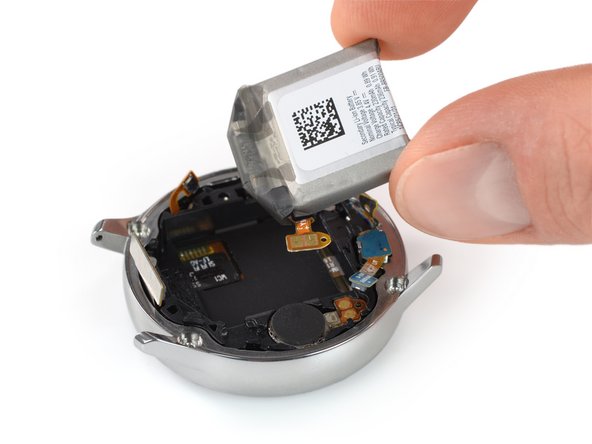
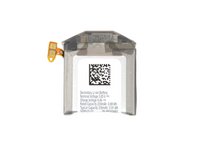
    • Remove the battery from the core assembly.

    • The battery connector is fixed with mild adhesive.

    • When installing a new battery make sure the tiny hole on the battery connector aligns with the pin on the core frame.

    Спросите у FixBot

    Добавить комментарий

Заключение

Secure the new battery with pre-cut adhesive or double-sided adhesive tape. Press the new battery firmly into place.

To reassemble your device, follow these instructions in reverse order.

For optimal performance, calibrate your newly installed battery: Charge it to 100% and keep charging it for at least 1 more hour. Then use your device until it shuts off due to low battery. Finally, charge it uninterrupted to 100%.

Take your e-waste to an R2 or e-Stewards certified recycler.

Repair didn’t go as planned? Try some basic troubleshooting, or ask our Answers community for help.

Отменить: Я не выполнил это руководство.

18 человек успешно провели ремонт по этому руководству.

Tobias Isakeit

Участник с: 03/31/14

133 727 Репутация

Автор 189 руководств

Команда

Tobias Isakeit - Repairability Engineer Участник Tobias Isakeit - Repairability Engineer
Business

1 член

Автор 1 145 руководств

1 Комментарий к руководству

Good guide! With a few modifications, usable for the Samsung Active Watch 2. The only pitfall with the Active watch 2 is the small solder ribbon cable on the underside of the motherboard that could tear if you try to remove the board completely

anghofus - Ответить Поделиться

Добавить комментарий

Статистика просмотров:

За последние 24 часов: 4

За последние 7 дней: 36

За последние 30 дней: 108

За всё время: 12,710