Введение
This is a step-by-step guide to replace the internal battery of your Abask J05 dashcam.
The battery is a 200mAh polymer lithium battery that can hold a small charge in order to ensure that videos are saved in the event of a power disconnect. In the event that your videos are not being properly saved, your battery may be in need of replacement. Before you replace your battery, be sure to check the troubleshooting guide, as your problem might not warrant replacement.
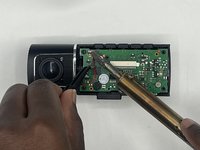
Note: This guide requires the use of a soldering iron and the iOpener tool. Be sure to read the Soldering Guide and the iOpener Guide for instructions on how to operate the devices.
Выберете то, что вам нужно
-
-
-
Gently press on the SD card with a fingernail until it clicks.
-
Release, then remove the card.
 Спросите у FixBot
-
-
-
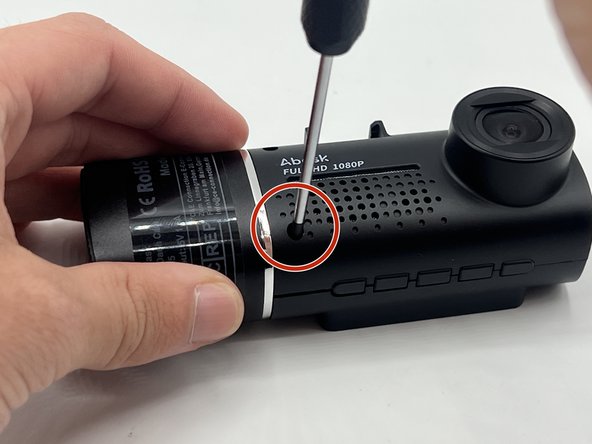
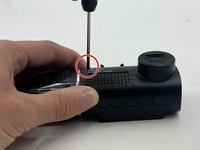
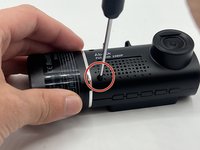
Remove the 5 mm screw from the side of the device next to the suction cup dock with a Phillips #00 screwdriver.
-
-
-
Remove the two 8 mm screws from opposite sides of the screen with a Phillips #00 precision screwdriver.
-
-
-
Gently lift the screen.
-
Push up on the interior camera portion of the device. It should pop out of the socket. Being careful to keep the wires attached, set it to the side.
-
-
-
Reach into the device with a spudger to release the top two snap joints keeping the end cap attached one at a time until the front face lifts off.
-
Repeat the process with the two remaining snap joints.
-
-
-
-
-
-
Remove the two 7 mm screws on the side of the motherboard with a Phillips #00 screwdriver.
-
Slowly pull up on each corner of the motherboard, stopping when the corner pops loose of the anchor.
-
Repeat the process with each corner before slowly pulling up on the board to detach the glue on the underside.
-
-
-
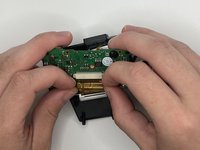
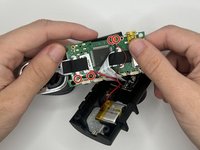
Carefully flip over the motherboard, being mindful of the wires.
-
Remove the two 5mm screws on the underside of the motherboard with a Phillips #000 screwdriver.
-
-
-
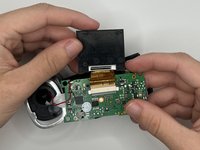
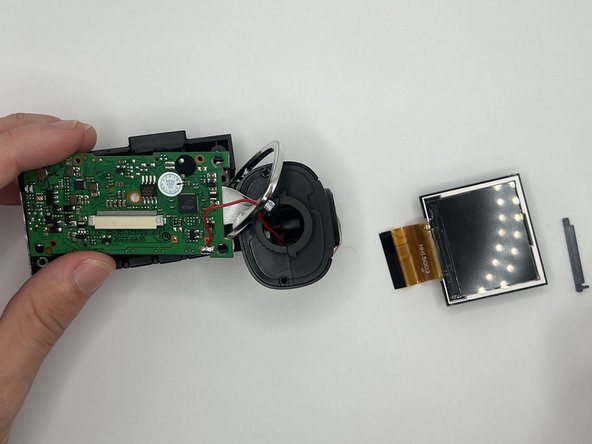
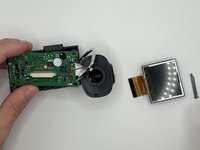
Follow the golden ribbon from the screen to the screen dock. Push the two small black stubs on either side of the dock away from the dock until it pops loose.
-
Remove the ribbon and the small plastic piece from the dock.
-
-
-
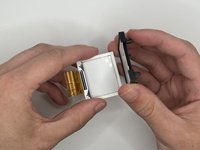
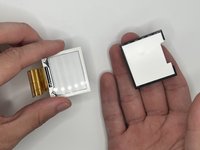
Gently pull up on each corner of the white screen piece until the adhesive comes loose.
-
Remove the screen fully from its holder.
-
-
-
-
-
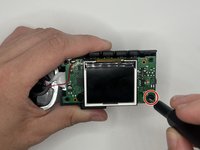
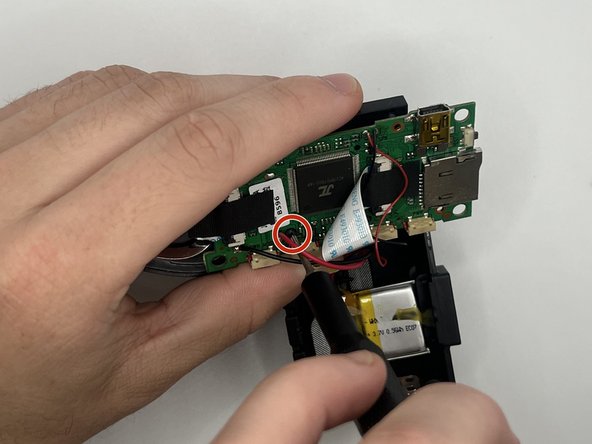
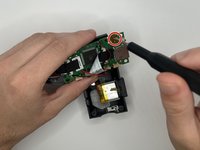
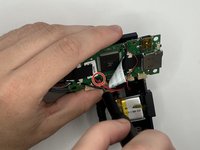
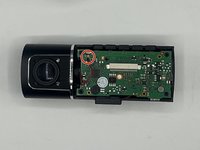
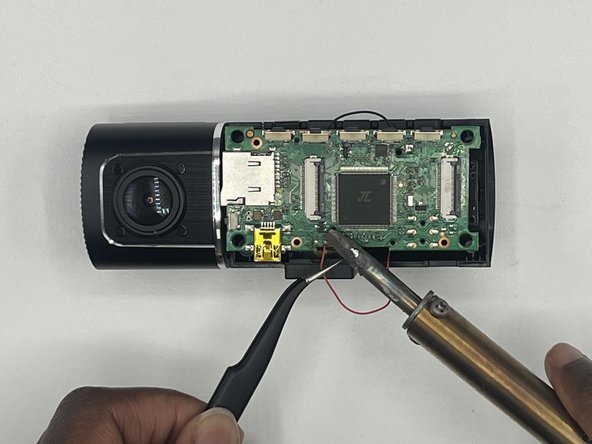
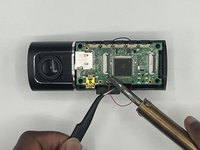
Desolder the red wire attached to the motherboard.
-
-
-
Detach the ribbon cable connecting the motherboard to the rest of the device.
-
-
-
-
-
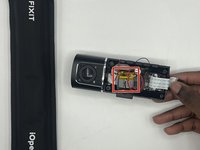
Heat the iOpener as instructed, then place it over the battery.
-
Check periodically to see whether the glue has melted.
-
-
-
Peel off the tape on the battery.
-
Remove the battery from the device.
-
-




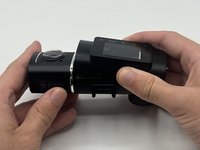
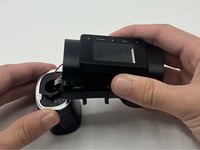


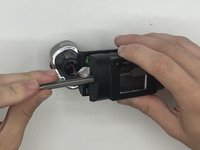
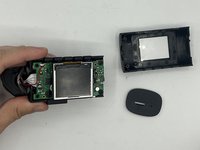


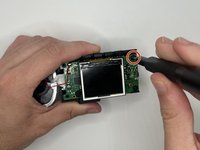







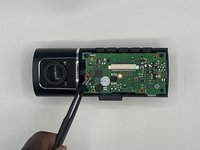

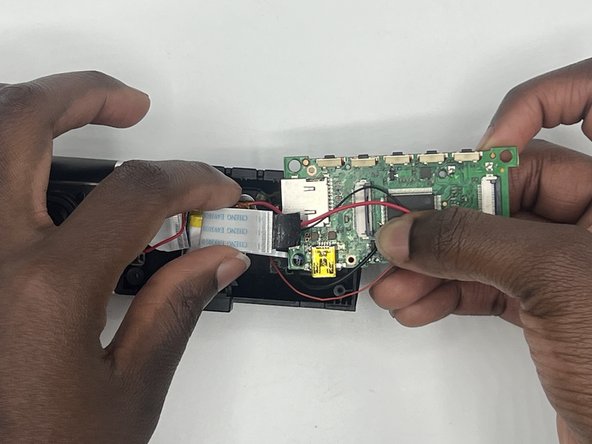
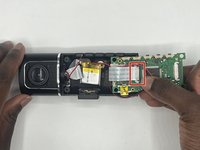



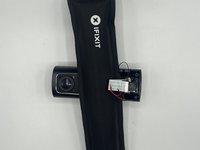


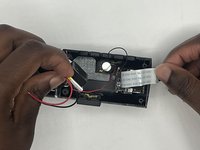
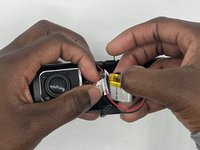
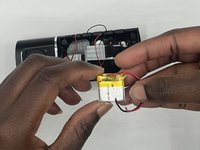
To reassemble your device, follow these instructions in reverse order. (Note: When doing the steps in reverse order, do not do Step 5. Instead, place the front face of the device back on the main body before lining up the endcap, ensuring proper orientation with the SD card slot, and push in until you hear all four snap joints snap into place.)
Отменить: Я не выполнил это руководство.
Еще один человек закончил это руководство.

Команда

University of North Texas, Team 2-2, Harold Fall 2023 Участник University of North Texas, Team 2-2, Harold Fall 2023
UNT-HAROLD-F23S2G2
4 членов
Автор 5 руководств
