Перейти к основному содержанию
Присоединяйся к сообществу ремонтников - Создай аккаунт
Xiaomi Redmi Note 6 Pro Battery Replacement

Выберете то, что вам нужно

  1. Xiaomi Redmi Note 6 Pro Battery Replacement, Eject the SIM tray: шаг 1, изображение 1 из 3 Xiaomi Redmi Note 6 Pro Battery Replacement, Eject the SIM tray: шаг 1, изображение 2 из 3 Xiaomi Redmi Note 6 Pro Battery Replacement, Eject the SIM tray: шаг 1, изображение 3 из 3
    • Insert a SIM card eject tool, a SIM eject bit, or a straightened paper clip into the hole on the SIM tray located at the left edge of the phone.

    • Press directly into the hole to eject the SIM card tray.

    • Remove the SIM card tray.

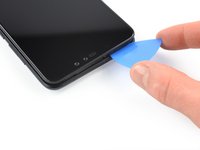
  2. Xiaomi Redmi Note 6 Pro Battery Replacement, Insert an opening pick: шаг 2, изображение 1 из 2 Xiaomi Redmi Note 6 Pro Battery Replacement, Insert an opening pick: шаг 2, изображение 2 из 2
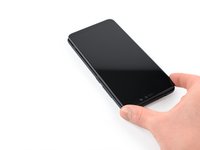
    • The back cover is held in place by plastic clips.

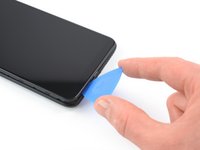
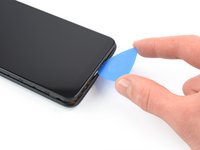
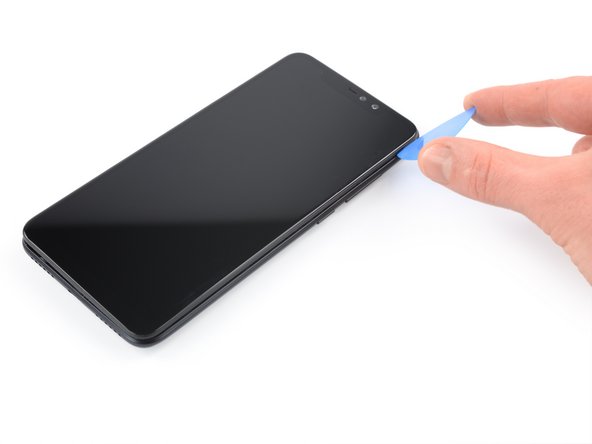
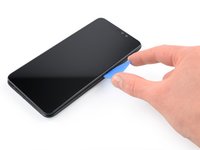
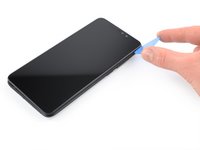
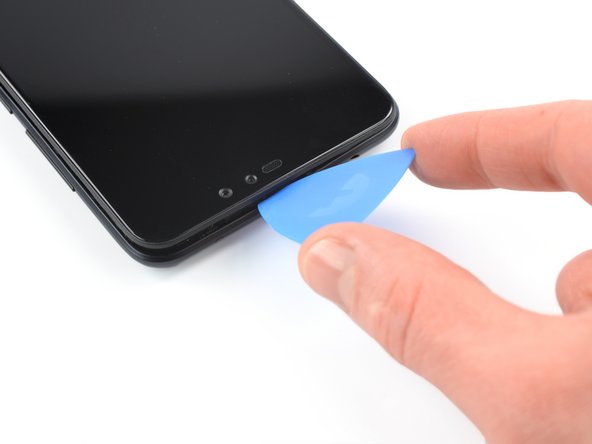
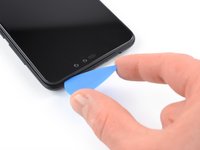
    • Insert an opening pick between the screen and the back cover on the left edge of the phone where the SIM card tray was located.

  3. Xiaomi Redmi Note 6 Pro Battery Replacement, Release the plastic clips: шаг 3, изображение 1 из 3 Xiaomi Redmi Note 6 Pro Battery Replacement, Release the plastic clips: шаг 3, изображение 2 из 3 Xiaomi Redmi Note 6 Pro Battery Replacement, Release the plastic clips: шаг 3, изображение 3 из 3
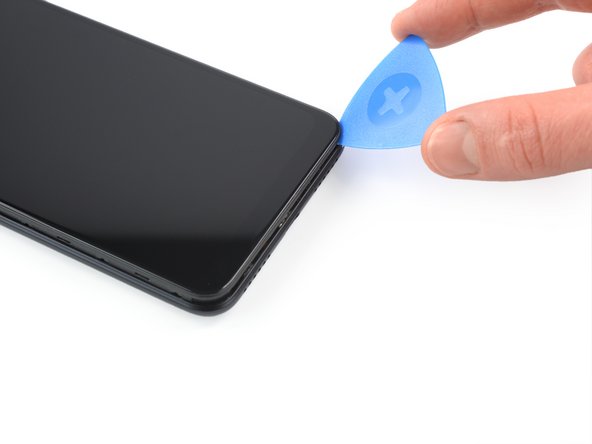
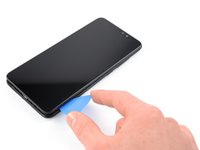
    • Slide the opening pick along the left edge to the bottom left corner to release the plastic clips.

  4. Xiaomi Redmi Note 6 Pro Battery Replacement: шаг 4, изображение 1 из 3 Xiaomi Redmi Note 6 Pro Battery Replacement: шаг 4, изображение 2 из 3 Xiaomi Redmi Note 6 Pro Battery Replacement: шаг 4, изображение 3 из 3
    • Slide the opening pick along the bottom edge to the bottom right corner to release the plastic clips.

  5. Xiaomi Redmi Note 6 Pro Battery Replacement: шаг 5, изображение 1 из 3 Xiaomi Redmi Note 6 Pro Battery Replacement: шаг 5, изображение 2 из 3 Xiaomi Redmi Note 6 Pro Battery Replacement: шаг 5, изображение 3 из 3
    • Slide the opening pick along the right edge of your phone to the top right corner to release the plastic clips.

  6. Xiaomi Redmi Note 6 Pro Battery Replacement, Release the remaining plastic clips: шаг 6, изображение 1 из 3 Xiaomi Redmi Note 6 Pro Battery Replacement, Release the remaining plastic clips: шаг 6, изображение 2 из 3 Xiaomi Redmi Note 6 Pro Battery Replacement, Release the remaining plastic clips: шаг 6, изображение 3 из 3
    • Slide the opening pick along the top edge to release the remaining plastic clips.

    • Don't try to remove the back cover all the way yet! It's still connected to the motherboard!

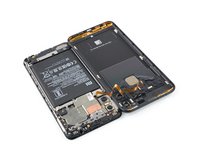
  7. Xiaomi Redmi Note 6 Pro Battery Replacement, Swing open the phone assembly: шаг 7, изображение 1 из 3 Xiaomi Redmi Note 6 Pro Battery Replacement, Swing open the phone assembly: шаг 7, изображение 2 из 3 Xiaomi Redmi Note 6 Pro Battery Replacement, Swing open the phone assembly: шаг 7, изображение 3 из 3
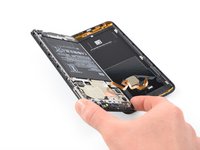
    • Carefully fold the phone assembly to the left side of the back cover like you'd open a book.

  8. Xiaomi Redmi Note 6 Pro Battery Replacement, Unscrew the fingerprint cable connector cover: шаг 8, изображение 1 из 1
    • Use a Phillips screwdriver to remove the 2.9 mm-long screw securing the fingerprint cable connector cover.

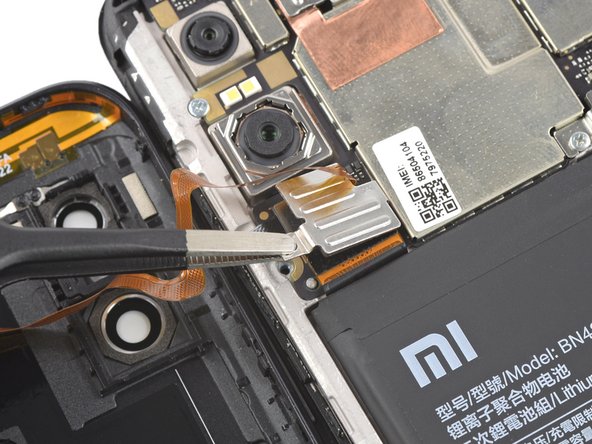
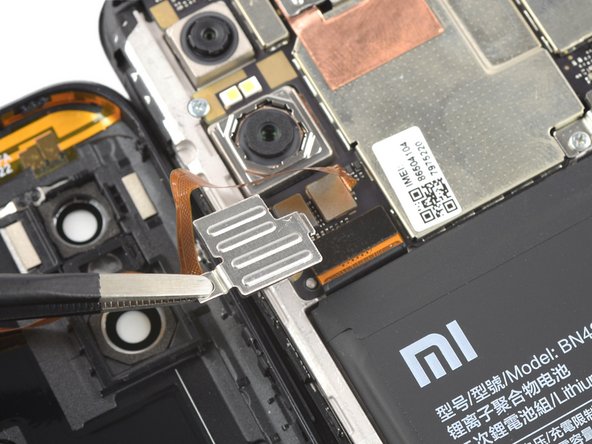
  9. Xiaomi Redmi Note 6 Pro Battery Replacement, Remove the metal cover: шаг 9, изображение 1 из 3 Xiaomi Redmi Note 6 Pro Battery Replacement, Remove the metal cover: шаг 9, изображение 2 из 3 Xiaomi Redmi Note 6 Pro Battery Replacement, Remove the metal cover: шаг 9, изображение 3 из 3
    Инструмент, используемый на этом этапе:
    Tweezers
    $4.99
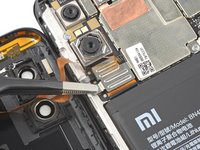
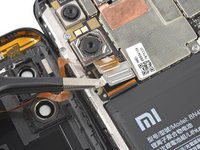
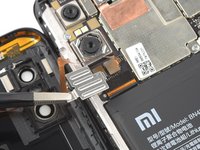
    • Use a pair of blunt nose tweezers to remove the metal cover.

  10. Xiaomi Redmi Note 6 Pro Battery Replacement, Disconnect the fingerprint sensor: шаг 10, изображение 1 из 2 Xiaomi Redmi Note 6 Pro Battery Replacement, Disconnect the fingerprint sensor: шаг 10, изображение 2 из 2
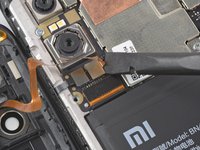
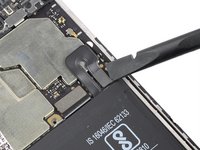
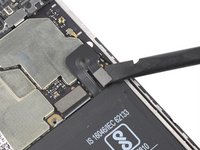
    • Use the flat end of a spudger to disconnect the fingerprint sensor cable.

  11. Xiaomi Redmi Note 6 Pro Battery Replacement, Remove the back cover: шаг 11, изображение 1 из 1
    • Remove the back cover.

  12. Xiaomi Redmi Note 6 Pro Battery Replacement, Unscrew the battery connector cover: шаг 12, изображение 1 из 1
    • Use a Phillips screwdriver to remove the two 3.0 mm-long screws securing the battery connector cover.

  13. Xiaomi Redmi Note 6 Pro Battery Replacement, Remove the battery connector cover: шаг 13, изображение 1 из 3 Xiaomi Redmi Note 6 Pro Battery Replacement, Remove the battery connector cover: шаг 13, изображение 2 из 3 Xiaomi Redmi Note 6 Pro Battery Replacement, Remove the battery connector cover: шаг 13, изображение 3 из 3
    Инструмент, используемый на этом этапе:
    Tweezers
    $4.99
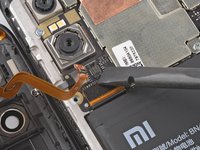
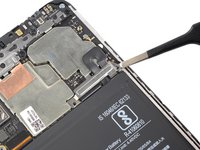
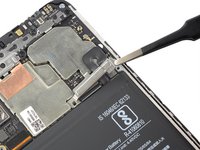
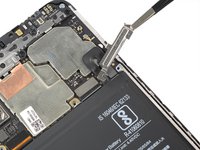
    • Use a pair of blunt nose tweezers to remove the battery connector cover.

  14. Xiaomi Redmi Note 6 Pro Battery Replacement, Disconnect the battery: шаг 14, изображение 1 из 2 Xiaomi Redmi Note 6 Pro Battery Replacement, Disconnect the battery: шаг 14, изображение 2 из 2
    • Use a spudger to disconnect the battery cable by prying the connector straight up from its socket.

  15. Xiaomi Redmi Note 6 Pro Battery Replacement, Remove the stretch-release adhesive: шаг 15, изображение 1 из 3 Xiaomi Redmi Note 6 Pro Battery Replacement, Remove the stretch-release adhesive: шаг 15, изображение 2 из 3 Xiaomi Redmi Note 6 Pro Battery Replacement, Remove the stretch-release adhesive: шаг 15, изображение 3 из 3
    Инструмент, используемый на этом этапе:
    Tweezers
    $4.99
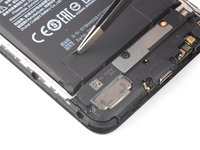
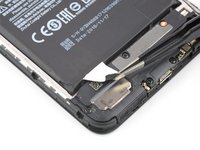
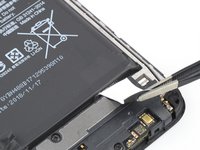
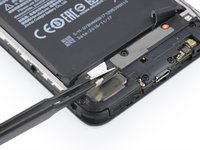
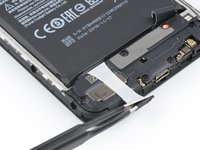
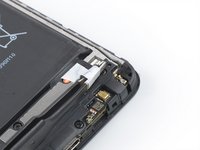
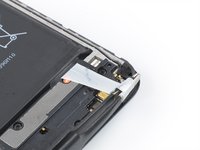
    • The battery is secured to the rear case with two pieces of stretch-release adhesive.

    • Use a pair of tweezers or a clean fingernail to peel down both battery adhesive pull-tabs to un-stick them from the bottom edge of the battery.

    • Don't jab the battery with any sharp tools. A punctured battery may leak dangerous chemicals or catch fire.

  16. Xiaomi Redmi Note 6 Pro Battery Replacement, Remove the pull-tabs: шаг 16, изображение 1 из 2 Xiaomi Redmi Note 6 Pro Battery Replacement, Remove the pull-tabs: шаг 16, изображение 2 из 2
    • Grab the first pull-tab with a pair of tweezers or your fingers and slowly pull it away from the battery and towards the bottom edge of your phone.

    • Pull hard enough to maintain tension on the strip, but don't force it. Give it plenty of time to stretch and un-stick from under the battery.

    • Don't press down on the battery. Hold the Redmi firmly by its sides.

    • Keep the strip flat and unwrinkled. Try to pull evenly on the whole strip, rather than pulling mainly in the middle or on one side.

    • Pull at a low angle so the strip doesn't snag on the edge of the battery.

    • If the adhesive strip breaks off, try to retrieve it using your fingers or blunt tweezers, and continue pulling—but do not pry under the battery.

    • If the adhesive breaks off underneath the battery and can't be retrieved, continue with the next step.

  17. Xiaomi Redmi Note 6 Pro Battery Replacement: шаг 17, изображение 1 из 2 Xiaomi Redmi Note 6 Pro Battery Replacement: шаг 17, изображение 2 из 2
    • Repeat the previous pull-tab removal procedure on the second pull-tab.

    • Follow the same procedure as with the previous strip: don't press down on the battery, keep the strip flat and unwrinkled, and pull at a low angle.

    • If the adhesive breaks off underneath the battery and can't be retrieved, apply a few drops of high concentration (over 90%) isopropyl alcohol under the edge of the battery in the area of the broken adhesive strip(s).

    • Wait about one minute for the alcohol solution to weaken the adhesive.

    • Use the flat end of a spudger to gently lift the battery.

    • Don't try to forcefully lever the battery out. If needed, apply a few more drops of alcohol to further weaken the adhesive. Never deform or puncture the battery with your pry tool.

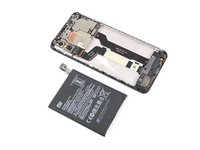
  18. Xiaomi Redmi Note 6 Pro Battery Replacement, Remove the battery: шаг 18, изображение 1 из 3 Xiaomi Redmi Note 6 Pro Battery Replacement, Remove the battery: шаг 18, изображение 2 из 3 Xiaomi Redmi Note 6 Pro Battery Replacement, Remove the battery: шаг 18, изображение 3 из 3
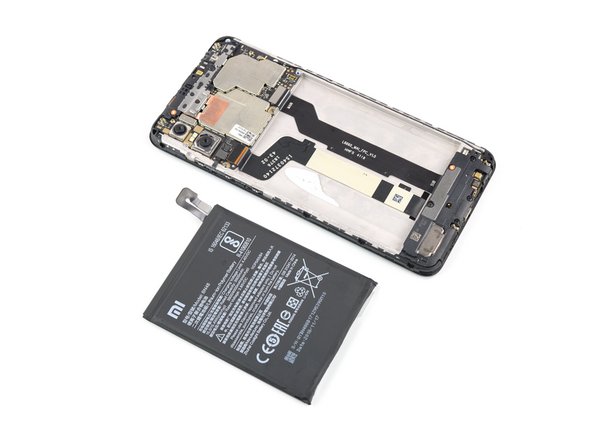
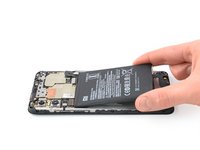
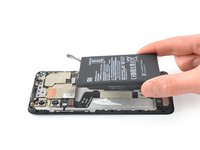
    • Remove the battery.

    • Do not reinstall a damaged or deformed battery, as doing so is a potential safety hazard.

    • Before installing a new battery remove any remaining adhesive, and clean the glued areas with isopropyl alcohol and a lint-free cloth.

    • During reassembly, temporarily reconnect the battery to the motherboard to help align it correctly. Disconnect the battery after it is seated.

Заключение

If possible, turn on your device and test your repair before installing new adhesive and resealing.

For optimal performance, calibrate your newly installed battery after completing this guide.

Secure the new battery with pre-cut adhesive or double-sided adhesive tape. In order to position it correctly, apply the new adhesive into the device at the places where the old adhesive was located, not directly onto the battery. Press the new battery firmly into place.

Compare your new replacement part to the original part—you may need to transfer remaining components or remove adhesive backings from the new part before installing.

To reassemble your device, follow these instructions in reverse order. During reassembly apply new adhesive where necessary after cleaning the relevant areas with isopropyl alcohol (>90%).

Take your e-waste to an R2 or e-Stewards certified recycler.

Repair didn’t go as planned? Try some basic troubleshooting, or ask our Answers community for help.

4 человек успешно провели ремонт по этому руководству.

Adriana Zwink

Участник с: 12/18/19

63 699 Репутация

Автор 167 руководств

Команда

iFixit Участник iFixit

Staff

125 членов

Автор 24 048 руководств

1 Комментарий к руководству

un tuto très clair et bien détaillé, une belle qualité, merci

Gerbi - Ответить
Добавить комментарий

Статистика просмотров:

За последние 24 часов: 2

За последние 7 дней: 28

За последние 30 дней: 89

За всё время: 9,541