Введение
Use this guide to replace the display adhesive in your Apple Watch and reseal it.
This is a general resealing guide based on an Apple Watch Series 6 44 mm. The resealing procedure for the Apple Watch Series 5 and newer models is more or less the same, despite slightly different inner workings.
You’ll need replacement adhesive to reattach the display when reassembling the device.
Выберете то, что вам нужно
-
-
Инструмент, используемый на этом этапе:Adhesive Cleanup Kit (Set of 12)$7.99
-
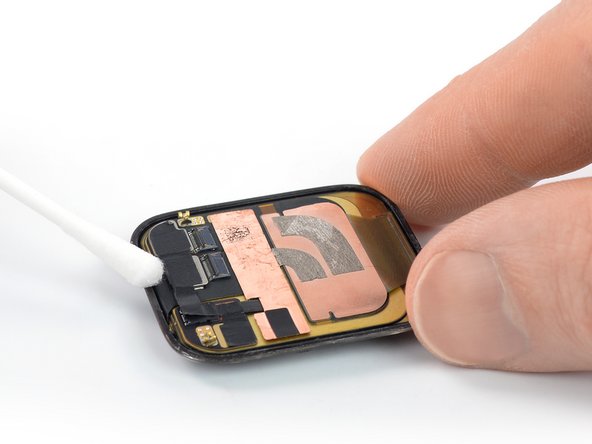
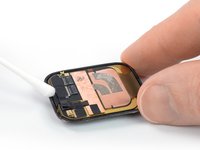
Apply a little bit of isopropyl alcohol (>90%) to a cotton swab, or Q-tip (or use a cleaning pad) and gently remove the old adhesive on top of the watch frame.
 Спросите у FixBot
-
-
-
Flip the Apple Watch upside down so the display lays flat and lift the watch body.
-
Gently remove the old adhesive on the rear side of the display.
-
-
Инструмент, используемый на этом этапе:Tweezers$4.99
-
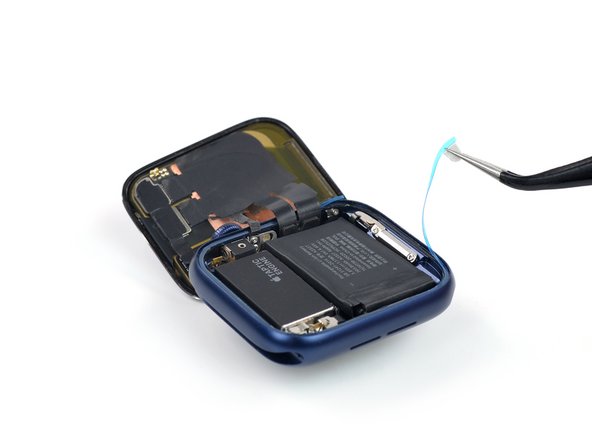
Use a pair of tweezers to carefully remove the replacement adhesive (including the blue protective film) from the backing paper.
-
-
-
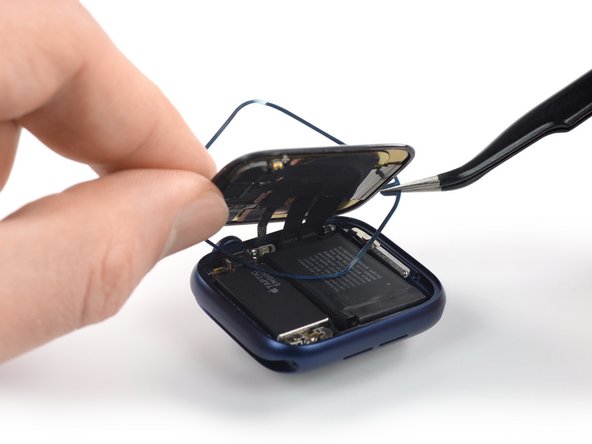
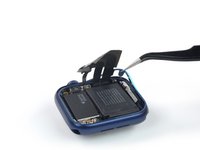
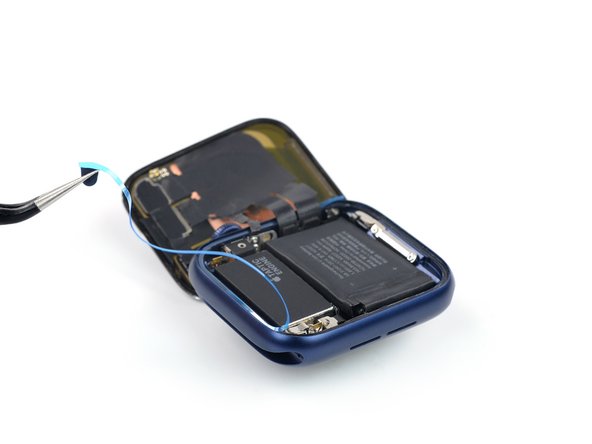
Hold the replacement adhesive diagonally and thread it over the display.
-
Slightly tilt the display forward to align the adhesive with the frame.
-
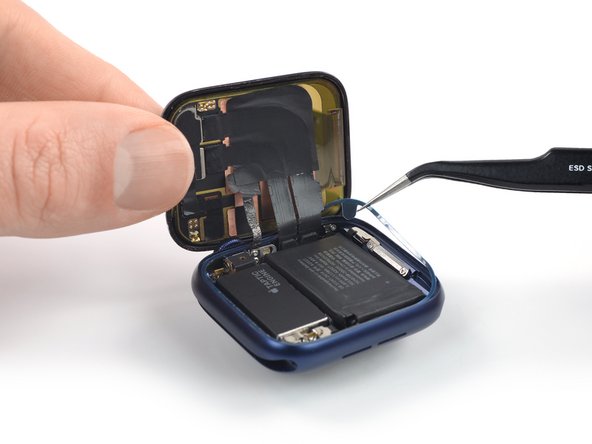
Position the replacement adhesive on the watch frame, where the old adhesive was located.
-
-
-
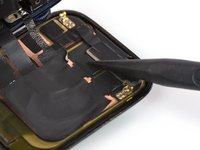
Use the pointed end of a spudger to press the replacement adhesive into place.
-
-
-
Инструмент, используемый на этом этапе:Adhesive Cleanup Kit (Set of 12)$7.99
-
Apply a little bit of isopropyl alcohol (>90%) to a cotton swab, or Q-tip (or use a cleaning pad) and gently remove the old adhesive on top of the watch frame.
-
-
-
Gently remove the old adhesive on the rear side of the display.
-
-
-
Use a pair of tweezers to carefully remove the replacement adhesive (including the blue protective film) from the backing paper.
-
-
-
Hold the replacement adhesive diagonally and thread it over the display cables.
-
Slightly tilt the display cables forward to align the adhesive with the frame.
-
Position the replacement adhesive on the watch frame, where the old adhesive was located.
-
-
-
Use the pointed end of a spudger to press the replacement adhesive into place.
-
-
-
Lay your display flat on your working surface.
-
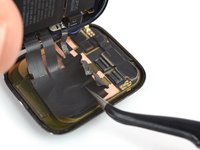
Hold the watch body in an upright position and grab the display cables with a pair of tweezers.
-
Align the display cables parallel to the ZIF connectors and push them in.
-
-
-
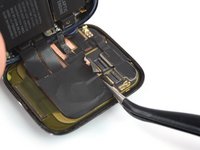
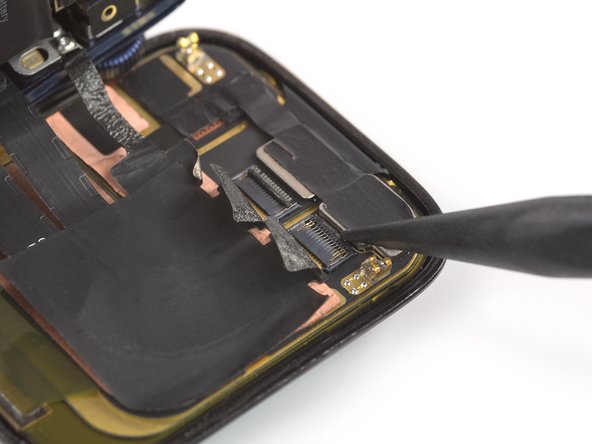
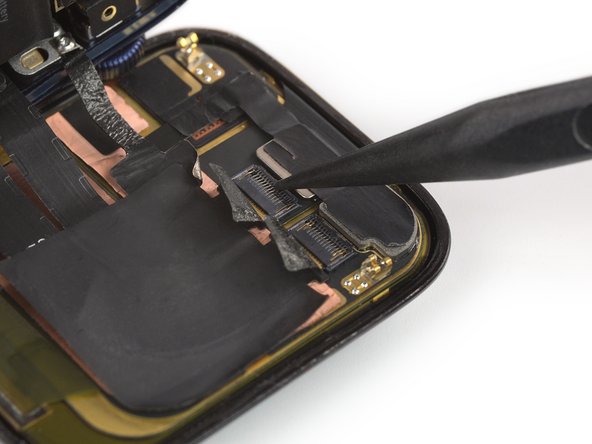
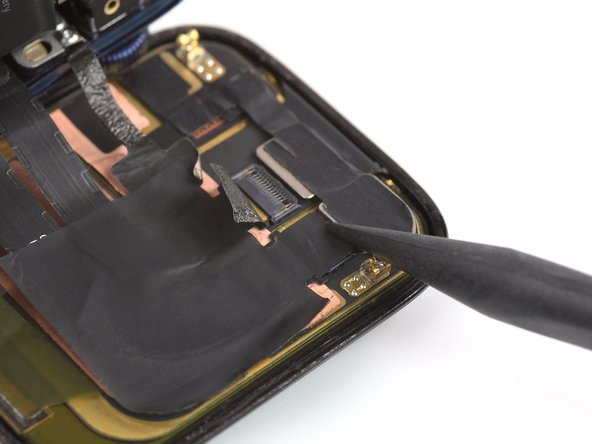
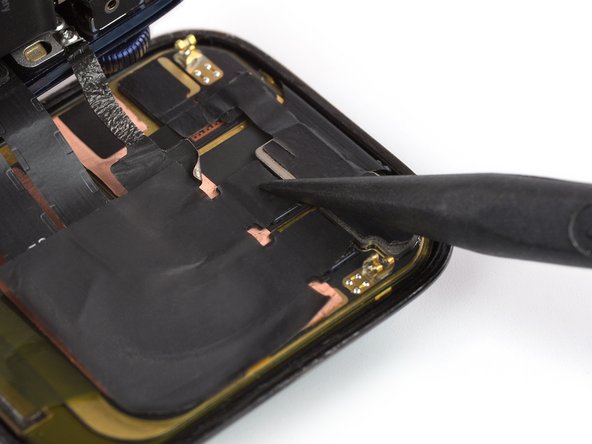
Use the pointed end of a spudger and fold down the black flaps on top of the ZIF connectors to secure the cables.
-
-
-
Carefully adhere the old heat dissipation stickers to the ZIF connectors on the rear side of the display or apply new heat dissipation stickers where the old ones were located.
-
-
-
Use tweezers and a pair of scissors to lift and cut a corner of the protective film.
-
Remove the film from the display adhesive.
-
-
-
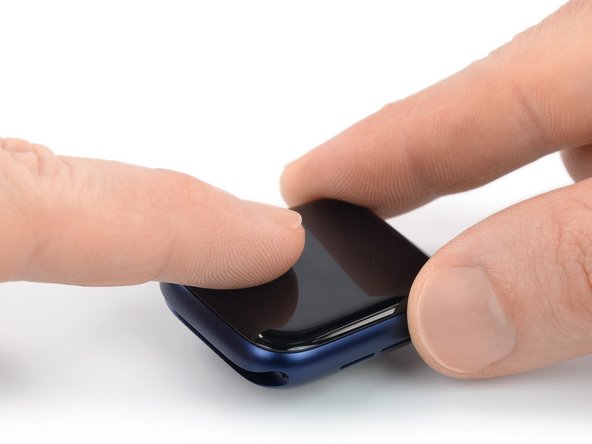
Align the screen and press it down firmly onto the adhesive.
-
-



















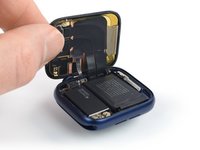
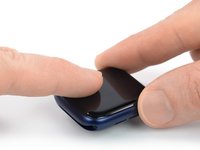
Take your e-waste to an R2 or e-Stewards certified recycler.
Repair didn’t go as planned? Try some basic troubleshooting, or ask our Answers community for help.
Отменить: Я не выполнил это руководство.
11 человек успешно провели ремонт по этому руководству.


3 Комментарии к руководству
Applying this adhesive is a mess. It sticks to everything, except the watch itself. I ruined one. I will use glue instead. Great that I ordered two for two separate watches.
Also the adhesive is not thick enough nor broad enough. Really disappointed. I trust my B7000 more!
Hey, thank you for this!
I have a question: how many layers of glue should there be on a Series 6 (44mm LTE) watch? Cause...I thought there should be only one... But I found 3! One stuck to the display, one stuck to the frame, and whatever was left that was keeping everything together. And when reapplying the glue (I only have one strip of glue), I removed and cleaned the other two, and now there's a small lip from the display to the case.
Was I supposed to leave those two alone....? Cause when trying to open up the watch, the one on the display couldn't even hold itself to the display, so that was useless anyway.
But now I'm curious. Was that supposed to be there? Or did I make a mistake removing them? Or...should I buy new adhesive strips to replace that?
For the reference, the adhesive strips I found inside were having a brown protective film.
So, there was a brown film glued to the display, another one glued to the frame, and some glue in between the two of them... Didn't see any of that in the photos above.
